

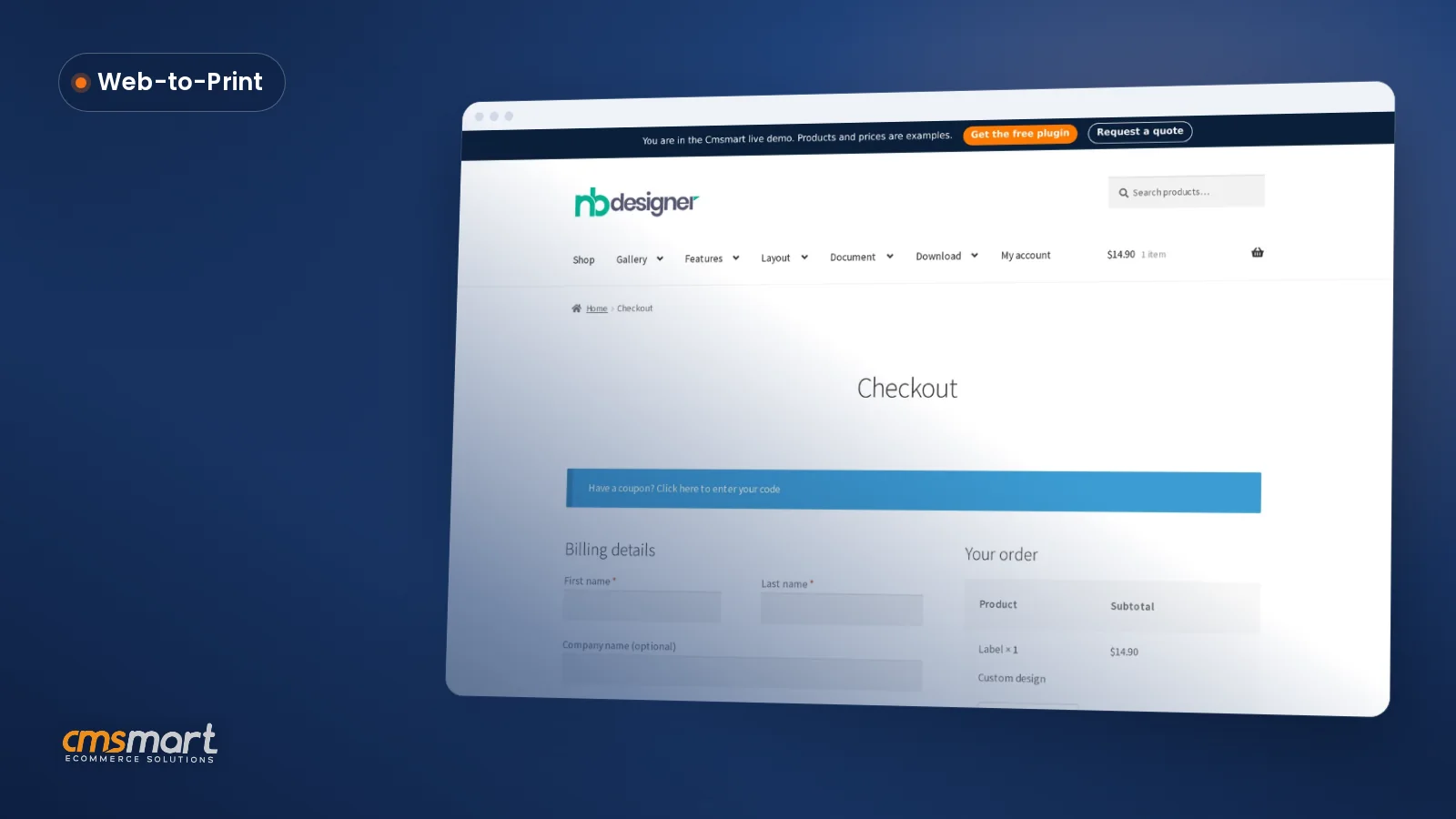
Case study · Web-to-print
Web-to-Label Printing: Sell Custom Product Labels Online
Set up web-to-label printing for product labels with Cmsmart Product Designer: upload, proofing and print-ready PDFs. Get a quote today.
The best WooCommerce product designer plugin for print on demand is the one that proves itself on nine concrete points: live preview, print-ready output, artwork approval, templates, mobile editing, setup effort, fulfilment integration, licensing, and support - not the one with the longest feature list. This checklist tests any candidate, including Cmsmart Product Designer, in under an hour.
Was this tutorial helpful?
See also: Cmsmart pricing and Cmsmart products.
← Restaurant Menu Printing Online with WooCommerce · How to create an eCommerce website? →
Written by
Cmsmart Product Designer Plugin Engineer
Builds and supports the Cmsmart Product Designer (NBDesigner) for WooCommerce.
The team behind it
 Account Manager
 Project Manager
 Business Analyst
 Developers & QA
Case study · Web-to-print
Set up web-to-label printing for product labels with Cmsmart Product Designer: upload, proofing and print-ready PDFs. Get a quote today.
Guide · Web-to-print
See a sourced WooCommerce product designer plugin comparison: pricing, features and print-ready files, then request a free migration quote today.
Guide · Web-to-print
Translate WooCommerce product designer screens with Loco Translate or Frontend Translate: see every setting, its default, and how to set it up.

Cmsmart Ecommerce provides custom ecommerce and WooCommerce development services for web-to-print, product personalization, plugin support and API integration.
Cmsmart Product Designer Plugin Engineer
Builds and supports the Cmsmart Product Designer (NBDesigner) for WooCommerce.
Meet the team →
In short
What Is the Best WooCommerce Product Designer Plugin for Print on Demand?
It is whichever plugin passes a hands-on test of the nine criteria below on your own catalogue, not the one with the most marketing claims. Cmsmart Product Designer is used throughout as a real, testable example: every screenshot here is from its public demo, so you can verify each claim yourself.
POD sellers rarely lose money because a plugin lacks some obscure feature. They lose money on reprints, refunds and support tickets: a preview that did not match the print, an approval step nobody used, a mobile editor that crashed. The global print-on-demand market was worth an estimated USD 10.8 billion in 2025, which is why "best" deserves a real test, not a feature-list guess.
Why Do So Many Print-On-Demand Stores Struggle With the Wrong Designer Plugin?
Most POD stores struggle because they chose a plugin from a feature chart instead of a live test, so problems like blurry prints, disputed approvals and slow setup only surface once orders arrive. Cmsmart Product Designer is built so every one of those failure points can be tested on the public demo before you commit.
Cmsmart insight: in our delivery work, the most common mistake is testing a plugin only on a simple product. Always test one product with print options and price tiers too - that is where per-product setup effort and pricing bugs actually show up.
What Would Your Store Look Like With the Right Product Designer Plugin?
A buyer picks a product, drops in their photo or text, sees the real price update live, and checks out - while the print-ready file is already queued in the background. Cmsmart Product Designer builds this flow into a standard WooCommerce product page, so the designer opens, saves and hands off to checkout without a separate app or a page reload.
Example scenario: A buyer opens a custom T-shirt product at 9pm, drags in a photo, adds a line of text, and watches the mockup update live. They click Process, see "Your artwork" thumbnails confirm the design, add it to cart and pay. By the time your shop opens, the order already has a print-ready file attached - no "can you resend the art" email.
How Does Cmsmart Product Designer Handle Each Item on the Checklist?
Cmsmart Product Designer puts preview, print file, approval, templates and checkout on one product page, verified below point by point against its live demo and public changelog. Anything it does not do out of the box is named here as custom development, not hidden.
1. Live, on-product preview
Why it matters: if the mockup does not update live, buyers will not trust the print and will abandon the order. Test it by adding text or an image on a demo product and watching for an instant update. On the Cmsmart demo, the product designer opens from the product page and renders on the product photo.
2. Print-ready output, resolution and bleed handling
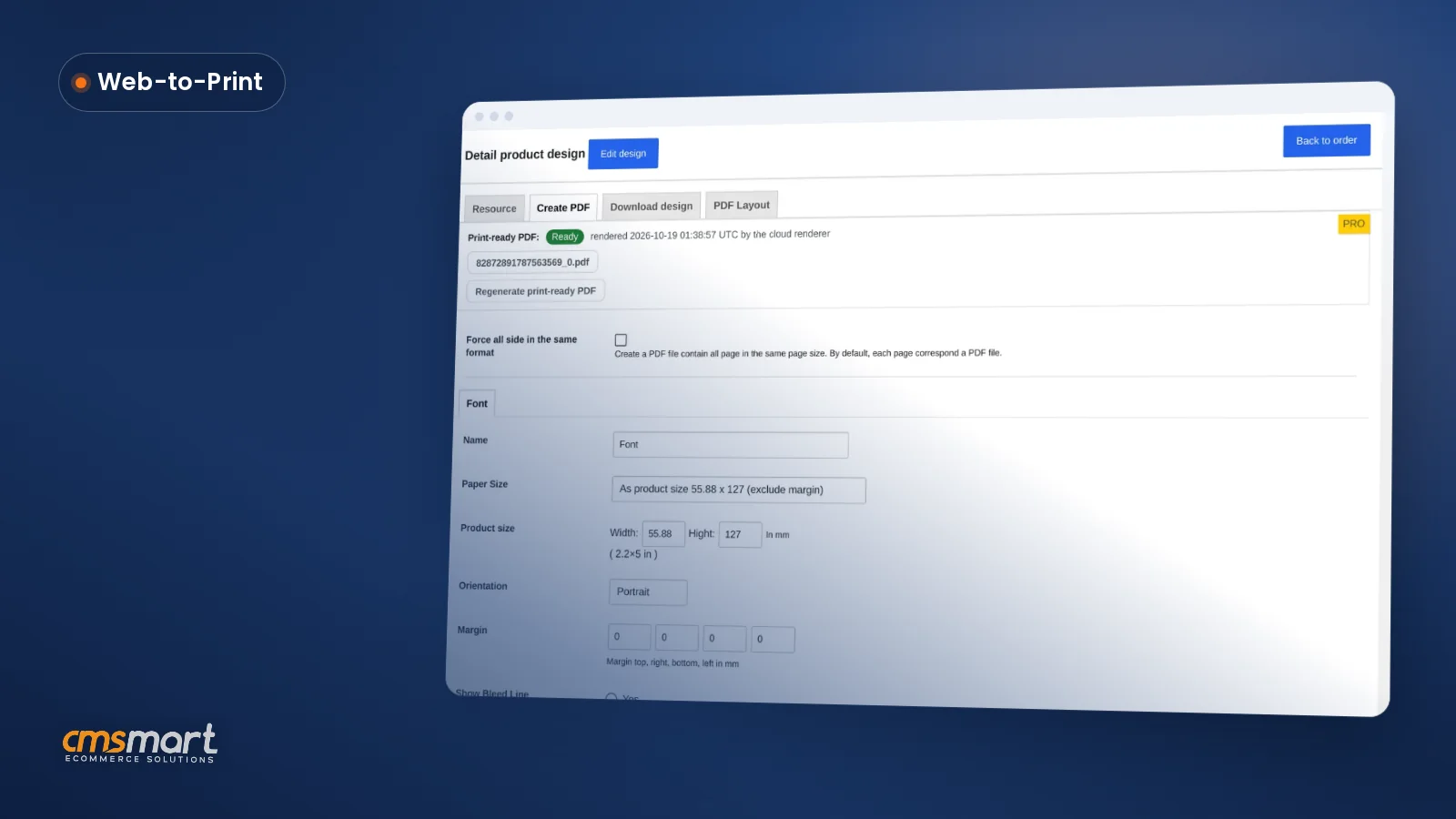
Why it matters: a sharp preview is worthless if the exported file is not what your press needs. Test it by processing a design and checking whether you get a real print file, not just a PNG preview. Preflight - checking resolution, bleed and color before a file goes to press - is standard prepress practice. Cmsmart builds it in: since 2.15.0 the designer runs an AI preflight check flagging low-resolution uploads, and since 2.17.0, Process produces a print-ready PDF that matches the order. Our own test of the preflight auto-fix button did not return a result on one product (a bug we reported) - test that step yourself.
3. Artwork approval
Why it matters: without a recorded approval step, a dispute is your word against the customer's. Test it by editing a design after a test order and seeing whether the system blocks the change. We did not capture the admin approval screen here, so judge this from the changelog: since 2.17.0, Cmsmart locks approved artwork on the server - saving over an approved order item is refused, and editing an unapproved design sends it back to pending review and queues a fresh print-ready file.
Cmsmart insight: check what happens when a customer asks for a change after you have approved their proof. A plugin that silently overwrites the approved file without re-queuing a new print-ready PDF is a reprint waiting to happen.
4. Templates and clipart
Why it matters: most buyers will not design from a blank canvas, and most owners will not build every product from scratch. Test it by checking whether products ship with ready-made templates and a usable clipart library. Cmsmart's sample-data importer installs 20+ pre-configured demo products - business cards, banners, mugs, apparel - already wired with templates and print options.
5. Mobile editing
Why it matters: a large share of POD traffic arrives on a phone, and a designer that does not fit a small screen loses the sale. Test it on an actual phone, not a resized desktop window: add text, scroll the toolbar, hit Process. We did not capture a mobile screenshot here; per the changelog, 2.18.4 fixed the design area to show on every small screen, including "desktop site" mode, and made the Process button fit phone screens - verify on your own device.
6. Per-product setup effort
Why it matters: if every new product variant needs a developer, your catalogue lags behind what you want to sell. Test it by adding a print option (size, material, paper weight) and confirming the price updates without custom code. On the business-card demo, changing paper weight and size updates a live price matrix automatically, and the sample-data importer sets up a dozen print-ready types in one click.
7. Integration with your fulfilment or print workflow
Why it matters: the order has to reach your press, POD supplier or MIS without re-typing it. Test it by confirming a test order carries its design and print file the way an integration would expect to read it. Checkout produces a standard WooCommerce order with the design and print-ready file attached; wiring it into a specific print API, MIS or ERP is custom development Cmsmart builds for your store.
8. Licensing and updates
Why it matters: an abandoned or unlicensed plugin is a security risk at every WordPress update. Test it by checking how recently the release notes were touched and whether add-ons update centrally. Since 2.18.1, Cmsmart's Update Center lists each add-on's installed and latest version and plan coverage. Need the free tier? See our lite version guide.
9. Support
Why it matters: you will hit an edge case - a theme conflict, a caching issue, an odd PDF - and response speed decides whether that costs an afternoon or a week of orders. Test it by opening a presale ticket and timing the first real reply. Reviews point to support as a strength: "Great software and excellent support! ... responsive, and professional," wrote Khanh Nguyễn Đức on Trustpilot (2025).
What's the Business Value of Choosing the Right Plugin?
Getting this decision right shows up as fewer reprints, fewer refund disputes and less staff time chasing print files - not a vague "more sales" promise. Cmsmart Product Designer's print-ready PDF and approved-artwork lock target the two costliest POD failure modes: wrong files reaching the press and disputed approvals.
Rough ROI worksheet: if staff spend M minutes per order manually checking artwork, at C = your fully loaded hourly cost, that is
orders/month × M/60 × Cin avoidable labor. Add R = reprint rate × P = cost per reprint for the avoidable cost a live preview and preflight check should catch.How Do You Set Up and Test a Candidate Plugin Before You Commit?
Set up and test any product designer plugin the way a real buyer would: on a real product, with real text and an image, through to checkout, before you install it on your live store. Cmsmart's public demo at nbdesigner.cmsmart.net runs this exact sequence without an account.
Run this on any candidate plugin's demo, then repeat it on your own staging site once shortlisted:
For the deeper settings behind this flow - output format, DPI, bleed, ICC/CMYK - see the print-ready PDF export guide.
What Can Cmsmart Build on Top of the Core Plugin?
Beyond the checklist above, Cmsmart builds the custom development most POD stores eventually need: deeper fulfilment and ERP sync, gang-sheet builders, custom pricing rules and B2B approval chains. These are quoted and delivered as projects, not toggled in a settings page.
Delivery follows one path: discovery, solution design, build sprints, QA and launch, with support after - see how we run ecommerce projects.
Get a custom print-on-demand plugin quote
Why Work With Cmsmart for Your Print-On-Demand Designer Plugin?
Cmsmart has built web-to-print and product-customization software since 2012 as a Netbase JSC division, with Cmsmart Product Designer as its core WooCommerce plugin. The same team that maintains the plugin also builds the custom development above.
Cmsmart has delivered 6,300+ client projects and 4,600+ completed projects since 2012, with 1,800+ live stores across 80+ countries, rated 4.2 on Trustpilot (404 reviews). See related project case studies, the Cmsmart Product Designer product page, our product designer customization service, and Cmsmart's web-to-print solutions. Disclosure: cmsmart.net, the site publishing this guide, also publishes and sells Cmsmart Product Designer.
Frequently Asked Questions About Choosing a POD Product Designer Plugin
What is the best WooCommerce product designer plugin for print on demand?
There is no single universal answer - it is whichever plugin passes a hands-on test of the nine criteria in this guide on your own catalogue. Cmsmart Product Designer is one real, testable option covered throughout.
Do I need coding skills to set up a product designer plugin for POD?
Not for the first pass. Cmsmart's sample-data importer pre-configures common product types with templates and print options, and per-product setup (sizes, materials, price tiers) uses wp-admin forms. Connecting an ERP or custom pricing engine is where custom development comes in.
Can I test a product designer plugin before buying it?
Yes - test it on the vendor's public demo first. Cmsmart's demo at nbdesigner.cmsmart.net lets you run the full buyer flow (design, process, cart, checkout) without an account - the same 10-step test in the setup section above.
What's the difference between a print-ready PDF and a regular image export?
A JPG or PNG export is a preview; a print-ready PDF is built for production, at the correct size and resolution with the bleed and color a press expects. Since 2.17.0, Cmsmart generates this file automatically on Process.
Does a WooCommerce product designer plugin work on mobile devices?
It should - test it on an actual phone, not a resized browser window. Cmsmart's 2.18.4 release fixed the design area to show correctly on small screens and narrow windows, including "desktop site" mode on phones.
Can Cmsmart connect my store to my print fulfilment or ERP system?
The core plugin hands off a standard WooCommerce order with the design and print file attached; connecting that order to a specific print API, MIS or ERP is custom development Cmsmart builds project by project.
Where are the other NB Web2Print | Web to Print StoreFront | Web to Print Software Solution tutorials?
Every NB Web2Print | Web to Print StoreFront | Web to Print Software Solution tutorial is listed on the NB Web2Print | Web to Print StoreFront | Web to Print Software Solution tutorials page. Customers with a licence can open a support ticket from the Cmsmart dashboard when a step does not match their install.
How do I pay securely?
Contracts and payments go to the company, Netbase JSC: plans are paid through PayPal; services are invoiced by Netbase JSC under a written proposal and paid by bank transfer to Netbase JSC's company account or by PayPal Business. Cmsmart (Cmsmart Ecommerce) is the ecommerce brand of Netbase JSC, a company based in Hanoi, Vietnam.
How do I contact Cmsmart or get a quote?
Message the Cmsmart team on WhatsApp at +84 937 869 689 or email project@cmsmart.net; the contact page at cmsmart.net/contact lists every channel, and Request a quote (cmsmart.net/project-proposal) sends a project brief. Customers with a licence open a ticket from the dashboard.
Further reading