


Guide · Web-to-print
Print-Ready PDF Plugin for WooCommerce (Cmsmart 2.17)
See how Cmsmart Product Designer 2.17 builds a print-ready PDF that matches every WooCommerce order and locks approved artwork. Get a free quote.
AI in B2B ecommerce means software that drafts a quote from an RFQ, flags a customer who is due to reorder, or turns a supplier's spec sheet into clean catalogue data, instead of your team doing it by hand. Cmsmart Product Designer for WooCommerce already structures that pricing and quote data; custom development adds the AI step on top.
Was this tutorial helpful?
Written by
Cmsmart AI for Ecommerce Engineer
Adds practical AI to stores: image tools, preflight checks, automation and assistants.
The team behind it
 Account Manager
 Project Manager
 Business Analyst
 Developers & QA
Guide · Web-to-print
See how Cmsmart Product Designer 2.17 builds a print-ready PDF that matches every WooCommerce order and locks approved artwork. Get a free quote.
Guide · AI
Selling AI generated designs print on demand? Check resolution, usage rights and AI preflight first, then get a Cmsmart quote.
Guide · AI
Draft AI product descriptions WooCommerce shoppers trust, add a human review step, dodge duplicate content, and control cost -- see Cmsmart's setup gu...

Cmsmart Ecommerce provides custom ecommerce and WooCommerce development services for web-to-print, product personalization, plugin support and API integration.
Cmsmart AI for Ecommerce Engineer
Adds practical AI to stores: image tools, preflight checks, automation and assistants.
Meet the team →

In short
What does manual quoting and catalogue clean-up really cost your B2B team?
Cmsmart Product Designer already tracks every price rule, uploaded file and order note, so the real cost of manual B2B quoting is staff time, not missing data: someone still reads each RFQ, matches it to a price, and retypes a supplier's spec sheet before it fits your catalogue.
This is not a software gap — it is the work that happens before the data reaches the plugin:
Fictiv's 2025 State of Manufacturing & Supply Chain report, surveying 254 engineering and supply-chain leaders, found 76% of engineers spend more than four hours a week on sourcing, quoting and order-related procurement work, up from 13% to 19% spending over eight hours a week in a year (Fictiv, 2025). On the buyer side, a Sana Commerce survey of 1,000 B2B buyers found 68% are discouraged from ordering online because of order errors, and 28% cited missing product information as the reason (Sana Commerce, via Digital Commerce 360, 2024).
Cmsmart insight: in our project work, the slowest part of a catalogue clean-up is rarely the technology — it is matching a supplier's free-text material or size names to the option values your price rules already use. Get that mapping right once and every RFQ, quote and reorder that touches the same product gets faster automatically.
What would AI in B2B ecommerce look like on your store?
On Cmsmart Product Designer, a buyer's RFQ, reorder history and uploaded artwork already sit on one order and one account. Custom AI development reads that same data to draft a quote, flag a reorder or clean a catalogue line, so a person reviews a draft instead of starting from a blank page.
Example scenario. An RFQ arrives for 2,000 branded tote bags in three sizes, with a supplier spec sheet attached. An AI step reads the sheet, matches the sizes and material to your Pricing Options price rules, and drafts a quote in the request-a-quote flow with a note on anything it could not match. Your team checks the draft and sends it. Ninety days later, when the account's reorder window comes around, the same system drafts a reminder with the last design and quantity attached, instead of waiting for the buyer to remember.
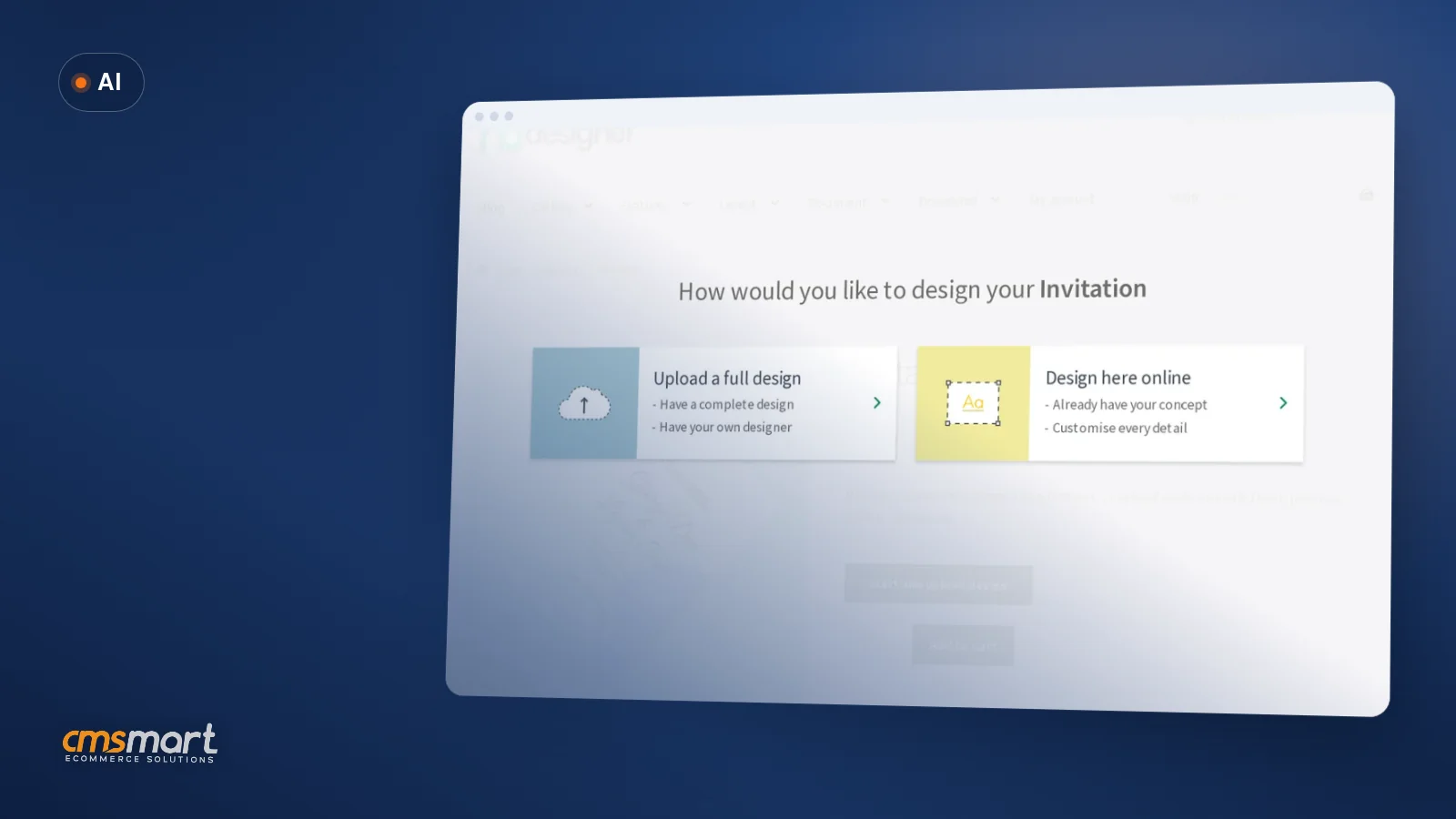
Nothing in that story replaces your team's judgment — it removes the retyping between an RFQ, a price rule and a catalogue entry that already exist in three different formats today. The same product page a buyer uses today already carries the design and price data an AI-drafted quote would start from:
How does Cmsmart support AI in B2B ecommerce today?
Cmsmart Product Designer already ships the request-a-quote flow, the price-matrix engine, the print-area settings and the reorder mechanism an AI layer reads and writes to; drafting the quote or reminder itself is the custom-development solution built on top.
Six building blocks make up the flow, each checked against the plugin's own source or the current demo, not assumed. All six are live in the plugin today:
What is missing from the list above is the AI step itself: reading an unstructured RFQ or supplier sheet and mapping it onto this structure. That is custom development, covered below.
What's the business value of adding AI to B2B quotes and reorders?
Cmsmart's plugin removes retyping between the cart, the order and production; a custom AI layer removes the retyping before that, between an RFQ or supplier sheet and the first price rule — so the value shows up as staff hours back, not a promised sales lift.
Work out your own numbers
McKinsey's ninth B2B Pulse Survey of 3,942 decision makers found self-service digital commerce and remote sales already make up 34% of B2B revenue at companies that sell online (McKinsey, via Digital Commerce 360, 2024), and 19% of B2B companies are already using generative AI in buying and selling, with another 23% piloting it (McKinsey, via Digital Commerce 360, 2024) — a buyer asking for an AI-backed quote is no longer an edge case. Get a custom AI integration quote
How do you set up the B2B building blocks Cmsmart already has?
Before an AI layer can draft anything, the plugin's own B2B and pricing modules need configuring, so a drafted quote or reorder lands on the structured data your team already relies on — no custom code required.
What can Cmsmart build on top for AI quotes, reorders and catalogues?
Drafting a quote from an RFQ, nudging a reorder and normalising a supplier catalogue are not in Cmsmart Product Designer today; Cmsmart builds them as custom development that reads and writes to the plugin's own quote, order and option-set data, so nothing duplicates what already exists.
Four extensions come up most often for B2B stores already running the plugin:
Each runs through the same delivery approach as any Cmsmart project: discovery, a solution design you approve before any build starts, development in sprints, QA against your real catalogue, launch and support — see our ecommerce project delivery model.
Plan my AI quoting and reorder project
Why work with Cmsmart for a B2B AI integration project?
Cmsmart has built on WooCommerce and its own Product Designer plugin since 2012 as a division of Netbase JSC, so a custom AI layer for quotes, reorders or catalogues is added to a store the team already knows, not a new platform.
See our B2B web-to-print work and the NBDesigner plugin page. Related reading: repeat B2B clients for a printing business and using AI to streamline ecommerce operations.
Frequently asked questions
Does Cmsmart Product Designer draft B2B quotes with AI out of the box?
No. The plugin ships the request-a-quote button, the quote form builder and the price-matrix engine that a quote needs; reading an RFQ and drafting the quote text or price automatically is custom development built on top of that data.
Can Cmsmart suggest reorders to our B2B customers automatically?
The plugin already restores a buyer's design, options and files in one click through My designs, Order again. Proactively flagging an account that is due to reorder and drafting the reminder is a custom integration over your order history.
Can AI clean up a supplier catalogue with inconsistent material and size names?
Not natively. We build a mapping step as custom development that reads a supplier's sheet and proposes matching values in your Pricing Options option sets, so an admin approves the mapping instead of retyping it.
Which AI features are already in the plugin today?
AI Remove Background, AI Upscale and AI Print Preflight run inside the online designer and the order screen on your existing Cmsmart licence — see Cmsmart AI for what each one checks. These work on images and print files, not on RFQ text or catalogue spreadsheets.
How long does a custom AI quoting or reorder project take?
It depends on how many systems the AI step has to read from and write to. A scoped discovery call sizes the work before anything is built — see the delivery model for the stages involved.
Do we need WooCommerce experience on our side to run this?
No. Cmsmart configures the Pricing Options, request-a-quote and reorder modules and builds the AI layer; your team reviews drafted quotes and reminders the way they would check a colleague's draft.