
Guide · Web-to-print
WooCommerce Customer CRM Print Shop Guide (NBDesigner)
A WooCommerce customer CRM print shop teams already run: segments, tags and a care digest built in. See how to set it up.
A trade printer sells to other printers and resellers, not to the public, so its web to print software for trade printers has to take a job complete with print-ready files, price it by quantity, run a file check before the job reaches production, and let the same buyer reorder it next month in one click — no new email, no new upload.
Was this tutorial helpful?
Written by
Cmsmart Web-to-Print Solutions Consultant
Plans online print storefronts: product setup, pricing rules, proofing and print-ready files.
The team behind it
 Account Manager
 Project Manager
 Business Analyst
 Developers & QA
Guide · Web-to-print
A WooCommerce customer CRM print shop teams already run: segments, tags and a care digest built in. See how to set it up.
Guide · Web-to-print
A WooCommerce sample products import print catalogue gives new stores 23 design-ready products in minutes. See how to launch and start selling today.
Guide · Web-to-print
See what live chat design assistance woocommerce stores get built-in with Cmsmart Product Designer, then request a custom Design Monitor build.

Cmsmart Ecommerce provides custom ecommerce and WooCommerce development services for web-to-print, product personalization, plugin support and API integration.
Cmsmart Web-to-Print Solutions Consultant
Plans online print storefronts: product setup, pricing rules, proofing and print-ready files.
Meet the team →

In short
What does it cost a trade printer to run reseller orders by hand?
Cmsmart Product Designer removes the manual steps that eat a trade printer's week: resellers submit print-ready files themselves, the upload rules and AI Print Preflight check them against your settings, and quantity pricing shows the total before anyone picks up the phone to quote a job.
Most trade printers who still take reseller orders by email and phone run into the same five problems:
Cost of the status quo: monthly cost ≈ (reseller jobs per month × minutes spent checking files and quoting each one × your staff's hourly cost) + (jobs reprinted per month × cost per reprint). Put your own shop's numbers in — the loop repeats every month a job comes in by email instead of through web to print software for trade printers.
Cmsmart insight: in our delivery work, most reprint cost on trade and reseller accounts traces back to a file nobody checked before it reached production — not to a design mistake. Catching the file at upload, against rules you set once, removes that cost before it happens.
What would an automated reseller order look like?
Picture a reseller who opens your store, picks a product and quantity, and uploads artwork that Cmsmart Product Designer checks against your file rules on the spot — no email round trip. They pay, your team reviews the file once, and next month they reorder the same job in one click.
Example scenario: a reseller logs into your WooCommerce store, picks a product and a quantity break, and uploads a print-ready PDF. Cmsmart Product Designer checks it against the upload rules you set — file type, size, minimum DPI — and shows an approval status on the order. The reseller pays, your production team reviews the artwork once, and a print-ready PDF that matches the order is waiting when the job reaches the press. The following month, the same reseller opens My designs, clicks Order again, and the same design, options and files come back into the cart with today's prices — no new email, no re-uploaded file, no re-typed order.
How does Cmsmart's web to print software for trade printers handle job submission and file checks?
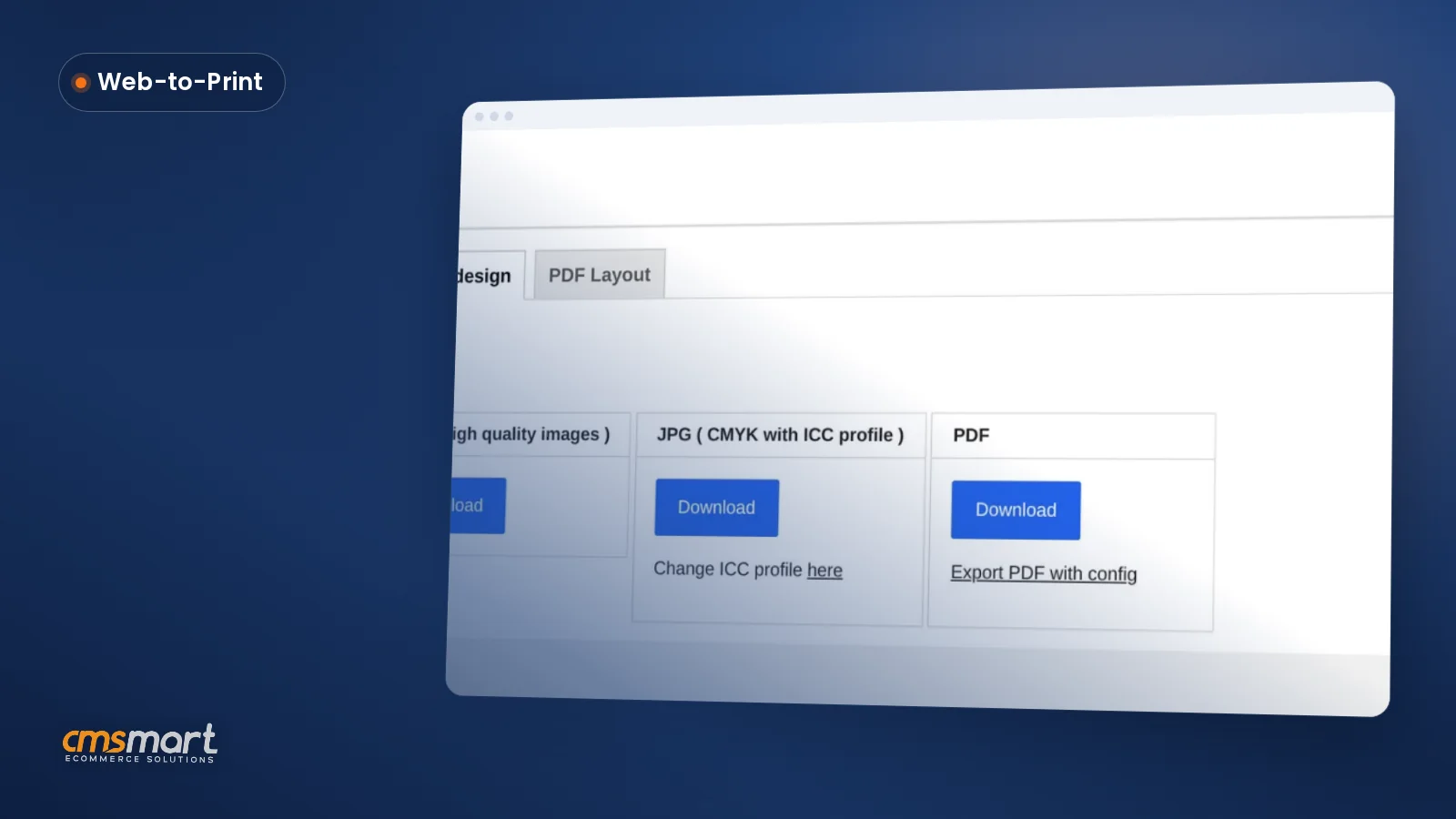
Cmsmart Product Designer handles job submission in three steps: the reseller uploads artwork or builds it in the online designer, the plugin checks it against your upload rules and AI Print Preflight, and a print-ready PDF that matches the order is queued for production — all before your team opens the order.
The building blocks, in the order a job moves through them:
What's the business value of automating reseller ordering?
Cmsmart Product Designer turns reseller print ordering from a string of emails into a self-serve flow: quantity pricing removes the manual quote, file checks catch problems before press, and Order again turns a repeat job into one click instead of a new order from scratch.
ROI worksheet: hours saved per month ≈ (reseller jobs per month × minutes previously spent quoting and checking files by hand) − (minutes spent reviewing an approval queue instead). Add in reprints avoided × your cost per reprint to see the fuller picture for your own volume.
Before you commit to any web to print solution for trade printers, check it against a short list: can you set a file rule per product, not just site-wide; does pricing show a true quantity-break total at checkout; can a non-standard job go through a quote instead of breaking your price matrix; does a repeat buyer reorder without re-uploading; who owns the files and the order history if you ever switch platforms; and what does support look like once you are live.
Plan my trade-printer portal
How do you set up job submission and reseller ordering in Cmsmart?
Setting up Cmsmart Product Designer for reseller ordering means mapping your order types, building quantity-break pricing, switching on upload rules and artwork approval, and testing a reorder — most of it from the product edit screen, with no code involved.
Where does custom development fit for a trade printer?
Cmsmart builds the pieces a catalogue plugin does not ship with out of the box: private client stores, a hot-folder or MIS push to your production system, multi-approver proofing, scheduled reorders, and a quoted connection to a trade network or supplier — scoped and built around your existing setup.
Five extensions trade printers ask for most, and why:
Cmsmart delivers custom work the same way for every project: a free discovery call, a solution design you sign off on, build sprints, QA against your own test orders, launch, and support afterwards — the same delivery approach behind every Cmsmart project.
Plan my trade-printer portal
Why work with Cmsmart on your trade-printer platform?
Cmsmart has built ecommerce and web-to-print projects since 2012 as a Netbase JSC division, with 6,300+ client projects and 1,800+ live stores running today — including the B2B and reseller ordering flows described in this guide — and rates 4.2 on Trustpilot from 404 reviews.
Cmsmart is a web-to-print and WooCommerce development partner, not just a plugin: the same team that maintains Cmsmart Product Designer also builds the custom pieces — private stores, MIS integrations, approval chains — that a trade printer's reseller business usually needs beyond the box. Reviewers on Trustpilot highlight the plugin's reliability and the support team's responsiveness; see the product page for the full feature set and the B2B web-to-print page for the wider account and quoting picture. Still comparing options? Read our guide to choosing web to print software, or see how to build a web-to-print storefront if you are starting from scratch.
Frequently asked questions
What is web to print job submission?
Web to print job submission software lets the buyer upload or design artwork, pick options and quantity, and have the order carry the files straight through — your team reviews and approves each file before it goes to production, instead of collecting it by email.
Can I check customers' files automatically?
Cmsmart enforces upload rules — file type, size and a minimum DPI for JPG — and AI Print Preflight flags resolution, colour mode, fonts, bleed and transparency issues on the print file for your team to review. It does not fix files automatically; a person still makes the final call before the job goes to press.
Is Cmsmart compatible with 4over?
No. There is no 4over integration, and Cmsmart does not claim one. A connection to a trade network or supplier system like that is custom integration work, scoped and quoted after we look at what the other system expects.
Can resellers reorder a job?
Yes. Order again restores the design, print options and uploaded files from My designs straight into the cart; the buyer only needs to change the quantity if it's different this time. Prices are recalculated at today's rates, not the original order's price.
Can I give each reseller their own prices?
Not out of the box. Customer-group, contract or company-specific pricing isn't part of the plugin today; Cmsmart builds it as custom development, along with a fully private catalogue for one client with its own login and agreed prices hidden from everyone else.