

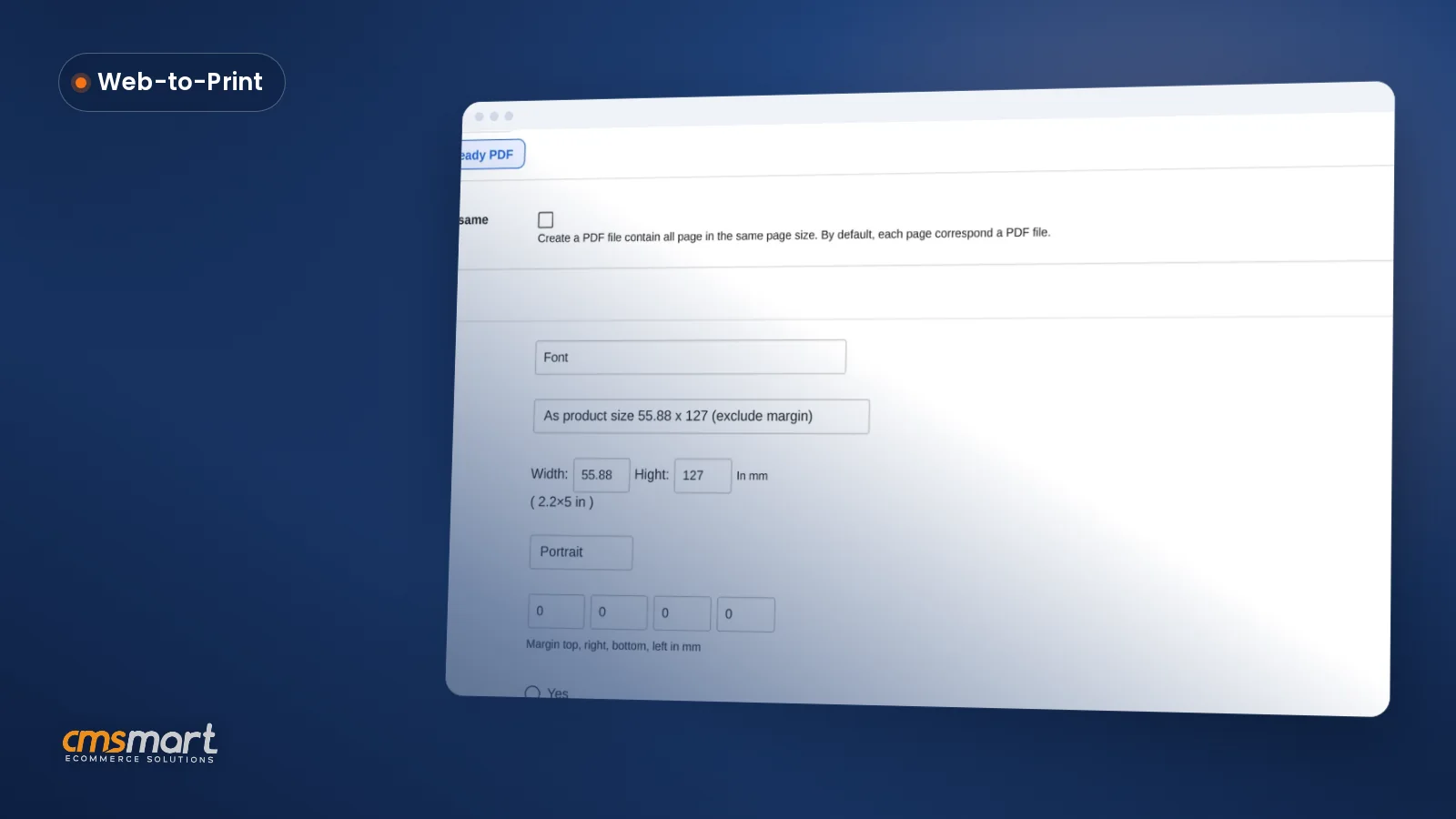
Guide · Web-to-print
Print-Ready PDF Orientation in Cmsmart Product Designer
Set print-ready PDF orientation, paper size and margin in Cmsmart Product Designer's Create PDF tool so every file matches the order. Configure it tod...
Made-to-order furniture needs a configurator: buyers pick components such as frame, material and colour, see the result and the total, and the order carries every choice. Cmsmart's Product Builder for WooCommerce does this with component, text and image fields, without a variation per combination; 3D configurators are custom development, quoted per project.
Was this tutorial helpful?
Written by
Cmsmart Product Designer Plugin Engineer
Builds and supports the Cmsmart Product Designer (NBDesigner) for WooCommerce.
The team behind it
 Account Manager
 Project Manager
 Business Analyst
 Developers & QA
Guide · Web-to-print
Set print-ready PDF orientation, paper size and margin in Cmsmart Product Designer's Create PDF tool so every file matches the order. Configure it tod...
Guide · Web-to-print
Set up product size options for WooCommerce so every variant gets its own price and print file, and let buyers order several sizes in one cart.
Guide · Web-to-print
T-shirt design templates for print-on-demand stores replace the blank canvas and cut design time. See how to set up and assign them.

Cmsmart Ecommerce provides custom ecommerce and WooCommerce development services for web-to-print, product personalization, plugin support and API integration.
Cmsmart Product Designer Plugin Engineer
Builds and supports the Cmsmart Product Designer (NBDesigner) for WooCommerce.
Meet the team →

In short
Running a made to order furniture ecommerce store without a configurator looks familiar: a shopper emails asking for a different fabric or a wider top, a staff member quotes it by hand, and the final order is retyped into a spreadsheet before it reaches production. Multiply that by every custom request a month and the real cost is staff time, not software.
What does it cost a furniture business to sell made-to-order pieces without a configurator?
Cmsmart's made-to-order furniture ecommerce setup replaces manual quoting with a self-service configurator, so a furniture business stops paying staff time for every custom request and stops re-keying choices into production by hand.
Put a number on it with your own variables: cost of the status quo = custom enquiries per month × minutes to quote × your hourly staff cost + mis-specified orders × cost of a remake. Run it with your own enquiry volume and hourly rate and the quoting time alone is usually bigger than most shops expect, before a single remake is counted.
Cmsmart insight: In the furniture and web-to-print projects we build, most remake costs trace back to a choice that was agreed by email or phone and then hand-typed into the order — not to the customer changing their mind. A configurator that writes the choice straight into the order line removes that step entirely.
What would a made-to-order furniture store look like with a configurator in place?
With Cmsmart's Product Builder, a furniture buyer configures a piece from real components, watches the price update with every choice, and checks out — and the exact specification sits on the order, ready for production, without a single phone call.
Example scenario. A buyer opens a dining table product page, picks a frame style, a tabletop material and a finish colour. The page recalculates the total after every choice. They add it to the cart, pay, and the order confirmation lists every selection. In the workshop, the production team opens the same order and sees the same specification — no transcription, no guesswork about which fabric code the buyer meant.
Which platform supports made-to-order furniture sales? The Cmsmart solution
Cmsmart's solution is a WooCommerce store running the Cmsmart Product Designer (NBDesigner) plugin, configured with a Product Builder option set: buyers choose components on the product page, see a live total, and the order keeps every choice without a developer writing custom code for each combination.
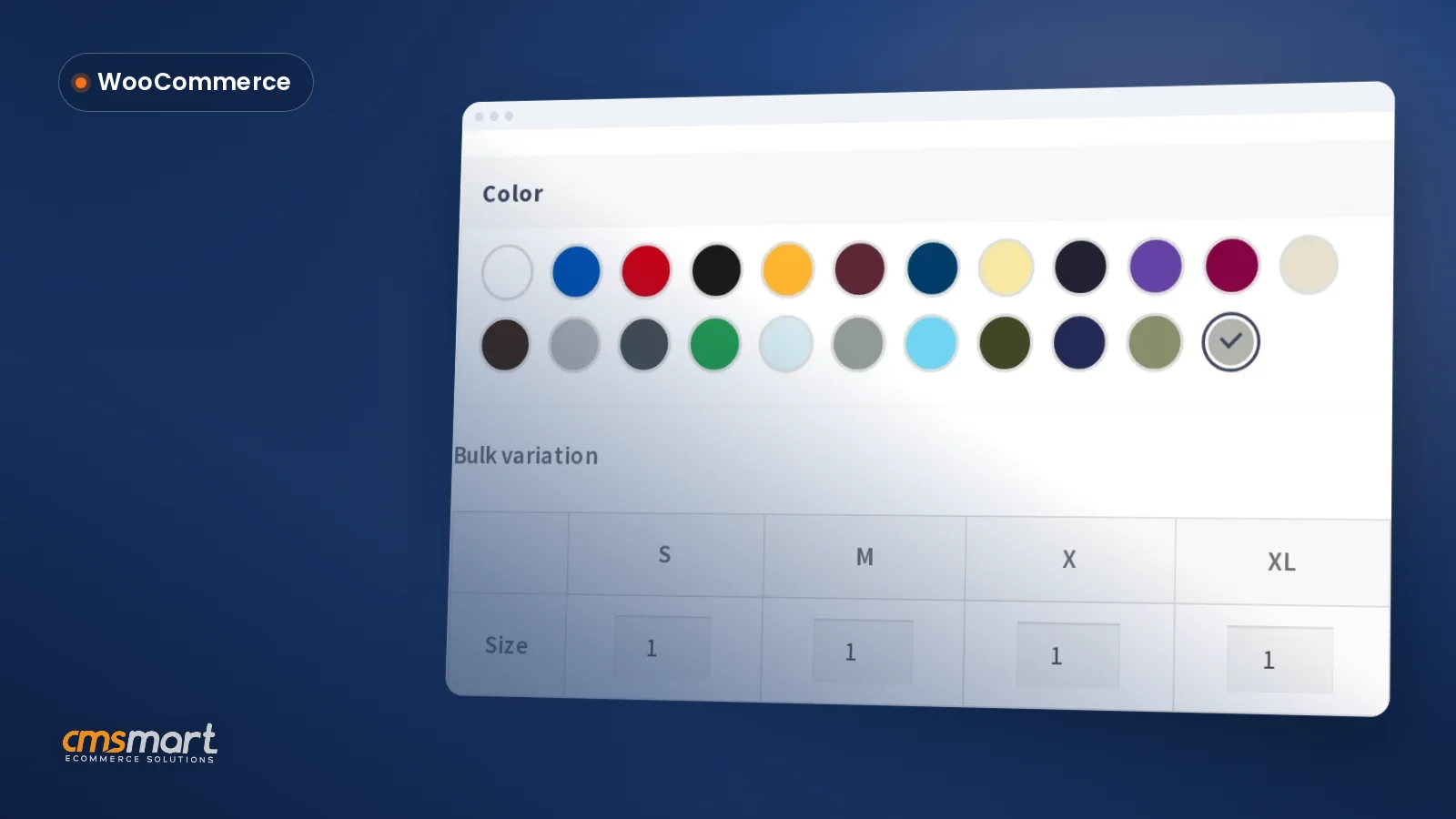
The Product Builder adds three field types to a normal WooCommerce product: component fields (build the product from parts — frame, top, base — each with its own choices and price), text fields (capture a monogram or engraving note) and image fields (let the buyer upload a reference image). A live summary lists every part chosen so far, and the finished configuration is saved with the order and written to the order line — not buried in a free-text note. Room planners and full 3D visualization sit outside this core flow; Cmsmart builds those as custom development (more on that further down). The Product Builder is part of the Cmsmart Product Designer (NBDesigner) plugin. On pieces with a printed finish, the matching production file is rendered by Cmsmart Cloud, the same engine behind our print-ready PDF that matches the order.
How do you build a website for furniture retail?
Cmsmart builds a made-to-order furniture website on WooCommerce with the Product Designer plugin handling the configurator, so you get a standard, supportable ecommerce stack instead of a bespoke platform built from scratch.
The build path is short because the pieces already exist: WooCommerce for the storefront and checkout, the Cmsmart Product Designer plugin for the configurator, and your existing product photography and pricing for the option sets. A Wayfair-style marketplace with its own native app and multiple vendors is a different scope — Cmsmart builds that as custom development on request (see "Going further" below) — but a single-brand made-to-order store ships on the standard stack above.
How do you sell furniture with many variants, without a SKU for every combination?
Cmsmart's Product Builder lets a furniture seller offer frame, material and colour as component fields inside one configurable product, so the outcome is one listing and a live price instead of a variation — and a photo — for every combination.
WooCommerce's own variable-product system is built for this kind of combinatorics, and it shows the strain under load: by default, WooCommerce switches a variable product's attribute dropdowns from dynamic (price-aware) to static once a product passes 30 variations, because recalculating every combination after each selection slows the page down. A dining table with 4 frame finishes, 5 tabletop materials and 6 colours is already 120 combinations — four times over that threshold.
Component fields sidestep the problem: each part carries its own price rule, and the Product Builder adds the prices together as the buyer chooses, with a live summary of every selected part. No per-combination SKU, no separate photo shoot for every combination.
Can a furniture site take custom orders in a shopping cart?
Yes. Cmsmart's Product Builder keeps a configured furniture item in the normal WooCommerce cart and checkout, with every chosen component listed on the line item, so custom furniture orders go through the same cart, coupons and payment gateways as any other product — no separate quote-request form needed.
What's the business value of made to order furniture ecommerce (ROI and KPIs)?
A furniture configurator's value shows up as fewer manual quotes, fewer mis-specified orders and a catalogue a small team can actually maintain — each one a KPI you can track from week one, not a promised sales lift.
ROI worksheet: monthly saving = (custom enquiries avoided × minutes per quote × hourly staff cost) + (remakes avoided × cost per remake) − (configurator setup and maintenance time). Run it with your own numbers before you commit a launch date.
Which setup fits depends on how you sell:
A 2024 Deloitte Digital study found 80% of consumers surveyed prefer brands that offer a personalized experience, and said they spend 50% more with those brands (Deloitte Digital, 2024) — a configurator delivers that personalization at checkout, not just in marketing. The market is sizeable too: global online furniture sales were forecast to reach $318.5 billion in 2025, up 12.4% (Oberlo, 2024).
Get a furniture configurator quote
What should you consider when choosing furniture design software?
Before choosing furniture design software, Cmsmart recommends checking whether it prices components individually, writes the finished specification to the order, and clearly separates what ships today from what needs custom development.
How do you set up a made-to-order furniture configurator on WooCommerce?
Setting up Cmsmart's configurator for furniture means installing the Product Designer plugin, listing your components as a Product Builder option set with price rules, and testing the Customize step before you publish — most stores finish their first product in under a day.
Going further: what can Cmsmart build beyond the core configurator?
Beyond the Product Builder that ships today, Cmsmart builds 3D furniture configurators, room planners and marketplace-style storefronts as custom development, each quoted to the project rather than bundled into the core plugin.
Delivery follows the same path for every custom-development project: discovery, solution design, build sprints, QA and launch, with support afterwards — see how we run custom ecommerce projects.
Plan my furniture configurator
Why work with Cmsmart for a made-to-order furniture store?
Cmsmart has delivered ecommerce and web-to-print projects since 2012 as a Netbase JSC division, so a furniture business gets a team that has already solved the configurator, pricing and production-handoff problem for other stores, not a first attempt.
Cmsmart has run 6,300+ client projects since 2012, with 4,600+ delivered and 1,800+ stores live today across 80+ countries, and is rated 4.2 on Trustpilot (404 reviews). Browse the storefront itself in our demos, see the furniture-specific build on the furniture ecommerce web design page, review real client work in our project case studies, and compare plans on pricing.
Frequently asked questions
Can buyers customise furniture on a WooCommerce store?
Yes: Cmsmart's Product Builder lets them choose components such as frame, material and colour on the product page and shows a live total as they choose.
Do I need a product variation for every combination?
No. Component fields price each part separately, so one configurable product covers the whole range instead of a variation — and a photo — per combination.
Is there a 3D furniture configurator?
A full 3D configurator is custom development, quoted per project. The core Product Builder uses component, text and image fields with a live summary and total, not a 3D view.
Can I build a furniture marketplace or app like Wayfair?
A single configurable storefront and a multi-vendor marketplace or native app are different builds. Cmsmart delivers the marketplace or app layer as custom development on the same WooCommerce foundation.
Does the order keep the buyer's exact configuration?
Yes — the component, text and image choices are written to the order line, so production opens the same specification the buyer saw at checkout.