
Explore product personalization and 3D preview options for custom-product workflows.
Plan around your store requirements.
Talk with Cmsmart about implementation options.
What you can explore:
- ✅ Product options for configurable products
- ✅ 3D previews for custom-product workflows
- ✅ Implementation options for your store
Want ecommerce updates and resources?
Subscribe for ecommerce updates:
You'll get:
- ✔ Ecommerce tips and product updates
- ✔ Tutorials and service information
- ✔ Personalization and 3D product resources
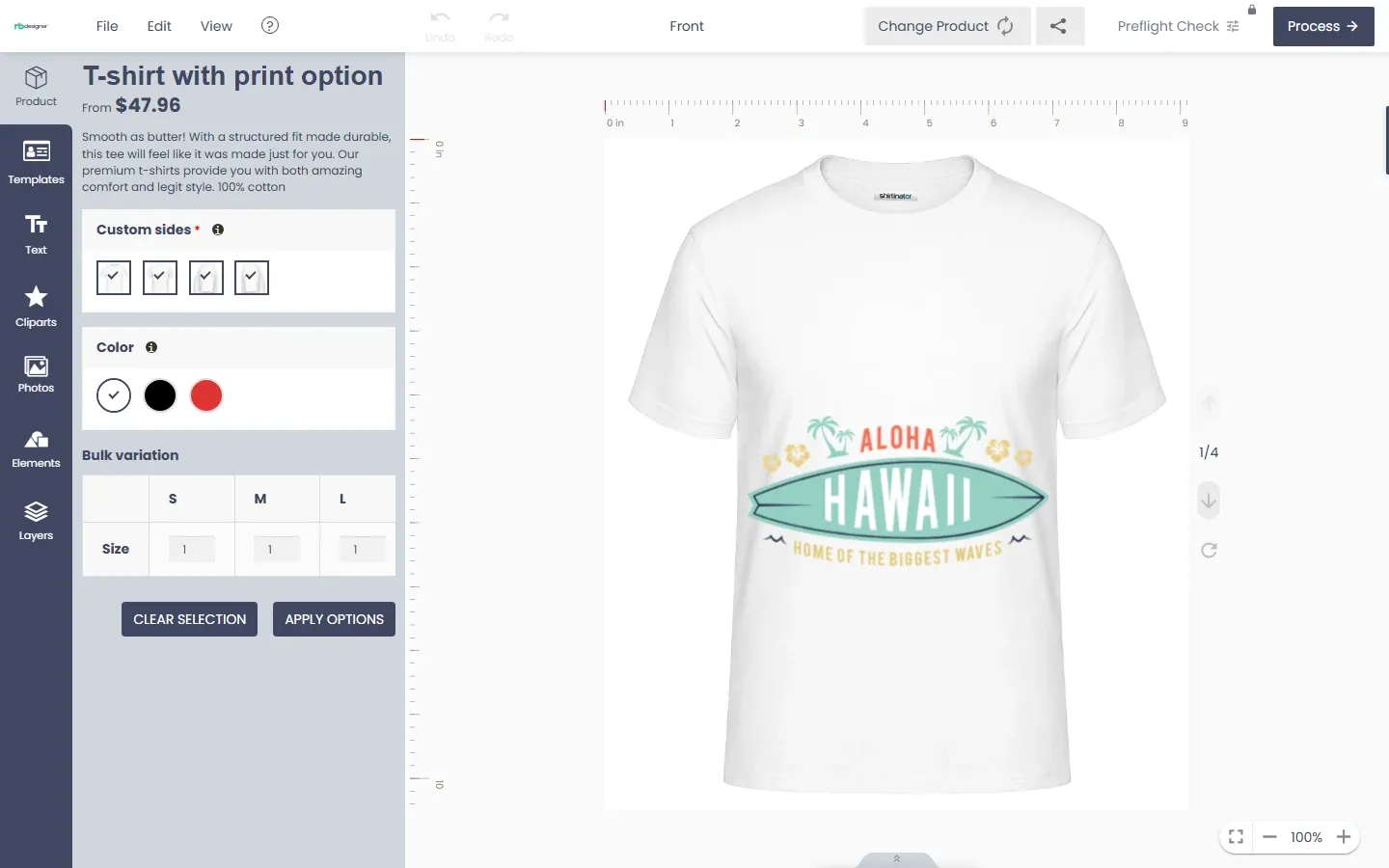




In short
Before you sell personalized products, you want proof that your customers will actually use a design tool, and that the files it produces work for your print team. A screenshot on a sales page does not answer that. Your own products, your own theme and a few real test orders do.
The NBDesigner free download is now a 30-day trial of the Cmsmart Product Designer (NBDesigner), the same editor used on the live demo. This page shows how to get it, install it on WooCommerce, activate the key, what the trial includes, and how to turn a good trial into a launch plan.
Why run a trial before you launch personalized products?
A 30-day Cmsmart Product Designer trial lets a WooCommerce shop test the real customer journey, from Start Design to a paid order with artwork attached, on up to five products. You learn whether buyers finish designs and what your print team needs before spending on licenses or custom work.
How do I download the free NBDesigner trial?
Log in to your Cmsmart account, open the Dashboard Products page and click Start Free Trial. Cmsmart creates a $0 order with the plugin download, emails your license key and gives you access to support tickets. Each trial is tied to one store project.
How do I install the plugin?
Install the Cmsmart Product Designer like any WordPress plugin: Plugins › Add New › Upload Plugin, choose the .zip, Install Now, then Activate Plugin. WooCommerce must already be active, because the plugin declares it as a required plugin.
After activation a new Cmsmart item appears in the admin menu and a fresh install opens the setup wizard. The full walkthrough, with requirements and troubleshooting, is in the NBDesigner installation guide.
How do I activate the license key?
Open Cmsmart › License, paste the key and click Activate. Or, in the setup wizard, enter your store email and click Activate my license: Cmsmart creates your free account and starts the 30-day trial for that store. No credit card is required.
The field is labelled “Enter the license key from your Cmsmart account”. In the wizard step Connect your Cmsmart license you can also paste a key you already have.
Renewed or upgraded but still showing Expired or LITE? Click Re-sync licence on the same page: the status is cached for up to 6 hours.
What does the free trial include?
The Cmsmart Product Designer trial runs the editor on up to five designer-enabled products with five global templates and 21 cliparts. Production outputs (print-ready PDF, JPG CMYK with ICC profile, hi-res PNG), stock photos and automatic updates are Premium features.
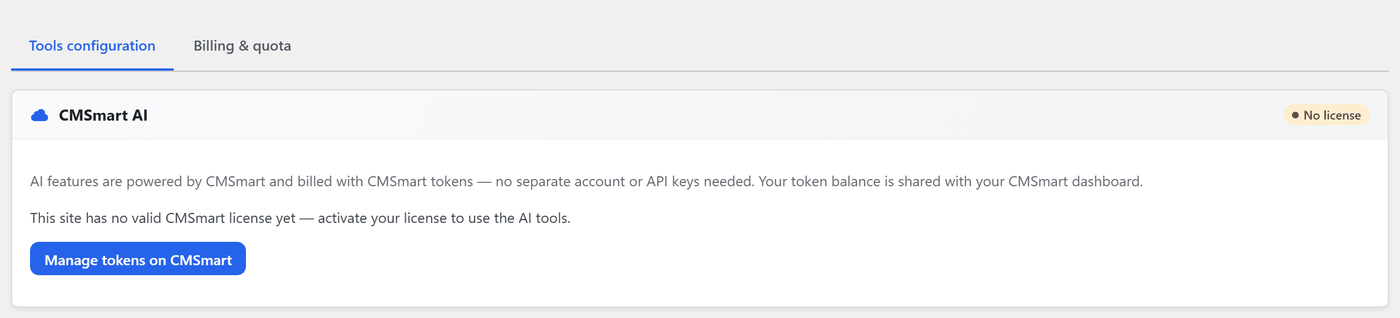
When the 30 days end the plugin shows a “Trial ended” notice and asks you to upgrade. AI image tools are billed from your token wallet and do not depend on the tier. Buying, renewing and changing the domain all happen in your Cmsmart account, not in WordPress.
Cmsmart insight
Spend the trial on your five best-selling products, not on demo items. Enable design on them, place a few test orders from a phone and a desktop, and hand the order files to whoever prints them. That one exercise tells you more than any feature list, and gives us a precise brief if you later want custom work.
What should I do first after activating?
What if the trial shows I need more than the plugin?
When a trial proves demand but exposes gaps, such as a product the editor does not model, a pricing rule the matrix cannot express or a production system to connect, Cmsmart builds it as custom development on top of the Product Designer, so you keep the trial setup and extend it.
Each project runs discovery, solution design, sprints, QA, launch and support: see the project delivery model and the product designer customization service.
Plan my product designer launch
Why work with Cmsmart?
Cmsmart has built ecommerce and web-to-print stores since 2012 as a division of Netbase JSC: 6,300+ client projects and 500+ custom development projects (WorkSuite project records, Sep 2026), rated 4.2 on Trustpilot (404 reviews). See our web-to-print solutions and projects.
Frequently asked questions
Is there still a free Lite download?
The free route is now the 30-day trial described above. Older shared “LITE” keys that already exist keep working as LITE, and the License page shows them as “Never expires (LITE)”.
Do I need a credit card for the trial?
No. The setup wizard states that no credit card is required.
Can I test it before installing anything?
Yes. Open the live demo and design a product in the editor.
What happens when the trial ends?
The plugin shows a trial-ended notice and asks you to upgrade; premium-only functions such as print-ready PDF and JPG CMYK export need a Premium license.
Can Cmsmart customise the designer after my trial?
Yes. Product designer customization is a Cmsmart service: request a quote with the products and workflow you tested, and we scope the custom work.
Turn a good trial into a store that sells
Share what you learned in your trial. We plan the editor, pricing and production hand-off your products need, and build it on the Cmsmart Product Designer.
Get a product designer quote Or start the free 30-day trial
Related: NBDesigner user guides.