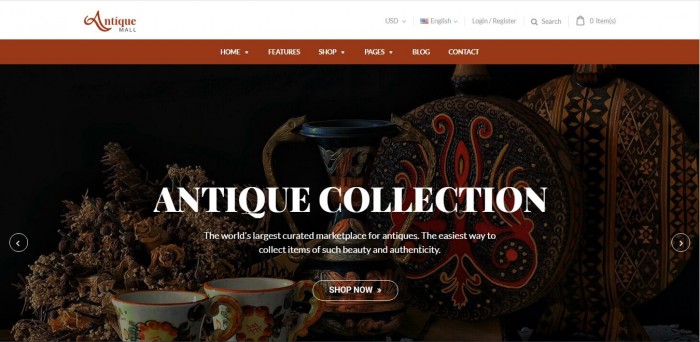
Today’s article is written especially for those who own an antique online business. We will put forward an antique WordPress theme for you to consider when choosing a suitable antique template for your shop. Antique store WooCommerce templates for WordPress is developed to be gorgeous and exquisite. Its developers paid care and attention to even the smallest detail. This theme aspires to bring customers to travel in ancient times in order to understand the value...
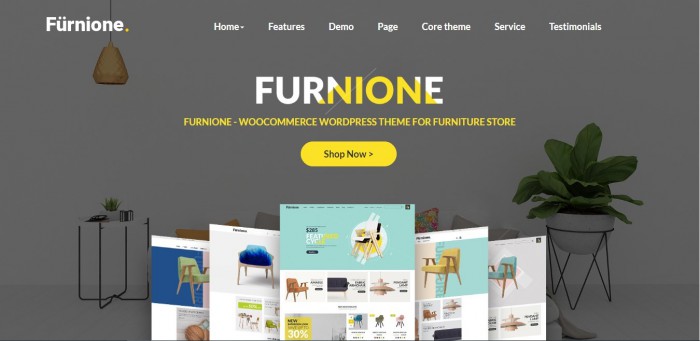
In the era of modern renovation, people tend to focus on aesthetic quality of materials. For instance, they are paying more attention and money in the look of their houses and offices. That is why running an online furniture and interior design Ecommerce store is totally profitable. In this article, we will show you top 10+ best furniture WordPress Theme in 2020 to upgrade your website to a more fabulous one. Top 10+ Best Furniture...

WordPress has always been the perfect platform of choice for many businesses who are looking to start building their own online store. Part of that is because the extensive plugins that this platform has to offer. For people who have just got acquainted to WordPress, it might be a bit overwhelming trying to find the best plugin for your online shop. In this article, we will provide you Top 5 Ecommerce WordPress Plugins You Can...


Do you want to create great designs from scratch within minutes? How to make your design unique and send more messages? If you are having a similar problem and haven't found a solution, don't worry, the Online Product Design Plugin will help you. Each of our versions will bring exciting innovations for users, we are constantly changing the quality of the plugins to meet the growing user needs. The range of products, the variety of...

Hi Guys, I will guide you through the basic installation of Theme Installation and Plugin Installation. Theme Installation Before beginning the installation and configuring of your new theme, you must first have WordPress with the latest version already installed on a server. The installation steps include in: Step 1: Download our package from ThemeForest Step 2: Unzip our package there will as image below: Step 3: Theme Installation Upload theme in admin panel: Go to Appearance -> Themes -> Add New -> Upload Theme. Then, click “Browse” button to select...
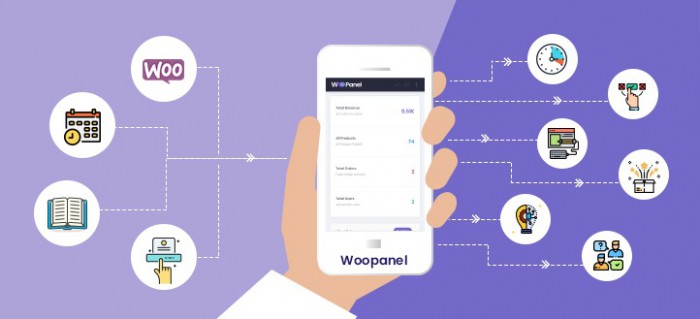

Dear our beloved customers, You are the store/ vendor manager and you want to get everything in the easiest way to know how your business works well or not right from front-end. WooPanel is the right plugin that you must to integrate into your site. Your articles, products, orders, coupons, customers will be arraigned clean and neat to bring you a general look with optimized UX/UI compare to our other competitors. WooPanel is the Front-End Central...
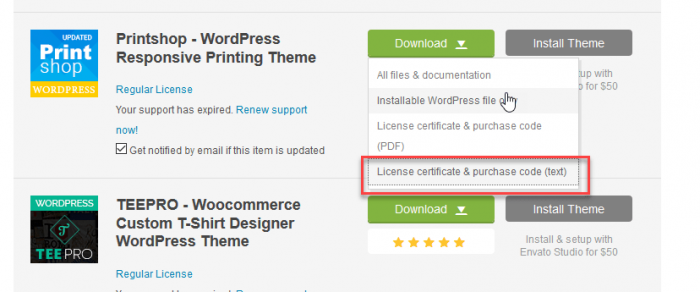
ThemeForest purchase code is very important for every Themeforest customer. When you purchase an Item from ThemeForest, you’ll get the license. It’s important when you need any technical assistance from theme author. The author might ask you the purchase code to verify your purchase. To find your license key/purchase code you need to log into your ThemeForest account and go to your “Downloads” page. See the themes you purchased in your “Downloads” list and click on...
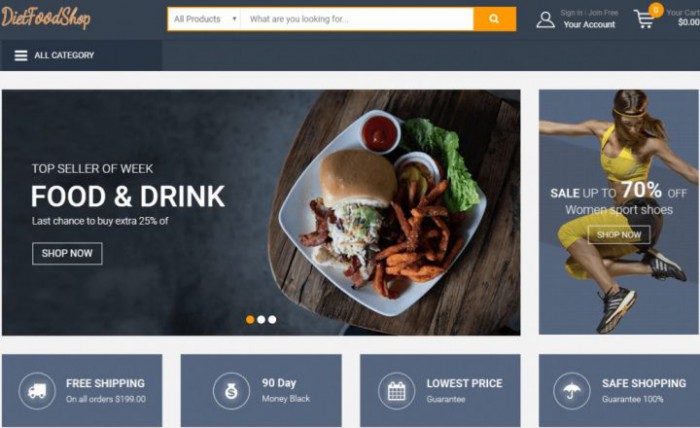

With a modern, sophisticated and unique style, MultiStores WordPress Theme Support Multiple Stores gets all things you need. We built it based on the best eCommerce solution for WordPress. It is perfectly suitable for any kind of marketplace business that requires many specific features and powerful functions. The interview below will share the experience of a business owner about this package. he is MD Shoaib, a web developer at nirvanaentertainment in Mumbai India: 7 Questions why he chooses...
Step 1: Upload WordPress installation file into your host Step 2: Install WordPress on your domain You can create new database or use created database Step 3: Go to Backend > Appearance > Theme > Add new > Upload > Choose theme file Step 4: Install and active theme Step 5: Install and active plugins Step 6: Select demo and import demo data Step 7: Import icon for site Step 8: View the site after completing Watch the video below for a quick...

From the first start, WordPress has only been a favorite blogging platform, but in about two or three recent years, it has appeared and developed to possess all the CMS functionalities serving the business website. Due to the popularity of WordPress, there is one fact that a lot of WordPress themes are pirated. So to avoid the problems related to license and a number of security risks involved, you should consider those complexities and disadvantages...
Most read this month
 Cmsmart Product Designer 2.15: a critical security fix, a steadier dashboard, and AI you control and profit from
 NBDesigner Plugin Install Guide for WooCommerce (2.17)
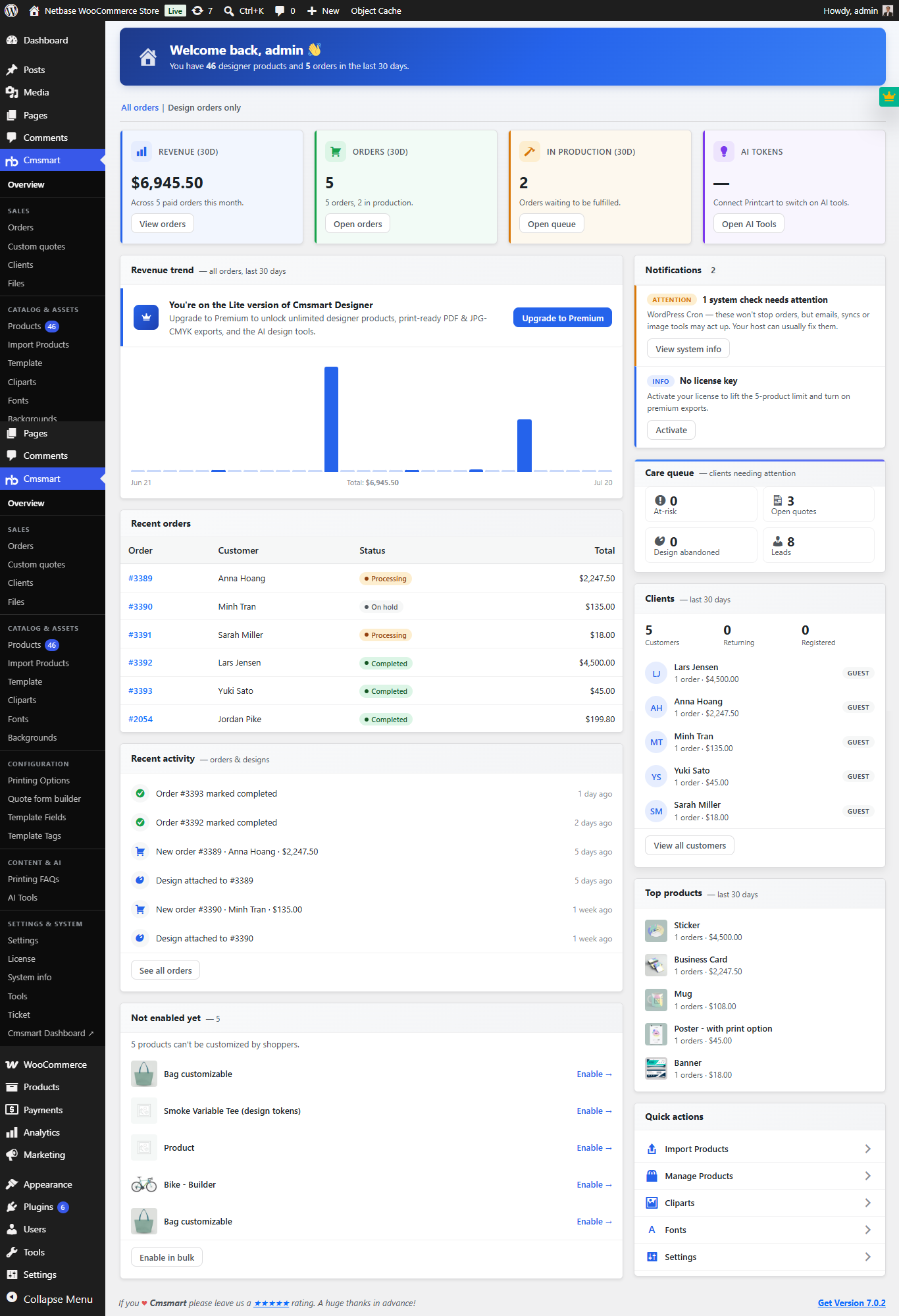 Cmsmart Product Designer 2.10.0 – Built-in Customer CRM, AI Print-QA and a Redesigned Dashboard
 Teespring Business Model: How It Works for Sellers
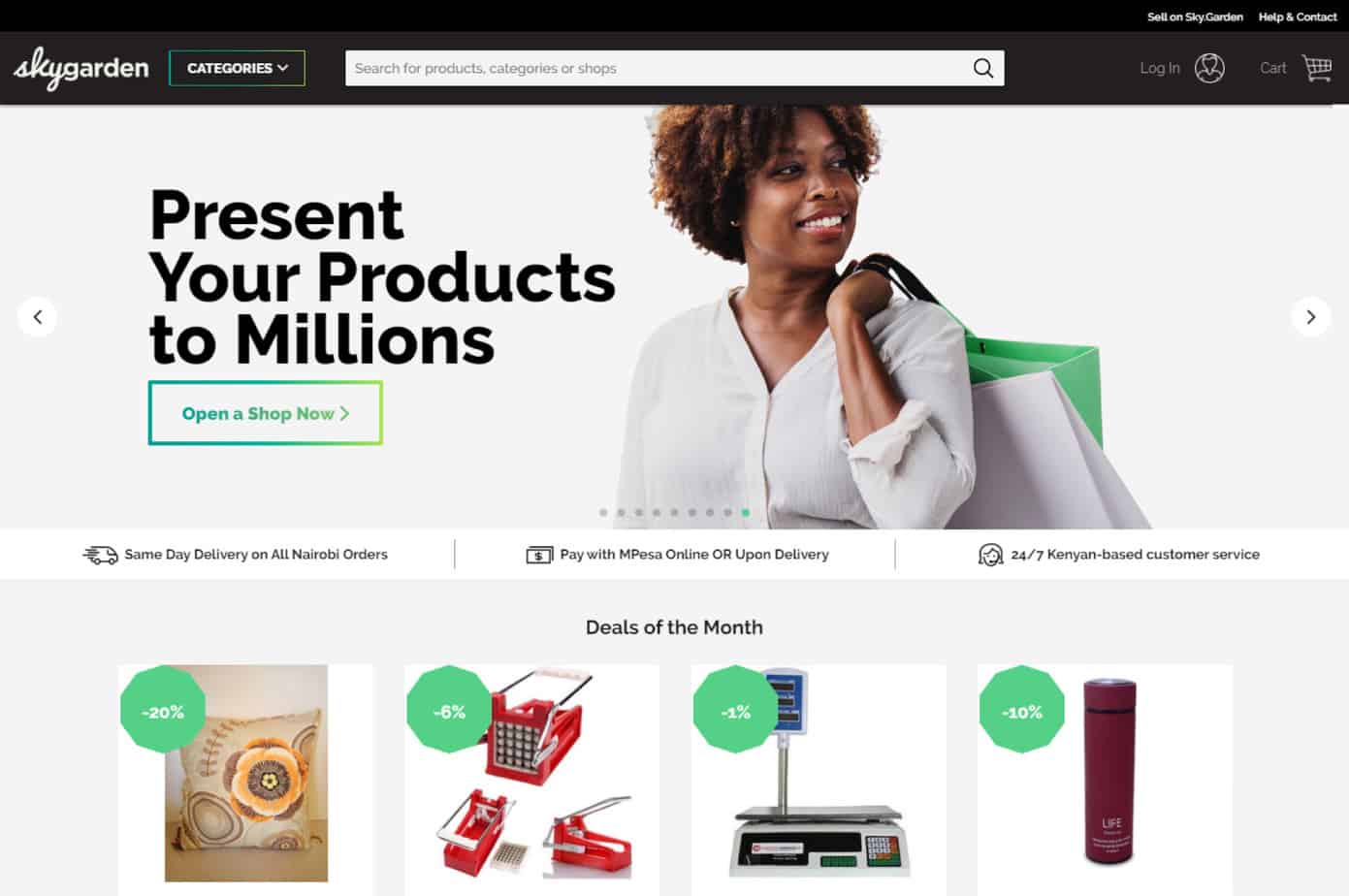 Ecommerce Web Design Companies: 6 to Compare
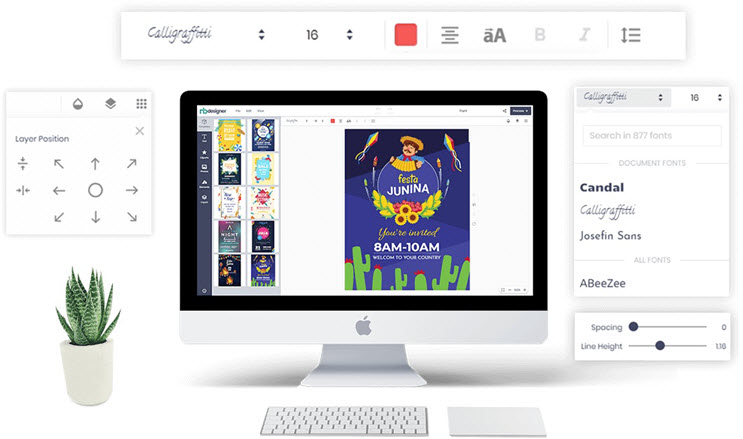 NBDesigner Free Download: 30-Day Trial, Install, Activate
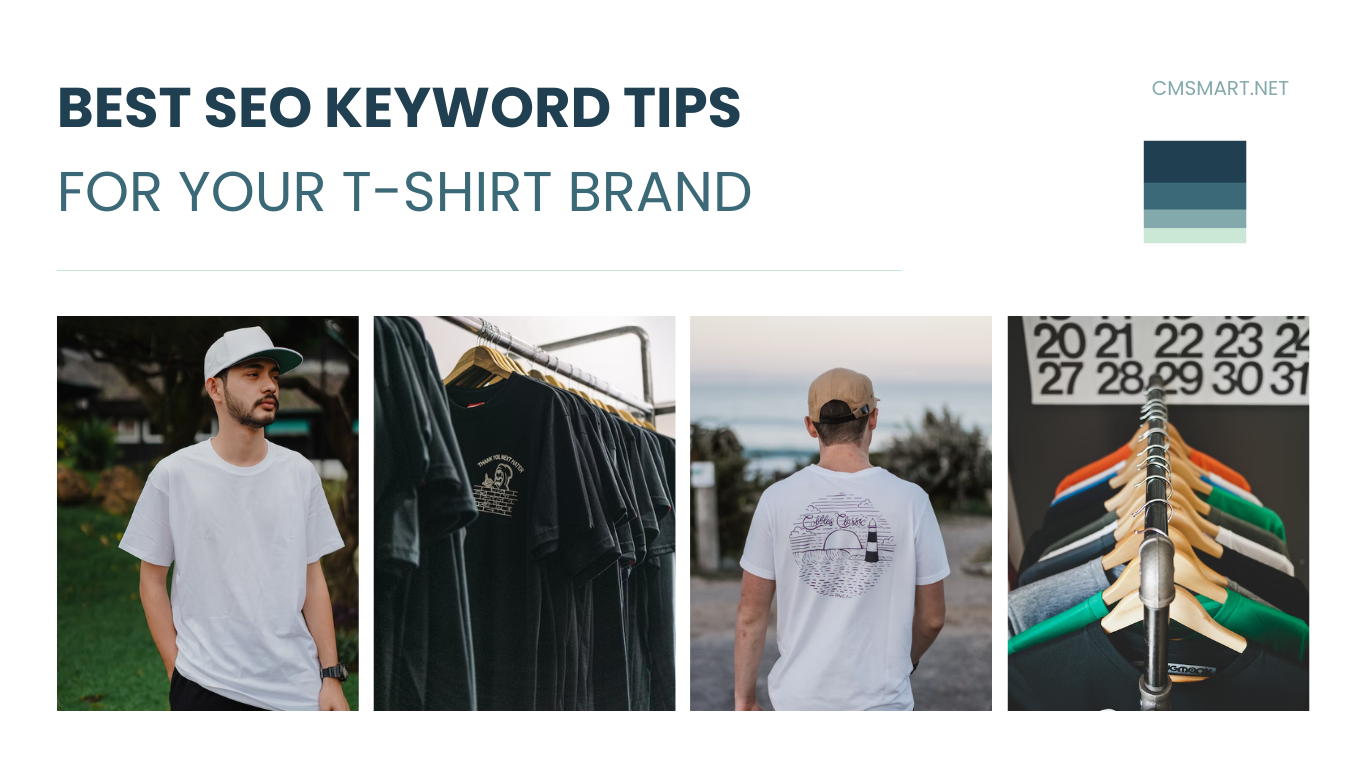 Keywords for T-Shirts: SEO Tips for Your Brand
 Ecommerce Product Catalog and Listings: A Guide
 Cmsmart product designer 2.9.0 – solving critical compatibility issues with wordpress, woocommerce and php 8.x
 Cmsmart Product Designer 2.12 — AI on Your Own Licence, a Real Quotes Area, and Print Files You Can Trust
About WooCommerce Plugins and Themes Ecommerce Topics

Cmsmart Ecommerce provides custom ecommerce and WooCommerce development services for web-to-print, product personalization, plugin support and API integration. For company background and team leadership, see David Nguyen.

Top