

Yes, you can, edit the text, color, back-ground in the mini cart. Or you can contact us to get the best support.

Ajax Add to cart is used in some page such as homepage, category page, wishlist, products details and compare page
You can always download the purchased items for lifetime as it still for sales status on the Cmsmart Marketplace. Please come to the Download section to immediately download the products right after payment. However it is important to remember that when an item is removed from the Market sites, it will be removed from your Downloads page as well. We offer the download page as a convenience for buyers, but we can make no...
Yes! You should know that PayPal supports including all major types of Credit cards. Visit PayPal for more information. So you still can pay via PayPal with your credit card or E-check. We also support Credit Card payment via Onepay.vn and Skrill.
Yes. You can modify the product at your discretion for your own web-sites. However, you can’t resell or place the modified extensions (as whole) for downloads on your websites.
The download link always is automatically sent to your payment email within 5 minutes after the payment is done. Please check your inbox, open your confirmation email and there is your own product download link. You can also check the Download menu in your Profile C-Panel on Cmsmart to see the download link
After you purchase our product successfully, you have 3 or 6 months to download and upgrade product (It depends on type of products)
Most read this month
 Cmsmart Product Designer 2.15: a critical security fix, a steadier dashboard, and AI you control and profit from
 Teespring Business Model: How It Works for Sellers
 NBDesigner Free Trial: Download, Install & Activate
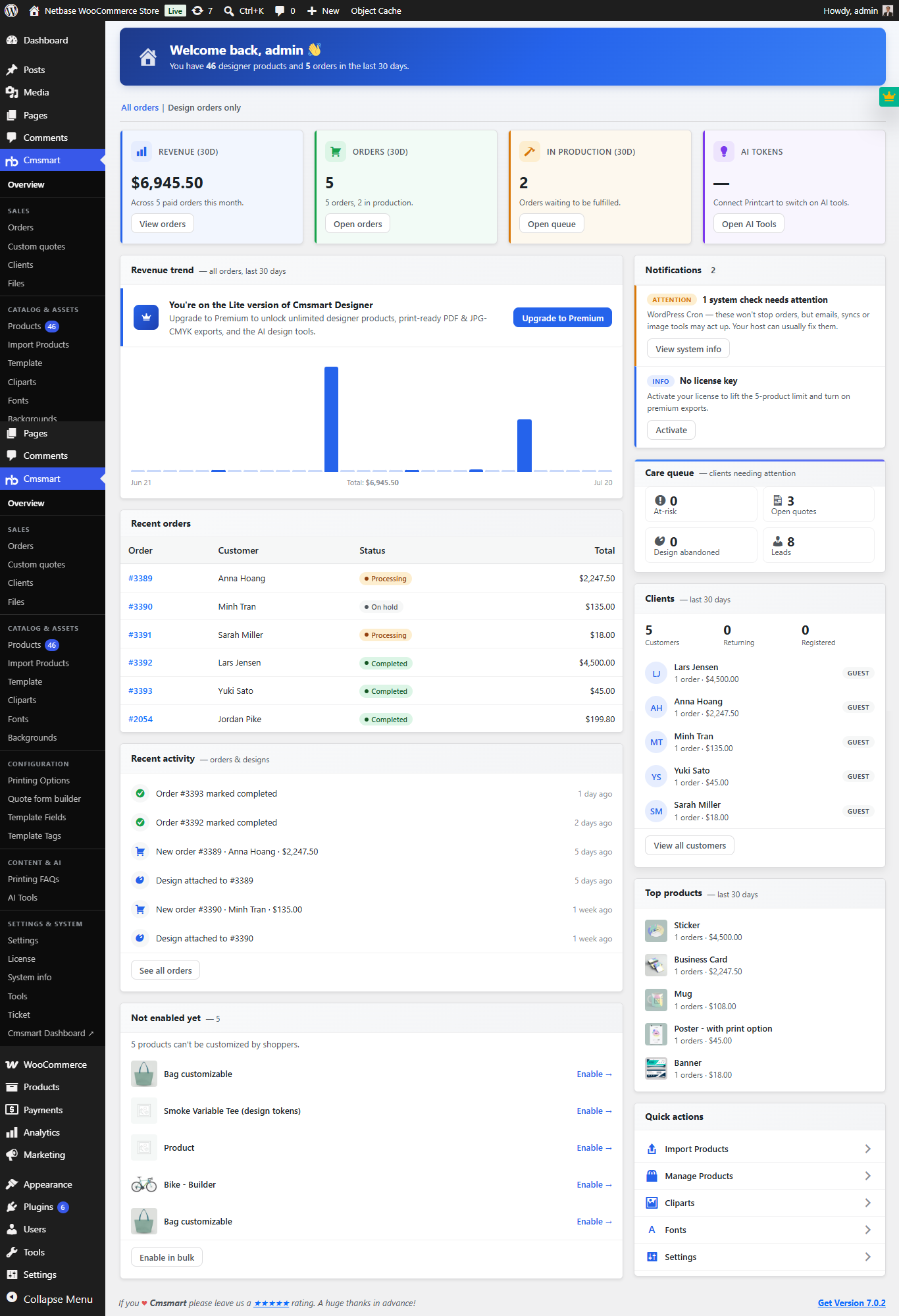 Cmsmart Product Designer 2.10.0 – Built-in Customer CRM, AI Print-QA and a Redesigned Dashboard
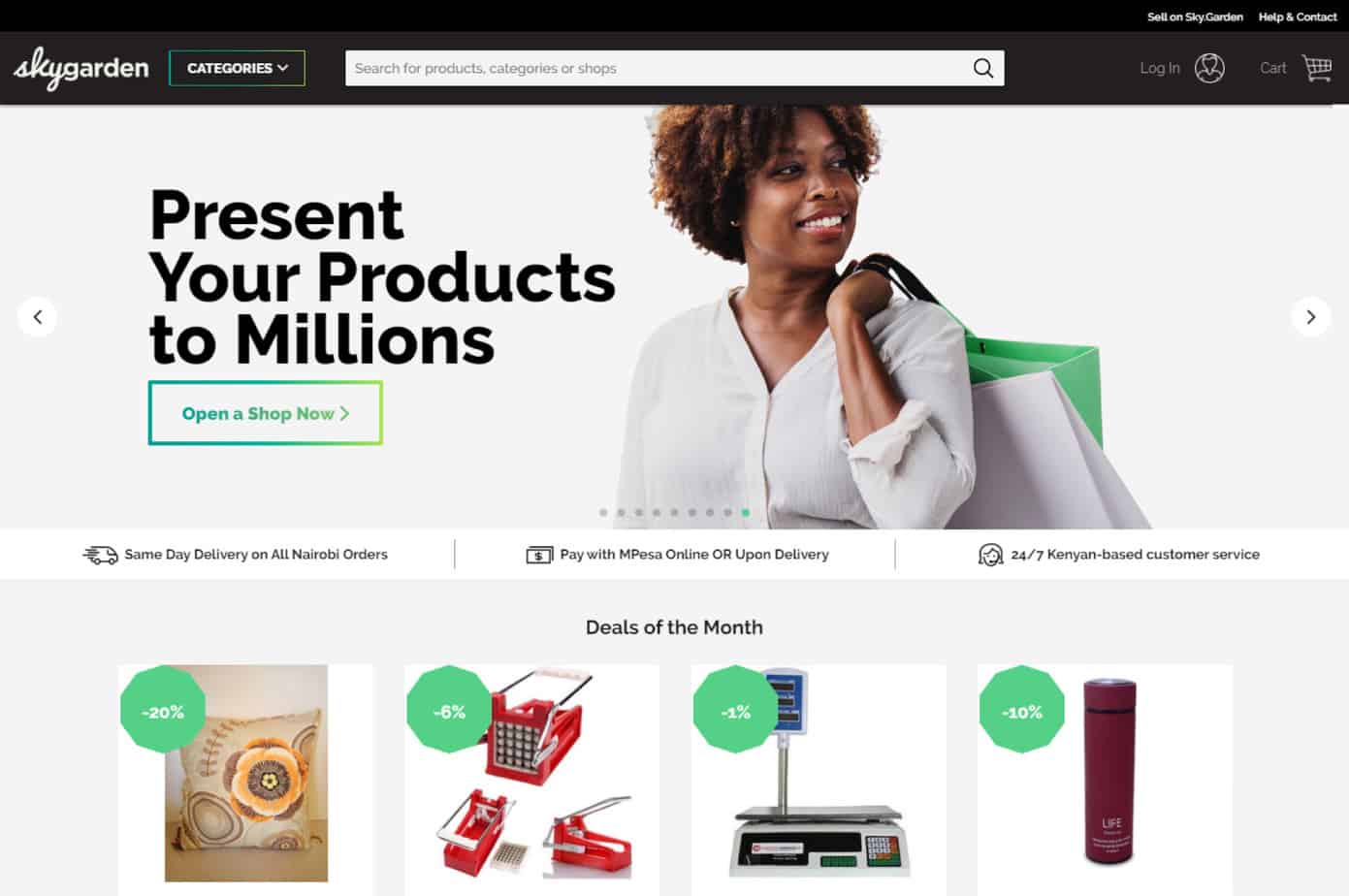 Ecommerce Web Design Companies: 6 to Compare
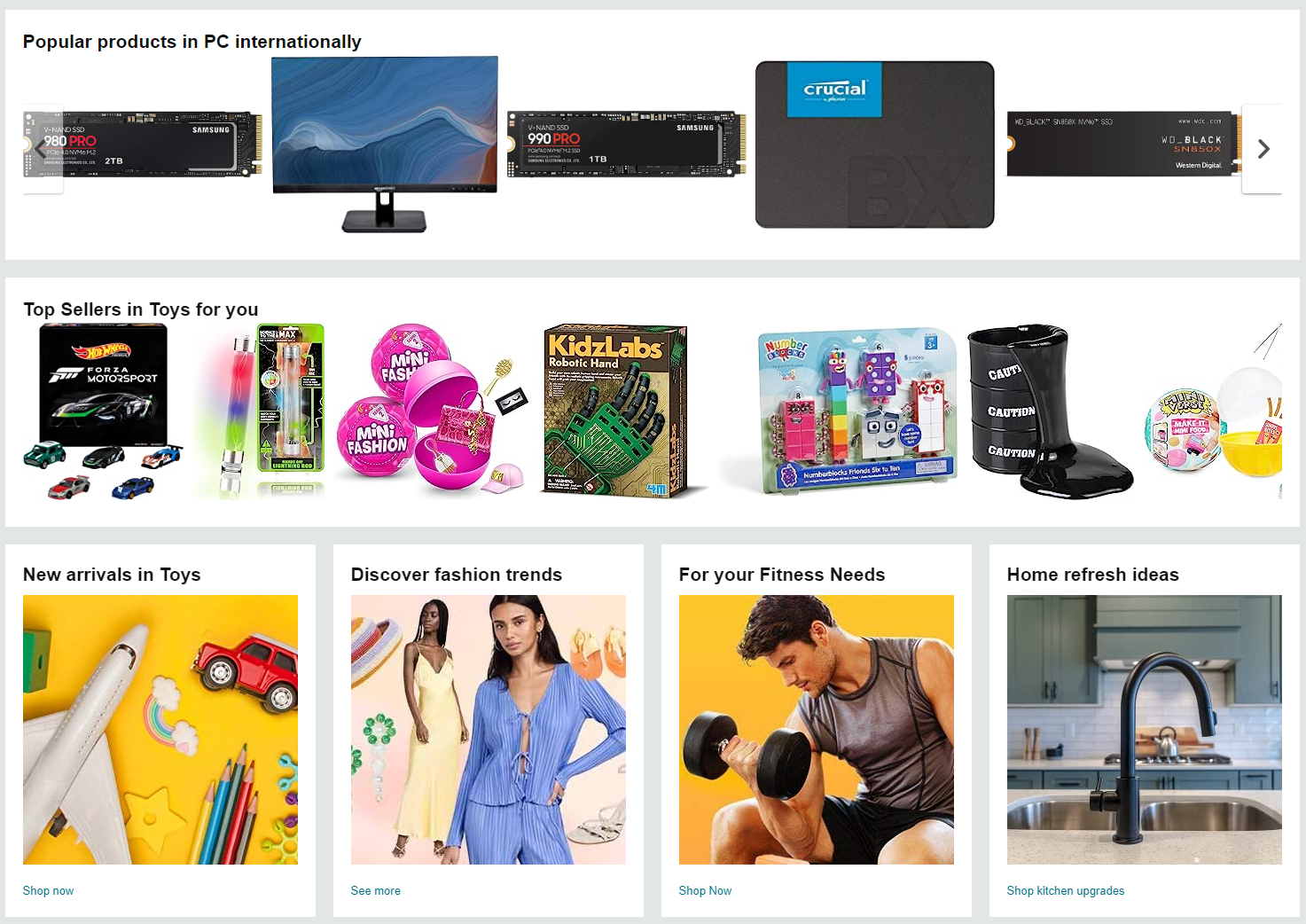 Ecommerce Product Catalog and Listings: A Guide
 Keywords for T-Shirts: SEO Tips for Your Brand
 Cmsmart product designer 2.9.0 – solving critical compatibility issues with wordpress, woocommerce and php 8.x
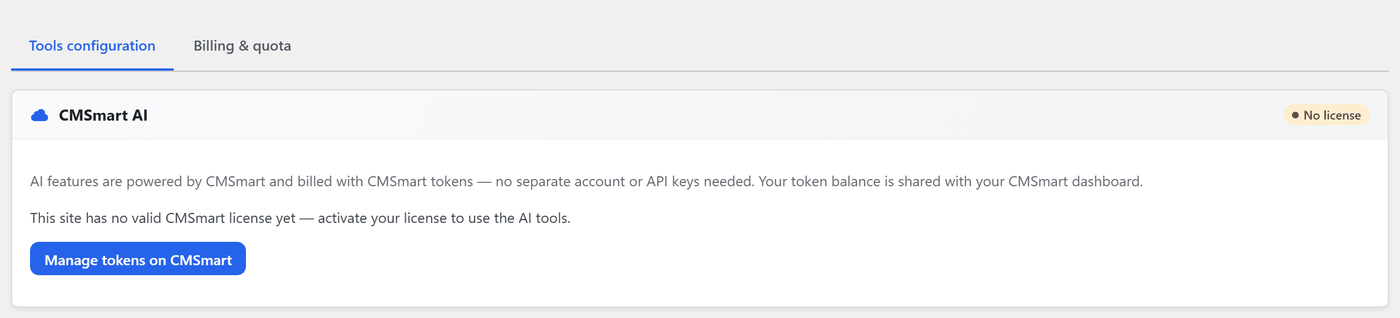 Cmsmart Product Designer 2.12 — AI on Your Own Licence, a Real Quotes Area, and Print Files You Can Trust
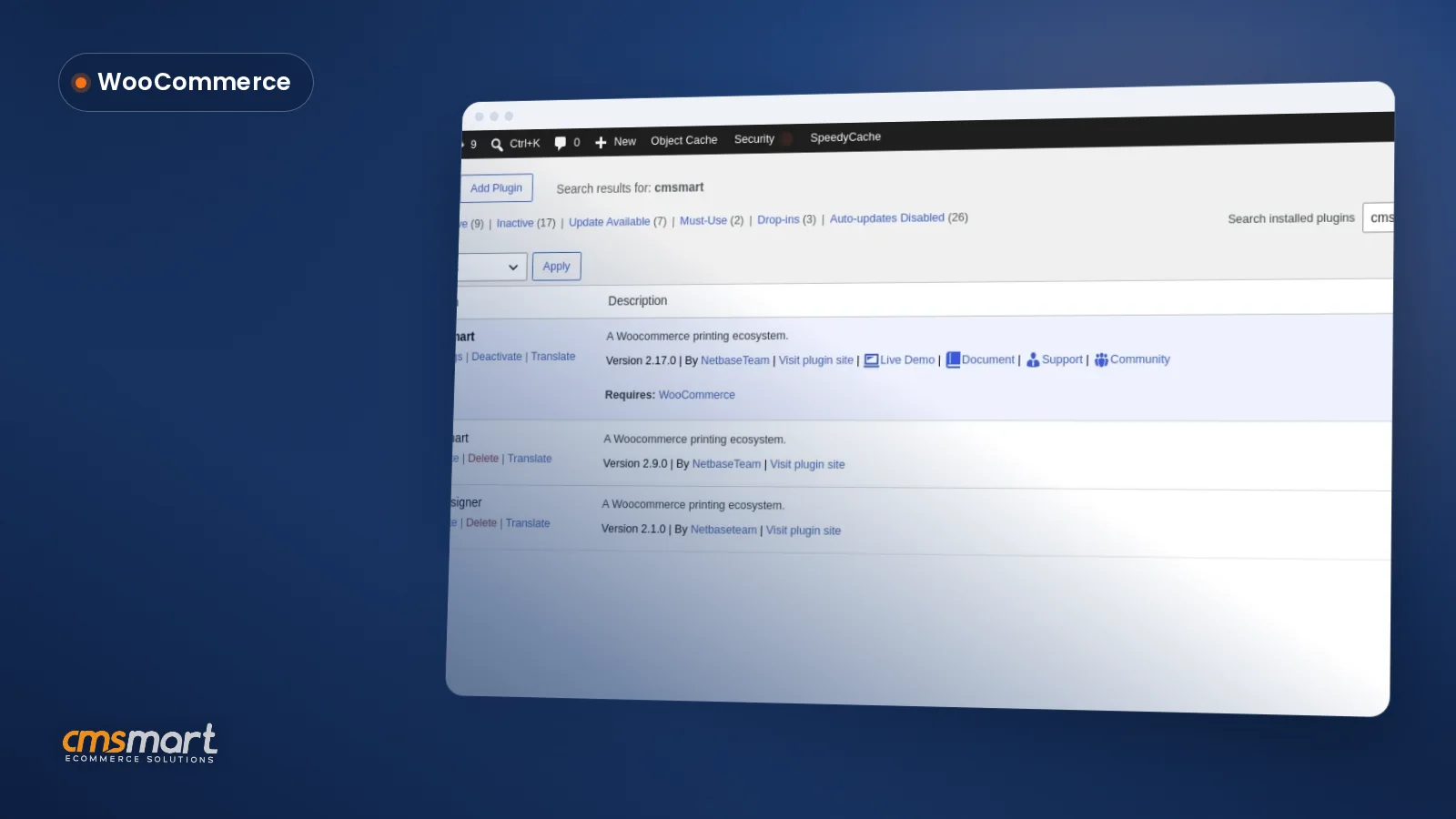 Install the NBDesigner Plugin for WooCommerce (2.17)

Cmsmart Ecommerce provides custom ecommerce and WooCommerce development services for web-to-print, product personalization, plugin support and API integration.




Web-to-print, WooCommerce, B2B and AI specialists who plan, build and support stores together.
Meet the team →
Top