
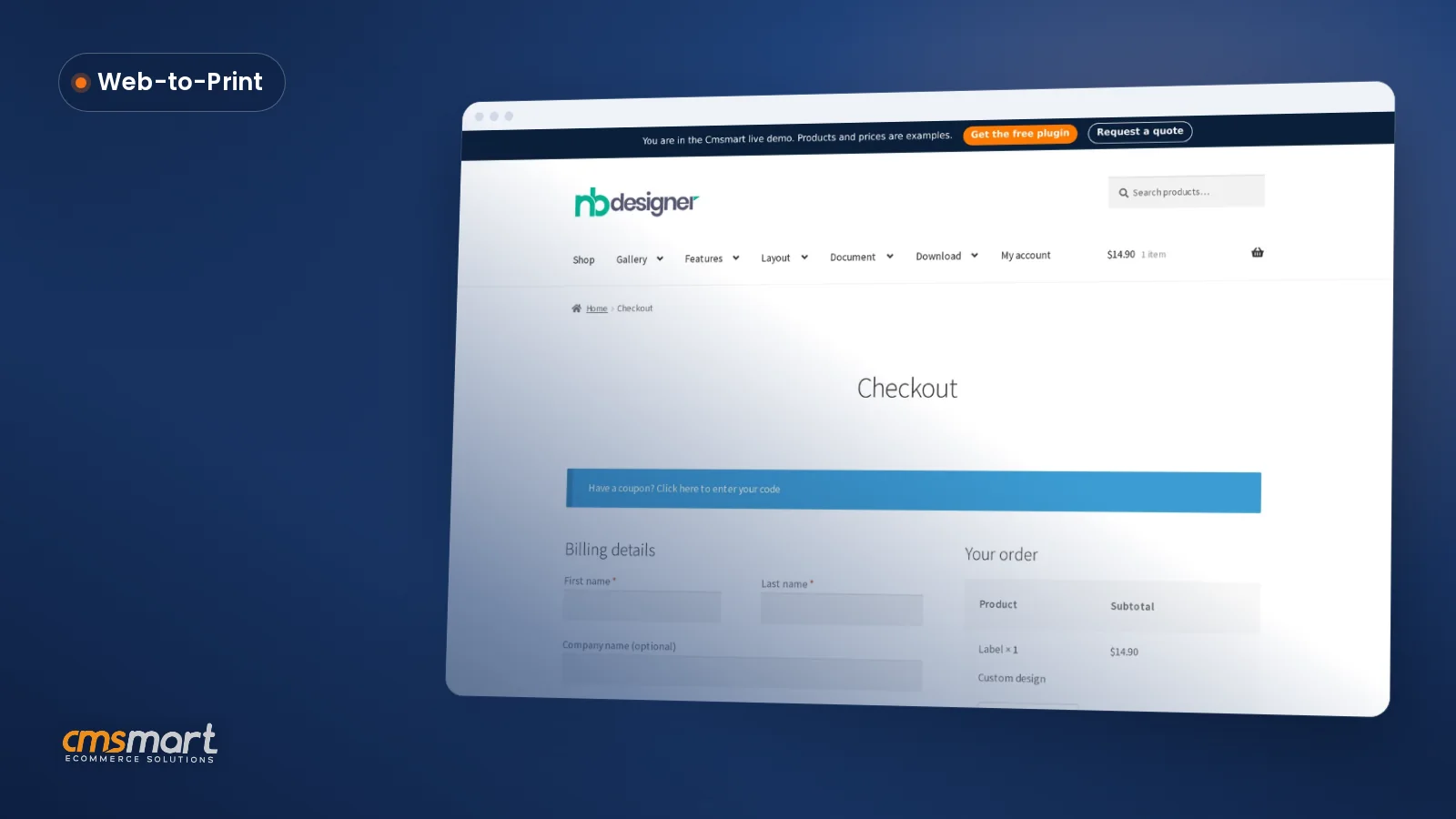
Case study · Web-to-print
Web-to-Label Printing: Sell Custom Product Labels Online
Set up web-to-label printing for product labels with Cmsmart Product Designer: upload, proofing and print-ready PDFs. Get a quote today.
You might be surprised when observing how fast our printing industry has been changing in a short time since technology and digital printing appeared. What we’ve already had today might be quickly obsolete tomorrow. So, let’s check what is changing:
Was this tutorial helpful?
See also: Cmsmart pricing and Cmsmart products.
← How to make your online T-shirt printing business be trendy in 2018 and beyond · 5 tips to reduce bounce rate on your web store →
Written by
Cmsmart Web-to-Print Solutions Consultant
Plans online print storefronts: product setup, pricing rules, proofing and print-ready files.
The team behind it
 Account Manager
 Project Manager
 Business Analyst
 Developers & QA
Case study · Web-to-print
Set up web-to-label printing for product labels with Cmsmart Product Designer: upload, proofing and print-ready PDFs. Get a quote today.
Guide · Web-to-print
See a sourced WooCommerce product designer plugin comparison: pricing, features and print-ready files, then request a free migration quote today.
Guide · Web-to-print
Translate WooCommerce product designer screens with Loco Translate or Frontend Translate: see every setting, its default, and how to set it up.
Browse more guides, tutorials and case studies from the Cmsmart community.
One of the important services from big to small companies all focus and require to be finished as fast as possible is printing. To deal with this requirement, a lot of people are choosing a marvelous tool that is online printing.
Read MoreThere is one fact that B2C clients are unpredicted in their buying patterns while B2B clients can bring a shop reliably repetitive business. To bring the repeat customers on board seems to be more difficult and complicated than to secure the average one-o
Read MoreIn the digital business world, those that rely completely on physical documents and assets are at a loss, especially in comparison to their brethren that put their faith in technology a decade ago. Of course, we cannot depend totally on digital, but it wi
Read More
Cmsmart Ecommerce provides custom ecommerce and WooCommerce development services for web-to-print, product personalization, plugin support and API integration.
Cmsmart Web-to-Print Solutions Consultant
Plans online print storefronts: product setup, pricing rules, proofing and print-ready files.
Meet the team →



Digital printing technologies
The major factor that boosts the change in printing technology is the born of digital printing technologies. While print used to be dominated by letterpress, digital has become the dominant printing process. It is undeniable that digital printing comes with some outstanding advantages in comparison to the traditional one, including:
Digital Inkjet Printing
In several recent years, advanced digital inkjet printers which are faster, more reliable, and of higher quality has step by step dominated the market, which leads to a steady drop of offset printing. Professional-grade and high-speed inkjet printers are able to render text at up to 4,000 words per minute, and speeds for images and graphics are nearly at that level. Let’s take examples of 2 digital printers:
Frequently asked questions
Why is digital printing more cost-effective than offset printing for small print runs?
Offset printing requires a lot of money and effort to set up the whole process, so each run needs a huge quantity to cover that setup cost and still earn a benefit. Digital printing technology stays cheap no matter the project size, which is especially noticeable on small and medium runs.
What makes digital printing more accurate than traditional offset printing?
Digital printing can accurately produce the same high-quality image every time it is printed, no matter how many copies are made. This consistency eliminates a major disadvantage of traditional offset printing, which created a considerable amount of waste before a run came out right.
What substrates can the Indigo 10000 digital printer handle?
The Indigo 10000 is described as the most cost-effective printer for a short printing run or a high-value variable data page, and its superior quality lets it work with more than three thousand different substrates, including coated, uncoated, metallic, pressure sensitive and specialty plastics.
Where are the other Printing Industry Topics tutorials?
Every Printing Industry Topics tutorial is listed on the Printing Industry Topics tutorials page. Customers with a licence can open a support ticket from the Cmsmart dashboard when a step does not match their install.
What if a step in this Printing Industry Topics tutorial does not match my store?
This tutorial describes the release that was current when it was written (it was published on 11 December 2018), so a menu or setting may have moved since. Customers with a licence open a support ticket from the Cmsmart dashboard, naming the step and adding a screenshot, and the team answers there.
How do I pay securely?
Contracts and payments go to the company, Netbase JSC: plans are paid through PayPal; services are invoiced by Netbase JSC under a written proposal and paid by bank transfer to Netbase JSC's company account or by PayPal Business. Cmsmart (Cmsmart Ecommerce) is the ecommerce brand of Netbase JSC, a company based in Hanoi, Vietnam.
How do I contact Cmsmart or get a quote?
Message the Cmsmart team on WhatsApp at +84 937 869 689 or email project@cmsmart.net; the contact page at cmsmart.net/contact lists every channel, and Request a quote (cmsmart.net/project-proposal) sends a project brief. Customers with a licence open a ticket from the dashboard.
Further reading