
Case study · Web-to-print
Web-to-Label Printing: Sell Custom Product Labels Online
Set up web-to-label printing for product labels with Cmsmart Product Designer: upload, proofing and print-ready PDFs. Get a quote today.
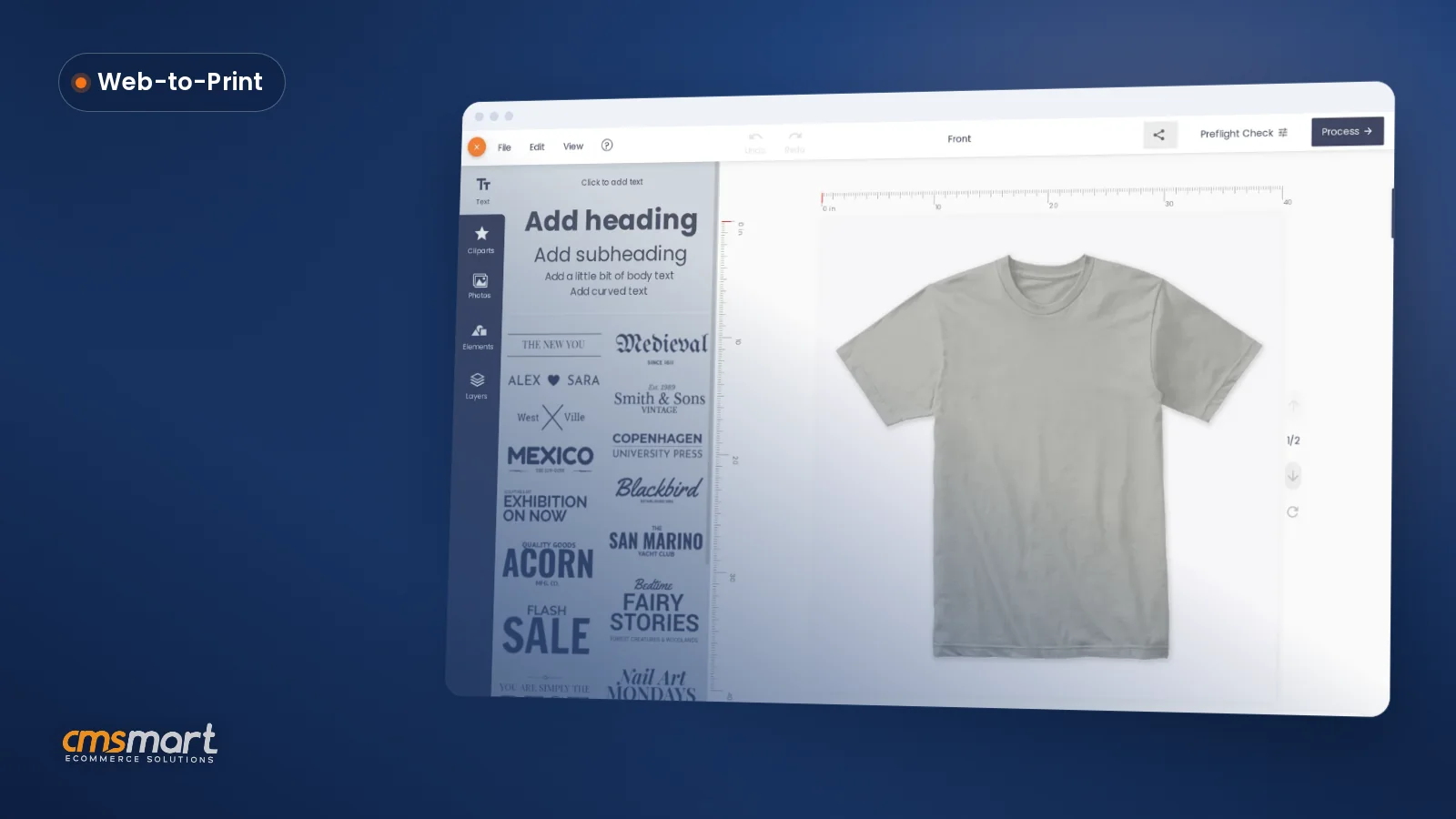
Printstore Package Provides Your Site With The Useful Feature describes how the WordPress Printstore theme equips a printing business with tools such as T-shirt, signboard, and stamp designers built on NBDesigner, plus a pricing matrix, file upload support, and design controls like rotation, flipping, and resizing for custom products.
Was this tutorial helpful?
See also: Cmsmart pricing and Cmsmart products.
← How To Configure Order Upload For Wordpress Printstore? · Why all businesses have to integrate CRM into your site? →
Written by
Cmsmart Web-to-Print Solutions Consultant
Plans online print storefronts: product setup, pricing rules, proofing and print-ready files.
The team behind it
 Account Manager
 Project Manager
 Business Analyst
 Developers & QA
Case study · Web-to-print
Set up web-to-label printing for product labels with Cmsmart Product Designer: upload, proofing and print-ready PDFs. Get a quote today.
Guide · Web-to-print
See a sourced WooCommerce product designer plugin comparison: pricing, features and print-ready files, then request a free migration quote today.
Guide · Web-to-print
Translate WooCommerce product designer screens with Loco Translate or Frontend Translate: see every setting, its default, and how to set it up.
Browse more guides, tutorials and case studies from the Cmsmart community.
In today's competitive printing industry, having a strong online presence is essential for success. With CMSmart's Printshop Themes, you can elevate your printing business to new heights and stand out from the competition.
Read MoreLearn how to choose an ecommerce design company: compare deliverables, scope, support and source files, then see how Cmsmart quotes a store design.
Read MoreThe print on demand business benefits are real, but only with the right tools in place. See how Cmsmart turns orders into print-ready files. Get a quote.
Read More
Cmsmart Ecommerce provides custom ecommerce and WooCommerce development services for web-to-print, product personalization, plugin support and API integration.
Cmsmart Web-to-Print Solutions Consultant
Plans online print storefronts: product setup, pricing rules, proofing and print-ready files.
Meet the team →


Dear our beloved customers!
The website not only shows the image, products, and services of the company but it also shows the vision and development strategy of a business. So have you chosen for the dream that you cherished over the years an outstanding jacket? If previous post offer for you a specific feature about price matrix plugin, so today we will show all the highlight feature of Wordpress Printstore. "Printstore" Product designed specifically for the printing industry. It's the difference and intelligence will amaze you. Find out more in the next section of the article.
Overview of Wordpress Printshop
WordPress Printshop website template is a comprehensive solution for the printing company with T-shirt/apparel designer, Signboard designer, Stamp designer, Smartphone/Tablet/Laptop skin, bottle label, Bags, Stickers/Label Designer… WordPress Printshop theme brings you a powerful website with a lot of features such as NBDesigner for all devices, Price matrix for all products, max mega menu with all kinds of information flexibly optimizing, order upload feature for all photos or uploads files, powerful creative theme…
Some outstanding feature of Printstore Package
Overview video about Wordpress Printshop
We are sure that you will be satisfied with our products due to the benefits it brings for the e-commerce industry in general and other industries in particular.
It has many good features that I cannot list all here. You can view the Demo to learn more. Not only stop at the features you see, but we also provide the customization service based on your demand with a strong experienced support team and professional working style. The above is a few information about the feature of WordPress Printstore. Hopefully, the article has brought the most overview for you. See you at the next post!
Best regards.
Have a nice day!
Frequently asked questions
What does the color swatch plugin do on the Printstore WooCommerce theme?
The WooCommerce color swatch plugin lets shoppers see and pick the exact color they want for a product directly on the page, instead of choosing from a plain text dropdown list, making it easier for customers to select their preferred option before ordering a personalized item.
What can customers adjust when designing a product with the Printstore package?
Customers using the design tool can rotate, flip, and resize elements of their design, and the theme also supports uploading multiple files, so buyers can combine several images or graphics into one personalized product before it goes to production.
Where are the other Cmsmart Print Shop Store tutorials?
Every Cmsmart Print Shop Store tutorial is listed on the Cmsmart Print Shop Store tutorials page. Customers with a licence can open a support ticket from the Cmsmart dashboard when a step does not match their install.
What if a step in this Cmsmart Print Shop Store tutorial does not match my store?
This tutorial describes the release that was current when it was written (it was published on 23 April 2019), so a menu or setting may have moved since. Customers with a licence open a support ticket from the Cmsmart dashboard, naming the step and adding a screenshot, and the team answers there.
Where is the Cmsmart Print Shop Store product page?
The Cmsmart Print Shop Store product page shows the product as it is sold today, so you can check what this tutorial covers against the current release.
How do I pay securely?
Contracts and payments go to the company, Netbase JSC: plans are paid through PayPal; services are invoiced by Netbase JSC under a written proposal and paid by bank transfer to Netbase JSC's company account or by PayPal Business. Cmsmart (Cmsmart Ecommerce) is the ecommerce brand of Netbase JSC, a company based in Hanoi, Vietnam.
How do I contact Cmsmart or get a quote?
Message the Cmsmart team on WhatsApp at +84 937 869 689 or email project@cmsmart.net; the contact page at cmsmart.net/contact lists every channel, and Request a quote (cmsmart.net/project-proposal) sends a project brief. Customers with a licence open a ticket from the dashboard.
Further reading