

Guide · WooCommerce
How to Choose an Ecommerce Design Company: 8 Questions
Learn how to choose an ecommerce design company: compare deliverables, scope, support and source files, then see how Cmsmart quotes a store design.
Picking a woocommerce theme for print shop storefronts is not like picking one for a generic retail store: it has to carry a live design tool inside the product page without slowing it down, hiding the design button, or breaking when a buyer rotates a tablet mid-design. Most best-theme roundups never test for any of that, which is why so many print shops end up re-choosing a theme twice.
Was this tutorial helpful?
Written by
Cmsmart WooCommerce Plugins & Themes Specialist
Installs, configures and customises WooCommerce plugins and themes, ours and the market's.
The team behind it
 Account Manager
 Project Manager
 Business Analyst
 Developers & QA
Guide · WooCommerce
Learn how to choose an ecommerce design company: compare deliverables, scope, support and source files, then see how Cmsmart quotes a store design.
Case study · Web-to-print
Product personalization software for WooCommerce lets shoppers customize templates on the product page, then get a custom design quote from Cmsmart.
Case study · Web-to-print
Set up an artwork approval workflow for WooCommerce: buyers confirm designs, Cmsmart locks the file, and print-ready PDFs generate automatically.

Cmsmart Ecommerce provides custom ecommerce and WooCommerce development services for web-to-print, product personalization, plugin support and API integration.
Cmsmart WooCommerce Plugins & Themes Specialist
Installs, configures and customises WooCommerce plugins and themes, ours and the market's.
Meet the team →


In short
What does the wrong WooCommerce theme cost a print shop?
Cmsmart sees the same pattern across print-shop rebuilds: a theme picked for its demo screenshots, not its product-page behavior, quietly taxes every order with slower pages, a hard-to-find design button, and a checkout that fights the cart's design thumbnail.
None of these show up until real products and a real designer load on top of the theme:
The baseline cost of getting checkout wrong is already high before a theme adds friction: the average documented shopping-cart abandonment rate across 50 published studies is 70.22% (Baymard Institute, 2025). A theme that makes the design-to-cart handoff clunkier pushes a shop further into that number, not away from it.
What does a print shop's website look like when the theme gets it right?
Cmsmart builds print-shop storefronts so the theme stays out of the way: the product page loads fast, the "Start design" button is the first thing a buyer sees, the designer opens full-width on any device, and the cart carries the design through to a paid order.
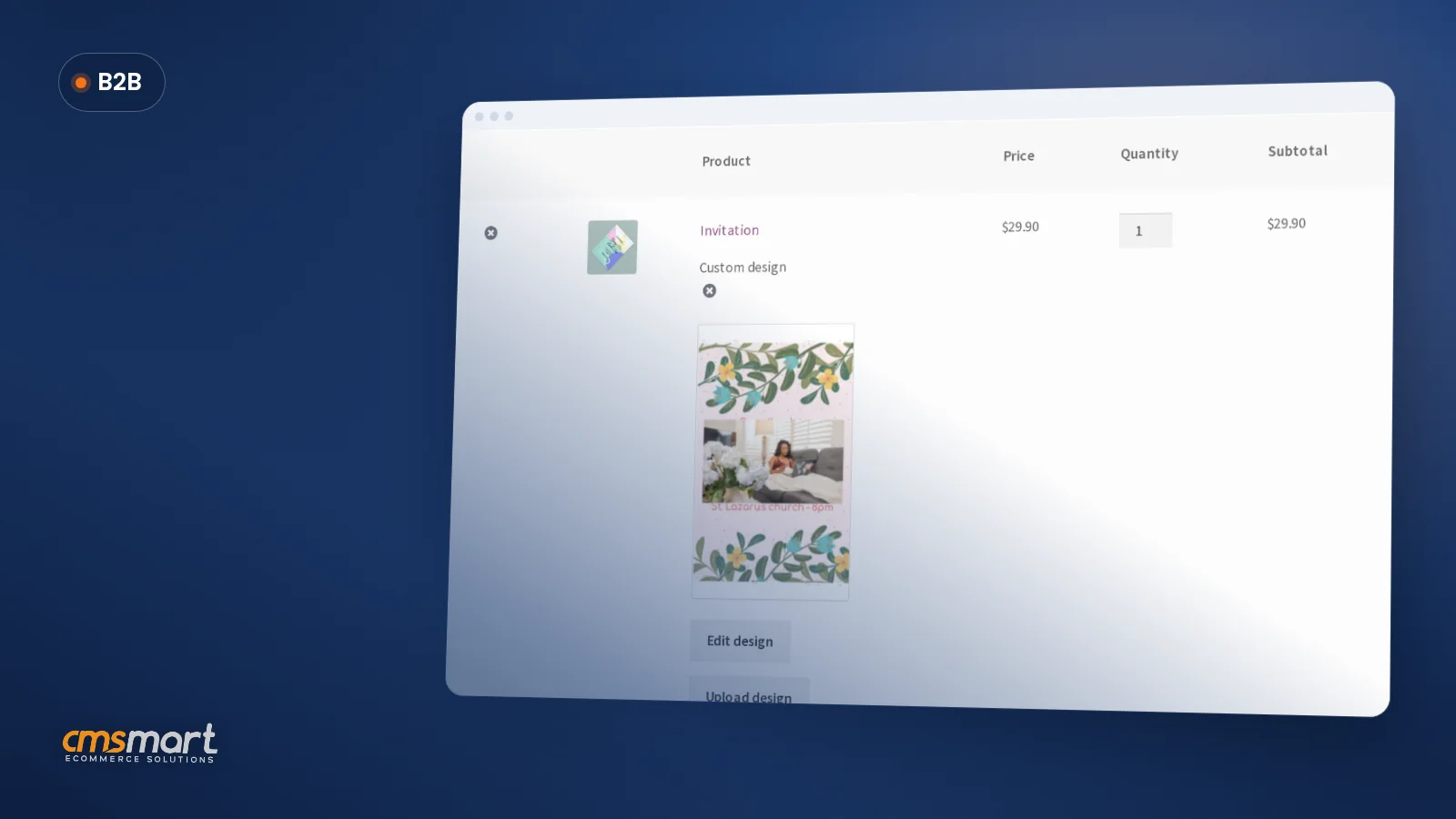
Example scenario. A buyer lands on a product page from a social ad at 9 p.m. on their phone. The hero image and price render before the designer's scripts finish loading. They tap Design here online and the editor opens full-screen with no theme header fighting it for space, finishing a simple layout in under five minutes. Back on the product page, the saved design shows next to Add to cart. At checkout, the same design thumbnail sits in the order review, rendering cleanly because the theme never overrode WooCommerce's checkout. The order lands in the shop's queue with a print-ready PDF attached — no email, no manual proof request, no layout bug to debug the next morning.
That flow is not a plugin feature by itself — it is what happens when the plugin and the theme are both doing their job and neither is fighting the other.
How does Cmsmart evaluate a WooCommerce theme for print shop stores?
Cmsmart checks a candidate theme against five things that decide whether a print shop's design-and-order flow survives contact with it: speed, product page layout, designer compatibility, block/FSE support, and how the theme handles WooCommerce's own templates.
Five building blocks make up that check:
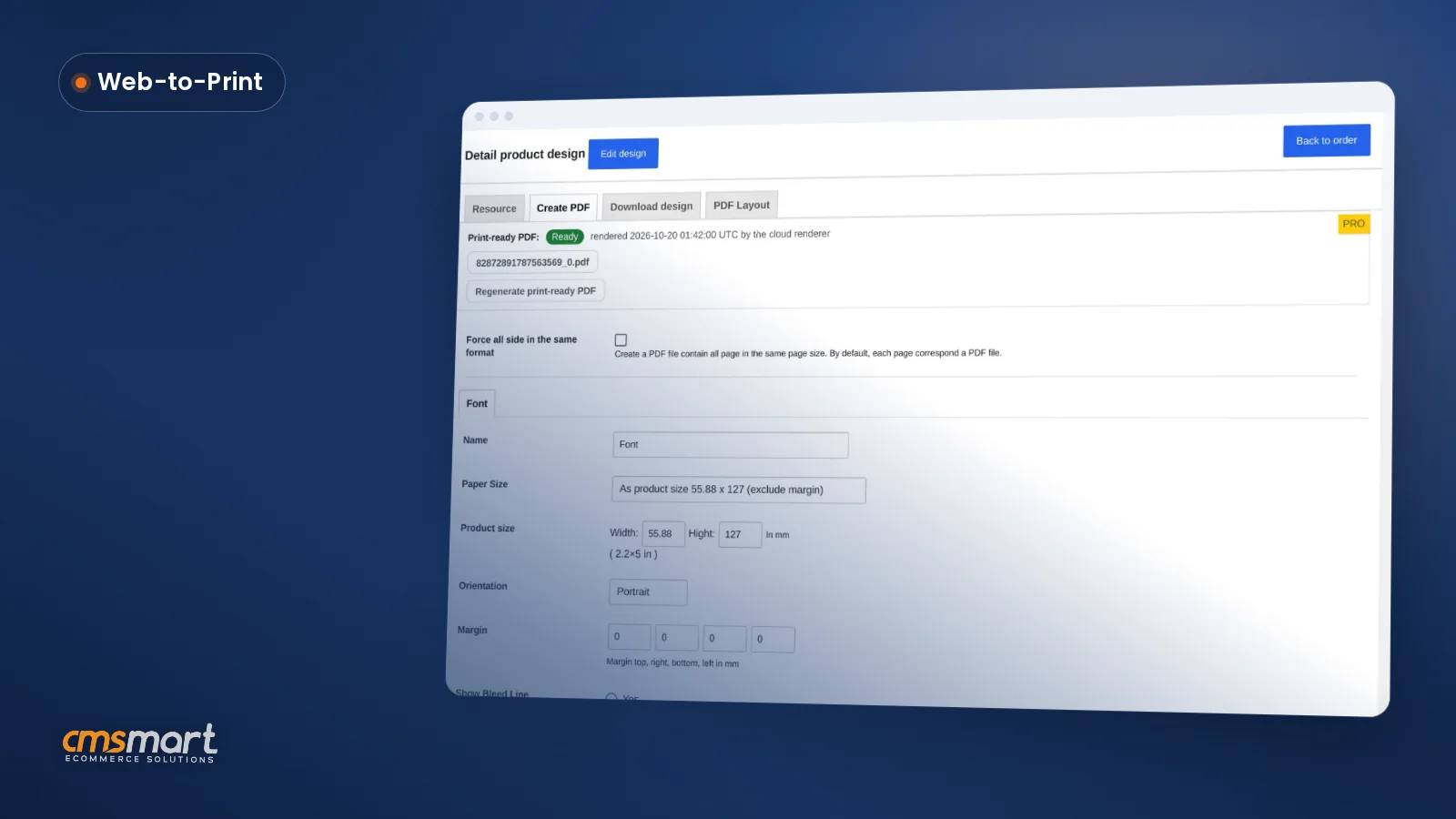
Two of those are already handled in the plugin, not left for a theme to solve: My Account pages render through WooCommerce's own account endpoint rather than overwriting page content directly, which is what let a past block/FSE quote-page bug get fixed for every theme at once instead of theme-by-theme (CHANGELOG 2.12.0); and the design/upload controls render correctly inside WooCommerce's block-based Cart after a similar theme-agnostic fix (CHANGELOG 2.13.0, 2.12.2). The designer's scripts also load with a version query string, so a CDN or browser cache picks up each update immediately instead of serving a stale script after a theme or plugin update (CHANGELOG 2.17.0) — and since 2.17.0, the automatic print-ready PDF that matches the order uses the same page geometry as a manual Create PDF, regardless of which theme the order came through.
Cmsmart insight: most theme-caused designer bugs we get called in to fix are not the designer's fault or the theme's fault alone — they come from a theme that restyles WooCommerce's generic
.woocommerceCSS classes globally, which the designer's overlay also sits inside. Test the designer open on a product page before you commit to a theme, not after.Already shortlisting themes? See our picks of print shop WordPress themes on ThemeForest and what makes a print shop theme different — then run every candidate through the checklist below.
What's the business value of getting the theme right?
Cmsmart frames theme decisions as a conversion and support-cost question, not a style question: the right theme protects the orders your designer is already capable of winning, instead of leaking a share of them to load time, confusion or checkout bugs.
Rough ROI worksheet. Take your monthly product-page visitors (V), the share that currently start a design (S), and your average order value (A). A theme fix that removes friction from the design-to-cart handoff is worth roughly V × (the percentage-point gain in S you can defend) × A per month. Mobile drives most of that traffic — 57% of ecommerce sales in 2024 (Oberlo, 2024) — so a theme that fails on a 390px screen discounts most of your visitors by default, not a minority of them.
WooCommerce itself is one of the most common ecommerce platforms in use today, which is also why so many WooCommerce themes exist that were never built with a product designer in mind — most were built for plain catalogue stores. Talk to an ecommerce expert for a second opinion before you buy.
How to test a WooCommerce theme before you install it on your print shop
Cmsmart runs this same checklist before recommending a theme to a print-shop client: install it on a staging copy of the store, load a real design-enabled product, and walk the full buyer flow before anyone signs off on the purchase.
Budget 15–30 minutes per candidate theme:
woocommerce/folder) — more overrides means more update risk later.For the plugin side of this setup — license activation, upload settings, output and DPI configuration — follow the NBDesigner installation guide instead of repeating those steps here.
When is a custom WooCommerce theme worth building?
Cmsmart builds a custom WooCommerce theme, or a deep customization of an existing one, when a print shop's catalogue, wholesale pricing or production workflow outgrows what any off-the-shelf theme was designed to show.
A pre-built theme is usually right for a shop with a standard catalogue sold one product at a time. Custom development earns its cost once any of this is true:
Cmsmart delivers this the same way every time: discovery on your catalogue and workflow, a solution design you sign off on, build sprints, QA against the designer flow above, launch, and ongoing support — see the web-to-print solutions hub for the delivery model, or the print shop preset installation service for a known-good WooCommerce/theme/designer combination.
Get a theme and setup plan for my print shop
Why work with Cmsmart on your WooCommerce theme and product designer setup?
Cmsmart has been building WooCommerce print and personalization stores since 2012, as a division of Netbase JSC, and verifies every theme recommendation against the same product designer it builds and maintains.
Cmsmart has run 6,300+ client projects since 2012, with 1,800+ live stores running today across 80+ countries, and holds a 4.2/5 rating on Trustpilot across 404 reviews (Cmsmart company figures, as of September 2026). One recent five-star review sums up why continuity matters for a theme-and-plugin combination that has to keep working after every update: "We have had the NB Designer plugin installed for three years and have experienced absolutely no problems during that time. It is wonderful to see their commitment to continuous development, with new features being added frequently…" — Web Developer, United Kingdom (Trustpilot, 2026). See the Cmsmart Product Designer plugin page for what ships in the plugin.
Frequently asked questions
Does my WooCommerce theme actually affect whether the product designer works?
Yes. The designer runs inside your theme's product page template, so CSS resets, sticky headers or custom template overrides can clip the canvas, hide the design button, or break the cart/checkout handoff even though the plugin itself is unchanged. Test the full flow on a staging copy before switching themes.
Do I need a block theme (full-site editing) for WooCommerce in 2026?
Not strictly, but it lowers risk. WooCommerce's documentation treats block and classic themes as different architectures for store editing, and a block theme generally means less custom template code fighting your plugin on the next update. A well-coded classic theme can still work — it just needs the same testing.
Can I keep my current theme and just fix the product page?
Often, yes. Many theme issues are really product-page-template issues — add-to-cart position, gallery layout, one CSS override — fixable without a full theme change. Run the checklist above first; it tells you whether the problem is the whole theme or one template.
How fast should a print shop's product page load with the designer on it?
Treat product pages as the pages that can least afford to be slow, since this is where the sale starts. There is no single number that fits every host and catalogue, but any theme that measurably slows Largest Contentful Paint once the designer's scripts load is a theme to test further before committing to it.
Does Cmsmart build WooCommerce themes from scratch?
Cmsmart builds and customizes WooCommerce themes as custom development when a print shop's catalogue, wholesale pricing or production workflow needs more than an off-the-shelf theme provides — see the custom-theme section above.
What's the fastest way to compare two theme finalists?
Run the same 10-step test on a staging copy for each theme, with the same test product and test design, and record the results side by side. Consistent test conditions matter more than either theme's marketing claims.