
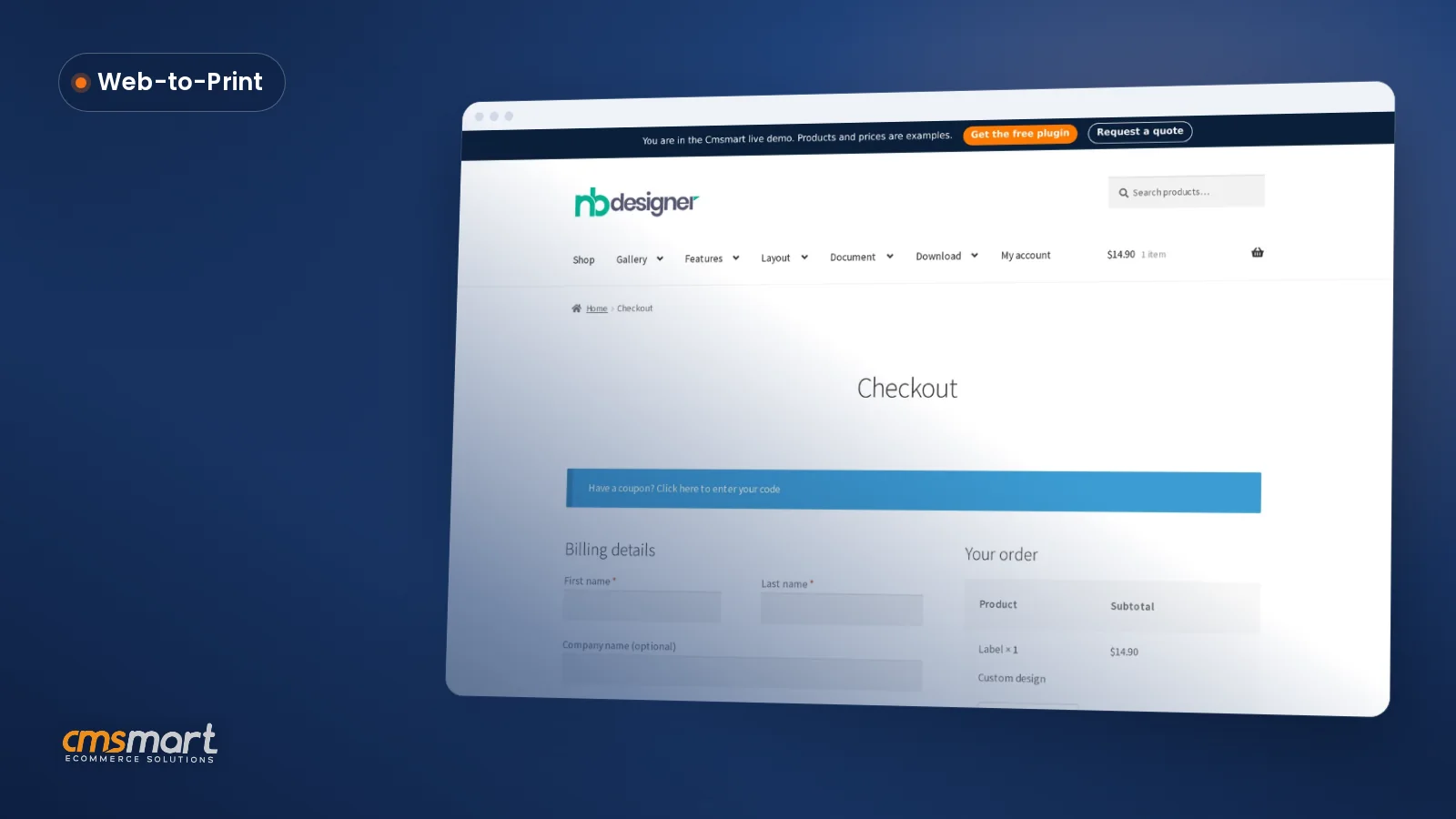
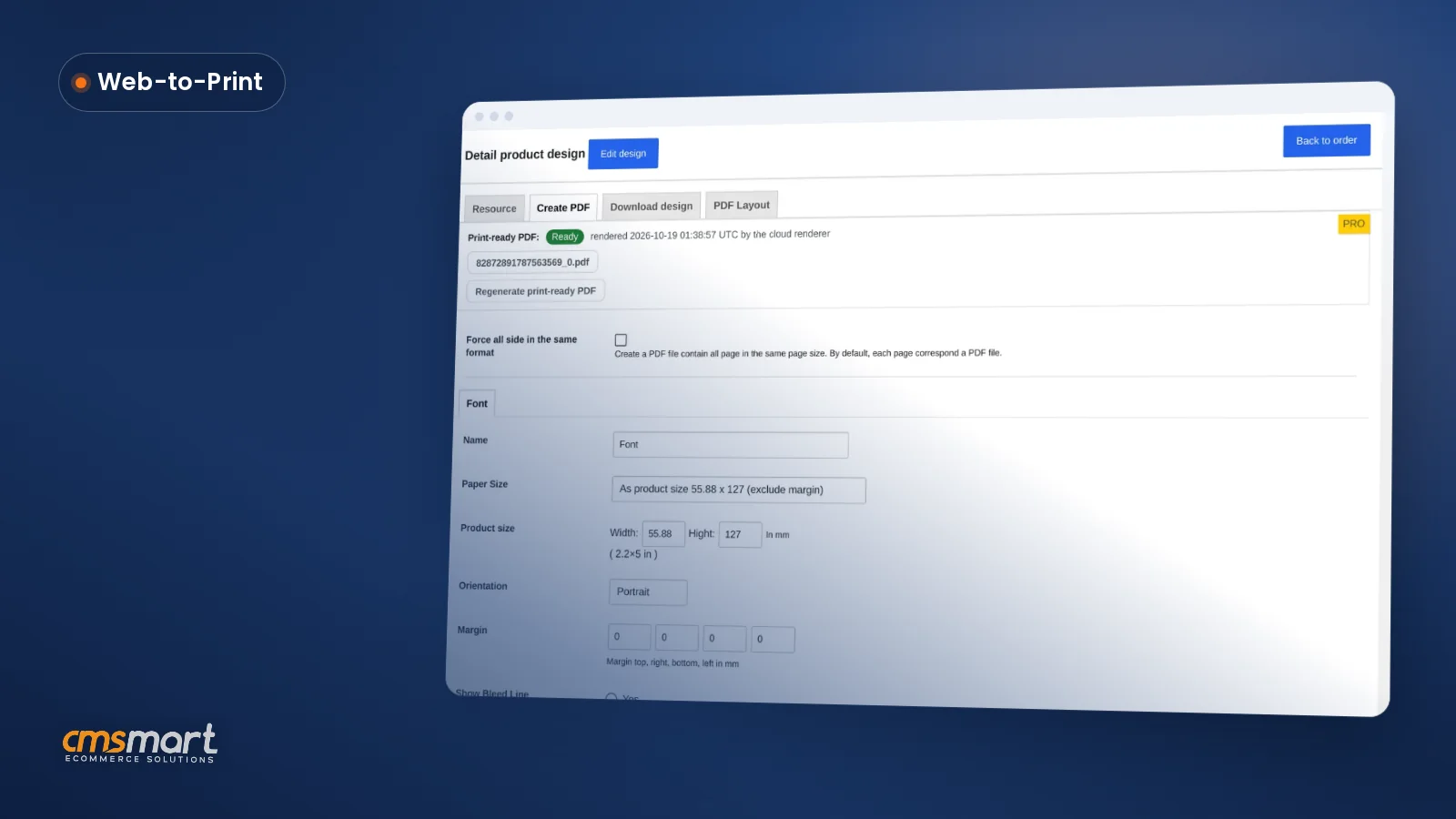
Case study · Web-to-print
Web-to-Label Printing: Sell Custom Product Labels Online
Set up web-to-label printing for product labels with Cmsmart Product Designer: upload, proofing and print-ready PDFs. Get a quote today.
We update our product versions every few months as we release new features and functionality. You should always have the newest version of your printing website so that you can take advantage of new features of the print solutions. For the most seamless user experience, make sure you update to the newest product version as soon as it’s available
Was this tutorial helpful?
See also: Cmsmart pricing and Cmsmart products.
← How To Do T-shirt Business Effectively? · Types of Customers and How to Approach Each One →
Written by
Cmsmart Web-to-Print Solutions Consultant
Plans online print storefronts: product setup, pricing rules, proofing and print-ready files.
The team behind it
 Account Manager
 Project Manager
 Business Analyst
 Developers & QA
Case study · Web-to-print
Set up web-to-label printing for product labels with Cmsmart Product Designer: upload, proofing and print-ready PDFs. Get a quote today.
Guide · Web-to-print
See a sourced WooCommerce product designer plugin comparison: pricing, features and print-ready files, then request a free migration quote today.
Guide · Web-to-print
Translate WooCommerce product designer screens with Loco Translate or Frontend Translate: see every setting, its default, and how to set it up.
Browse more guides, tutorials and case studies from the Cmsmart community.
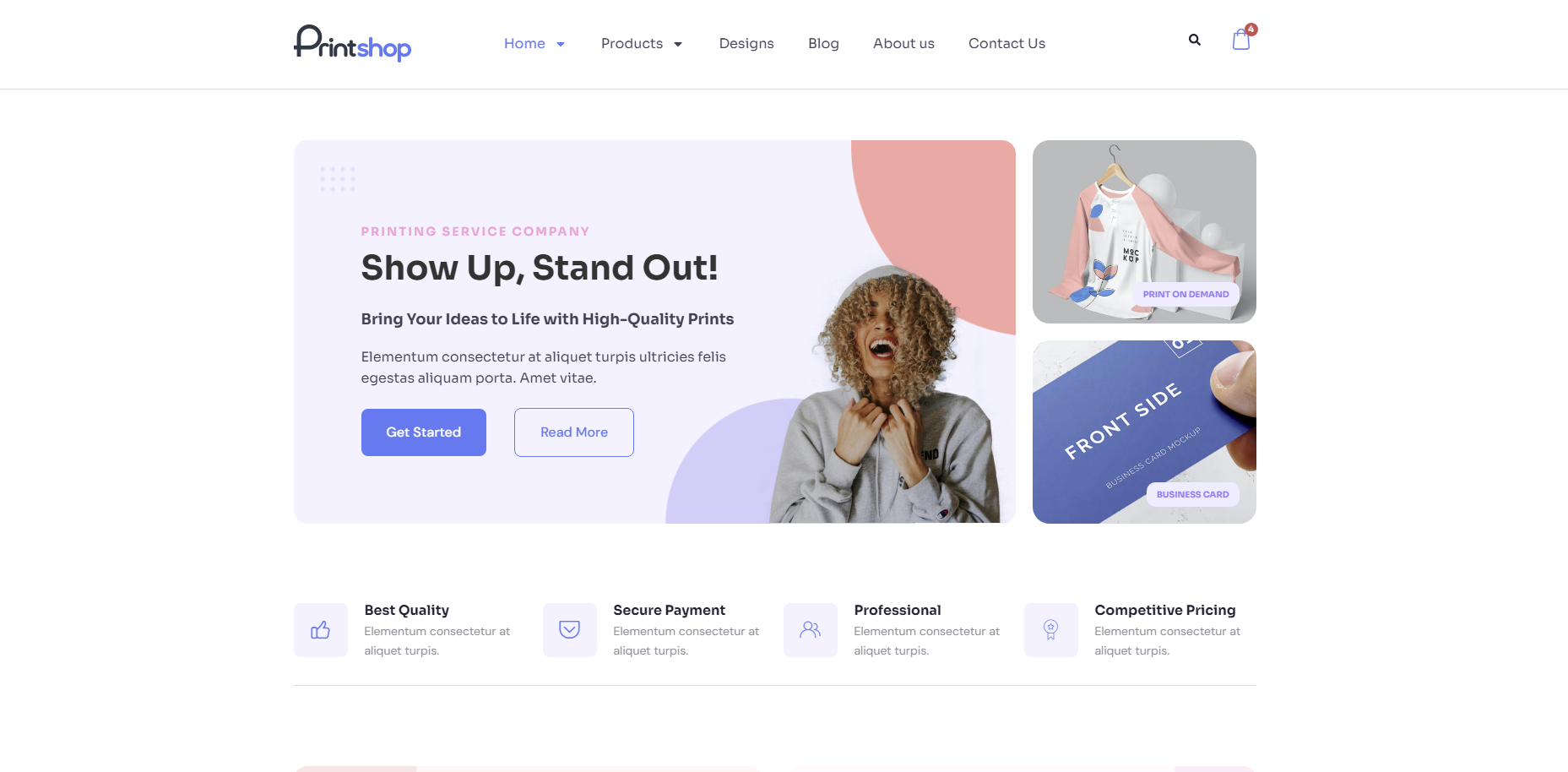
In today's competitive printing industry, having a strong online presence is essential for success. With CMSmart's Printshop Themes, you can elevate your printing business to new heights and stand out from the competition.
Read MoreLearn how to choose an ecommerce design company: compare deliverables, scope, support and source files, then see how Cmsmart quotes a store design.
Read MoreThe print on demand business benefits are real, but only with the right tools in place. See how Cmsmart turns orders into print-ready files. Get a quote.
Read More
Cmsmart Ecommerce provides custom ecommerce and WooCommerce development services for web-to-print, product personalization, plugin support and API integration.
Cmsmart Web-to-Print Solutions Consultant
Plans online print storefronts: product setup, pricing rules, proofing and print-ready files.
Meet the team →

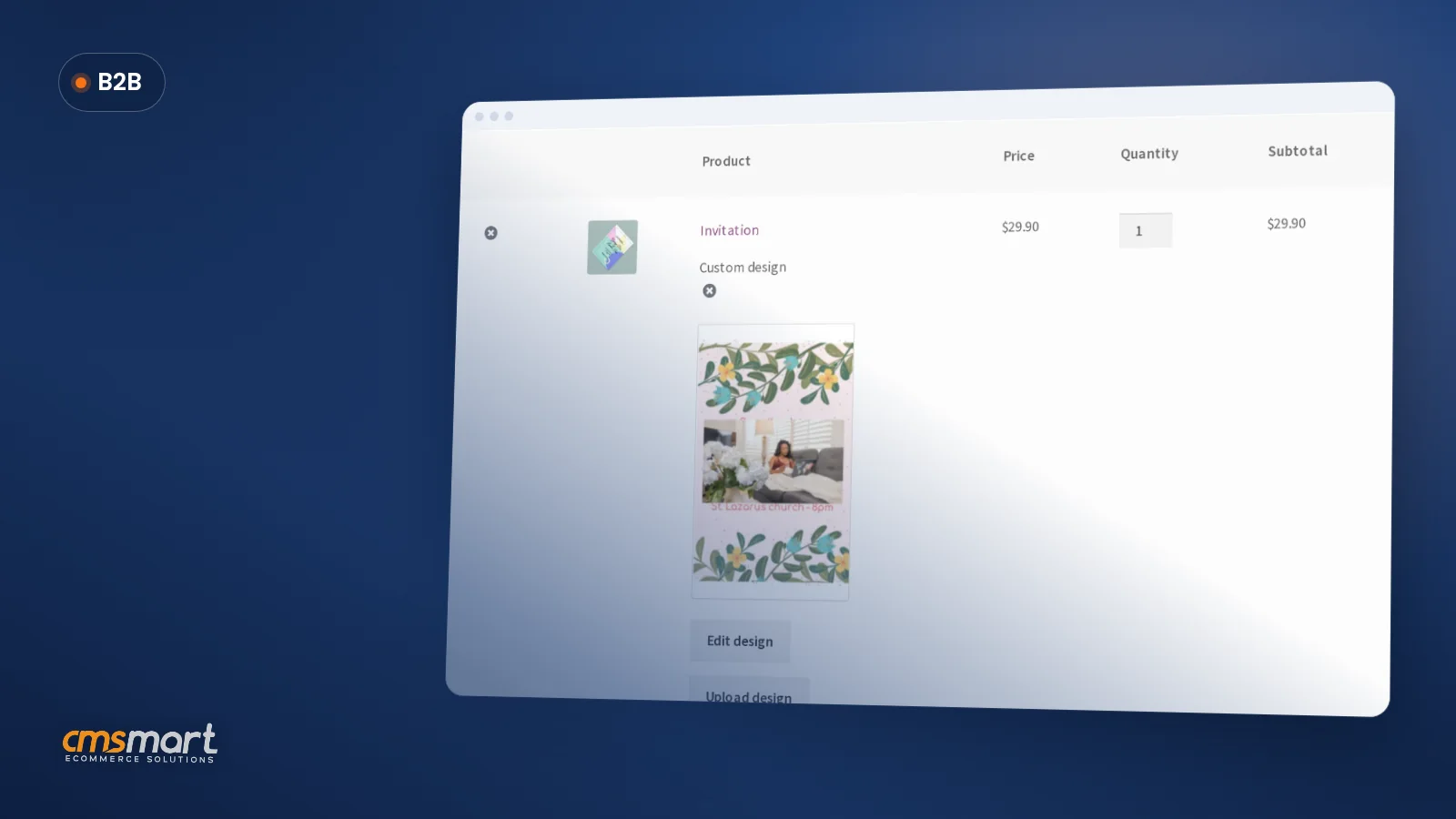
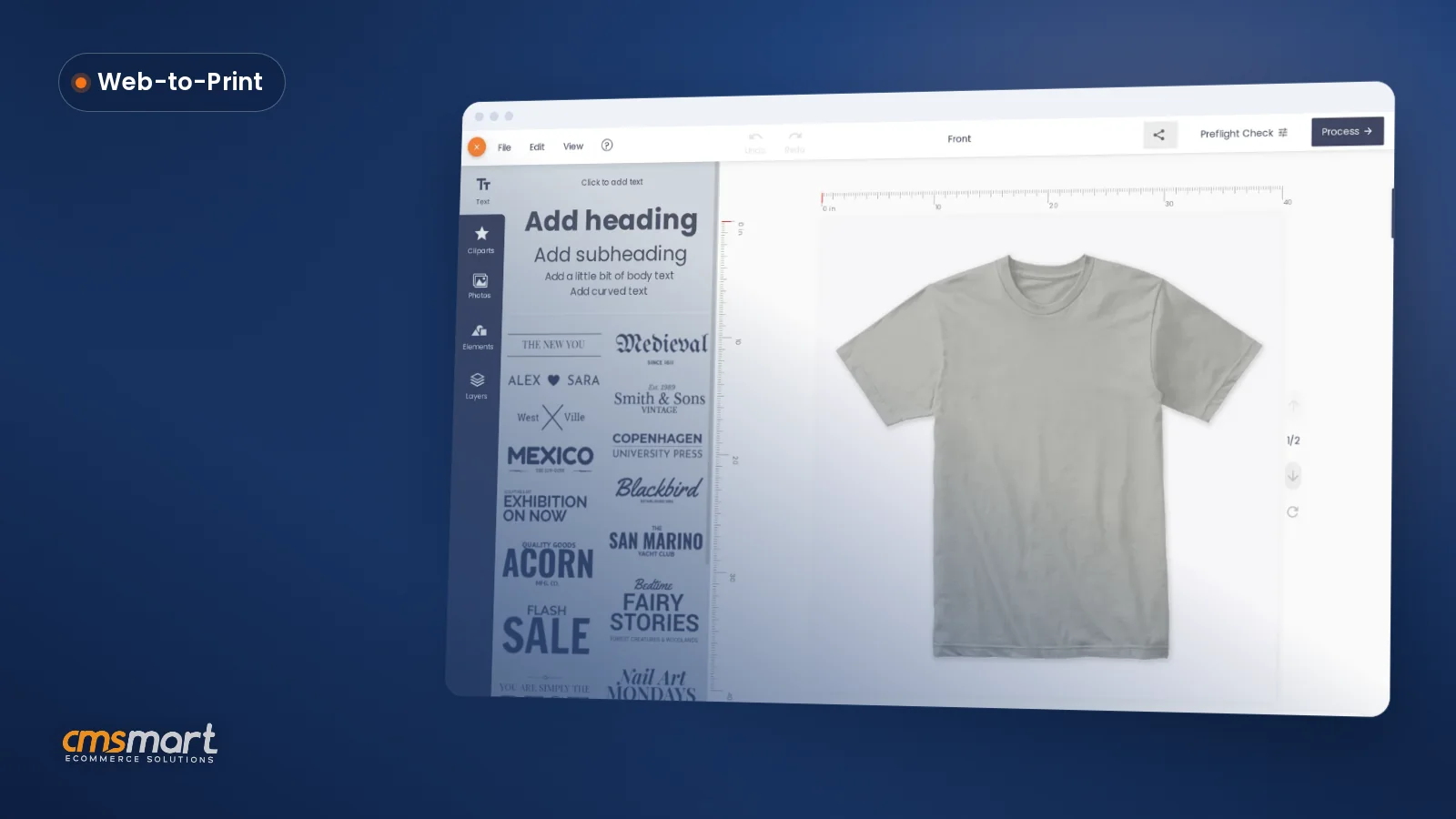
Discover the features of the new update:
1. Printcart package:
+ Update plugin: Ultimate Add-ons for WPBakery Page Builder 3.19.6
Updated Dual Color Heading element code for WPML compatibility
Fixed the flip-box background overlapping issue into Firefox
+ Update plugin: WPBakery Visual Composer 6.4.0
New: Option to exclude categories/ ignore sticky posts in the loop parameters, Rank Math SEO, …
Fix: Multisite setup works properly for super admin user role, autocomplete works properly, ...
2. Printshop package:
+ Fixed: Some css error
We always try to build an eye-catching and attractive website for our customers. In the latest version, we have fixed some CSS errors. We hope it will bring you the best experience for you.
3. Both packages:
+ Compatible with WordPress 5.5.1
Fixed some minor bugs and increased integration
+ Compatible with WordPress 4.5.2
Fixed some minor bugs and increased integration
+ Updated: Woocommerce template files
Huge improvements to how WooCommerce handles themes that were previously unsupported, making it easy to run WooCommerce with our theme
+ Update plugin: Slider Revolution 6.2.19
By updating the Slider Revolution 6.2.19 plugin, you can now build rich and dynamic content for your site. With our powerful image editor, you can create modern designs instantly and without coding experience.
+ Update plugin: NETBASE Solution 1.9.7
Fix some minor bugs to improve performance.
+ Update plugin: Online Designer 2.7.3
+ Update plugin: Dokan Pro 3.0.8
Dokan is the fastest way to start ecommerce and earn money through commissions with products from digital, physical to variable. That is why in this version, we have updated the Dokan Pro 3.0.2 plugin.
+ Update plugin: WooCommerce Dashboard for WP Marketplace & Multi-Vendor Plugin 1.2.7
Fix some minor bugs to improve performance.
+ Remove plugin: Max Megamenu Pro Add-on
Above are my sharing about features version 5.6.3 of Printshop - web to print solution. And this is Demo of product, you can click here LIVE DEMO. Hopefully, the article has brought some useful information for you.
If you have any questions, feel free to feedback HERE. My colleagues and I are willing to support you. Thank you for reading and keep following us to get more information on the next article!
Best regards.
Have a nice day!
Further reading
Frequently asked questions
Where are the other Cmsmart Print Shop Store tutorials?
Every Cmsmart Print Shop Store tutorial is listed on the Cmsmart Print Shop Store tutorials page. Customers with a licence can open a support ticket from the Cmsmart dashboard when a step does not match their install.
What if a step in this Cmsmart Print Shop Store tutorial does not match my store?
This tutorial describes the release that was current when it was written (it was published on 23 November 2020), so a menu or setting may have moved since. Customers with a licence open a support ticket from the Cmsmart dashboard, naming the step and adding a screenshot, and the team answers there.
Where is the Cmsmart Print Shop Store product page?
The Cmsmart Print Shop Store product page shows the product as it is sold today, so you can check what this tutorial covers against the current release.
How do I pay securely?
Contracts and payments go to the company, Netbase JSC: plans are paid through PayPal; services are invoiced by Netbase JSC under a written proposal and paid by bank transfer to Netbase JSC's company account or by PayPal Business. Cmsmart (Cmsmart Ecommerce) is the ecommerce brand of Netbase JSC, a company based in Hanoi, Vietnam.
How do I contact Cmsmart or get a quote?
Message the Cmsmart team on WhatsApp at +84 937 869 689 or email project@cmsmart.net; the contact page at cmsmart.net/contact lists every channel, and Request a quote (cmsmart.net/project-proposal) sends a project brief. Customers with a licence open a ticket from the dashboard.