

Guide · WooCommerce
How to Choose an Ecommerce Design Company: 8 Questions
Learn how to choose an ecommerce design company: compare deliverables, scope, support and source files, then see how Cmsmart quotes a store design.
We have just updated the MultiStores – WordPress WooCommerce Theme Support Multiple Stores with many outstanding features. we will update constantly to bring the best experience to you and your customers. Let's find out on this post
Was this tutorial helpful?
See also: Cmsmart pricing and Cmsmart products.
← How to get your ThemeForest purchase code? · 4 WordPress Plugin You should use for Your Woocommerce MarketPlace Website. →
Written by
Cmsmart WooCommerce Plugins & Themes Specialist
Installs, configures and customises WooCommerce plugins and themes, ours and the market's.
The team behind it
 Account Manager
 Project Manager
 Business Analyst
 Developers & QA
Guide · WooCommerce
Learn how to choose an ecommerce design company: compare deliverables, scope, support and source files, then see how Cmsmart quotes a store design.
Case study · Web-to-print
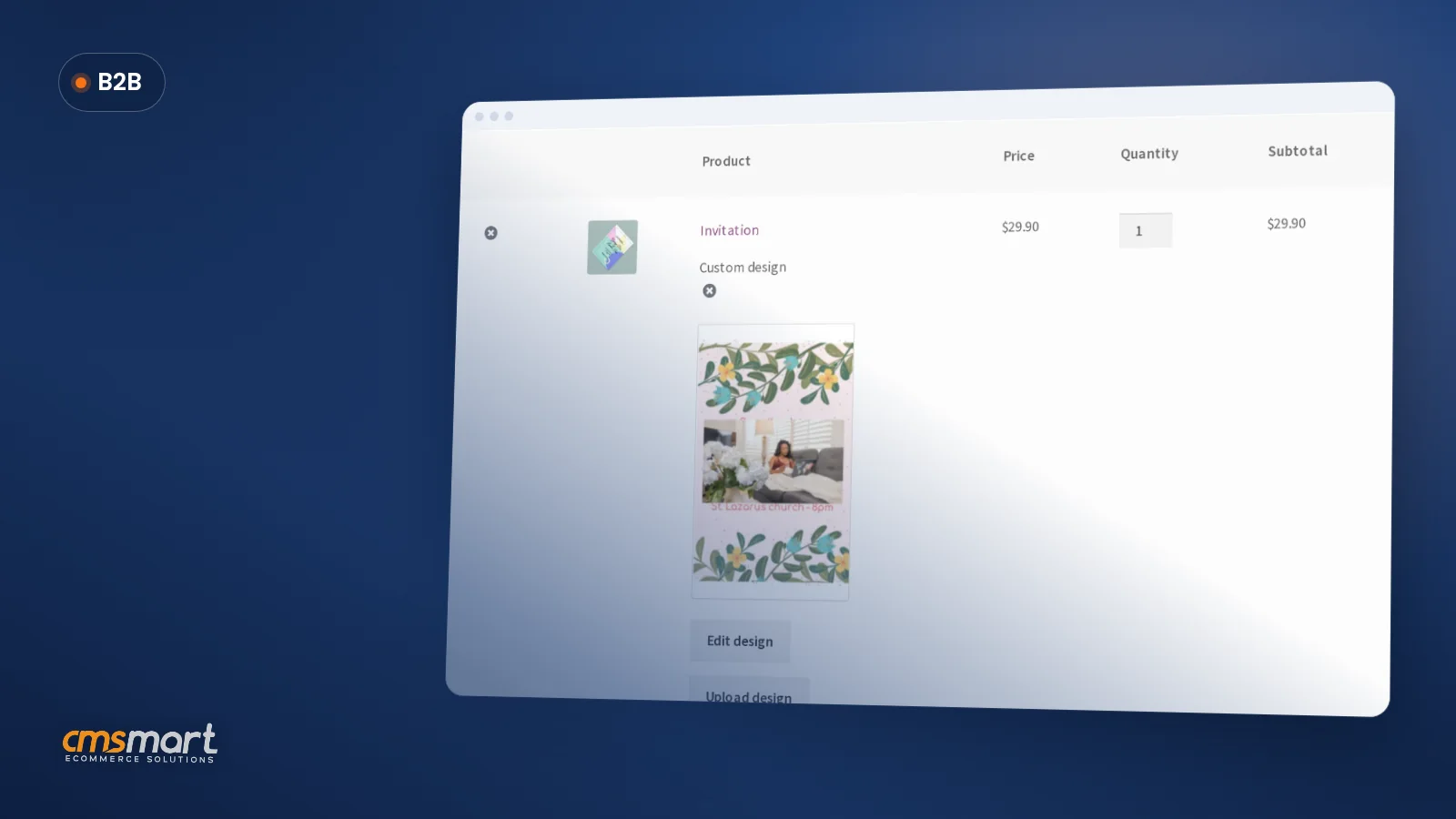
Product personalization software for WooCommerce lets shoppers customize templates on the product page, then get a custom design quote from Cmsmart.
Case study · Web-to-print
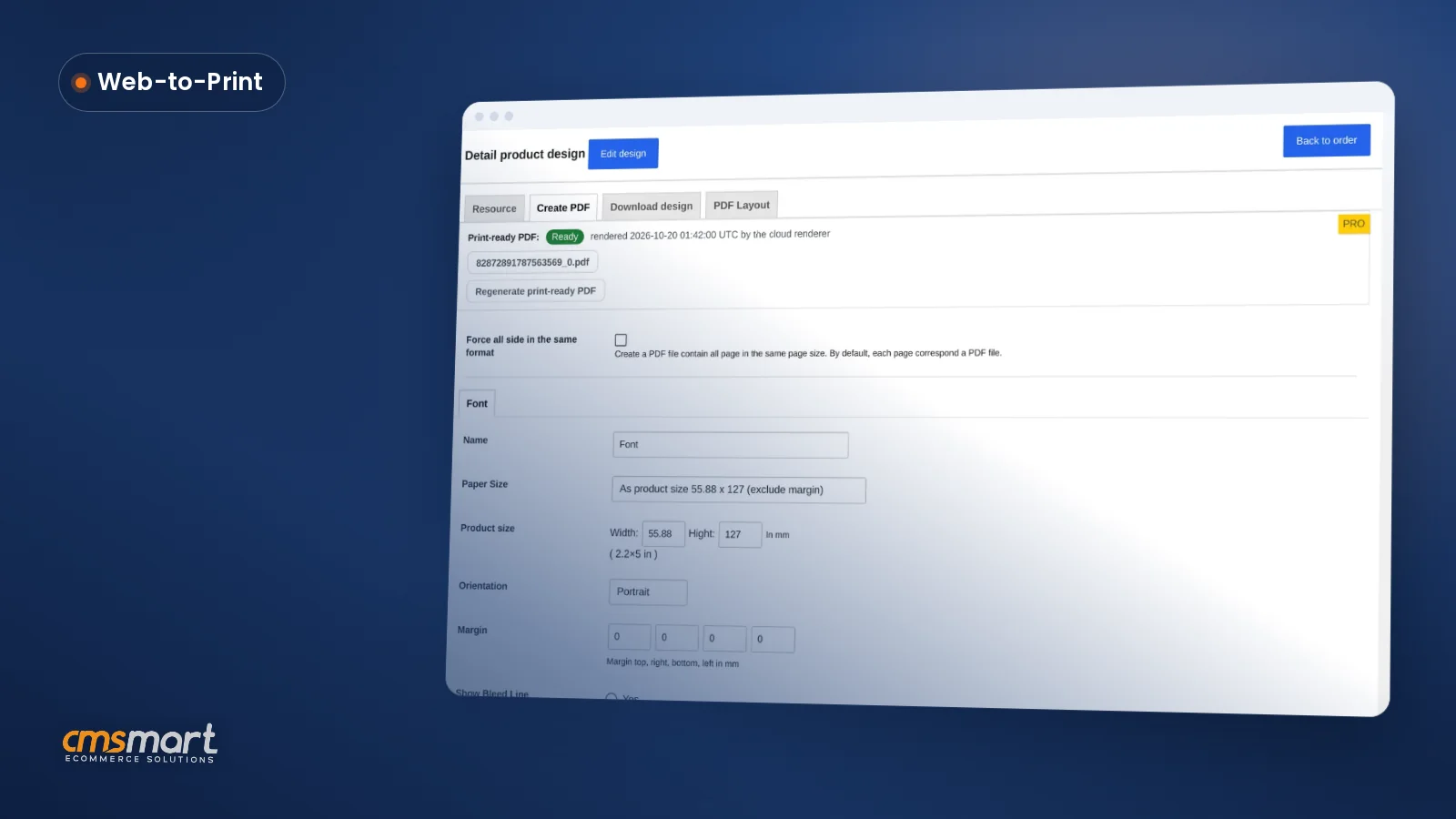
Set up an artwork approval workflow for WooCommerce: buyers confirm designs, Cmsmart locks the file, and print-ready PDFs generate automatically.
Browse more guides, tutorials and case studies from the Cmsmart community.
Cmsmart Store is a comprehensive eCommerce solution designed to empower businesses with the tools they need to succeed in the digital marketplace. By integrating a curated selection of essential plugins and apps, Cmsmart Store ensures a seamless, feature-rich, and customizable platform for creating and managing online stores. Each tool is carefully selected to enhance functionality, improve user experience, and streamline operations, making it the ultimate choice for businesses aiming to thrive in the competitive world of eCommerce
Read MorePlan a multivendor marketplace: seller onboarding, product rules, commissions and payouts, then choose a platform and launch path.
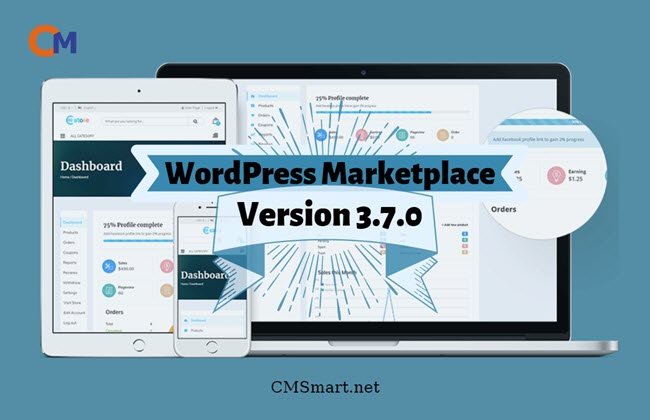
Read MoreIn this article, I will tell you about some features in WordPress Marketplace version 3.7.0 that I think that they are quite amazing.
Read More
Cmsmart Ecommerce provides custom ecommerce and WooCommerce development services for web-to-print, product personalization, plugin support and API integration.
Cmsmart WooCommerce Plugins & Themes Specialist
Installs, configures and customises WooCommerce plugins and themes, ours and the market's.
Meet the team →



Dear our beloved customers,
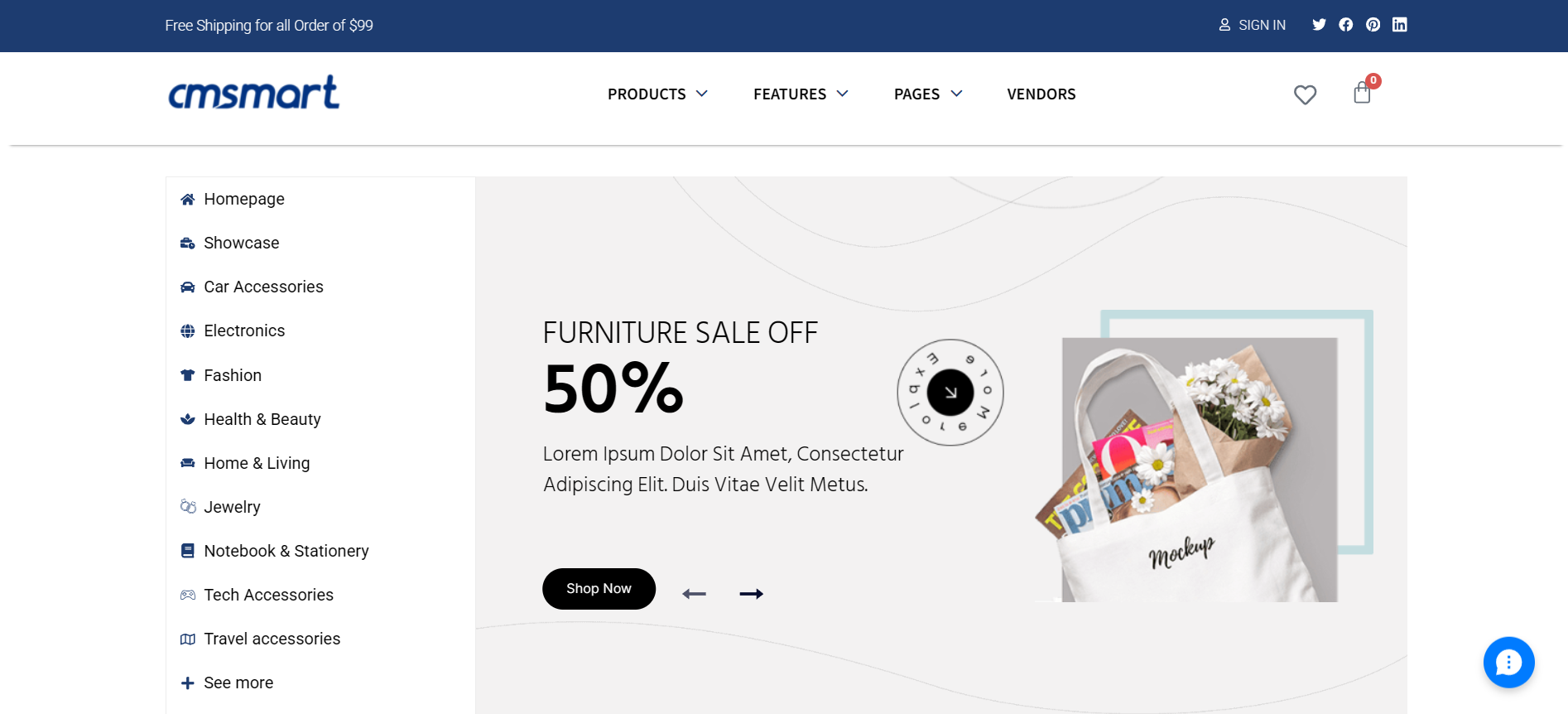
As we know, the website is the face of a business. Did you choose to give your company a perfect image? Each field will have a separate website that matches the product and the purpose of the seller. In order to bring a smart and complete image of the most features, cmsmart, we would like to offer a "MultiStores" super product that is storming the e-commerce industry.
We have just updated the MultiStores – WordPress WooCommerce Theme Support Multiple Stores. This item is all our incessant efforts. View our change log.
There are various unique homepage layouts on this theme that adapt all your customers demand. We will update more new home layout monthly. This theme was built on a strong and flexible NEW CORE THEME with many features that customers can change and configure quickly without hassle. Even you are a new developer or a shop owner, you can install this theme on your site in a few minutes. Find out how to install Wordpress Multistore theme on hosting right after.
Highlight features of Multistore WordPress Theme
Tutorial video of install Multistore WordPress Theme Into Your Hosting
The above is a tutorial on how to install the WordPress MultiStores theme. Hopefully, the article has brought the most overview for you. If you have any questions, feel free to feedback HERE. I and colleagues are willing to support you. Here the DEMO is. You can see the details and compare them with the package you have just installed.
Best regards.
Further reading
Frequently asked questions
Where are the other MULTISTORE | WordPress Multi Vendor Marketplace Solution [Premium] tutorials?
Every MULTISTORE | WordPress Multi Vendor Marketplace Solution [Premium] tutorial is listed on the MULTISTORE | WordPress Multi Vendor Marketplace Solution [Premium] tutorials page. Customers with a licence can open a support ticket from the Cmsmart dashboard when a step does not match their install.
What if a step in this MULTISTORE | WordPress Multi Vendor Marketplace Solution [Premium] tutorial does not match my store?
This tutorial describes the release that was current when it was written (it was published on 17 May 2019), so a menu or setting may have moved since. Customers with a licence open a support ticket from the Cmsmart dashboard, naming the step and adding a screenshot, and the team answers there.
Where is the MULTISTORE | WordPress Multi Vendor Marketplace Solution [Premium] product page?
The MULTISTORE | WordPress Multi Vendor Marketplace Solution [Premium] product page shows the product as it is sold today, so you can check what this tutorial covers against the current release.
How do I pay securely?
Contracts and payments go to the company, Netbase JSC: plans are paid through PayPal; services are invoiced by Netbase JSC under a written proposal and paid by bank transfer to Netbase JSC's company account or by PayPal Business. Cmsmart (Cmsmart Ecommerce) is the ecommerce brand of Netbase JSC, a company based in Hanoi, Vietnam.
How do I contact Cmsmart or get a quote?
Message the Cmsmart team on WhatsApp at +84 937 869 689 or email project@cmsmart.net; the contact page at cmsmart.net/contact lists every channel, and Request a quote (cmsmart.net/project-proposal) sends a project brief. Customers with a licence open a ticket from the dashboard.