

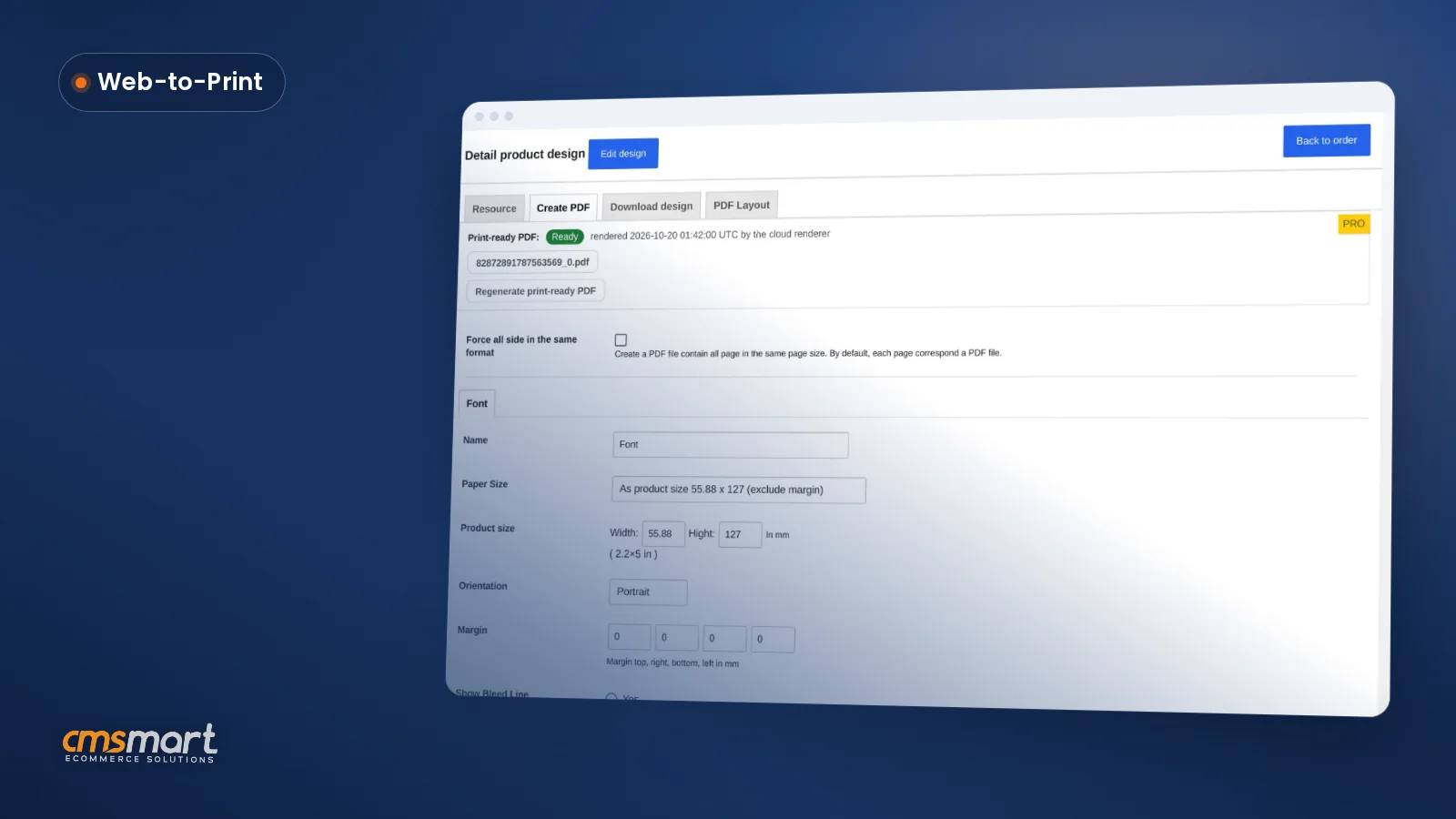
Case study · Web-to-print
Product Personalization Software for WooCommerce
Product personalization software for WooCommerce lets shoppers customize templates on the product page, then get a custom design quote from Cmsmart.
What features should an ecommerce platform include? Look at who owns the store and its data, which features are built in versus add-ons, what you pay each year and what it takes to move away. Cmsmart runs on WooCommerce, so you own the store, the data and the customer list; plans are billed annually with a free 30-day trial.
Was this tutorial helpful?
Written by
Cmsmart WooCommerce Development Lead
Leads custom WooCommerce builds: architecture, checkout, performance and integrations.
The team behind it
 Account Manager
 Project Manager
 Business Analyst
 Developers & QA
Case study · Web-to-print
Product personalization software for WooCommerce lets shoppers customize templates on the product page, then get a custom design quote from Cmsmart.
Case study · Web-to-print
Set up an artwork approval workflow for WooCommerce: buyers confirm designs, Cmsmart locks the file, and print-ready PDFs generate automatically.
Guide · Web-to-print
Accept customer file uploads for print on demand orders: Cmsmart checks formats, size and DPI, then hands over a print-ready PDF. Get a custom quote t...

Cmsmart Ecommerce provides custom ecommerce and WooCommerce development services for web-to-print, product personalization, plugin support and API integration.
Cmsmart WooCommerce Development Lead
Leads custom WooCommerce builds: architecture, checkout, performance and integrations.
Meet the team →

In short
What features should an ecommerce platform include, and what do they cost you?
Beyond the sticker price, an ecommerce platform costs you the plan fee, every add-on it doesn't include, hosting, payment processing fees and the staff hours needed to run it. Cmsmart bills one annual fee, with hosting and add-ons stated up front, so the formula below has fewer hidden rows.
Most owners compare platforms on price alone and then discover the real cost later:
Work it out with your own numbers before you sign anything:
A data protection law such as GDPR (2018, still the reference standard for EU customer data) also puts a cost on the wrong platform: if customer data sits in a system you cannot export cleanly, a subject-access or deletion request becomes expensive to honor.
What would a modern ecommerce platform look like for your store?
A platform that fits looks ordinary from the outside: a fast catalogue, a checkout that does not lose carts and an admin screen where your team can price, pack and ship without calling a developer. Cmsmart aims for that ordinary reliability on top of WooCommerce, where the day-to-day runs without custom code.
Example scenario: A small home-goods store owner opens the admin each morning. Overnight orders are already listed with their options and files attached, the catalogue page shows which products are live, and the owner changes one price without touching code. No step needed a developer; the platform did the routine work so the owner could spend the morning on sourcing and marketing instead.
How does Cmsmart answer the key features of an ecommerce platform checklist?
Cmsmart Ecommerce runs on WooCommerce and groups the key features of an ecommerce platform into five building blocks: catalogue and options, checkout and payments, order management, mobile layout and data ownership. Each block ships in the plugin today; anything beyond it is scoped as custom development.
Use this as your working checklist. For each row, check what the platform you are evaluating actually ships, not what its marketing page implies:
Catalogue management is one of the checklist rows worth testing yourself rather than taking on trust.
Cmsmart insight: The checklist row that gets skipped most often is data ownership. Teams compare price and features, sign up, and only ask "can we export everything?" the day they want to switch. Ask it on day one instead: a platform you cannot export cleanly is not free, it is a cost you have postponed.
What's the business value of getting ecommerce platform features right?
The right platform turns features into fewer support emails, fewer abandoned carts and fewer hours spent on manual pricing. Cmsmart's answer is to put option pricing, order status and mobile checkout in the box, so the business value shows up as time saved rather than a promised percentage.
Rough cost-per-order worksheet: (plan fee + add-ons + hosting + payment fees for the year) ÷ orders placed in the year = cost per order. Run it once for your current setup and once for a platform you are evaluating, using your own order volume and fees, before you compare headline prices.
What should a small business look for in an ecommerce platform?
A small business ecommerce platform rarely needs every feature on a long list. Prioritize, in order: a catalogue you can edit without a developer, a checkout that works on mobile, order status your team can see at a glance, and a way to export your data if you outgrow the plan. Everything past that — multi-vendor, ERP sync, private B2B stores — can wait until the order volume justifies it.
How do you choose a low-cost ecommerce platform?
Judge a low cost ecommerce platform by the yearly-cost formula above, not by the plan fee alone: a cheap plan with five paid add-ons can cost more than an annual plan that includes them. Cmsmart's plans are billed once a year, and every plan opens with a free 30-day trial, so you can price your own catalogue before paying anything. See the current plans on the pricing page.
Cmsmart insight: In our project work, the stores that regret a platform choice almost never regret the features. They regret picking the cheapest plan on paper, then paying for the add-ons that plan was missing. Price the full stack once, not the headline number.
How do you set up a 30-day trial to compare ecommerce platforms?
Set up a trial on each finalist platform, load one real product with your actual options, and run it through checkout before you decide. Try Cmsmart free for 30 days to test the catalogue, pricing and checkout on your own products, with no commitment until the trial ends.
Five steps to compare platforms fairly:
What a 30-day trial should prove before you pay for anything:
Cmsmart plans are billed annually by PayPal, with automatic renewal you can cancel before the next billing date; see the pricing page for the current terms and what each plan does not include (your domain, hosting beyond the included months, AI tokens beyond the yearly allowance, paid third-party plugins and custom work, which are quoted separately).
What's the best alternative to a custom-coded website — and what can Cmsmart build on top?
A platform plus plugins is the practical alternative to a custom coded website for most SMEs: Cmsmart runs on WooCommerce, an open-source base, so you get the built-in checklist items above without paying to build them from scratch. When your business needs something the platform does not ship, Cmsmart builds it as custom development on the same store.
A fully custom-coded site gives you unlimited flexibility and an unlimited maintenance bill: every security patch, payment-gateway update and browser quirk is now your team's job. A platform such as WooCommerce with Cmsmart on top keeps the maintained core (checkout, catalogue, security updates) outside your budget line, and reserves custom work for the parts that are actually unique to your business:
None of these four is in the core plugin today; each is scoped and quoted as custom development once we understand your catalogue and your production process. Custom work follows the same ecommerce project delivery model on every engagement: discovery, solution design, build sprints, QA and launch, then ongoing support.
Get a store-setup quote
Why work with Cmsmart on your ecommerce platform decision?
Cmsmart has run WooCommerce and web-to-print projects since 2012, as a Netbase JSC division, with more than 6,300 client projects and 1,800+ live stores. That history is why the checklist above is built from what we have seen go wrong, not from a features page.
In numbers: 6,300+ client projects and 4,600+ projects delivered since 2012, 1,800+ live stores running today, across 80+ countries, rated 4.2 on Trustpilot (404 reviews). See the work behind those numbers in our ecommerce project delivery model, browse the Cmsmart Ecommerce product pages to see each module, or read the ecommerce platforms hub for more comparisons like this one, including the features a store's shoppers actually notice and a look at open-source and free platform options.
Frequently asked questions
Which features does every ecommerce platform need?
A catalogue with options, a cart and checkout, payment processing, order management, a mobile-friendly layout and a way to export your data. Treat anything beyond that list as a bonus for your specific business, not a requirement for every store.
How is Cmsmart billed?
Annually, by PayPal, with automatic renewal you can cancel before the next billing date. Every plan starts with a free 30-day trial, so you can test the catalogue and checkout before you pay. See the pricing page for the current plans and what is billed separately.
Can I move to another platform later?
Yes. Because the store runs on WooCommerce on your own hosting, you hold the product data, orders and customer list. Moving platforms is still work, so we offer it as a quoted migration service that starts with a free assessment of what would move and what would need rebuilding.
What are modern ecommerce platform features to look for?
Beyond the basics: online product personalization, AI image tools such as background removal and upscaling, automatic print-ready file generation for physical products, and B2B features such as quotes and reorder. One named example: Cmsmart's print-ready PDF that matches the order, shipped since version 2.17, renders the same page size the buyer actually chose instead of a generic template size, so production does not have to rebuild the file. Check each feature against the plugin's current feature list rather than a general trend article, since platforms differ widely on what ships versus what is custom work.
How do you choose a low-cost ecommerce platform?
Run the yearly-cost-of-ownership formula for each finalist, including add-ons, hosting and payment fees, rather than comparing plan prices alone. Cmsmart bills one annual fee with a free 30-day trial; see the pricing page for current plans before you compare.