

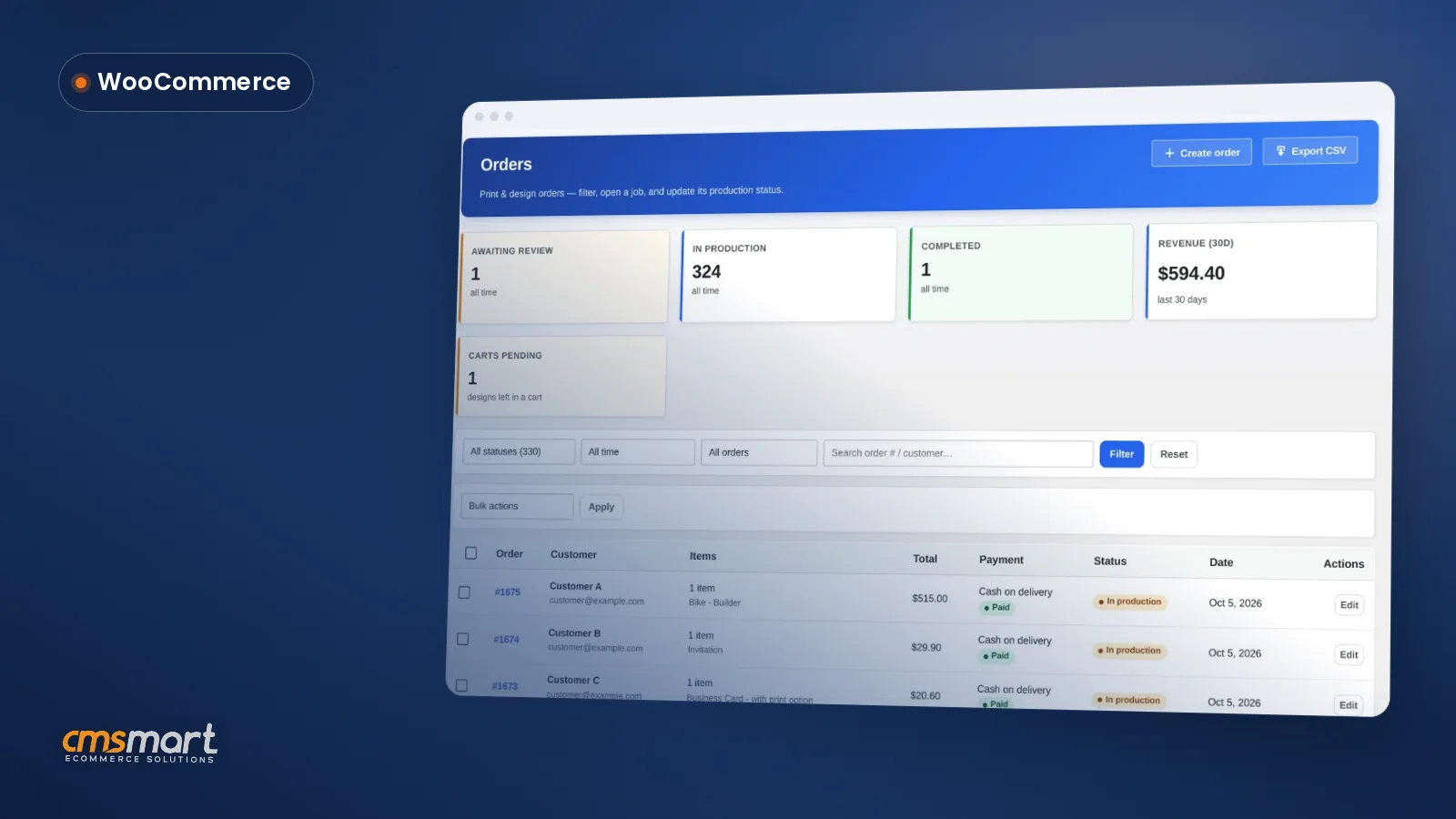
Guide · Web-to-print
WooCommerce Customer CRM Print Shop Guide (NBDesigner)
A WooCommerce customer CRM print shop teams already run: segments, tags and a care digest built in. See how to set it up.
A WooCommerce sample products import print feature gives a new print store 23 ready products — business cards, posters, stickers, T-shirts, mugs and more — wired to the online designer, with templates on one and price rules on six others. Pick what you need, start the import, and keep working while it finishes in the background.
Was this tutorial helpful?
Written by
Cmsmart Product Designer Plugin Engineer
Builds and supports the Cmsmart Product Designer (NBDesigner) for WooCommerce.
The team behind it
 Account Manager
 Project Manager
 Business Analyst
 Developers & QA
Guide · Web-to-print
A WooCommerce customer CRM print shop teams already run: segments, tags and a care digest built in. See how to set it up.
Guide · Web-to-print
See what live chat design assistance woocommerce stores get built-in with Cmsmart Product Designer, then request a custom Design Monitor build.
Case study · Web-to-print
Custom size printing software for WooCommerce: sell posters and banners in any size with Cmsmart pricing and print-ready PDFs that match. Get a quote.

Cmsmart Ecommerce provides custom ecommerce and WooCommerce development services for web-to-print, product personalization, plugin support and API integration.
Cmsmart Product Designer Plugin Engineer
Builds and supports the Cmsmart Product Designer (NBDesigner) for WooCommerce.
Meet the team →
In short
What's the real cost of listing your first print product by hand?
Cmsmart Product Designer needs print areas, bleed, safe zones and often a price matrix before a single product can go live, and building all of that from a blank screen is where most new print stores lose their first week. A sample import gives you a working example to copy instead of a blank screen.
Four things slow a print shop's first week in WooCommerce:
What could your catalogue look like by lunchtime?
Instead of a blank product list, a new Cmsmart store can open with a business card that already has 20 starter templates ready to open and several products with working print option price rules, so the first thing a visitor sees is a store that already knows how to sell, not one you are still building.
Example scenario. A new print shop installs Cmsmart Product Designer on a quiet afternoon. The owner opens Import Products, selects the business card, poster, sticker and T-shirt samples, and starts the import. While it runs in the background they set up a payment method and write the About page. By the time they come back, the business card sits on the designer with its starter templates, the poster and sticker already carry a price matrix, and the storefront is no longer an empty shelf — it is ready for a visitor to design, see a price, and check out.
None of that replaces knowing your own paper stock, your own turnaround times or your own brand. It buys you a working store to learn on while you build the one you will actually sell from. If your catalogue is unusual enough that samples will not get you there, talk to an ecommerce expert about a done-for-you setup instead.
How does Cmsmart's sample import build a design-ready catalogue?
Cmsmart Product Designer's Import Products screen loads 23 products as real WooCommerce products with the online designer already switched on; some bring templates, some bring print option price rules, and the import keeps running in the background so a slow connection or a closed tab never loses your progress.
Four building blocks make up the import, all in the plugin today:
Cmsmart insight: don't assume every sample behaves the same way. Only Business Card ships with attached templates, and only six of the 23 samples carry a printing-options price rule — the rest import as a plain designer-enabled product with no price matrix. Check the badge on each card before you promise a customer that pricing is already built in.
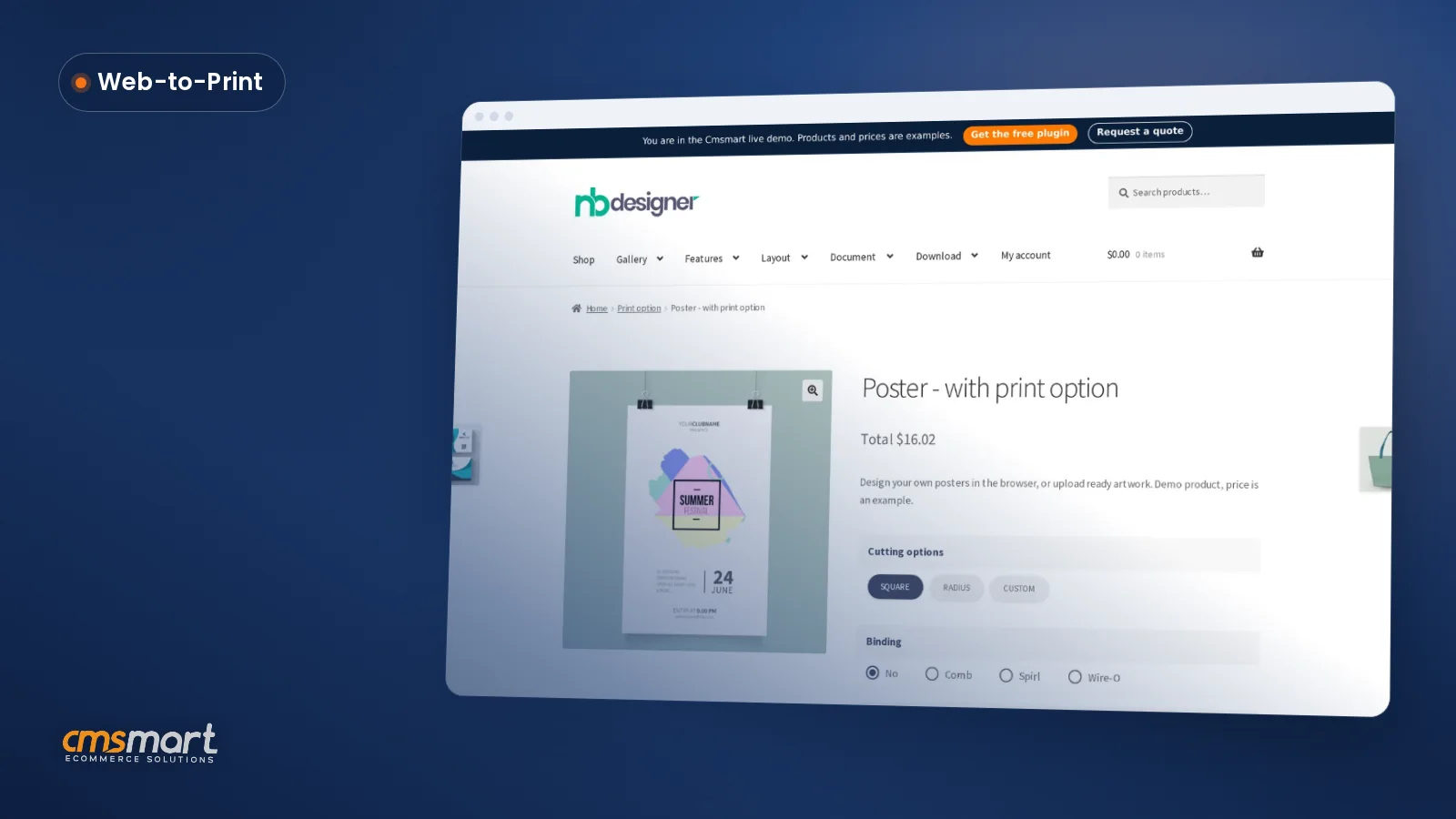
Once the import finishes, the new products will show up like any other WooCommerce product, inside this same Manager Products view.
Turning 23 samples into a real, branded catalogue — new product types beyond the sample set, or a bulk import of a catalogue you already run elsewhere — is where this stops being a checkbox and starts being a project; see going further with custom development below.
What's the business value of starting from 23 ready-made products?
Starting a WooCommerce print store from 23 designer-enabled samples turns catalogue setup from a multi-day build into a background task you kick off once, so the business value shows up as days saved before the first sale rather than a feature you have to explain to a customer.
Rough ROI, with your own numbers: (days of setup time saved by starting from samples) × (your average revenue per trading day once the store is live) = the value of opening sooner. Put your own trading-day revenue and your own estimate of setup days saved into that formula to see what a faster launch is worth for your store.
How do you set up a WooCommerce sample products import print catalogue?
You set up the sample import from Cmsmart, Import Products in wp-admin: pick the samples you want, start the import, and let it run in the background while you configure payments; then open one imported product on the storefront to confirm the designer, templates and price rules came through correctly.
Steps 1 and 3 touch settings covered in more depth in the Series A installation walkthrough, and step 3's print option badges are explained further in how to build a price matrix with the printing options attribute. Once a real buyer reaches step 8, Cmsmart's print-ready PDF that matches the order (2.17) renders in the background as soon as they click Process, so the file your prepress team opens already matches the size and options the buyer chose.
Cmsmart insight: WooCommerce's own built-in sample data import is a different tool for a different job — it loads plain demo products (name, price, a stock photo) with no design tool, templates or print options, as WooCommerce's own documentation describes it. Cmsmart's Import Products screen is built specifically to bring the online designer, templates and price rules along with the product, which is the part a print or personalisation store actually needs filled in.
Going further with custom development: what if the 23 samples aren't your catalogue?
When your real catalogue is bigger, odder or already lives in a spreadsheet or another platform, Cmsmart's product designer customization team builds the import for you: mapping your products into Cmsmart's designer settings, templates and price rules instead of the 23 fixed samples.
Get my catalogue built for me
Why work with Cmsmart to build your print catalogue?
Cmsmart has been building WooCommerce and web-to-print stores as a division of Netbase JSC since 2012, with thousands of client projects and live stores behind Cmsmart Product Designer, which is also what backs the sample import and every custom catalogue project the team takes on.
Cmsmart is a web-to-print and ecommerce solutions division of Netbase JSC, building on WooCommerce since 2012. Figures as published by Cmsmart: 6,300+ client projects, 4,600+ projects delivered, 1,800+ live stores online now, and clients in 80+ countries. Cmsmart Product Designer (the plugin behind both the samples and the designer in the screenshots above) is rated 4.2 on Trustpilot (404 reviews).
One long-time user, reviewing the plugin on Trustpilot: "We have had the NB Designer plugin installed for three years and have experienced absolutely no problems during that time. It is wonderful to see their commitment to continuous development, with new features being added frequently to keep the software current and highly capable." — Web Developer, United Kingdom, Trustpilot, September 2026.
See how Cmsmart scopes and delivers larger catalogue and storefront projects on Cmsmart ecommerce projects, browse the plugin itself on its WooCommerce product designer plugin page, or read the module in full on the Sample Data Import product page.
Frequently asked questions
How do I set up a print store quickly on WooCommerce?
Install Cmsmart Product Designer (formerly NBDesigner), activate your licence, then open Cmsmart, Import Products and select the sample products you want. The import runs in the background; once it finishes you rename, re-price and re-photograph the samples into your own catalogue.
Which sample products are included in the import?
23 products: business cards, posters, banners, flyers, menus, mugs, door hangers, invitations, phone cases, caps, envelopes, labels, stickers, bags, pillows, catalogs, tags, badges and T-shirt variants. Business Card is the only one that imports with attached templates; six of the 23 carry a printing-options price rule.
Can I delete the sample products later?
Yes. Once imported they are normal WooCommerce products, so you can edit, rename or delete them like any other product in Manager Products.
Do the sample products include print pricing and templates?
Not all of them. Of the 23 samples, Business Card is the one badged Templates on the Import Products screen, and six samples are badged Printing options and bring a price matrix or quantity-break rule set. The rest import as a plain designer-enabled product with no price rule attached.
Can Cmsmart set up my store for me instead of importing samples myself?
Yes, as custom development: Cmsmart's team can import, rename, re-price and re-photograph a starting catalogue for you, or build a bulk import that maps your existing product list into Cmsmart's designer settings and price rules.