
Guide · AI
AI in B2B Ecommerce: Faster Quotes and Reorders
AI in B2B ecommerce can draft quotes, flag reorders and clean up supplier catalogues on Cmsmart Product Designer — request a custom AI integration tod...
You can manage stores everywhere, on many different devices. We provide many easy-to-use features and meet most of the requirements of the vendor.
Was this tutorial helpful?
Written by
Cmsmart B2B Commerce & Operations Consultant
Designs B2B ordering, marketplaces and the operations behind them.
The team behind it
 Account Manager
 Project Manager
 Business Analyst
 Developers & QA
Guide · AI
AI in B2B ecommerce can draft quotes, flag reorders and clean up supplier catalogues on Cmsmart Product Designer — request a custom AI integration tod...
Guide · Web-to-print
See how a multi-sided product designer for WooCommerce lets buyers design both sides of a card, then request a custom build.
Guide · B2B
WooCommerce Amazon Etsy sync guide: keep stock and orders right across channels, avoid overselling, and get a custom integration quote.
Browse more guides, tutorials and case studies from the Cmsmart community.
Learn how to plan a marketplace vendor dashboard for seller onboarding, products, orders, fulfillment, payments, communication and performance reporting.
Read MoreDokan Multi Vendor is the prefect solution for any kind of marketplace business model that requires many specific feature.
Read MoreWhat functions do you usually expect from the Product menu of sales management software? Which function do you most want to have?
Read More
Cmsmart Ecommerce provides custom ecommerce and WooCommerce development services for web-to-print, product personalization, plugin support and API integration.
Cmsmart B2B Commerce & Operations Consultant
Designs B2B ordering, marketplaces and the operations behind them.
Meet the team →





Dear our beloved customers,
You can manage stores everywhere, on many different devices. We provide many easy-to-use features and meet most of the requirements of the vendor. In addition to the available features, we are constantly updating new features to suitable market requirements. Moreover, we are very interested in customer feedback to change and update accordingly.
You are the store/ vendor manager and you want to get everything in the easiest way to know how your business works well or not right from front-end. WooPanel is the right plugin that you must to integrate into your site. Your articles, products, orders, coupons, customers will be arraigned clean and neat to bring you a general look with optimized UX/UI compare to our other competitors. WooPanel is the Front-End Central Management and can be responsive adaptive to be used easily on all devices like desktop, laptop, mobile, and Ipad.
We have many special features about WooPanel like:
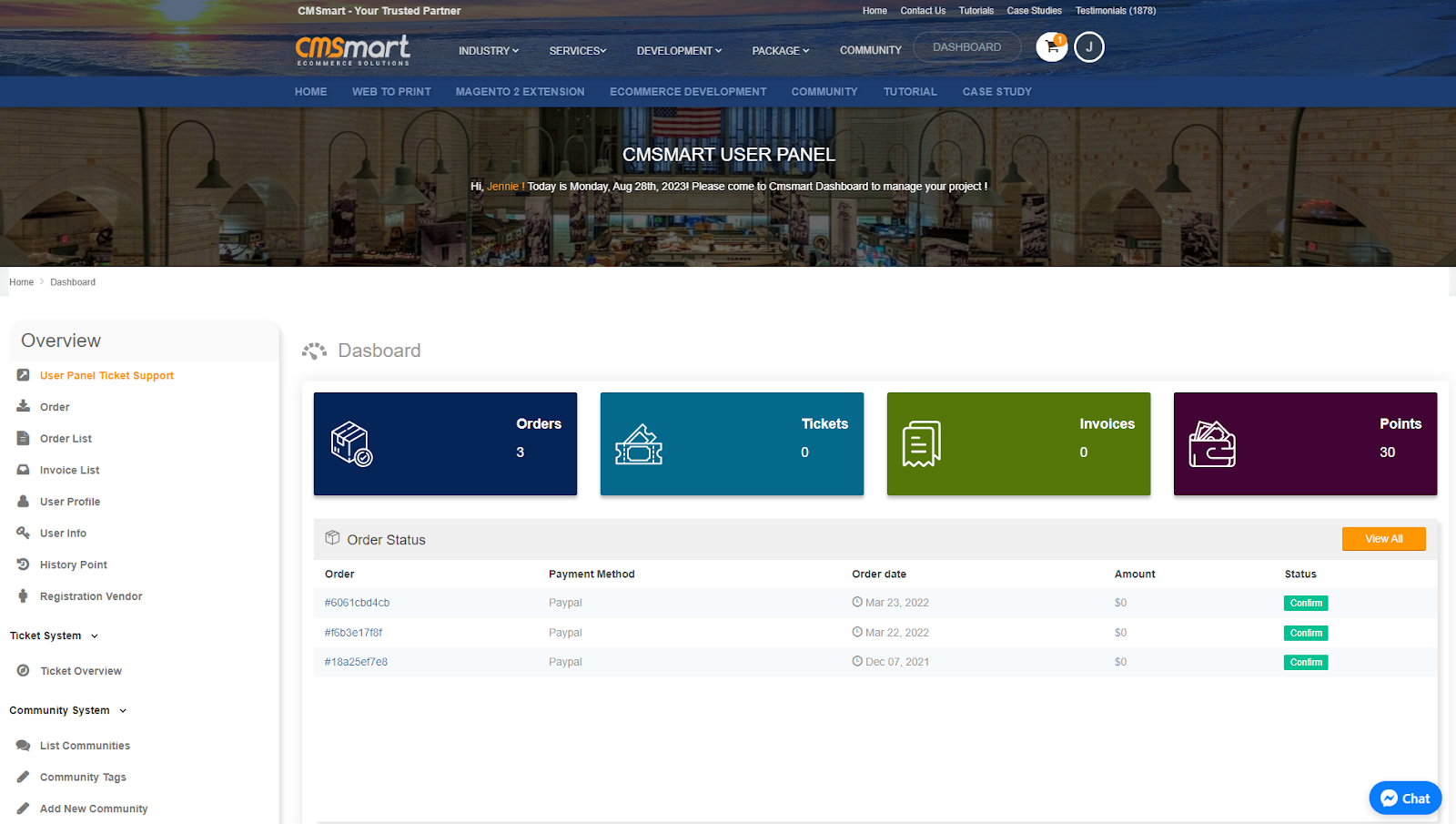
+ An intuitive dashboard quickly shows shop information such as order, products, customers list, and so on that a vendor/store manager -have a general look in a few seconds
+ Easy to manage and manipulate the separate interface
+ Get a quick statistic of figures on total income, orders, products, users and so on
+ A detailed report on revenue, order by day, month, year ...
+ Display customer list, product, order according to criteria: newest, most bought, best selling and more
+ Intuitive display and easy use with the new interface.
+ Instead of displaying all articles of other sellers, WooPanel only shows your created articles.
+ Easily view articles with available status.
+ Full essential features of articles like edit, delete, add a new product: Display products of seller/vendor, remove unnecessary information and add quick actions.
Let's have a quick overview of how Woopanel works on this video below:
The above is a tutorial on how to install the WooPanel plugin - way 1. Hopefully, the article has brought the most overview for you. If you have any questions, feel free to feedback HERE. I and colleagues are willing to support you. Here the Demo link is. You can see the details and compare them with the package you have just installed. Remembering to use coupon code MAR_DL to get 18% discount for this item.
Best regards.