

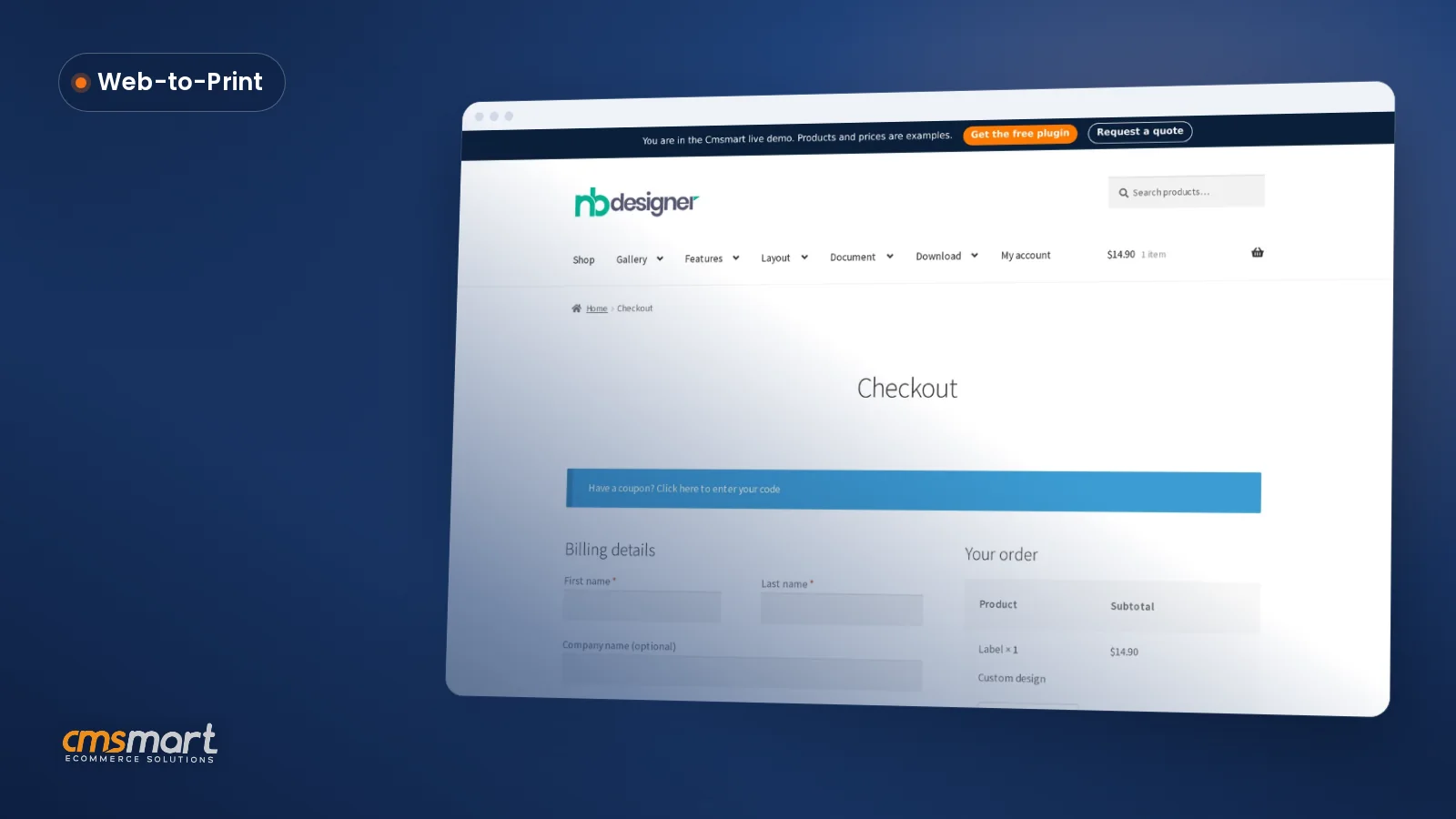
Case study · Web-to-print
Web-to-Label Printing: Sell Custom Product Labels Online
Set up web-to-label printing for product labels with Cmsmart Product Designer: upload, proofing and print-ready PDFs. Get a quote today.
This guide compares online product-designer tools for web-to-print stores, highlighting the Magento Product Online Designer extension from Netbase's company. The tool lets Magento shop owners add an in-browser design feature so customers can add text, curved text, clipart, uploaded images and free-hand drawing to customize products such as t-shirts before ordering.
Was this tutorial helpful?
See also: Cmsmart pricing and Cmsmart products.
← WooCommerce Product Designer Plugin Comparison 2026 · Integration of Multi Store and Multi Vendor on WordPress Theme (part 1) →
Written by
Cmsmart Product Designer Plugin Engineer
Builds and supports the Cmsmart Product Designer (NBDesigner) for WooCommerce.
The team behind it
 Account Manager
 Project Manager
 Business Analyst
 Developers & QA
Case study · Web-to-print
Set up web-to-label printing for product labels with Cmsmart Product Designer: upload, proofing and print-ready PDFs. Get a quote today.
Guide · Web-to-print
See a sourced WooCommerce product designer plugin comparison: pricing, features and print-ready files, then request a free migration quote today.
Guide · Web-to-print
Translate WooCommerce product designer screens with Loco Translate or Frontend Translate: see every setting, its default, and how to set it up.
Browse more guides, tutorials and case studies from the Cmsmart community.
Unlock the Power of Mobile Commerce: Propel Your Business Forward
Read MoreDiscover how to harness mobile commerce to enhance your business growth. Learn strategies for optimizing the mobile shopping experience and increasing consumer engagement.
Read MoreDiscover the benefits of mobile commerce and how it can transform your business. Learn effective strategies for maximizing sales and customer engagement through mobile-optimized shopping experiences.
Read More
Cmsmart Ecommerce provides custom ecommerce and WooCommerce development services for web-to-print, product personalization, plugin support and API integration.
Cmsmart Product Designer Plugin Engineer
Builds and supports the Cmsmart Product Designer (NBDesigner) for WooCommerce.
Meet the team →


5. Fancy Product Designer


Fancy product designer software is created by Fancy team, being used to customize the design for a wide array of products. This custom design software application supports responsive architecture, in-browsing editing as well as media support. You can use it for different CMS platforms like WordPress, WooCommerce, and OpenCart.
6. Product design tool
Being one of the best products of Product Designer tool Company, the software can be used for crafting and customizing designs for a huge range of products from t-shirt, caps, bags and a lot of things. This company provides a highly scalable online designing tool, which is considered as the secret power for the growing printing – business. This designing tool will be bestowed with advanced functionality.
Obviously, there are a lot of awesome product designer soft-wares coming from different well-known providers when you want to select a complete solution for your printing – web store. However, which is the best suit for your Magento T-shirt web-to-print? We highly suggest you the module Magento Product Online Designer of Netbase’s Company. This tool is an independent extension that is installed into your Magento site and offers customers awesome features. Here are the benefits of the module gives to your Magento T-shirt printing web-store.
Easy to use for both web-store owner and customers: because the module is built up based on friendly user interface and clear feature. Customers or you yourself do not take so much time to understand how to use it on your web-to-print.
What your customers can do:
What a web-store owner can do:
As there goes a saying “hundred of hearing is not as a seeing”, by going to the Live Demo (including 12+ Demos for you to discover more) to enjoy the Magento product online designer extension first.
You will find out advanced features that your T-shirt printing shop needs. This module ensures to attract more viewers as well as encourage them to do shopping on your site by offering them the endless inspiration of their creation.
Tags: Online product designer, T-shirt solution, Magento T-shirt design, Magento online design
Frequently asked questions
What can customers do with the Magento Product Online Designer tool?
Customers can add text and curved text in many colors and fonts, add and resize clipart, upload images in common file formats, use free-hand drawing to create their own art, and add a QR code to their design. The tool also offers zoom, preview and layer-reordering options, and lets shoppers redo their design if they are not satisfied.
What can a web-store owner manage with this designer extension?
Store owners can manage which products have online design enabled, configure upload size and preview thumbnail settings, choose whether customer designs show in the cart and order pages, enable admin notifications, and view each customer's finished design in the backend order management page before accepting or declining it.
Where are the other General Topics tutorials?
Every General Topics tutorial is listed on the General Topics tutorials page. Customers with a licence can open a support ticket from the Cmsmart dashboard when a step does not match their install.
What if a step in this General Topics tutorial does not match my store?
This tutorial describes the release that was current when it was written (it was published on 10 August 2017), so a menu or setting may have moved since. Customers with a licence open a support ticket from the Cmsmart dashboard, naming the step and adding a screenshot, and the team answers there.
How do I pay securely?
Contracts and payments go to the company, Netbase JSC: plans are paid through PayPal; services are invoiced by Netbase JSC under a written proposal and paid by bank transfer to Netbase JSC's company account or by PayPal Business. Cmsmart (Cmsmart Ecommerce) is the ecommerce brand of Netbase JSC, a company based in Hanoi, Vietnam.
How do I contact Cmsmart or get a quote?
Message the Cmsmart team on WhatsApp at +84 937 869 689 or email project@cmsmart.net; the contact page at cmsmart.net/contact lists every channel, and Request a quote (cmsmart.net/project-proposal) sends a project brief. Customers with a licence open a ticket from the dashboard.
Further reading