

Guide · WooCommerce
How to Choose an Ecommerce Design Company: 8 Questions
Learn how to choose an ecommerce design company: compare deliverables, scope, support and source files, then see how Cmsmart quotes a store design.
Dear our beloved customers,
Is one of our best selling system products. Integrating many powerful features that promise to bring a great experience. Join us to learn more about that great thing in today's interesting article with the main component configure core theme of Printcart
The powerful core theme is to create anything without coding with this core to make your site stronger and high level with Princart Theme.
Was this tutorial helpful?
See also: Cmsmart pricing and Cmsmart products.
← How To Set NBT Solution Plugin For Printshop? · Design Rules for Custom Print Products in WooCommerce →
Written by
Cmsmart WooCommerce Plugins & Themes Specialist
Installs, configures and customises WooCommerce plugins and themes, ours and the market's.
The team behind it
 Account Manager
 Project Manager
 Business Analyst
 Developers & QA
Guide · WooCommerce
Learn how to choose an ecommerce design company: compare deliverables, scope, support and source files, then see how Cmsmart quotes a store design.
Case study · Web-to-print
Product personalization software for WooCommerce lets shoppers customize templates on the product page, then get a custom design quote from Cmsmart.
Case study · Web-to-print
Set up an artwork approval workflow for WooCommerce: buyers confirm designs, Cmsmart locks the file, and print-ready PDFs generate automatically.
Browse more guides, tutorials and case studies from the Cmsmart community.
In today's competitive printing industry, having a strong online presence is essential for success. With CMSmart's Printshop Themes, you can elevate your printing business to new heights and stand out from the competition.
Read MoreLearn how to choose an ecommerce design company: compare deliverables, scope, support and source files, then see how Cmsmart quotes a store design.
Read MoreThe print on demand business benefits are real, but only with the right tools in place. See how Cmsmart turns orders into print-ready files. Get a quote.
Read More
Cmsmart Ecommerce provides custom ecommerce and WooCommerce development services for web-to-print, product personalization, plugin support and API integration.
Cmsmart WooCommerce Plugins & Themes Specialist
Installs, configures and customises WooCommerce plugins and themes, ours and the market's.
Meet the team →

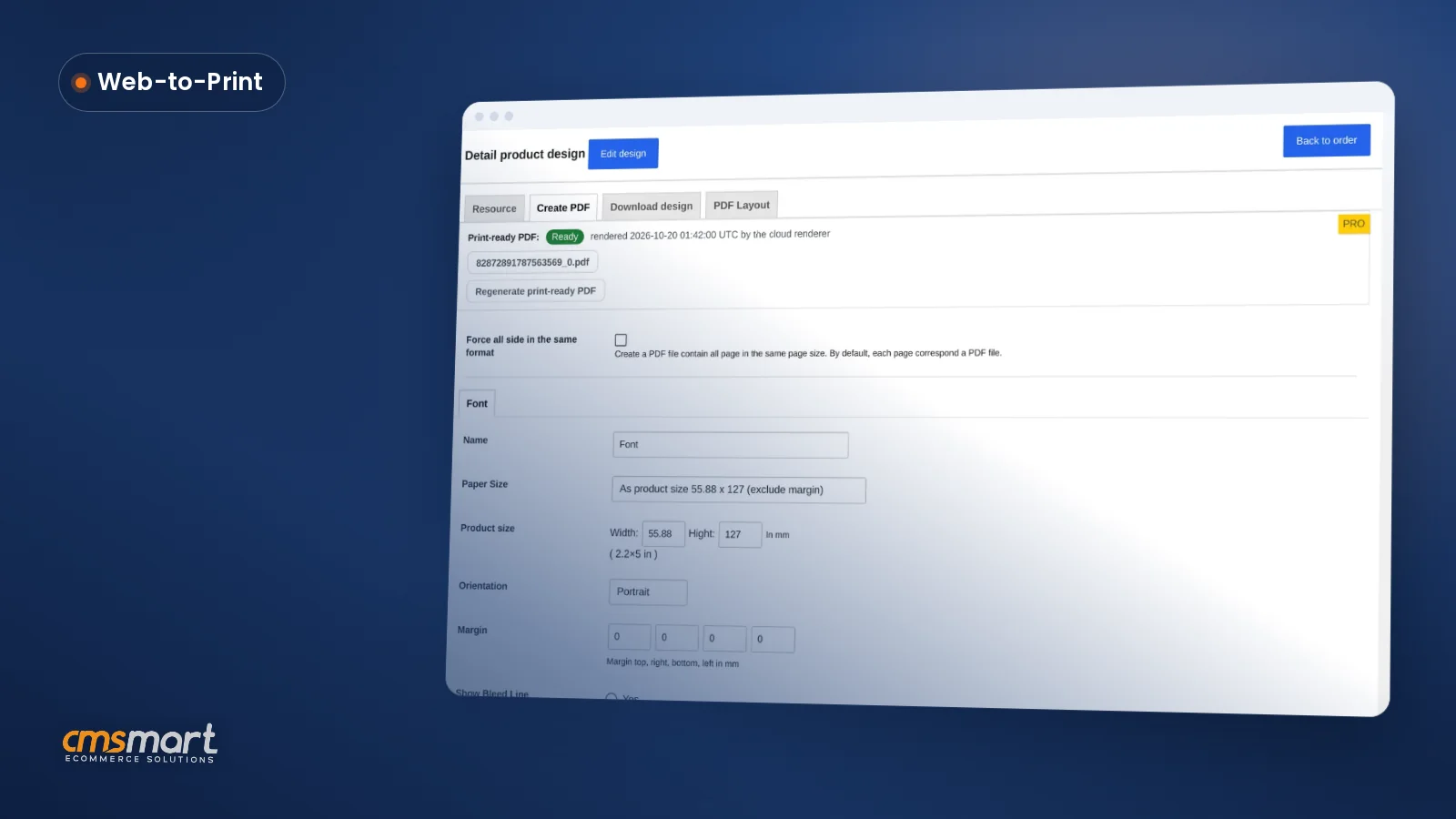

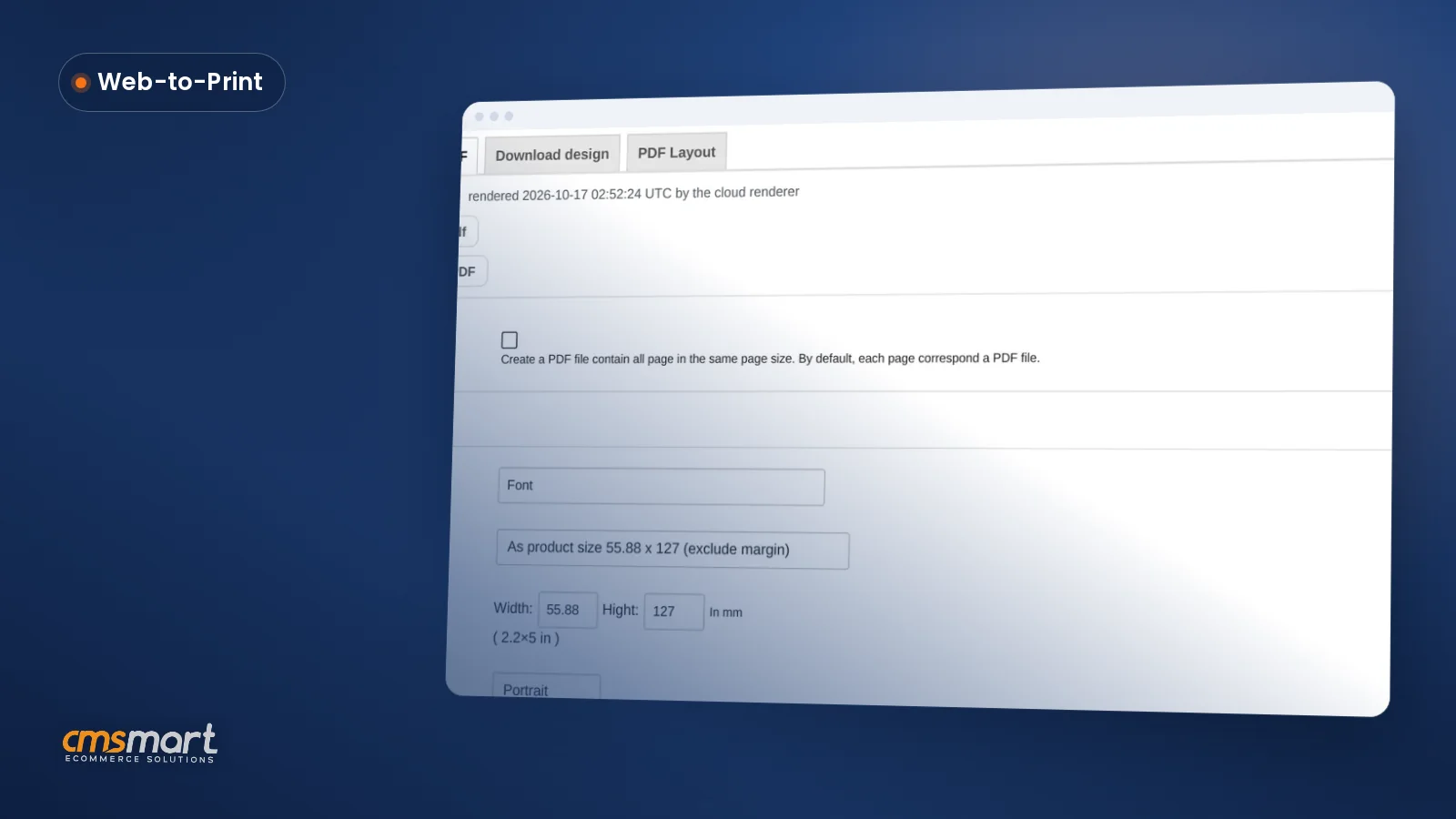
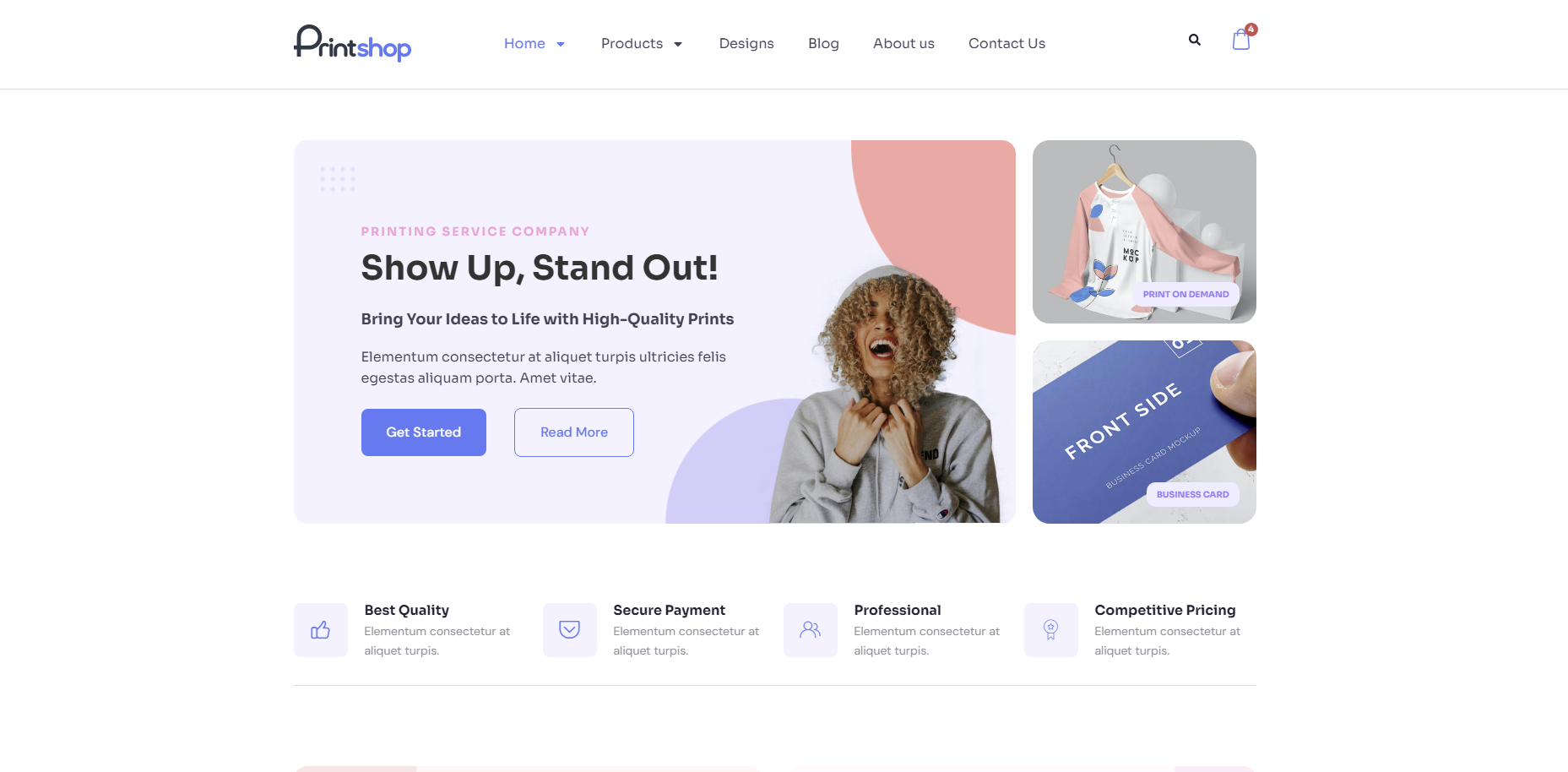
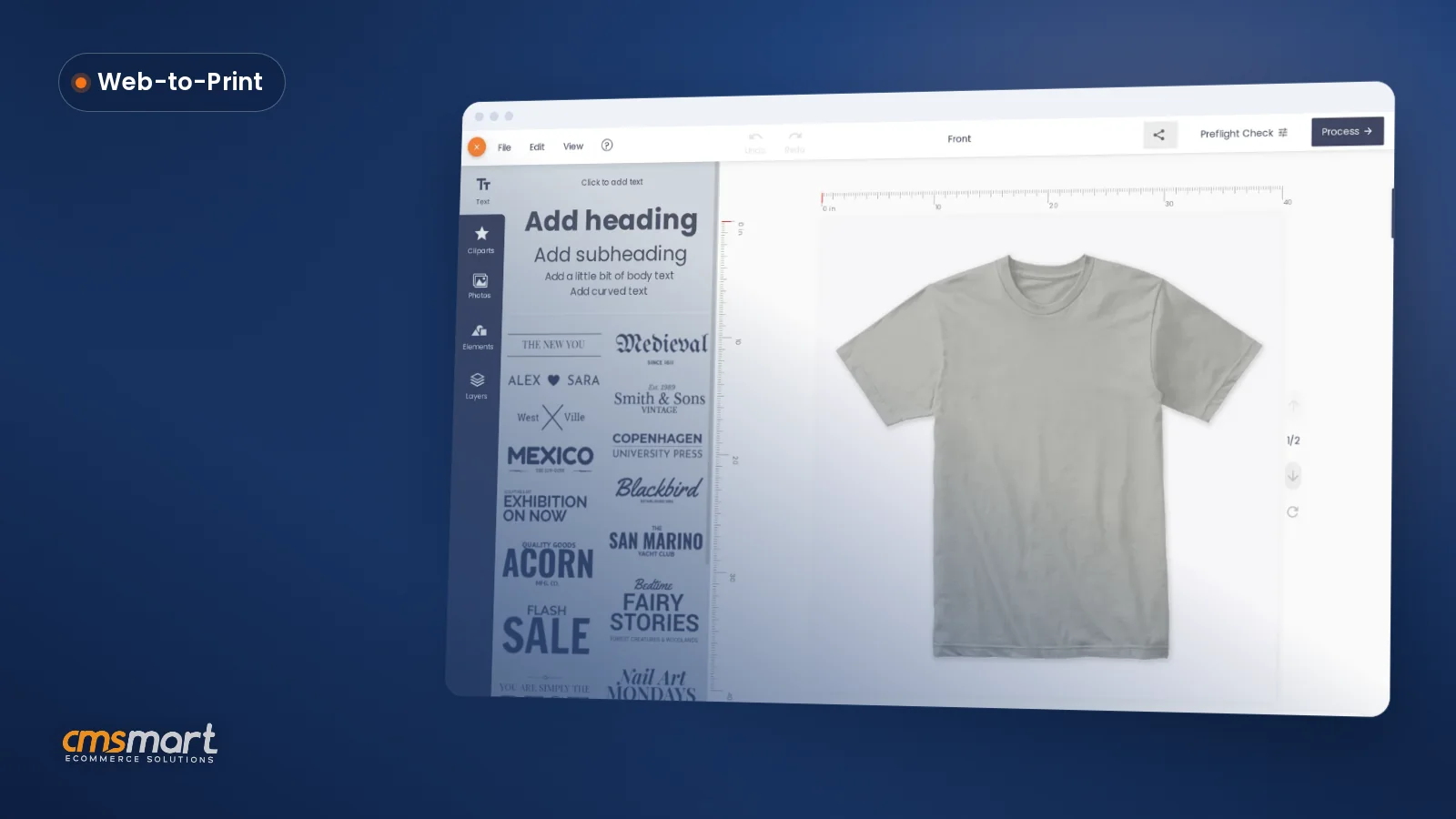
We have many special features like:
Watch the video below for a quick overview of how it works:
This tutorial will give you a step by step guide for bringing a website to life. All the exercise files will be included at the end of each lesson, so you can compare your own work as you go along.
The above is a few information about configuring powerful core theme of Printcart. Hopefully, the article has brought the most overview for you. If you have any question, feel free to feedback here. I and colleagues are willing to support you.
Detail: Demo
You can also refer to How To Setting Plugin For Your Site?
Best regards.
Have a nice day!
Vincent
Sales Consultant Manager
Further reading
Frequently asked questions
Where are the other Cmsmart Print Shop Store tutorials?
Every Cmsmart Print Shop Store tutorial is listed on the Cmsmart Print Shop Store tutorials page. Customers with a licence can open a support ticket from the Cmsmart dashboard when a step does not match their install.
How do I pay securely?
Contracts and payments go to the company, Netbase JSC: plans are paid through PayPal; services are invoiced by Netbase JSC under a written proposal and paid by bank transfer to Netbase JSC's company account or by PayPal Business. Cmsmart (Cmsmart Ecommerce) is the ecommerce brand of Netbase JSC, a company based in Hanoi, Vietnam.
How do I contact Cmsmart or get a quote?
Message the Cmsmart team on WhatsApp at +84 937 869 689 or email project@cmsmart.net; the contact page at cmsmart.net/contact lists every channel, and Request a quote (cmsmart.net/project-proposal) sends a project brief. Customers with a licence open a ticket from the dashboard.