

Guide · AI
AI Print Preflight Setup WooCommerce Guide
AI print preflight setup WooCommerce: turn it on in Cmsmart Product Designer, read warnings per order, and fix issues before you print.
Run a designer marketplace woocommerce commission setup: freelance designers sell templates, earn fairly, and request withdrawals you approve.
Table of contents
Was this tutorial helpful?
Written by
Cmsmart Product Designer Plugin Engineer
Builds and supports the Cmsmart Product Designer (NBDesigner) for WooCommerce.
The team behind it
 Account Manager
 Project Manager
 Business Analyst
 Developers & QA
Guide · AI
AI print preflight setup WooCommerce: turn it on in Cmsmart Product Designer, read warnings per order, and fix issues before you print.
Guide · AI
Upscale photos for print WooCommerce automatically before checkout: turn blurry uploads into sharp, 300 DPI-ready art with Cmsmart AI. Get a quote.
Guide · B2B
Build a custom quote form print orders WooCommerce buyers use for bulk jobs, answer requests in wp-admin, and convert accepted quotes into paid orders...

Cmsmart Ecommerce provides custom ecommerce and WooCommerce development services for web-to-print, product personalization, plugin support and API integration.
Cmsmart Product Designer Plugin Engineer
Builds and supports the Cmsmart Product Designer (NBDesigner) for WooCommerce.
Meet the team →

In short
A designer marketplace woocommerce commission setup lets freelance designers list templates in your store, earn a commission every time a customer orders with their design, and request a withdrawal when the balance clears — and Cmsmart Product Designer ships this as a built-in feature, not a separate plugin.
What does it cost you to run a freelance-designer program by hand?
Most print shops that work with outside designers today run it over email and spreadsheets: a designer sends a file, someone checks it fits the product, a spreadsheet tracks whose design sold, and commission gets calculated and wired out once a month. Cmsmart Product Designer replaces that loop with one dashboard that logs designs, sales and payout requests as they happen.
The pains are familiar if you've tried this manually:
Formula for the status quo: (designers you work with) × (average minutes spent per payout cycle reconciling sales and commission) × (your hourly admin cost) — multiply that out for your own numbers and it is usually the single biggest hidden cost of running an informal designer network.
What would it look like to run an open design-launcher page for your store?
With Cmsmart's Design Launcher switched on, a freelance designer signs up, builds a template in the same online designer your customers already use, and submits it for your approval — once live, every order that uses their design adds to a running balance they can see and eventually withdraw.
Example scenario: A stationery store opens applications for freelance designers. A new designer signs up, opens the storefront's own online designer, builds three invitation templates from the shared clipart and font libraries, and submits them. The store owner approves them from one list. Over the next month, customers pick those templates when ordering invitations; the designer's dashboard balance climbs with each completed order; once it passes the store's minimum withdrawal limit, the designer requests a payout, which the owner reviews and approves from the same screen. No email thread, no spreadsheet.
How does a designer marketplace WooCommerce commission system work in Cmsmart?
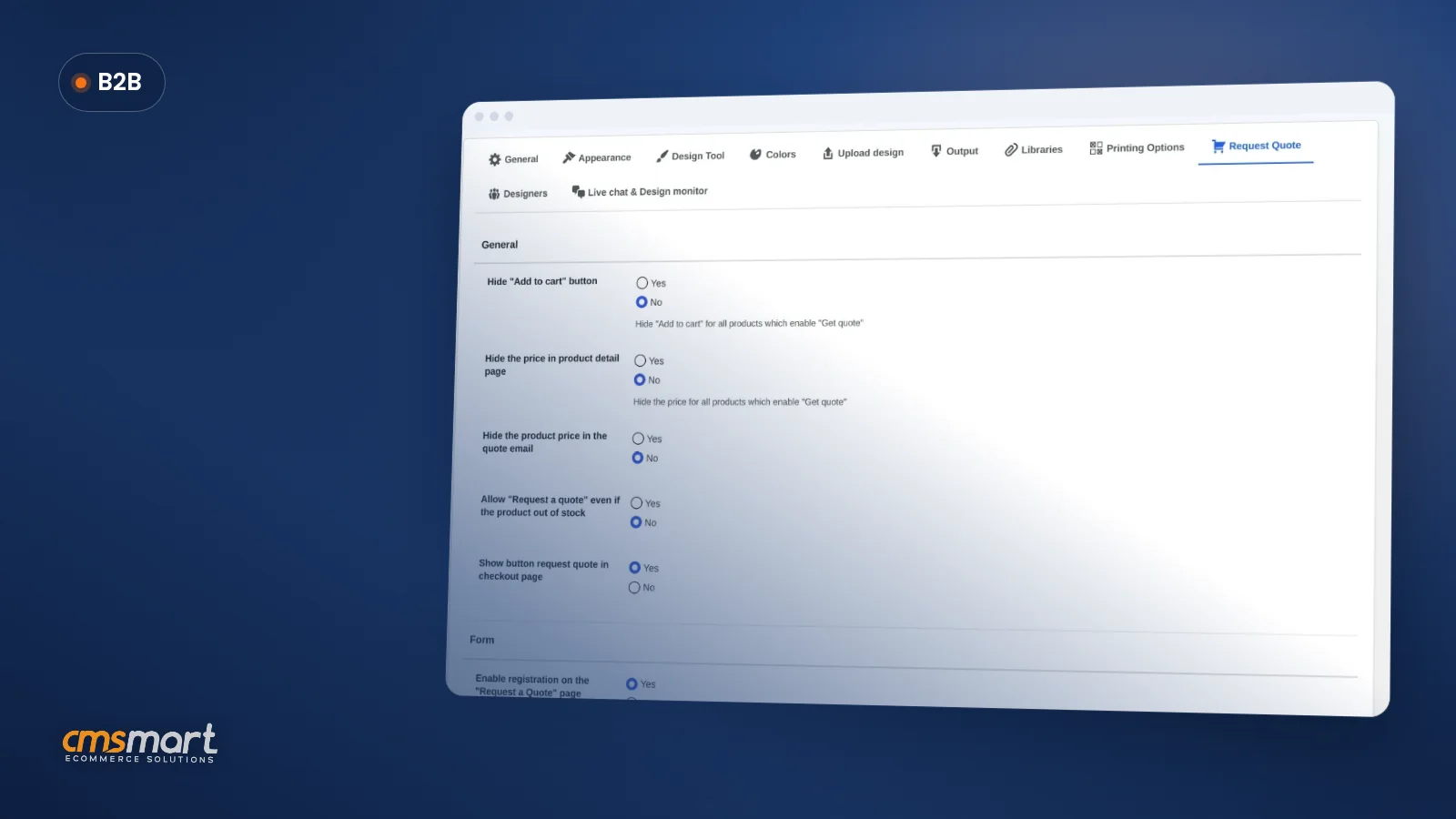
Cmsmart Product Designer ships a dedicated Design Launcher admin app plus a Settings > Designers tab: the settings tab sets the commission rules and payout guardrails once, and the Design Launcher app is where you approve designers, approve designs, and approve withdrawals as they come in — all inside the plugin you already run.
Three building blocks, all verified in the current version:
A design sold through Design Launcher still goes through your normal production pipeline: like every other order, it renders into its print-ready PDF through Cmsmart Cloud rendering by default, so a designer's template doesn't skip the same preflight and output path a buyer-made design follows.
What is not in the core plugin: tying a specific designer to one business client's private catalog, or paying out automatically through Stripe Connect or PayPal Payouts instead of an admin-approved request — those are custom development Cmsmart builds on top of Design Launcher for stores that need them, the same way we scope any product designer customization project.
Cmsmart insight: The Design Launcher dashboard and the Settings > Designers tab are two different screens doing two different jobs — settings sets the rules once, the dashboard is where you work the queue every day. Teams that only look at one of the two usually miss either the commission math or the approval backlog.
What's the business value of opening a designer marketplace?
Cmsmart's Design Launcher turns template creation into a revenue-sharing channel: your catalog grows from designers you never had to hire, you keep a cut of every sale their work generates, and the admin overhead of running that program drops to approving items in a queue instead of managing it over email.
Rough ROI worksheet (use your own numbers): net monthly gain ≈ (templates sold × average order value × (one minus your commission rate, whether flat or percentage)) − (admin hours no longer spent reconciling payouts × your hourly admin cost). Either a flat fee or a percentage commission still leaves you the rest of the margin on a sale that would not otherwise have existed; the comparison that matters is against the alternative — not running a designer channel at all, or running it manually at a real staff-time cost.
For context on how big the freelance-creative pool feeding a program like this has become: the global freelance platforms market was valued at roughly $6.4 billion in 2025 and is projected to keep growing through the decade, according to Grand View Research — a pool of independent designers your store can tap without hiring anyone in-house. And the storefront you're opening it on is not a niche one: WooCommerce itself reports 4M+ online stores and a 31% share of the top 1 million ecommerce sites, so a designer who builds for one Cmsmart store can usually build for the next one too.
How do you set up commission and withdrawals in Cmsmart Product Designer?
You configure the rules once in WooCommerce > Settings > Cmsmart > Designers, flush permalinks, then run the program day to day from WP Admin > Cmsmart > Design Launcher. Every field below is visible in the current 2.17.0 admin.
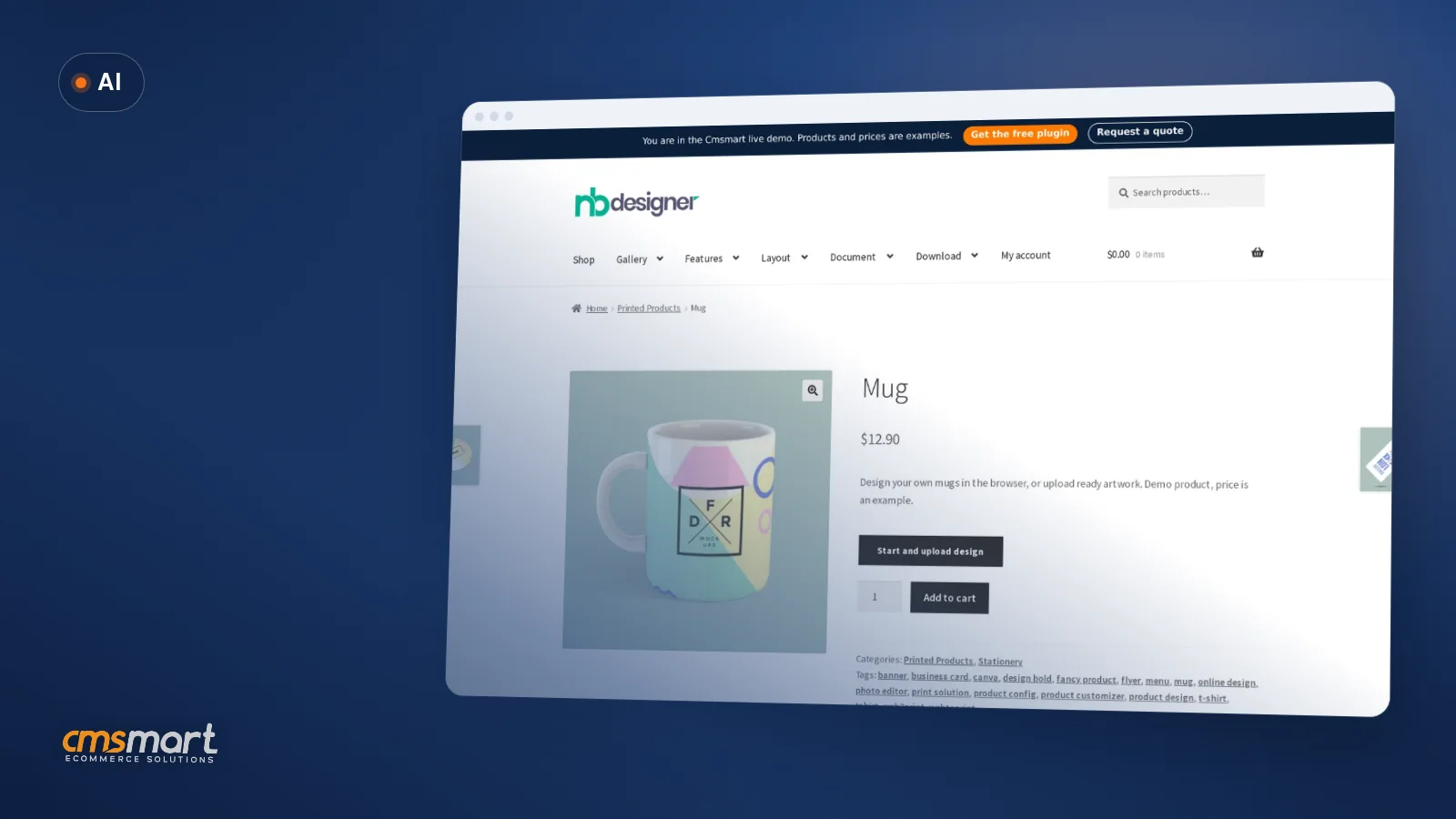
Once the designer store is live, applicants design the same way your buyers do. The storefront product page is where that first design choice happens — a buyer (or a designer building a template) opens the chooser and either uploads finished artwork or starts in the online designer:
When a customer later checks out with a template a designer built, that order is what the commission rules key off — the cart simply carries the finished design the same way it would for any customer-built design:
For the surrounding install and permalink basics, see the Cmsmart Product Designer installation guide, which covers the WooCommerce and HPOS requirements this feature sits on top of. If you're weighing a wider integration project around the same designer-supplied artwork, the web-to-print and print API integrations case study walks through connecting order and design data to outside systems.
Going further: can Cmsmart build a full multi-vendor marketplace on this?
Design Launcher makes you the single seller paying commission to template contributors; if you need designers to run their own storefronts, invoice individual B2B clients directly, or get paid automatically by Stripe or PayPal the moment an order completes, Cmsmart builds that as custom development on top of the plugin you already have.
Use cases we see most often from stores that outgrow the built-in commission flow:
Cmsmart's delivery approach is the same one behind every custom ecommerce project we run: discovery, solution design, build sprints, QA, launch, then support — so a marketplace extension stays maintainable after it ships, not a one-off hack bolted onto the plugin.
Plan my designer marketplace
Why work with Cmsmart on your designer marketplace?
Cmsmart has run WooCommerce design and print projects as a Netbase JSC division since 2012, and Design Launcher ships as part of the same Cmsmart Product Designer plugin reviewed on Trustpilot — the commission engine, the withdrawal workflow and the custom work around it all come from one team.
Cmsmart has delivered 6,300+ client projects since 2012, with 4,600+ delivered and 1,800+ stores live today across 80+ countries, and holds a 4.2 rating on Trustpilot (404 reviews). One recent five-star review sums up why stores stick with the plugin long-term:
See related delivery work on Cmsmart's project case studies, or start from the free Cmsmart Product Designer plugin page — Design Launcher ships inside it, with a 30-day trial of premium features.
Frequently asked questions
Is Design Launcher a separate plugin or part of Cmsmart Product Designer?
It's built into Cmsmart Product Designer (NBDesigner) 2.17.0. Turning it on is a Settings > Designers change plus a permalink flush — no second plugin to install.
How is designer commission calculated?
From the Commission Type you choose: a flat amount per sale, or a percentage plus a fixed fee, set in Settings > Designers. It applies automatically to orders that use a designer's template and match your Order Status for Withdraw rule.
Can we require approval before a design or a withdrawal goes live?
Yes. New designer signups, submitted designs and withdrawal requests all queue for admin approval in the Design Launcher app's Dashboard, Designs, Designers and Withdraw tabs — nothing pays out or publishes without you reviewing it.
What happens if an order is refunded after a designer requests a withdrawal?
Set Order Status for Withdraw to Completed only and use the Withdraw Threshold (days) as a buffer, so a sale has to clear your own return window before it counts toward a payout — the safest default for avoiding a clawback conversation.
Can designers be tied to specific B2B clients instead of the whole storefront?
Not in the core plugin — every designer's templates are available storefront-wide. Routing specific designers to specific client accounts is custom development Cmsmart builds on request.
Does this replace a full multi-vendor marketplace plugin?
No — Design Launcher keeps you as the single seller collecting commission from contributors, not a multi-vendor marketplace where each designer runs their own storefront. That broader setup is also something Cmsmart builds as custom development.