

Guide · Web-to-print
WooCommerce Customer CRM Print Shop Guide (NBDesigner)
A WooCommerce customer CRM print shop teams already run: segments, tags and a care digest built in. See how to set it up.
A print order that reaches the press with a stretched logo, a 72 DPI phone photo, or someone's old draft costs you the materials, the machine time, and the reprint. Cmsmart Product Designer adds one checkpoint so you can approve customer artwork WooCommerce orders carry before it reaches the press, turning a bad file into a two-minute fix instead of a wasted print run.
Was this tutorial helpful?
Written by
Cmsmart Product Designer Plugin Engineer
Builds and supports the Cmsmart Product Designer (NBDesigner) for WooCommerce.
The team behind it
 Account Manager
 Project Manager
 Business Analyst
 Developers & QA
Guide · Web-to-print
A WooCommerce customer CRM print shop teams already run: segments, tags and a care digest built in. See how to set it up.
Guide · Web-to-print
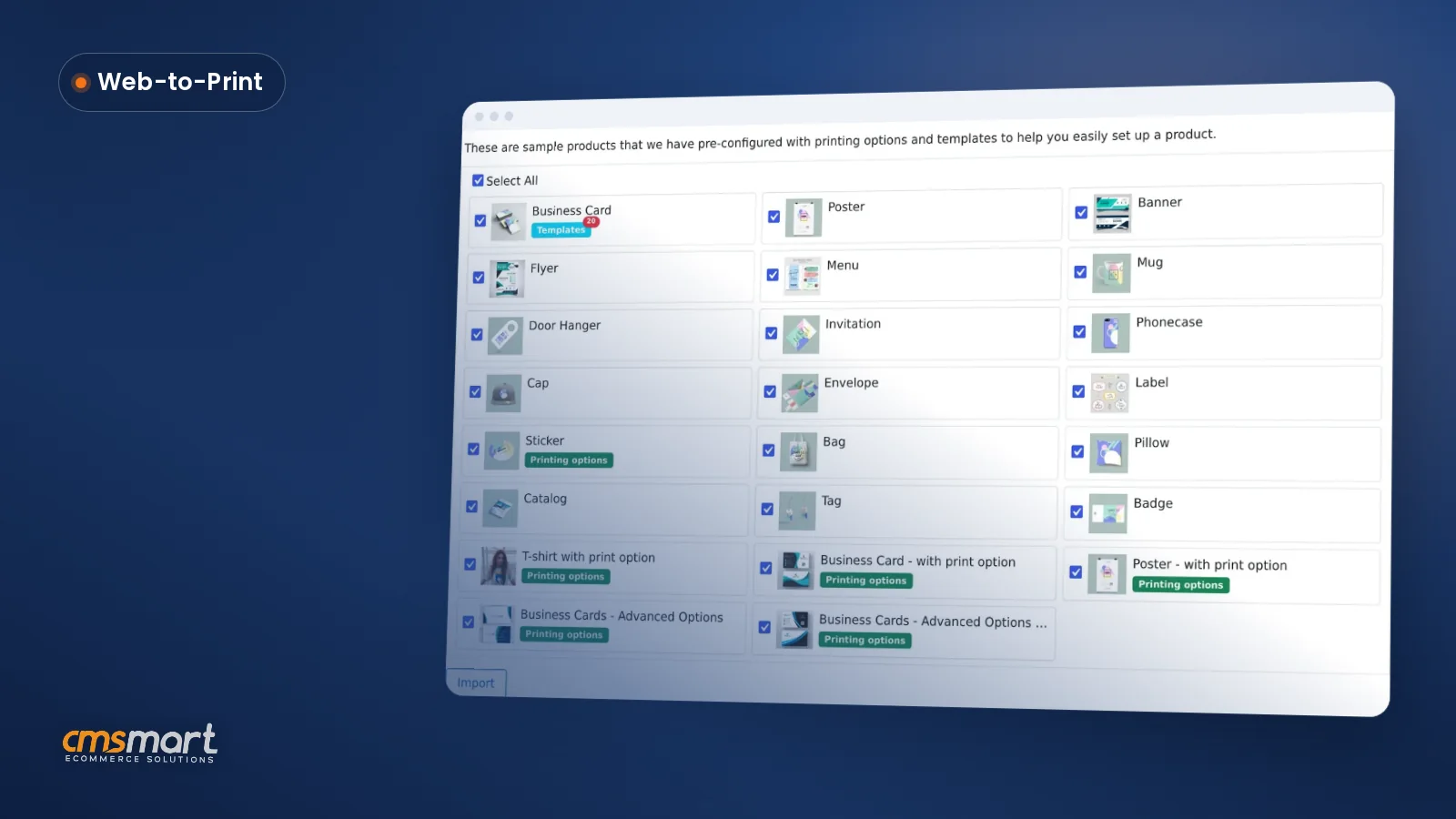
A WooCommerce sample products import print catalogue gives new stores 23 design-ready products in minutes. See how to launch and start selling today.
Guide · Web-to-print
See what live chat design assistance woocommerce stores get built-in with Cmsmart Product Designer, then request a custom Design Monitor build.

Cmsmart Ecommerce provides custom ecommerce and WooCommerce development services for web-to-print, product personalization, plugin support and API integration.
Cmsmart Product Designer Plugin Engineer
Builds and supports the Cmsmart Product Designer (NBDesigner) for WooCommerce.
Meet the team →
In short
What does it cost when you don't approve customer artwork WooCommerce orders carry?
Cmsmart Product Designer stops unapproved artwork at the order screen: every custom design sits in a Customer Design box until someone on your team accepts or declines it, so a blurry upload, a wrong size, or a mistyped name never reaches the press without a human check first.
If you print custom work — business cards, apparel, signage, packaging — you already know the pattern:
The cost is easy to estimate with your own numbers: reprint cost = (materials + machine time + staff time re-contacting the customer) × orders per week that reach production unchecked. A handful of slip-throughs a month adds up fast once you count the wasted press run.
Cmsmart insight: in our delivery work, the approval step gets skipped most often on repeat customers — "they always send good files" — right up until the one order where they didn't. A checkpoint that applies to every order, not just the ones that look risky, is what actually prevents the reprint.
What would an approved-before-print workflow look like for your shop?
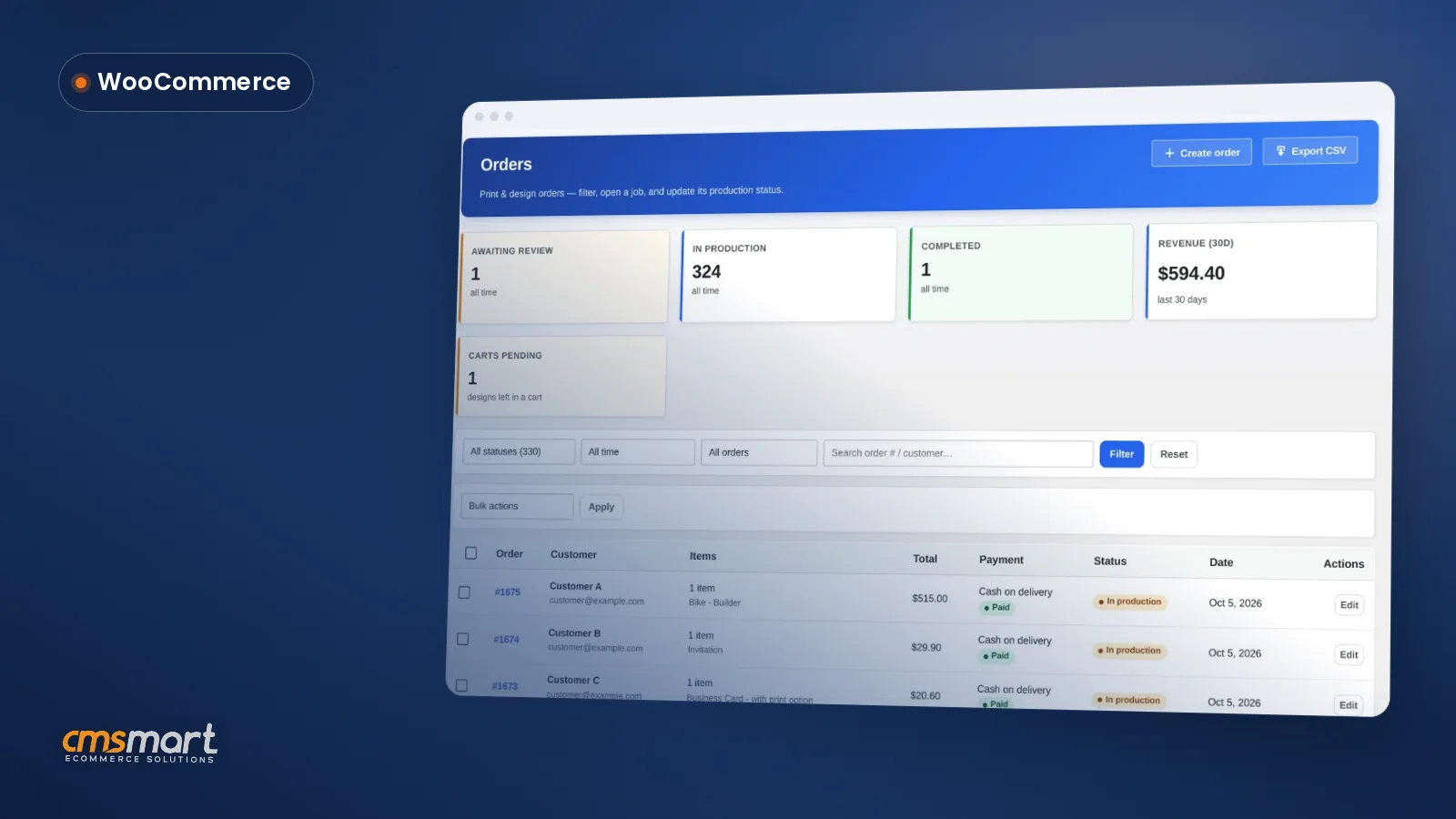
With Cmsmart Product Designer, every order with a design lands in an "Awaiting review" queue before it reaches production, so your team sees exactly which jobs still need a look and can accept, decline, or message the customer without leaving the order screen.
Example scenario: A buyer designs a batch of hoodies at 9pm and checks out. The next morning, your production lead opens Orders and sees one job sitting in Awaiting review. They open it, notice the uploaded logo is only 72 DPI, and decline it with a one-line note asking for a 300 DPI re-upload so the print won't look fuzzy. The buyer gets the message, fixes the file from their own account, and by lunchtime the order is accepted, the print-ready PDF is rendering, and production never had to stop to ask what went wrong.
That is the shift: instead of a design quietly going straight to print, every order pauses at one visible checkpoint, and either side — your team or the customer — can close it out in minutes.
How does Cmsmart's artwork-approval workflow fit into your order flow?
Cmsmart Product Designer adds the approval step directly to the WooCommerce order screen your team already uses: a Customer Design box to accept or decline each file, a notify-mail panel to tell the customer why, and an approved-artwork lock so nobody — including the designer who made it — can overwrite a file once it's cleared for print.
This approval flow is part of the standard Cmsmart Product Designer plugin, and our product designer customization service extends it when a shop needs more than the default box. The building blocks, in the order an order actually moves through them:
What's the business value of catching bad artwork before it's printed?
Cmsmart Product Designer turns artwork approval from a hidden cost — reprints, staff time, disputed orders — into a visible, trackable step, so you can measure how much manual proofing time and material waste it removes from your production flow.
Rough ROI worksheet (use your own numbers):
Orders needing review per month: ____
Minutes a manual back-and-forth email proof currently takes: ____
Staff hourly cost: $____
Reprints avoided per month once bad files are caught early: ____ × (materials + machine time per reprint): $____
Monthly time saved = orders × minutes saved ÷ 60 × hourly cost. Monthly reprint savings = reprints avoided × cost per reprint. Add the two for a rough monthly value of the approval step.
How do you set up artwork approval, accept or decline a design, and start production in Cmsmart?
Cmsmart Product Designer's approval box is already active on every order with a design — set up means choosing your notification settings once, then using the same Accept/Decline action on each order going forward; the full install and settings walkthrough lives in the getting-started guide.
What can Cmsmart build on top of artwork approval for your store?
Beyond the built-in accept/decline box, Cmsmart builds the workflow around approval that a growing print shop or B2B account actually needs — escalation rules, ERP hand-off, multi-level sign-off — as custom development on top of the same order data the plugin already tracks.
The approval box that ships today handles the core decision. A few things shops ask us for next are not in the core plugin, so we build them as custom development:
Delivery works the same for all of these: discovery to confirm what "approved" needs to mean for your shop, a solution design you sign off on, build in sprints, QA against real orders, launch, then support as you grow. See real examples on our project delivery page, or read what ships today on the Artwork Approval product page.
Get a custom approval workflow quote
Why work with Cmsmart on your artwork approval and production workflow?
Cmsmart has built web-to-print and custom product-designer workflows since 2012, with 6,300+ client projects delivered for stores that need exactly this kind of order-to-production control, not just an editor to design in.
Cmsmart is a Netbase JSC division running web-to-print and ecommerce customization projects since 2012, with 6,300+ client projects and 500+ custom development projects delivered, across 1,800+ live stores today. On Trustpilot, Cmsmart holds a 4.2 rating from 404 reviews.
From a long-time user of the plugin: "We have had the NB Designer plugin installed for three years and have experienced absolutely no problems during that time. It is wonderful to see their commitment to continuous development…" — Web Developer, Trustpilot review.
Browse related delivery work on our projects page, or see how the designer itself is set up in the back-end configuration guide and the print-ready PDF export tutorial that picks up right after approval.
Frequently asked questions
Does Cmsmart Product Designer include artwork approval, or do I need another plugin?
It's built in. Every order with a design gets a Customer Design box to accept or decline the file, a notify-mail panel, and — since 2.17 — a lock that stops anyone saving over an approved design. See the Artwork Approval product page for the full feature list.
Can a customer fix a declined design without placing a new order?
Yes, if Allow customer re-design or re-upload design after order is set to Yes in Settings > General. A declined proof reopens for the customer to edit from their own account, and it returns to pending review once they resave it — no new order needed.
Does approving the artwork automatically create the print-ready PDF?
Approval and PDF rendering are separate steps you control. With automatic export on, the print-ready PDF renders in the background; you can also open the design's Create PDF tab and click Create PDF or Regenerate print-ready PDF at any time, and the file always matches the order's custom size.
What happens if someone tries to edit a design after it's approved?
The save is refused with a clear message, whatever link or designer tab it comes from (2.17). If the design needs to change, decline it first — that reopens it for the customer or your team to edit, and the order is flagged so you know it changed.
Can we require sign-off from a company admin before production, not just our own staff?
Not in the core plugin — the built-in box is a single staff-side accept/decline. For B2B or wholesale accounts that need a buyer-side approval chain, Cmsmart builds that as custom development on top of the same order data.
How is the downloaded file different from what the customer saw in the editor?
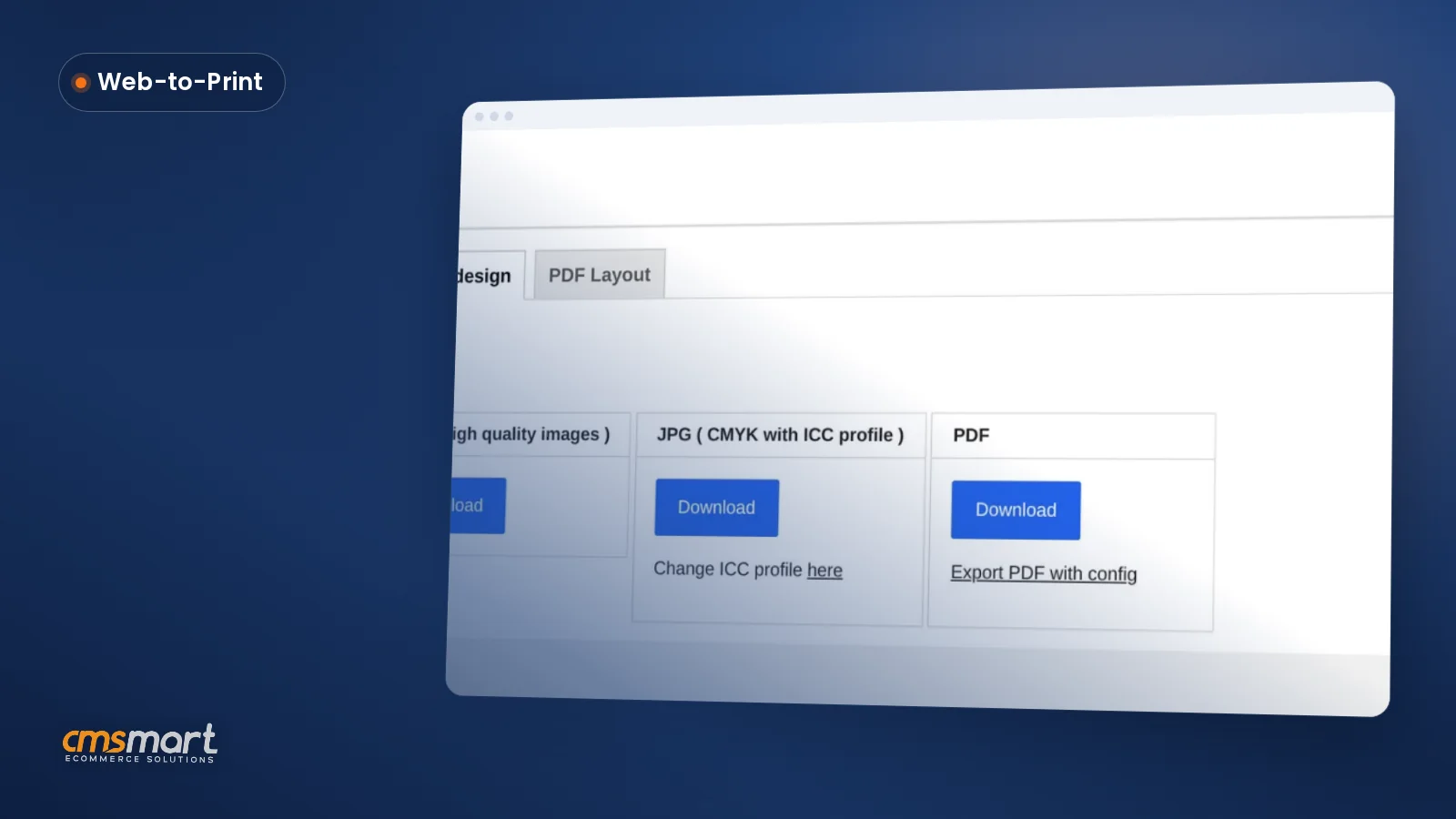
Download design offers SVG, high-resolution PNG, CMYK JPG with an embedded ICC profile, and PDF — formats built for the press, not the screen preview the customer designed against.