

Case study · Web-to-print
Web-to-Label Printing: Sell Custom Product Labels Online
Set up web-to-label printing for product labels with Cmsmart Product Designer: upload, proofing and print-ready PDFs. Get a quote today.
Quantity pricing for WooCommerce print shops turns one flat product price into a live table: pick a paper, a size, a quantity, and the price updates itself. Cmsmart Product Designer's price matrix does this right on the product page, so a buyer commits before they ever need to request a quote — and a repeat B2B account sees the same volume price every time they log in.
Was this tutorial helpful?
See also: Cmsmart pricing and Cmsmart products.
← PDF - Dots instead of text · Which product supports the best order upload feature today? →
Written by
Cmsmart Product Designer Plugin Engineer
Builds and supports the Cmsmart Product Designer (NBDesigner) for WooCommerce.
The team behind it
 Account Manager
 Project Manager
 Business Analyst
 Developers & QA
Case study · Web-to-print
Set up web-to-label printing for product labels with Cmsmart Product Designer: upload, proofing and print-ready PDFs. Get a quote today.
Guide · Web-to-print
See a sourced WooCommerce product designer plugin comparison: pricing, features and print-ready files, then request a free migration quote today.
Guide · Web-to-print
Translate WooCommerce product designer screens with Loco Translate or Frontend Translate: see every setting, its default, and how to set it up.
Browse more guides, tutorials and case studies from the Cmsmart community.
In today's competitive printing industry, having a strong online presence is essential for success. With CMSmart's Printshop Themes, you can elevate your printing business to new heights and stand out from the competition.
Read MoreLearn how to choose an ecommerce design company: compare deliverables, scope, support and source files, then see how Cmsmart quotes a store design.
Read MoreThe print on demand business benefits are real, but only with the right tools in place. See how Cmsmart turns orders into print-ready files. Get a quote.
Read More
Cmsmart Ecommerce provides custom ecommerce and WooCommerce development services for web-to-print, product personalization, plugin support and API integration.
Cmsmart Product Designer Plugin Engineer
Builds and supports the Cmsmart Product Designer (NBDesigner) for WooCommerce.
Meet the team →

In short
What does slow, manual pricing actually cost a print shop?
Every custom quote a buyer has to request instead of seeing on the page is a chance for them to order from whoever answers first. Cmsmart Product Designer's price matrix removes that step so the price appears instantly, keeping the buyer in the checkout flow instead of in your inbox.
Five pains come up with every print shop owner:
Put a formula on it: (quotes handled manually per week) × (minutes per quote) × (hourly staff cost) is the weekly cost of skipping a price matrix — before counting orders lost to buyers who never asked for a quote at all.
What does it look like when pricing just works?
Cmsmart Product Designer shows a live price matrix on the product page itself, so a buyer sees every paper-and-quantity combination and the exact total before they add anything to the cart — no email, no wait, no guesswork for your team either.
Example scenario. A buyer lands on a business card product at 9pm. They open "Custom dimension," switch the orientation to vertical, and a price matrix appears: four paper weights across the top, four stocks down the side, every cell already priced. They raise the quantity field past the bulk break and a second table — the quantity-break pricing — recalculates the per-card line item automatically, lower than the small-order rate. They add it to the cart, see the same number at checkout, and pay. No one on your team touched this order until it reached the production queue the next morning.
That is the difference a price matrix makes: pricing stops being a conversation and becomes part of the product page. If your team would rather talk through what this could look like for your catalog first, talk to an ecommerce expert.
How does Cmsmart deliver quantity pricing for WooCommerce print shops?
Cmsmart Product Designer's Printing Options module stores your attributes, price matrix and quantity-break rules against a product or category, then renders them as a live table on the storefront — the same engine that also feeds the online designer and the print-ready file, so the price, the design and the production file never disagree.
Three building blocks make this work, all shipping in the plugin today:
Cmsmart insight: when a price matrix under-performs, the usual cause is too few quantity tiers. A single break at "100+" tells a buyer ordering 40 that bulk buying is irrelevant to them. Three or four tiers keep every buyer sizing up their order.
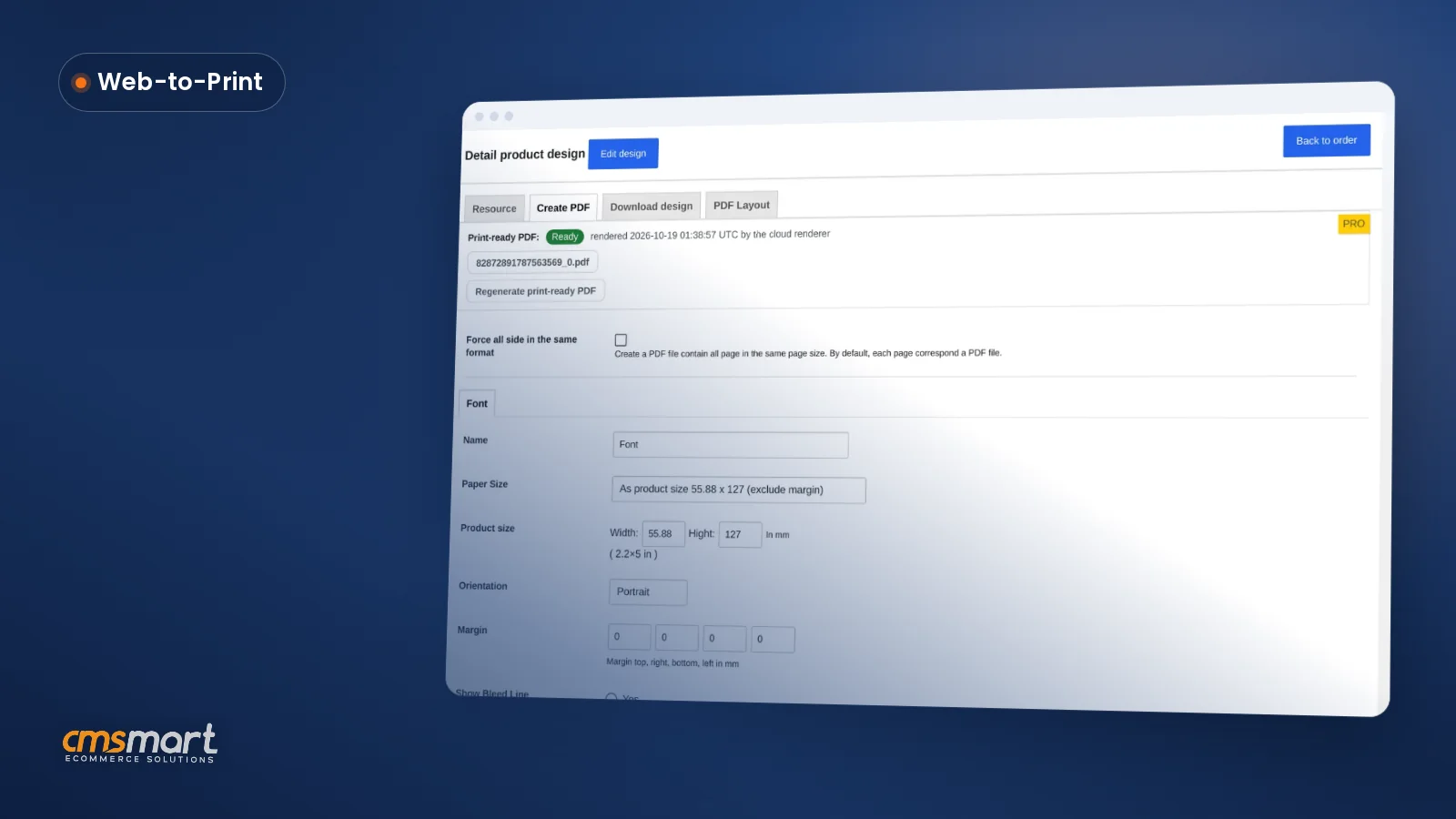
For custom-size products, NBDesigner 2.17.0 also fixed the print-ready PDF generation: the automatic render on Process and the manual Create PDF button now read the same page geometry, including a buyer-chosen custom size, instead of the automatic render falling back to a generic template size.
If you already have print option attributes set up and want the deeper build guide for the matrix table and its checkout display, see how to create a price matrix table with the Printing Option attribute.
What's the business value of putting pricing on the page?
Cmsmart's price matrix turns pricing into a conversion tool: buyers commit faster because they already know the number, and quantity-break tiers nudge every order up without you touching the price list for a single customer.
ROI worksheet (use your own numbers):
Business buyers are increasingly comfortable putting real money through a self-service flow rather than waiting on a rep: in McKinsey's B2B Pulse survey, 73% of B2B buyers said they were comfortable spending $50,000 or more in a single self-service or remote online transaction, up from 59% two years earlier, as reported by Digital Commerce 360 (2024). A price matrix is exactly the kind of self-service pricing that trend rewards — and the commercial print market it sits in is still growing, valued at $510.3 billion in 2025 and projected to reach $675.1 billion by 2033, per Grand View Research (2025).
How do you set up a price matrix in Cmsmart Product Designer?
You configure the price matrix once in Cmsmart → Printing Options, set up the quantity-break tiers in the same screen, and apply it to one or more products — no code, and the storefront price matrix updates itself from there.
The steps below match the current 2.17.x admin, verified on the live demo:
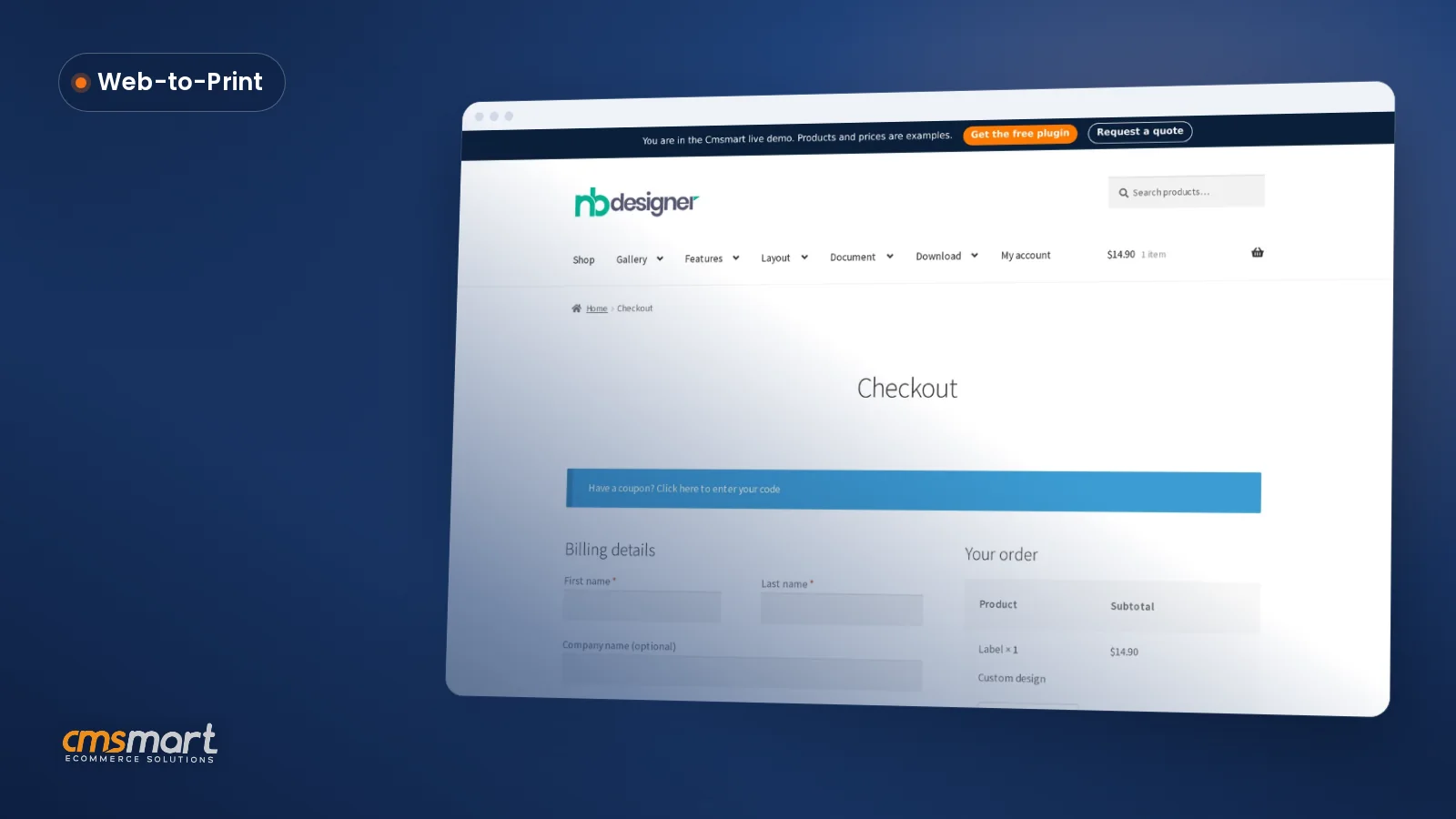
2.17.0 also fixed a related checkout detail: items with both a design and print options used to show their quantity twice at checkout; it now shows once, so the order summary matches what the buyer configured.
For print option attributes specifically (rather than quantity-break tiers), configuring print pricing options on NBDesigner walks through the field-level setup in more depth.
What can Cmsmart build on top of the standard price matrix?
The Printing Options price matrix handles per-product quantity-break pricing out of the box; when a store needs pricing tied to a customer account, a live material cost feed or a multi-step B2B quote workflow, Cmsmart builds that as custom development on top of the plugin.
These are the extensions we most often build for print shops and B2B suppliers that have outgrown a single public price table:
Our delivery approach stays the same whichever extension you need: discovery, solution design, build sprints, QA against real orders, launch, then ongoing support. See examples on Cmsmart ecommerce projects.
Get a custom pricing engine quote
Why work with Cmsmart on your pricing setup?
Cmsmart has built and supported Cmsmart Product Designer (NBDesigner) as a Netbase JSC division since 2012, with the Printing Options and price matrix feature set used across thousands of live web-to-print stores today.
Cmsmart has delivered 6,300+ client projects since 2012, with 1,800+ live stores running today across 80+ countries, including 500+ custom development projects beyond the standard plugin, and holds a 4.2 rating from 404 reviews on Trustpilot. Recent reviewers point to the same two things this tutorial covers:
Browse related work on Cmsmart projects, or start with the plugin on the Cmsmart Product Designer product page. For the wider toolset, see the web-to-print solutions hub or the pricing engine development service.
Frequently asked questions
What is a price matrix pricing table, exactly?
It's a grid that shows the price for every combination of a product's options — paper, material, size, color — instead of forcing the buyer through a series of dropdowns with the price hidden until checkout. Cmsmart Product Designer's Printing Options module generates this grid automatically from the attributes and prices you configure.
How does a price matrix increase revenue, specifically?
Three mechanisms: it removes the wait for manual quoting so fewer buyers abandon the purchase; visible quantity-break tiers encourage buyers to round their order up, lifting average order value; and consistent published pricing protects your margin since no individual quote undercuts your cost base.
Can I set different quantity-break discounts for different products or paper types?
Yes. Each Printing Options set has its own quantity-break table, applied to specific products or categories, so a business card and a sticker can have different tiers and discount types (percentage or fixed).
How long does it take to set up pricing options in Cmsmart Product Designer?
For a single product with a handful of attributes and two or three quantity tiers, the admin setup in this guide typically takes under an hour. Rolling it out across a full catalog, or tying it to account-specific pricing, is where most of our custom-development projects start.
Can Cmsmart connect the price matrix to our ERP or a live cost feed?
The standard plugin's price matrix is configured and stored in WordPress; connecting it to an external ERP/MIS or a live material-cost feed is custom development we build case by case, matched to the system you already run.
Does the price matrix work with the online designer and the print-ready PDF?
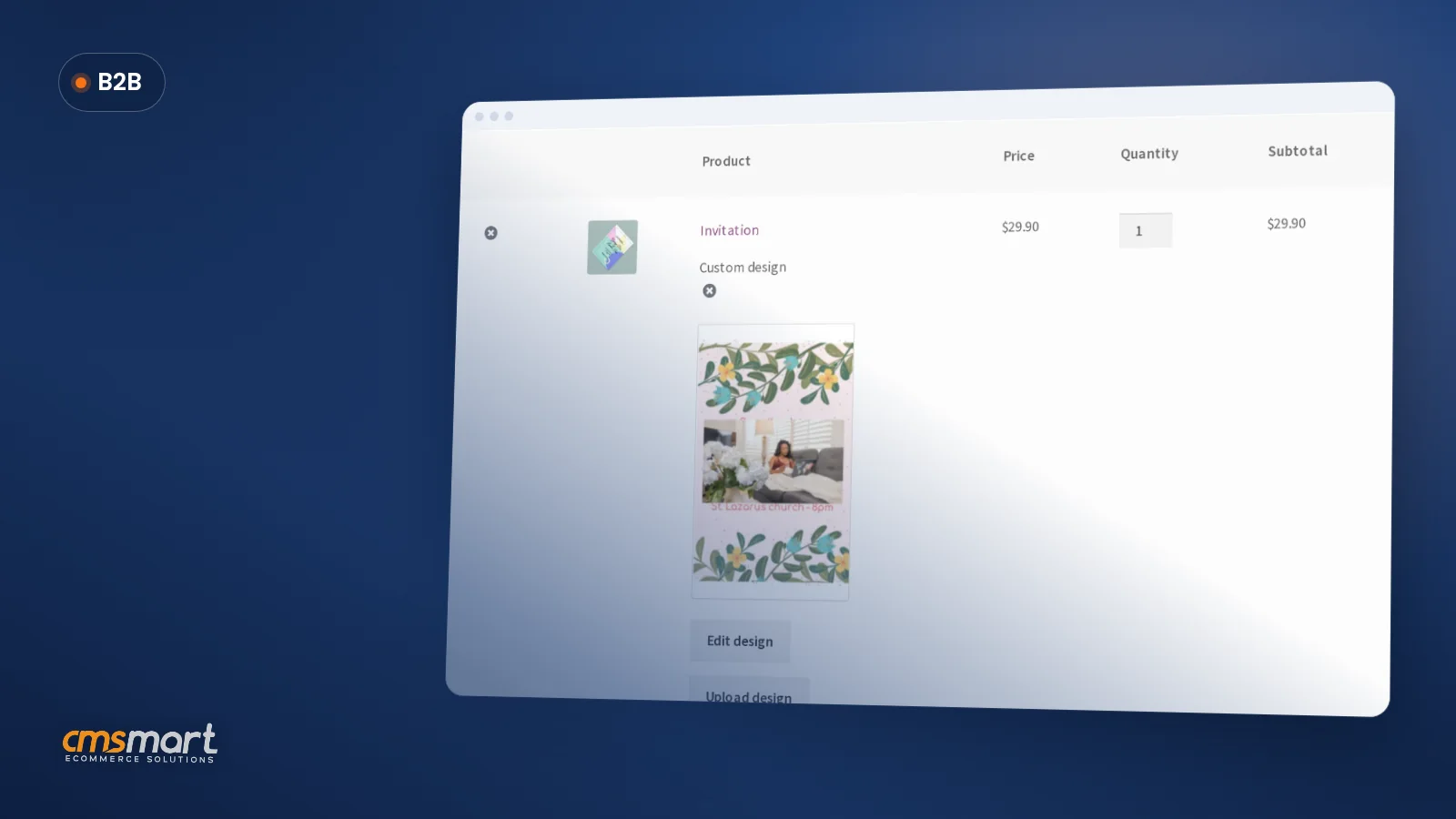
Yes — when a product carries both Printing Options and the online designer, the chosen option and quantity flow into the saved design, the cart line item, and the print-ready PDF generated at Process or Create PDF, so the file that reaches production matches what was priced and paid for.
How do I pay securely?
Contracts and payments go to the company, Netbase JSC: plans are paid through PayPal; services are invoiced by Netbase JSC under a written proposal and paid by bank transfer to Netbase JSC's company account or by PayPal Business. Cmsmart (Cmsmart Ecommerce) is the ecommerce brand of Netbase JSC, a company based in Hanoi, Vietnam.
How do I contact Cmsmart or get a quote?
Message the Cmsmart team on WhatsApp at +84 937 869 689 or email project@cmsmart.net; the contact page at cmsmart.net/contact lists every channel, and Request a quote (cmsmart.net/project-proposal) sends a project brief. Customers with a licence open a ticket from the dashboard.
Further reading