

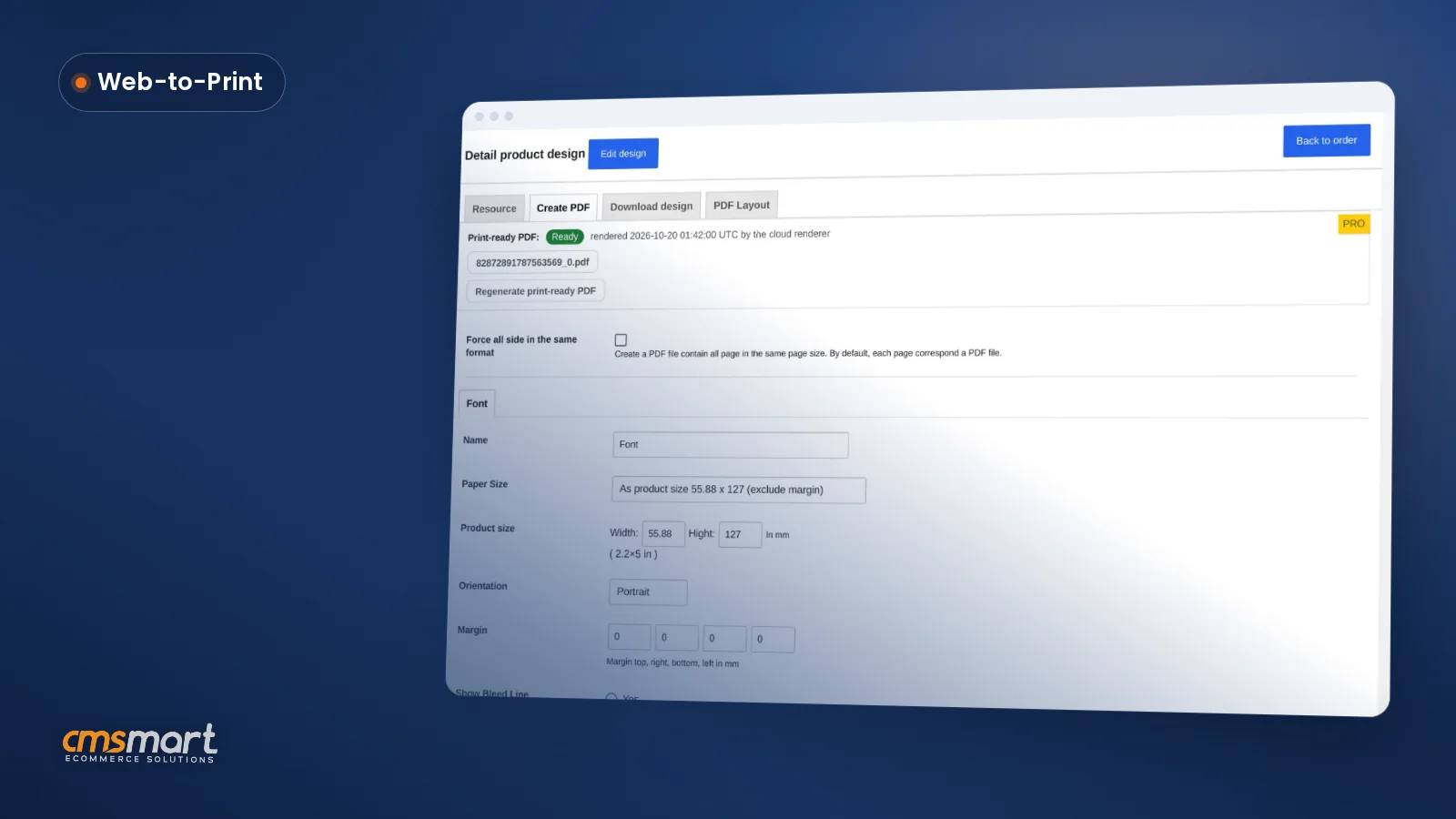
Case study · Web-to-print
Product Personalization Software for WooCommerce
Product personalization software for WooCommerce lets shoppers customize templates on the product page, then get a custom design quote from Cmsmart.
With this tool, customers can easily manage their products. Product management is an important function, directly related to product planning, forecasting, manufacturing, and marketing. Today, Cmsmart will share with you how to manage product with multi s
Was this tutorial helpful?
Written by
Cmsmart WooCommerce Plugins & Themes Specialist
Installs, configures and customises WooCommerce plugins and themes, ours and the market's.
The team behind it
 Account Manager
 Project Manager
 Business Analyst
 Developers & QA
Case study · Web-to-print
Product personalization software for WooCommerce lets shoppers customize templates on the product page, then get a custom design quote from Cmsmart.
Case study · Web-to-print
Set up an artwork approval workflow for WooCommerce: buyers confirm designs, Cmsmart locks the file, and print-ready PDFs generate automatically.
Guide · Web-to-print
Accept customer file uploads for print on demand orders: Cmsmart checks formats, size and DPI, then hands over a print-ready PDF. Get a custom quote t...
Browse more guides, tutorials and case studies from the Cmsmart community.
Cmsmart Store is a comprehensive eCommerce solution designed to empower businesses with the tools they need to succeed in the digital marketplace. By integrating a curated selection of essential plugins and apps, Cmsmart Store ensures a seamless, feature-rich, and customizable platform for creating and managing online stores. Each tool is carefully selected to enhance functionality, improve user experience, and streamline operations, making it the ultimate choice for businesses aiming to thrive in the competitive world of eCommerce
Read MorePlan a multivendor marketplace: seller onboarding, product rules, commissions and payouts, then choose a platform and launch path.
Read MoreIn this article, I will tell you about some features in WordPress Marketplace version 3.7.0 that I think that they are quite amazing.
Read More
Cmsmart Ecommerce provides custom ecommerce and WooCommerce development services for web-to-print, product personalization, plugin support and API integration.
Cmsmart WooCommerce Plugins & Themes Specialist
Installs, configures and customises WooCommerce plugins and themes, ours and the market's.
Meet the team →


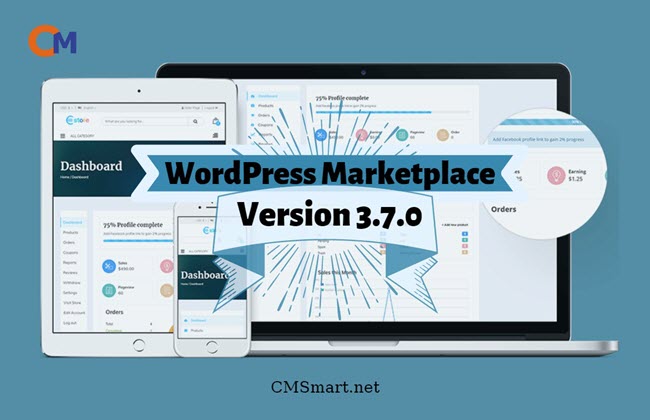
Dear, our beloved customers,
Today, e-commerce is growing. The marketplace becomes an essential part. It will help product suppliers directly and quickly reach consumers. Customers will buy products cheaper, faster, more efficiently and more conveniently, while businesses can bring their products to the market quickly, selling more smoothly. However, sellers often have difficulty managing products. Therefore, we try our best to release a plugin as WordPress Multistore.
With this tool, customers can easily manage their products. Product management is an important function, directly related to product planning, forecasting, manufacturing, and marketing. Today, Cmsmart will share with you how to manage product with multi store WordPress theme.
We have many special features like:
Details invite you to watch the video below:
The above is a tutorial on how seller can manage their product with multi store WordPress themes. Hopefully, the article has brought the most overview for you. If you have any questions, feel free to feedback here. I and colleagues are willing to support you. Here the demo link is. You can see the details and compare them with the package you have just installed. Remembering to use coupon code MAR_DL to get 18% discount for this item.
Best regards.