

Guide · WooCommerce
How to Choose an Ecommerce Design Company: 8 Questions
Learn how to choose an ecommerce design company: compare deliverables, scope, support and source files, then see how Cmsmart quotes a store design.
A WooCommerce plugin conflict rarely announces itself with a friendly error message. A buyer just finds a broken Add to cart button, a blank checkout page, or a product customizer that stopped loading, and the order count quietly drops before anyone traces the cause back to two plugins fighting instead of a "broken store."
Was this tutorial helpful?
Written by
Cmsmart WooCommerce Plugins & Themes Specialist
Installs, configures and customises WooCommerce plugins and themes, ours and the market's.
The team behind it
 Account Manager
 Project Manager
 Business Analyst
 Developers & QA
Guide · WooCommerce
Learn how to choose an ecommerce design company: compare deliverables, scope, support and source files, then see how Cmsmart quotes a store design.
Case study · Web-to-print
Product personalization software for WooCommerce lets shoppers customize templates on the product page, then get a custom design quote from Cmsmart.
Case study · Web-to-print
Set up an artwork approval workflow for WooCommerce: buyers confirm designs, Cmsmart locks the file, and print-ready PDFs generate automatically.

Cmsmart Ecommerce provides custom ecommerce and WooCommerce development services for web-to-print, product personalization, plugin support and API integration.
Cmsmart WooCommerce Plugins & Themes Specialist
Installs, configures and customises WooCommerce plugins and themes, ours and the market's.
Meet the team →


In short
Why do WooCommerce plugin conflicts cost you sales?
Cmsmart's support desk sees it constantly: a WooCommerce plugin conflict quietly breaks checkout, a shipping calculator or a product customizer, and the store owner loses orders for hours or days before anyone connects the outage to a conflicting plugin instead of a WooCommerce bug.
The pain is rarely one dramatic crash. It is a handful of ordinary, expensive problems that repeat every time someone updates a plugin:
According to WooCommerce's own self-service support guide, almost half of the support interactions WooCommerce receives are caused by conflicts with third-party themes and plugins (WooCommerce, 2026), not by WooCommerce core itself. That "avoid updates" instinct backfires: Patchstack's State of WordPress Security in 2026 report found 11,334 new WordPress vulnerabilities disclosed in 2025, a 42% jump over 2024, and 91% of them were in plugins (9% in themes, almost none in WordPress core) — the attackers' weighted median time to first exploit was about five hours after disclosure. Delaying updates to dodge conflicts leaves the door open on the far bigger risk.
Cmsmart insight: In the conflicts we get called in to fix, the trigger is almost never "WooCommerce changed." It is two plugins hooking the same action or loading two copies of the same script, and the symptom shows up on whichever page loads last — usually checkout or the product customizer.
What does a conflict-free WooCommerce store look like?
Cmsmart builds the staging-first habit into every store we maintain: a buyer moves from product page to design tool to cart to checkout without a blank screen, a JavaScript error or a missing option, and every plugin update is proven safe before it reaches a paying customer.
Picture the opposite of the scenario above. A new WooCommerce or plugin update lands. Nobody finds out from an angry customer, because it was already tested on a staging copy of the store the week before. On launch day, every page a buyer touches behaves exactly as it did yesterday.
Example scenario: A buyer opens a product page, starts a design in the product customizer, adds it to the cart, and reaches checkout — every step rendering cleanly, because the store's update policy caught the one plugin conflict on staging three days earlier, long before this buyer ever saw the site.
How does Cmsmart find and fix a WooCommerce plugin conflict?
Cmsmart isolates a WooCommerce plugin conflict with a staging clone, a default theme, and a binary search through the active plugins, reading the error log at every step, so the real cause is confirmed before anything changes on the live store.
The method has four building blocks, and all of them happen away from the live store first:
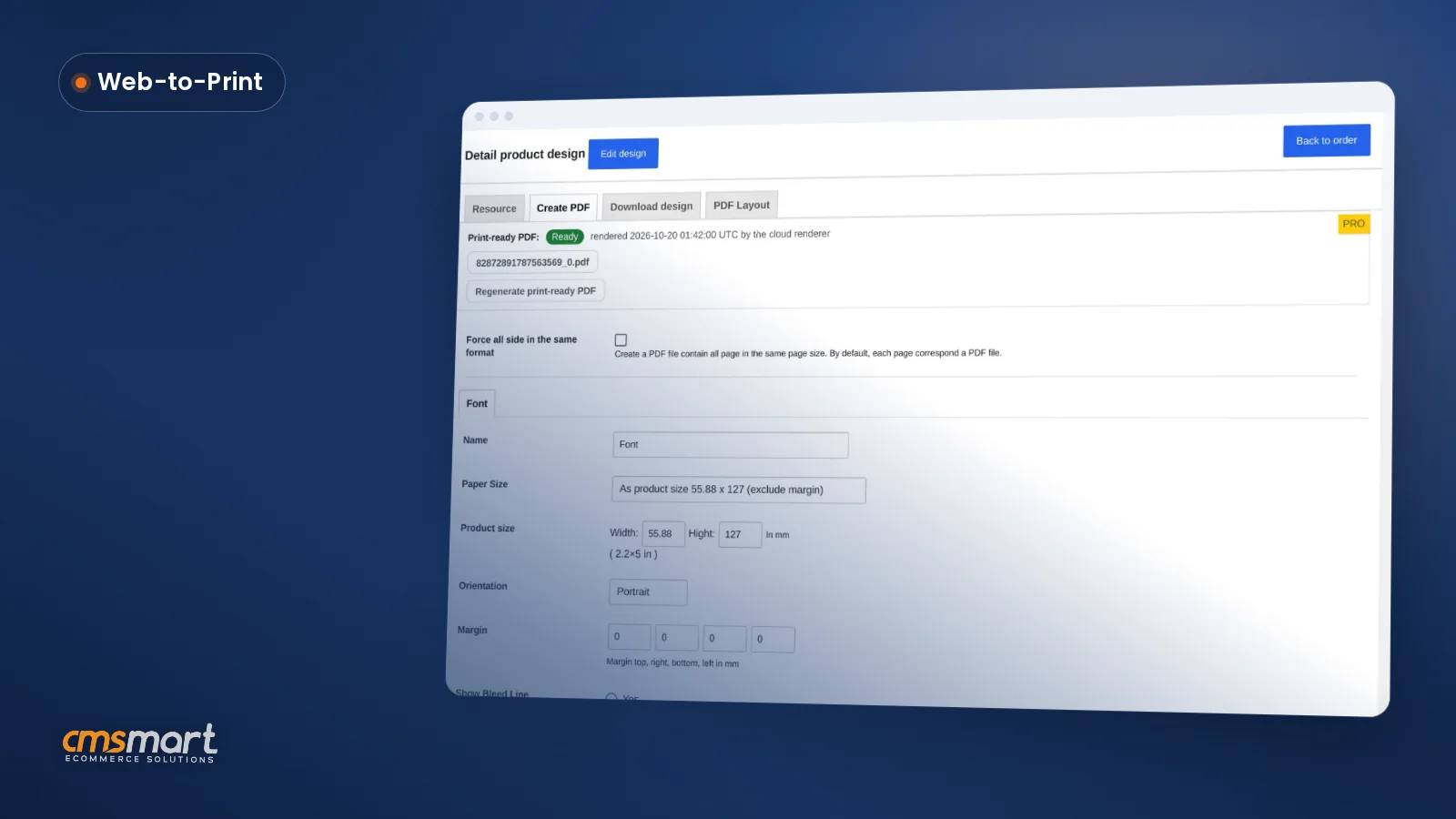
WP_DEBUG_LOGon, reading the first error in the log rather than the last, until the exact plugin — and often the exact hook — is confirmed.Cmsmart Product Designer (NBDesigner) goes through this same discipline on every release. In 2.14.1 we ran a full compatibility pass on WordPress 7.1 with WooCommerce 11.0.1, PHP 8.3.31 and HPOS (WooCommerce's High-Performance Order Storage) enabled: the designer opened and initialized, Process attached the finished design to the cart, and order meta survived the HPOS tables intact. 2.17.0 builds on that same baseline, and the print-ready PDF that matches the order keeps rendering through Cmsmart Cloud on it — the same checklist we recommend any store runs after a plugin or platform update.
What's the ROI of a disciplined WooCommerce plugin update policy?
Cmsmart frames plugin conflict prevention as a mechanism with a measurable payoff: fewer checkout failures, less staff time lost to guesswork, and fewer reprints, tracked against the hours a store actually spends firefighting broken updates today.
Rough ROI worksheet: (hours spent per incident × your team's hourly cost × incidents per year) + (orders lost to downtime × average order value) = the annual cost of ad-hoc conflict firefighting. Compare that to the one-off cost of a staging environment and a documented update policy, and most stores with more than a handful of plugins recover the cost within the first prevented incident.
How to set up a safe WooCommerce plugin conflict test
Cmsmart tests every WooCommerce plugin conflict on a disposable staging copy of the store, following a fixed nine-step sequence, so the live site — and the checkout a buyer is using right now — is never the place where the troubleshooting happens.
WP_DEBUGandWP_DEBUG_LOGand reproduce the broken action, then read the first error in the log, not the last.WooCommerce's own documentation walks through the same core steps — back up first, switch to a default theme, then deactivate and reactivate plugins one by one (WooCommerce, 2026) — and notes that a small number of "helper" plugins cannot be deactivated directly even though they can still cause the conflict, which is exactly why step 9 matters: a visual smoke test catches what a plugin list cannot.
Going further: when does a WooCommerce plugin conflict need custom development?
Cmsmart builds a managed, scheduled update process for stores whose customizations are too layered for a one-off deactivate-and-test cycle, combining a maintained staging environment, regression checklists and rollback plans with the hands-on testing this guide describes.
A single plugin conflict is usually a DIY job once you know the method above. Custom development earns its keep when any of these apply:
Cmsmart insight: The riskiest conflicts are rarely the well-known plugins. They are the custom snippets and page-builder modules layered on top of them, because nobody wrote down which hook they use or in what order they need to load.
Get a WooCommerce plugin and theme audit
Why work with Cmsmart on WooCommerce plugin and theme conflicts?
Cmsmart has supported WooCommerce and WordPress stores since 2012, including its own Cmsmart Product Designer plugin, so a plugin or theme audit comes from a team that maintains software under the same WordPress update cycle it is troubleshooting for you.
Cmsmart is a Netbase JSC division that has worked on ecommerce stores since 2012, with 6,300+ client projects and 1,800+ live stores running today, rated 4.2 on Trustpilot (404 reviews). We maintain Cmsmart Product Designer for WooCommerce ourselves, which means every compatibility fix in this guide is one we have shipped for our own plugin, not just recommended in theory, and the same team runs our WooCommerce update and compatibility service for client stores. Two related write-ups show the same discipline in practice: a critical compatibility fix we shipped for PHP 8.2–8.3 and HPOS, and a real plugin-activation conflict worked through step by step. See our full delivery model at Cmsmart ecommerce projects or browse all services.
Frequently asked questions about WooCommerce plugin conflicts
How long does it take to find a WooCommerce plugin conflict?
A straightforward conflict is usually found within one to three hours once you are testing on staging with a fixed method: update everything, isolate the theme, then binary-search the plugins. Conflicts involving custom code or a rare combination of plugins can take longer, which is why documenting the fix matters as much as finding it.
Can a plugin conflict break my store without showing an error?
Yes. Many conflicts are silent: a hook fires out of order, a script loads twice, or an option fails to save, and the page simply looks "stuck" rather than throwing a visible error. That is why the method in this guide relies on reproducing the actual broken action and reading the debug log, not on waiting for an error message.
How do I test a plugin update without risking my live store?
Clone the site to a staging environment first, and do every update, theme switch and plugin deactivation there. Only push the change to the live store once the full buyer journey — product page, design or configuration tool, cart and checkout — passes the smoke test on staging.
Does this process work for theme conflicts too?
Yes. Switching to a default WordPress theme is step 4 precisely because it separates theme problems from plugin problems early. If the issue disappears on a default theme, the investigation moves to the theme's code or its own settings instead of the plugin list.
Can Cmsmart audit the plugins we already have installed?
Yes. A plugin and theme audit reviews what is installed, flags overlapping or abandoned plugins, sets up a maintained staging environment, and puts a tested update policy in place so the next WordPress, WooCommerce or plugin release does not become an incident.