

Yes, the up-sells and cross-sells product will be displayed on the popup with Magento 2 version. About Magento 1, we will upgrade this function in the near future.

Yes, but with configurable product, you need to choose the product attribute such as color, size with a popup before adding to cart.

Yes, you can. You can change the colors as text color, border color, the background color of some buttons as: "Save Cart" button on the shopping cart page, or buttons in "My Saved Cart" tab in my account page.
To create a Save Cart, please follow path below Add to Cart-> View & Edit Cart-> Save Cart-> Enter Save Cart Name-> OK
To send an email, Click Add to Cart-> View & Edit Cart-> Send Email Then you enter subject and enter email-> Save
Yes, you can. In each detail of "Saved Cart", you can see all the items information with the price, the date that you add to cart and subtotal for each "Save Cart".
Yes, it does. All themes or extensions of Magento support all kinds of languages. You just need to install our language packages and then translate it into your wanted languages. Our Dev team will guide you how to make it.
Yes, it is possible to install Save Cart Extension for Magento 2 on many domains. It depends on the number of domain license support that you purchase.
Most read this month
 Cmsmart Product Designer 2.15: a critical security fix, a steadier dashboard, and AI you control and profit from
 Teespring Business Model: How It Works for Sellers
 NBDesigner Free Trial: Download, Install & Activate
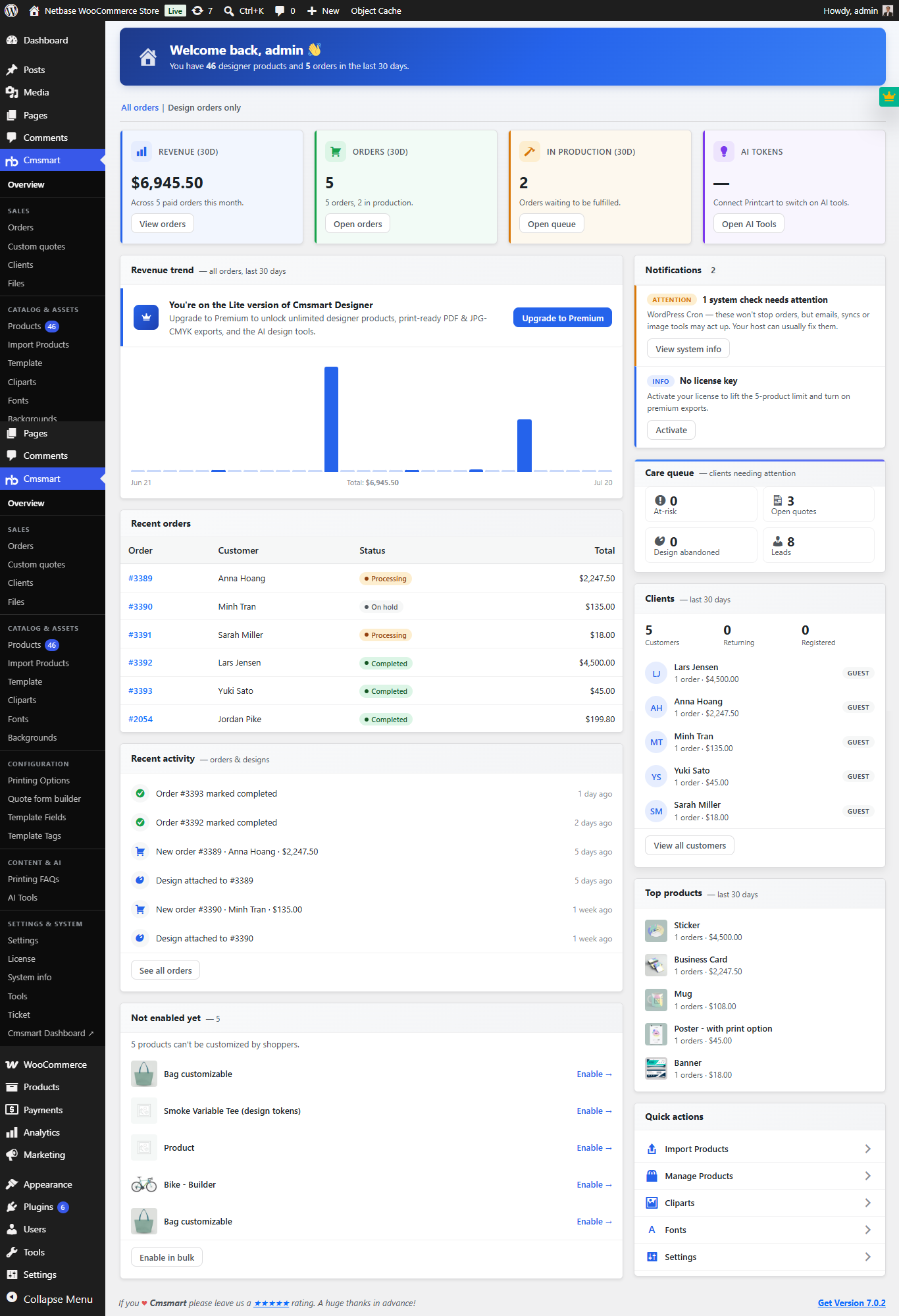 Cmsmart Product Designer 2.10.0 – Built-in Customer CRM, AI Print-QA and a Redesigned Dashboard
 Ecommerce Web Design Companies: 6 to Compare
 Cmsmart Product Designer Settings Guide: Complete WP Admin
 Ecommerce Product Catalog and Listings: A Guide
 Keywords for T-Shirts: SEO Tips for Your Brand
 WooCommerce Product Designer 2.17+: Update & Setup Guide
 Cmsmart Product Designer 2.12 — AI on Your Own Licence, a Real Quotes Area, and Print Files You Can Trust

Cmsmart Ecommerce provides custom ecommerce and WooCommerce development services for web-to-print, product personalization, plugin support and API integration.




Web-to-print, WooCommerce, B2B and AI specialists who plan, build and support stores together.
Meet the team →
Top