

Case study · Web-to-print
Web-to-Label Printing: Sell Custom Product Labels Online
Set up web-to-label printing for product labels with Cmsmart Product Designer: upload, proofing and print-ready PDFs. Get a quote today.
In recent years, WordPress has started to dominate and taken a significant market share. The demands for WordPress themes and plugins also increase respectively. Understanding and catching up with the trend of the market, Netbase teams has released Woocommerce Product designer plugin. As its name, this amazing product is specially designed for WordPress addicted. Ryan Camilleri is a director printing and importation company in Malta and at this time he has already had 3 - 4 domains.
Was this tutorial helpful?
See also: Cmsmart pricing and Cmsmart products.
← WooCommerce Product Designer Setup for Every Product · Why WordPress PrintShop Premium Package is highly recommended by mwb-druck.ch →
Written by
Cmsmart Product Designer Plugin Engineer
Builds and supports the Cmsmart Product Designer (NBDesigner) for WooCommerce.
The team behind it
 Account Manager
 Project Manager
 Business Analyst
 Developers & QA
Case study · Web-to-print
Set up web-to-label printing for product labels with Cmsmart Product Designer: upload, proofing and print-ready PDFs. Get a quote today.
Guide · Web-to-print
See a sourced WooCommerce product designer plugin comparison: pricing, features and print-ready files, then request a free migration quote today.
Guide · Web-to-print
Translate WooCommerce product designer screens with Loco Translate or Frontend Translate: see every setting, its default, and how to set it up.
Browse more guides, tutorials and case studies from the Cmsmart community.
Run a custom tote bag printing business with Cmsmart Product Designer: live pricing, real print specs and a print-ready PDF. See how to set it up.
Read MoreBuild a car wrap ecommerce store on WooCommerce: panel pricing, approval and print-ready PDFs before you print. Plan your wrap store today.
Read MoreDiscover how the home décor industry is transforming with the rise of personalized products and the challenges retailers face. Learn how CMSmart's Product Builder offers a solution, improving customer engagement, reducing return rates, and increasing sales through real-time 3D previews and automated processes.
Read More
Cmsmart Ecommerce provides custom ecommerce and WooCommerce development services for web-to-print, product personalization, plugin support and API integration.
Cmsmart Product Designer Plugin Engineer
Builds and supports the Cmsmart Product Designer (NBDesigner) for WooCommerce.
Meet the team →
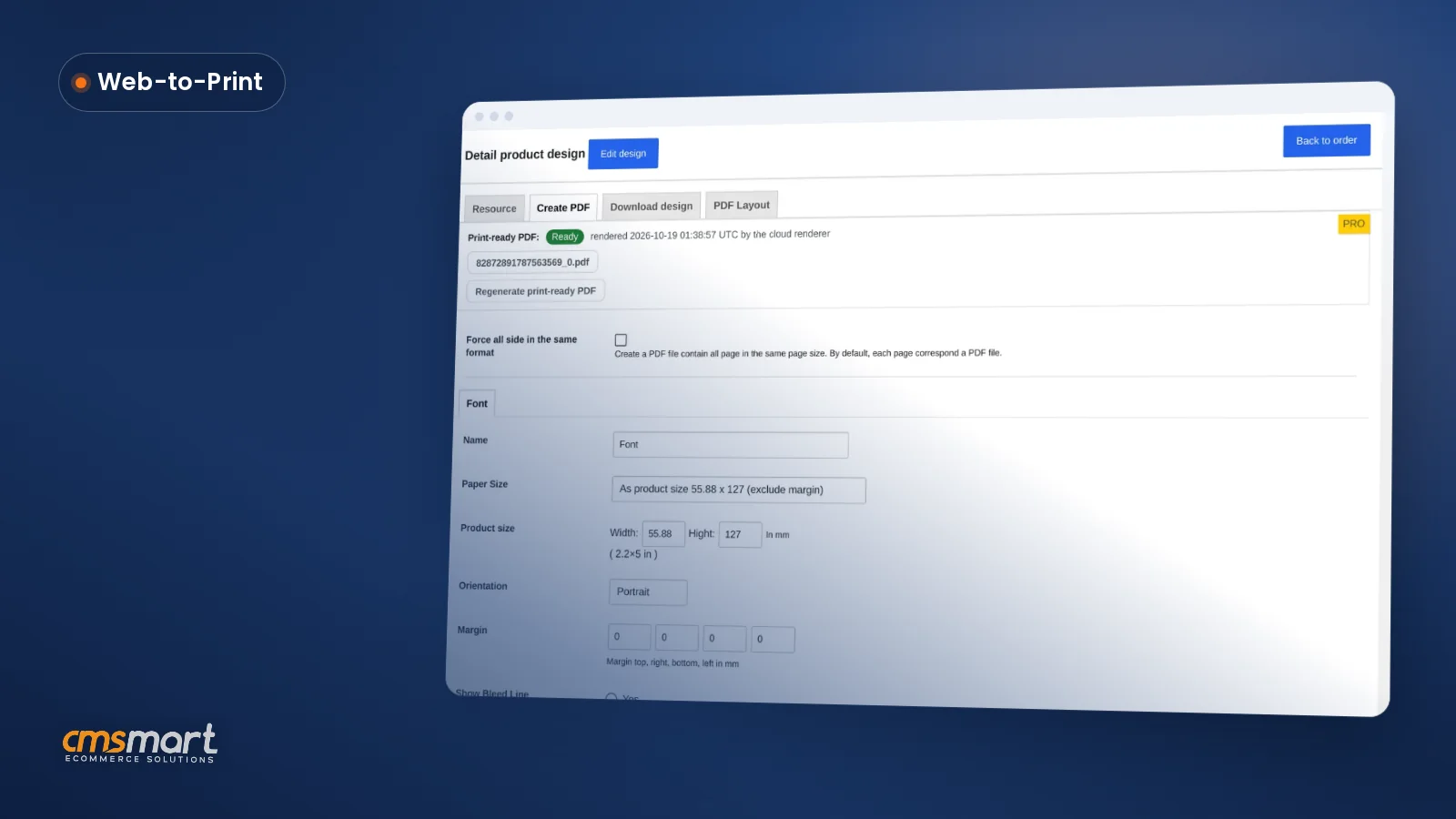


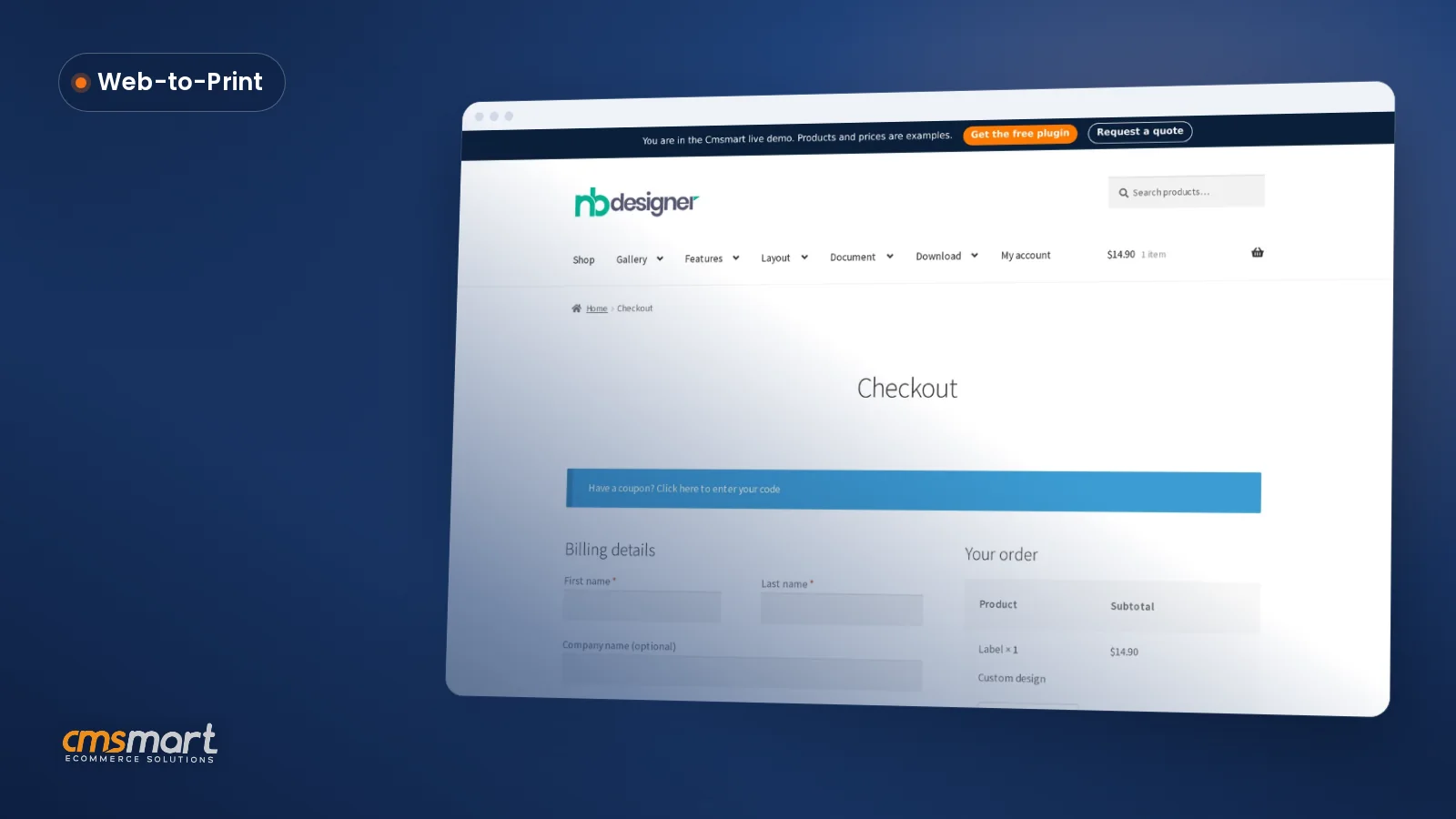
He had spent a lot of time to check demo of product carefully and he found that the Woocommerce product designer is serious, efficient and workable. He actually loved it due to easy-to-use features. During purchasing, installing and using, he has been working a lot with Vincent and Vincent is so friendly and professional.
He has been totally satisfied with this plugin because
" Clients can now design their own products online. I am equal to my competitor and I am happy".
With an awesome product and wonderful customer service, he highly recommends this product to other printing business owner. How about you, send us your comments about this product! If you do not know the product WordPress NB Designer, please access the WordPress Online Product Design Demo. If you have problems during use or you have questions about this product, please contact our Support team or Mr.Vincent. They will answer your questions. Thank you for reading and keep following us to get more information in the next story! Bye, see you again!
Questions? Message the Cmsmart team on WhatsApp at +84 937 869 689 or email project@cmsmart.net.
Further reading
Frequently asked questions
Where are the other Cmsmart Fullstore Quickstart Package tutorials?
Every Cmsmart Fullstore Quickstart Package tutorial is listed on the Cmsmart Fullstore Quickstart Package tutorials page. Customers with a licence can open a support ticket from the Cmsmart dashboard when a step does not match their install.
What if a step in this Cmsmart Fullstore Quickstart Package tutorial does not match my store?
This tutorial describes the release that was current when it was written (it was published on 20 November 2018), so a menu or setting may have moved since. Customers with a licence open a support ticket from the Cmsmart dashboard, naming the step and adding a screenshot, and the team answers there.
Where is the Cmsmart Fullstore Quickstart Package product page?
The Cmsmart Fullstore Quickstart Package product page shows the product as it is sold today, so you can check what this tutorial covers against the current release.
How do I pay securely?
Contracts and payments go to the company, Netbase JSC: plans are paid through PayPal; services are invoiced by Netbase JSC under a written proposal and paid by bank transfer to Netbase JSC's company account or by PayPal Business. Cmsmart (Cmsmart Ecommerce) is the ecommerce brand of Netbase JSC, a company based in Hanoi, Vietnam.
How do I contact Cmsmart or get a quote?
Message the Cmsmart team on WhatsApp at +84 937 869 689 or email project@cmsmart.net; the contact page at cmsmart.net/contact lists every channel, and Request a quote (cmsmart.net/project-proposal) sends a project brief. Customers with a licence open a ticket from the dashboard.