


Guide · Web-to-print
WooCommerce Product Designer Plugin vs Zakeke (2026)
Comparing Zakeke with a WooCommerce product designer plugin? See sourced pricing, features, and get a free migration assessment from Cmsmart.
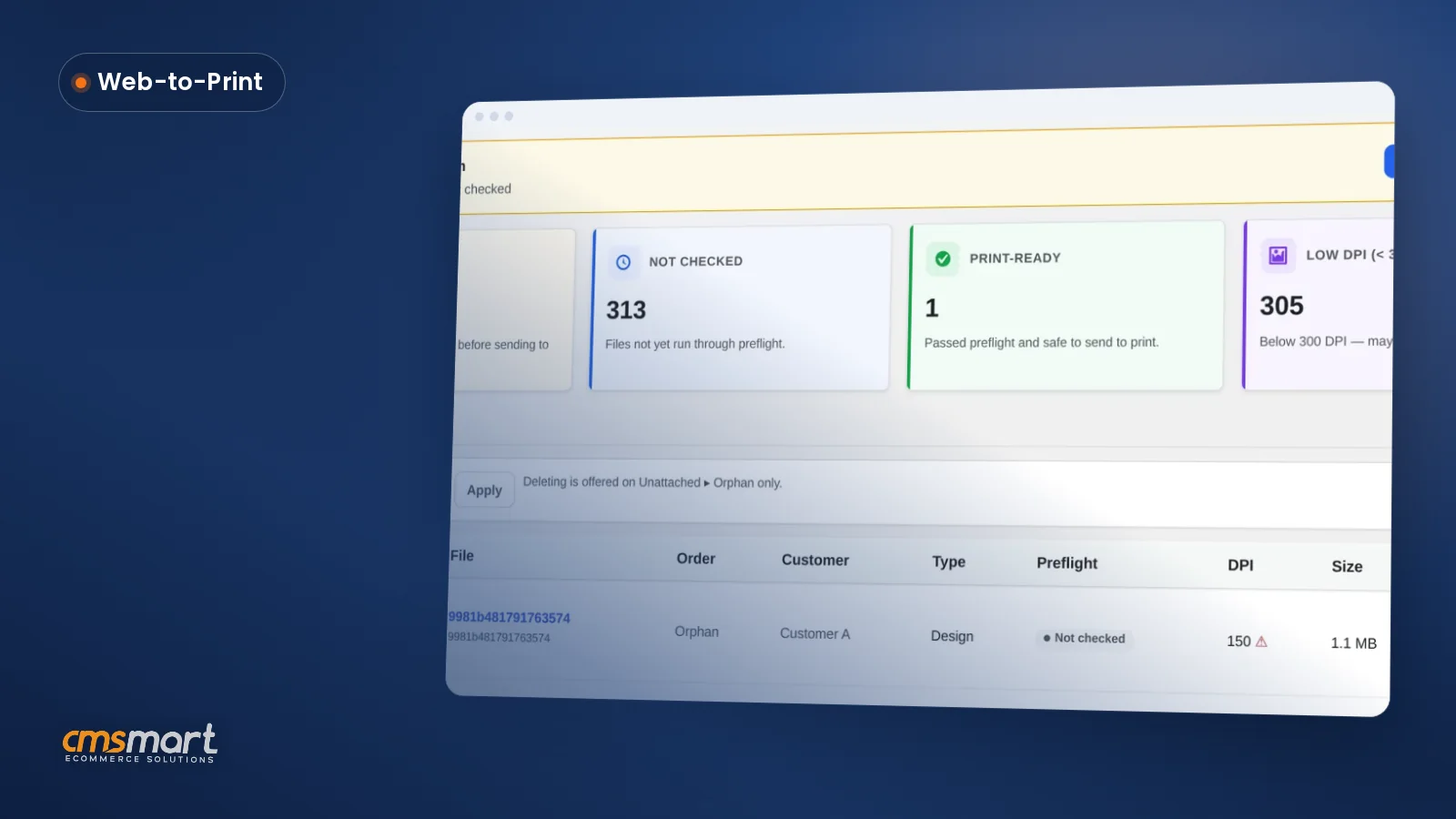
A single WooCommerce store running Cmsmart Product Designer can have thousands of customer design files scattered across orders, saved carts and abandoned uploads, with no way to tell which are print-ready until someone opens each order by hand. The Files screen in Cmsmart Product Designer 2.18.0 turns that pile into one filterable list with a preflight status, a DPI check and a direct line to the print-ready PDF. What does it cost you when...
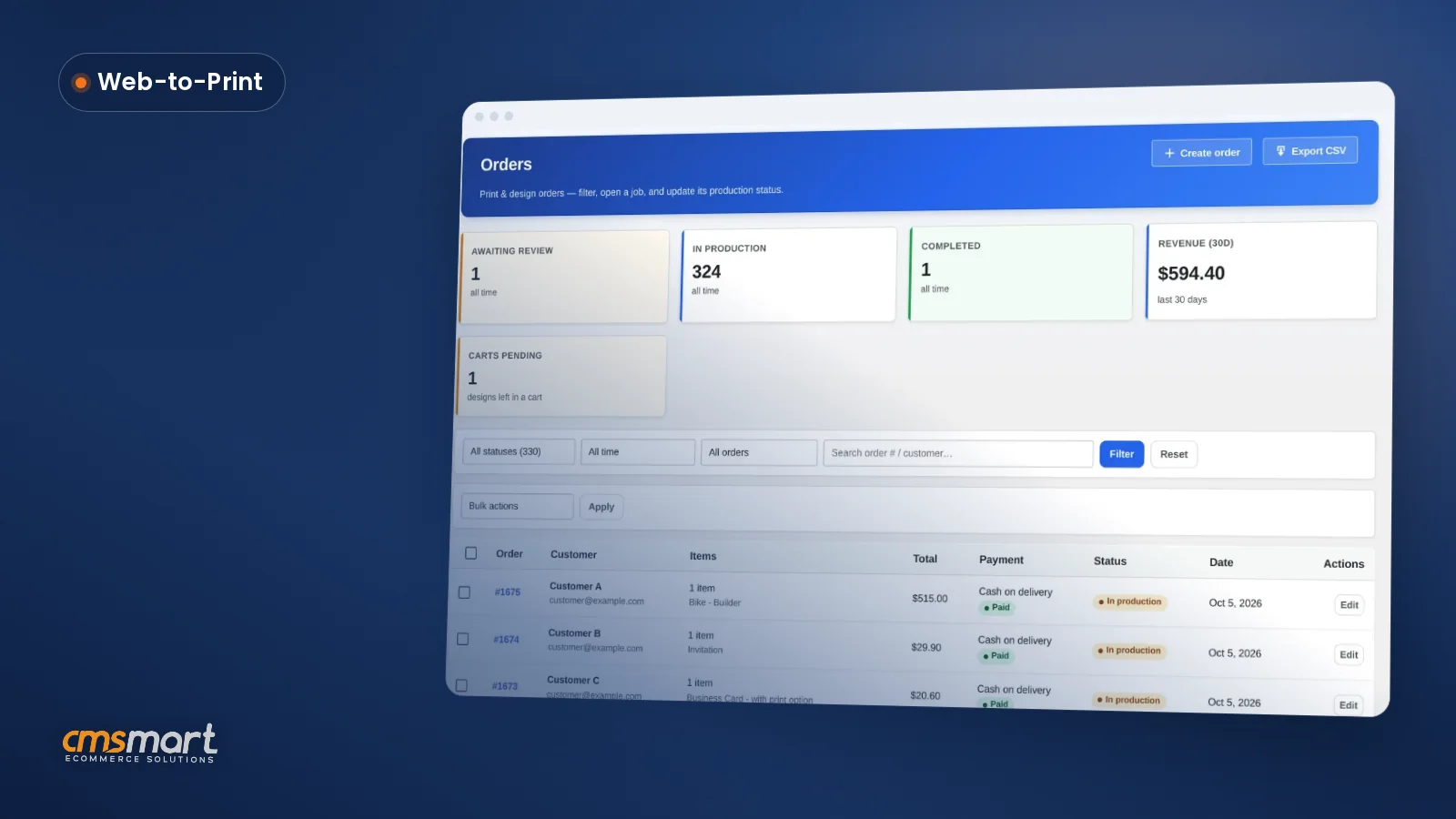
WooCommerce design order approval settings decide how fast a custom print order moves from upload to press-ready, and most shops never open the screen that controls it. Cmsmart Product Designer puts order status, shipping, Customer Design approval and the print-ready PDF on one order — this guide shows every field, its default, and what to change for a print shop, a POD apparel store or a B2B account. What does manual artwork approval really...
Cmsmart just simplified WooCommerce product designer pricing into four annual plans — Premium, Fullstore, B2B and Marketplace — so you stop guessing which bundle of design tools, store package and AI allowance your business actually needs before you pay. What's the real cost of picking the wrong Cmsmart plan? Cmsmart's plans now nest cleanly — Premium, Fullstore, B2B and Marketplace — so picking too small a tier means re-buying later, and picking too big...
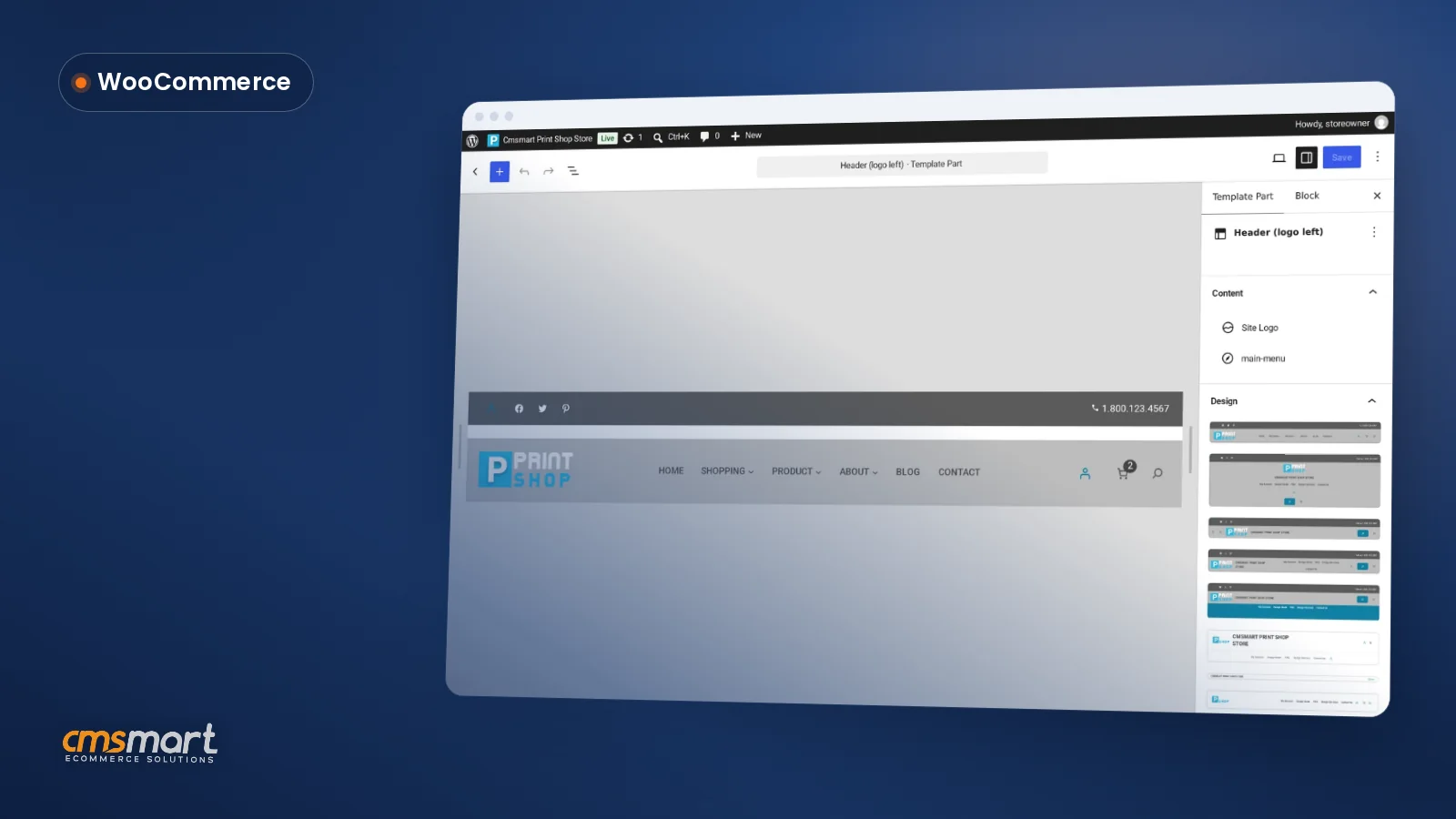
Customize WooCommerce block theme settings — site title, header, footer, colors and fonts — inside WordPress's built-in Site Editor on a Cmsmart Store, instead of writing CSS or filing a developer ticket; the theme, Cmsmart Stores Blocks and Cmsmart Product Designer are already active when install finishes, so the only job left is making the layout look like your business. This picks up right after installing a Cmsmart Store with Store Setup v2 or...
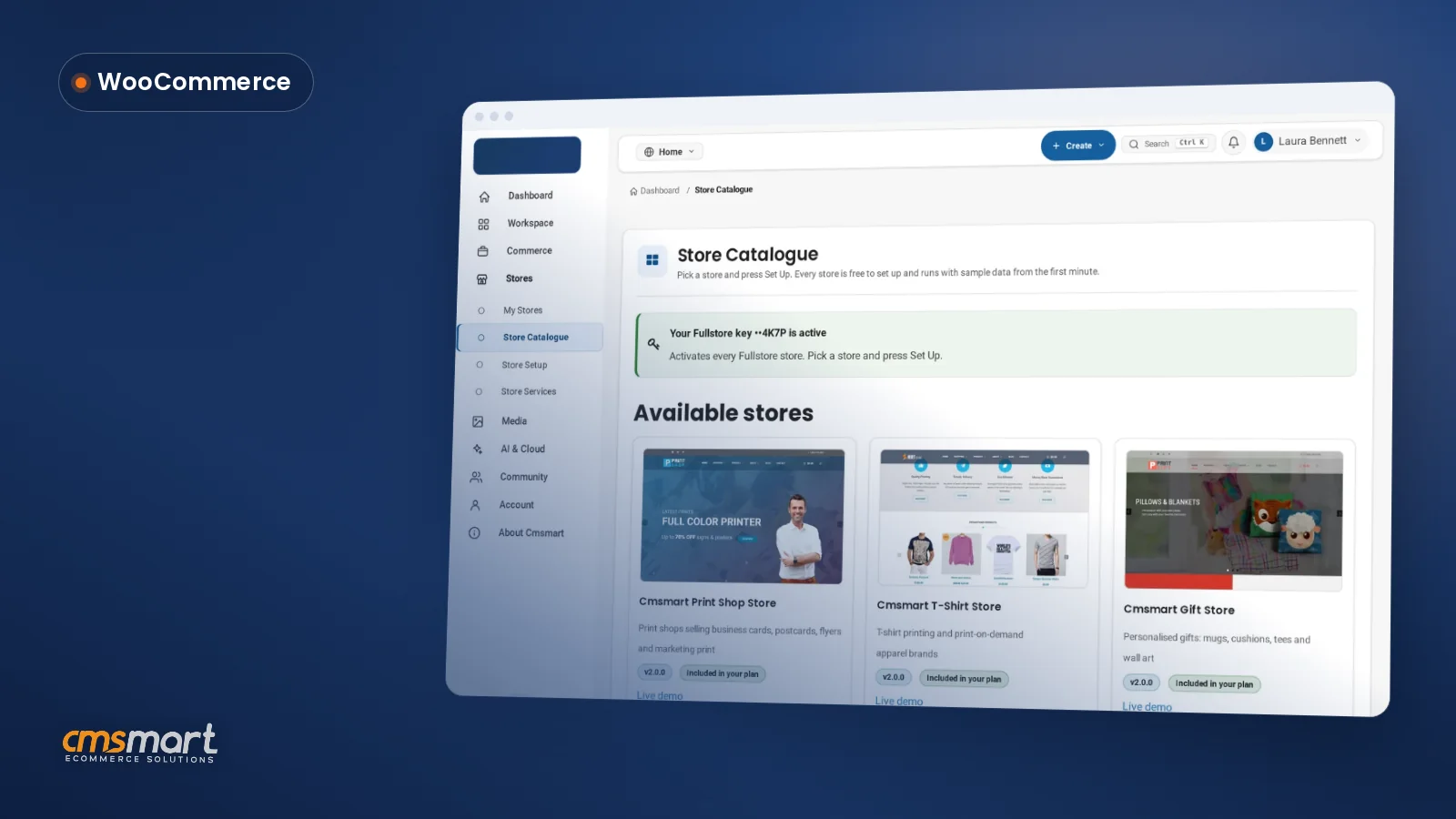
This guide shows two ways to install a Cmsmart store on WordPress: Store Setup, a one-file installer finishing a WooCommerce store with sample data in about ten minutes, or a manual upload of the theme and plugin zips for full control. It is the install hub for all eight Cmsmart Stores. What's the cost of a stalled WooCommerce store rollout? A stuck rollout is rarely a theme bug, it is usually a sequencing or...
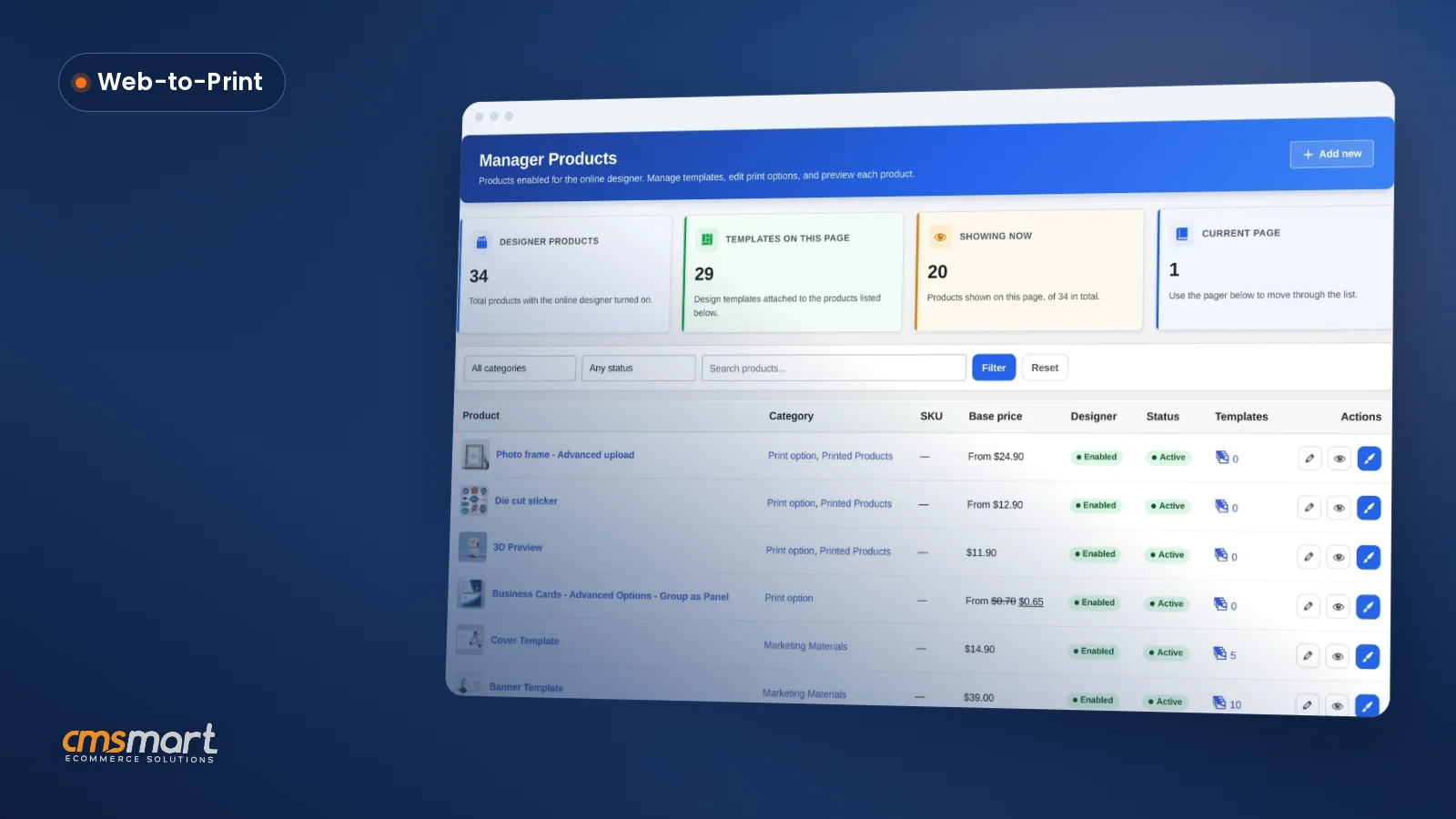
The Manage Products screen is where you manage design products WooCommerce shoppers can personalize, review the price matrix tied to each one, and decide which print specs reach the production floor — without opening three different admin screens to do it. Add ten new SKUs in a season and the gaps show fast: one product has the wrong bleed, another has no price matrix attached, a third still points at a template nobody uses...
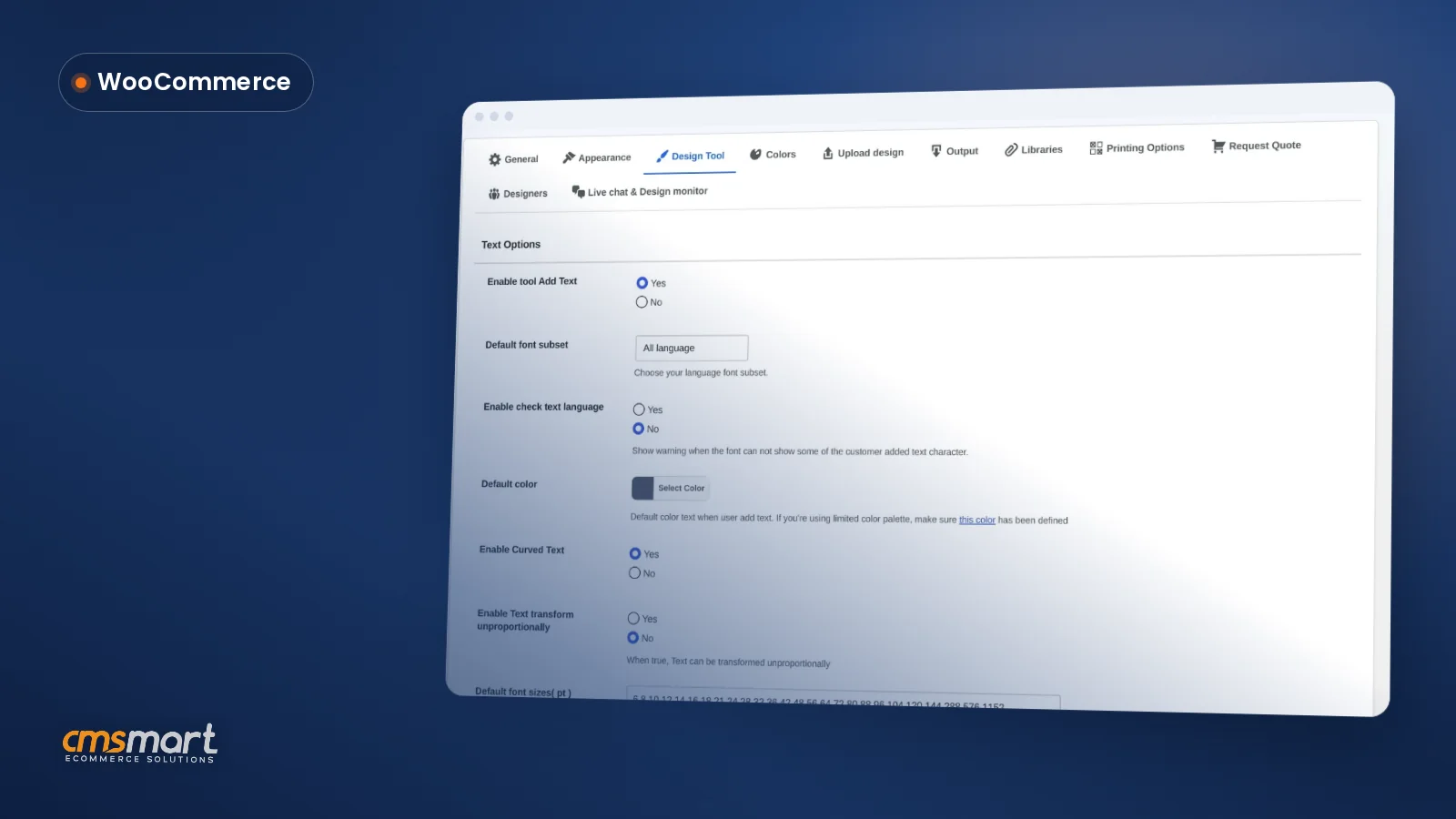
The online design tool settings WooCommerce merchants configure inside Cmsmart Product Designer decide exactly what a shopper can type, draw, or drop onto a product — and left on their defaults, they quietly cost orders, reprints, and support time every week. What does it cost you when Design Tool settings are left on default? Cmsmart Product Designer ships Text and Elements options already switched on, which is fine for a first launch but rarely...
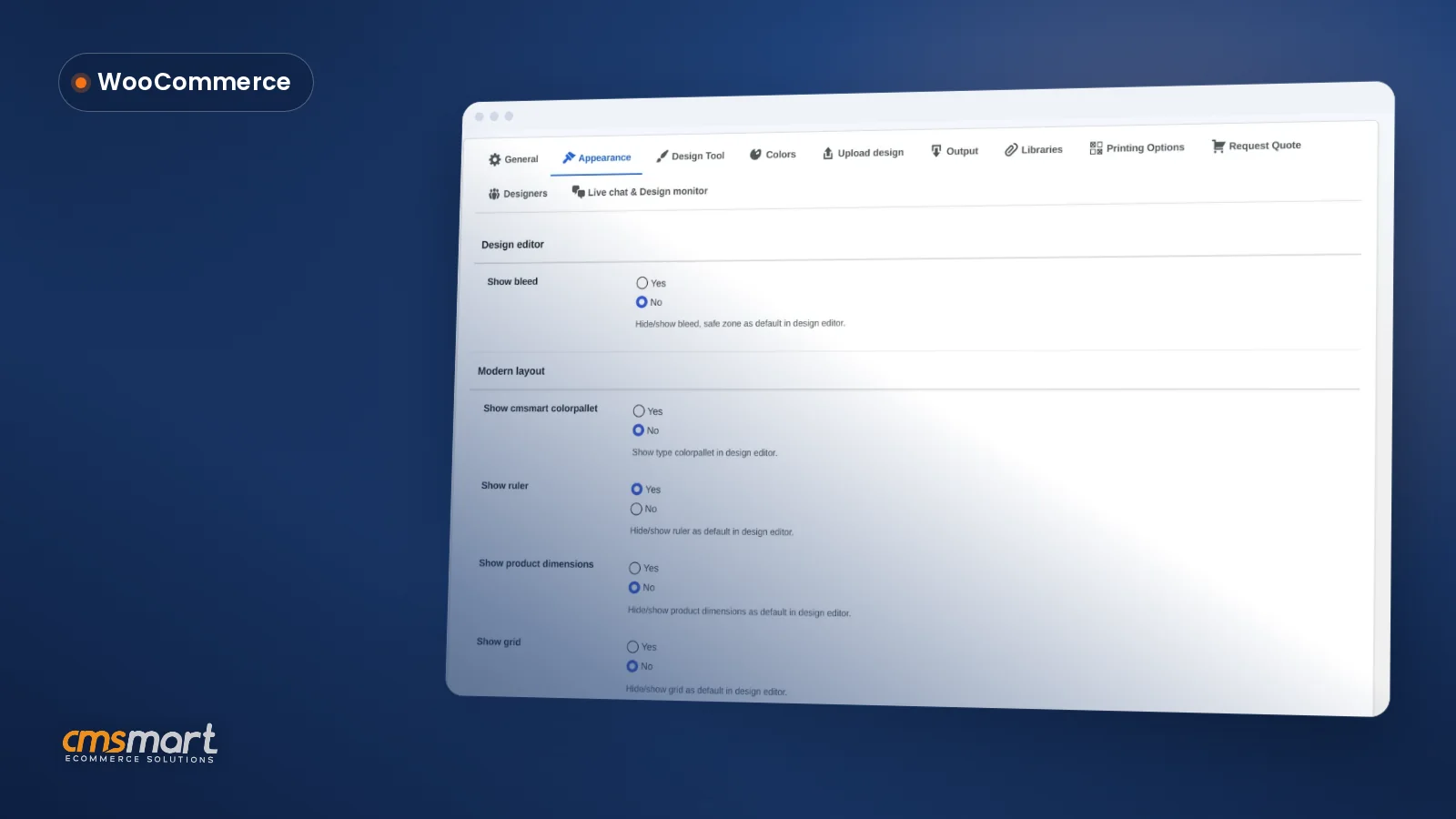
These product designer appearance settings WooCommerce admins configure decide what every buyer sees on clicking Start and upload design — the ruler, the grid, the Templates tab, your logo, and where the design button sits next to Add to cart. Get it wrong and a gift buyer stares at bleed guides meant for a press operator; get it right and the editor feels built for your store. What's the cost of a cluttered or...
WooCommerce Product Designer General Settings control how the online editor behaves, who gets notified when a design changes, and what customers can download — get them wrong and every order needs a manual check before it reaches the press. What's the real cost of leaving General settings on their defaults? Cmsmart Product Designer ships with sensible defaults, but "as installed" is rarely "as your shop needs it." Leaving the output resolution, download permissions and...
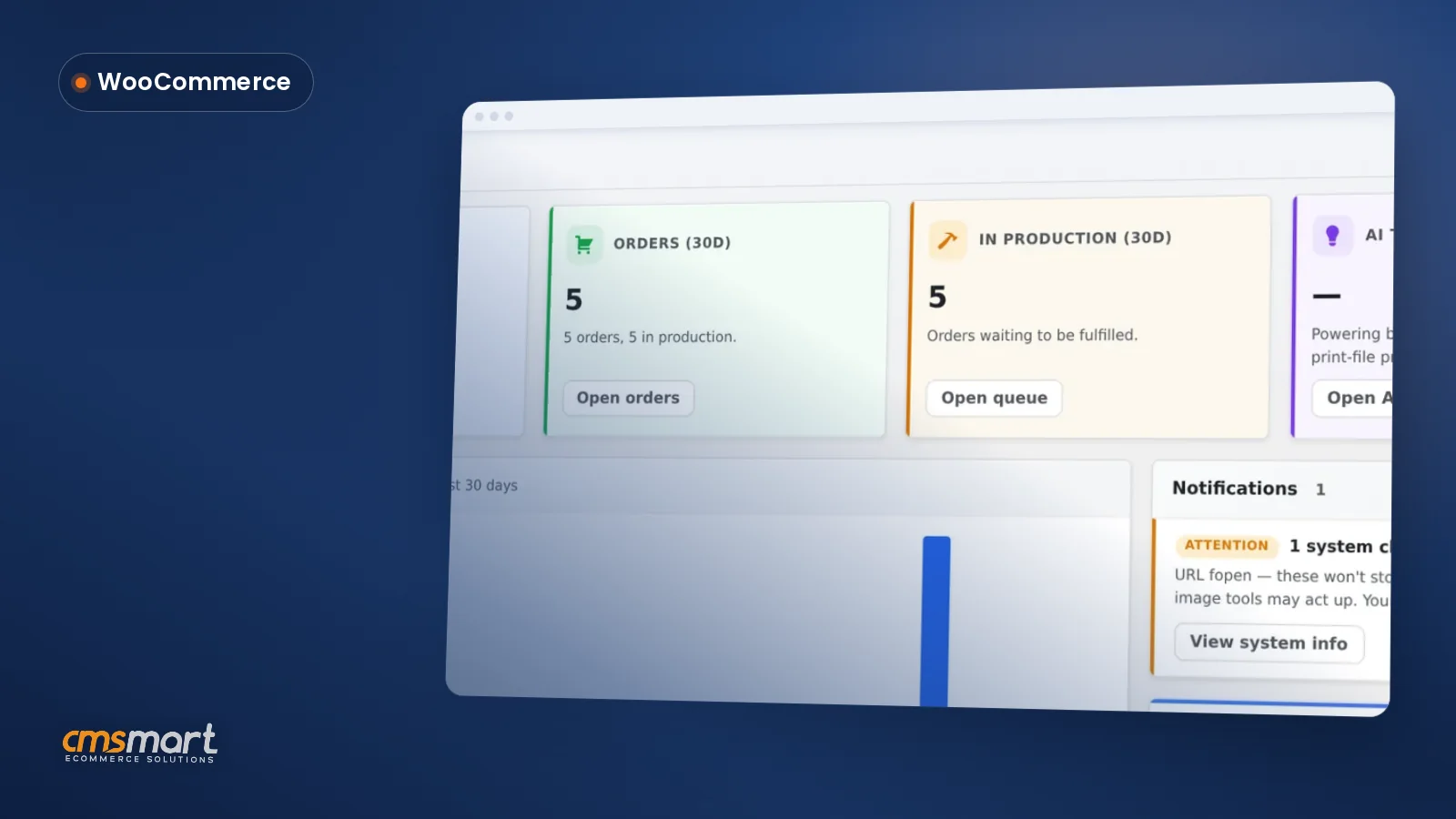
A print shop owner who wants to know whether yesterday was a good day currently checks WooCommerce orders, a spreadsheet, and a chat thread with the shop floor. The Cmsmart Product Designer dashboard puts revenue, production status, at-risk clients and AI usage on one screen, so that daily check takes two minutes instead of twenty. That single screen is Cmsmart > Overview in WP Admin, shipped with every install — no extra plugin, no...
Guide · Web-to-print
Comparing Zakeke with a WooCommerce product designer plugin? See sourced pricing, features, and get a free migration assessment from Cmsmart.
Guide · Web-to-print
Looking for a fancy product designer alternative for WooCommerce? Compare sourced facts and pricing, then get a free migration assessment.
Guide · Web-to-print
Comparing WooCommerce product designer plugin options? See Lumise vs Cmsmart: sourced features, pricing and a verdict, then get a free assessment.
Guide · Web-to-print
See a product customizer for WooCommerce compared with Customily on pricing, features and TCO, then get a free migration assessment from Cmsmart.
Web-to-print software lets customers personalise a printed product in the browser, see the price and order it, while the shop receives a print-ready file with the order. Cmsmart builds this on WooCommerce with the Cmsmart Product Designer plugin.
Yes. Create a free Cmsmart account and start the free licence from your dashboard (Products), then install the plugin on your WooCommerce store and test real orders.
Cmsmart builds them as custom development: pricing rules, proof approval flows, MIS or print API integrations, new product types. Describe what you need in the quote form and the web-to-print desk will scope it.
 Print-Ready PDF Plugin for WooCommerce (Cmsmart 2.17)
 Teespring Business Model: How It Works for Sellers
 NBDesigner Lite Free Download: Install & Activate
 Cmsmart Product Designer Settings Guide: Complete WP Admin
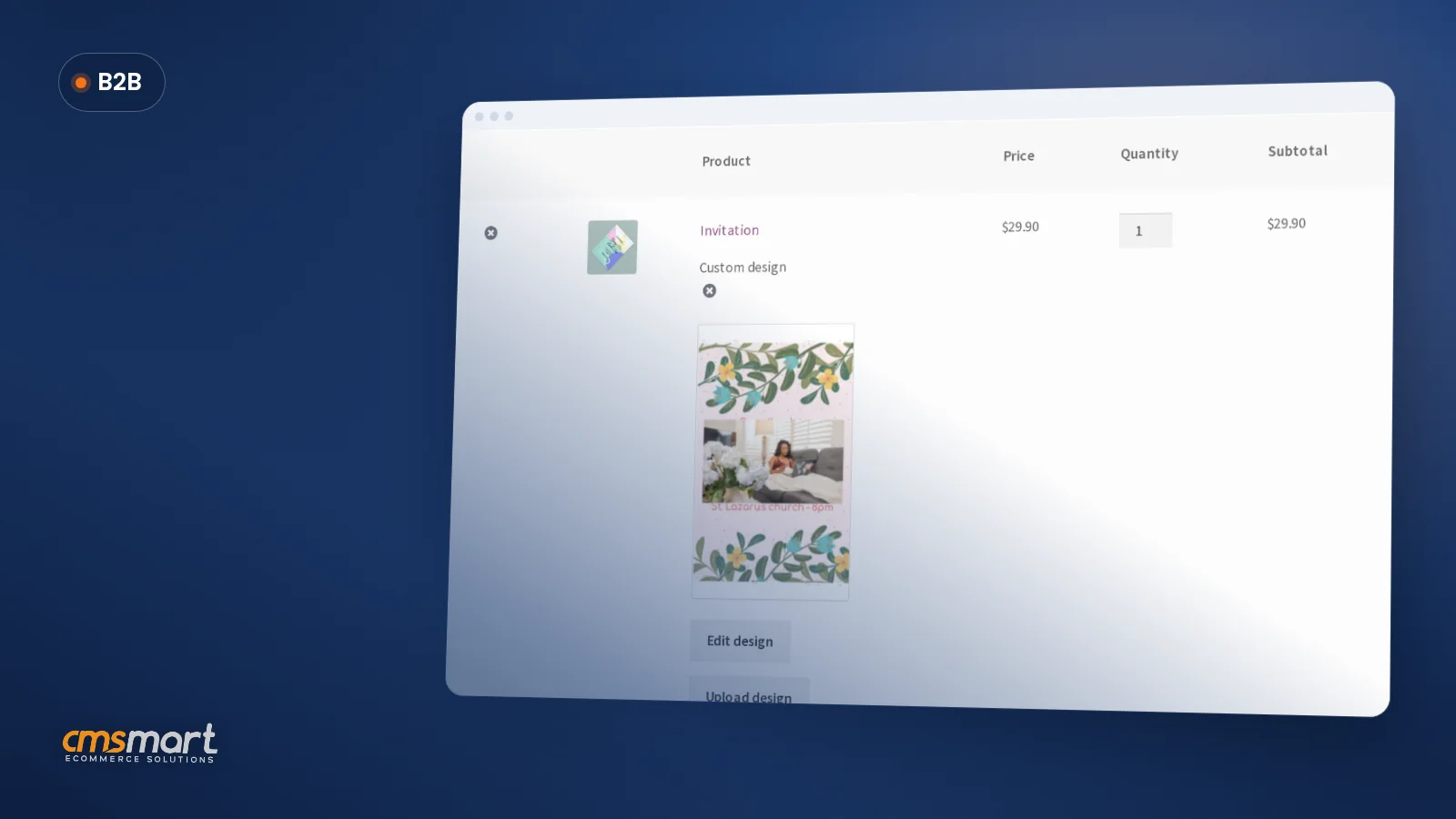 How to Choose an Ecommerce Design Company: 8 Questions
 Keywords for T-Shirts: SEO Tips for Your Brand
 Car Wrap Ecommerce Store Software for WooCommerce
 WooCommerce Price Matrix: Price Print Products Online
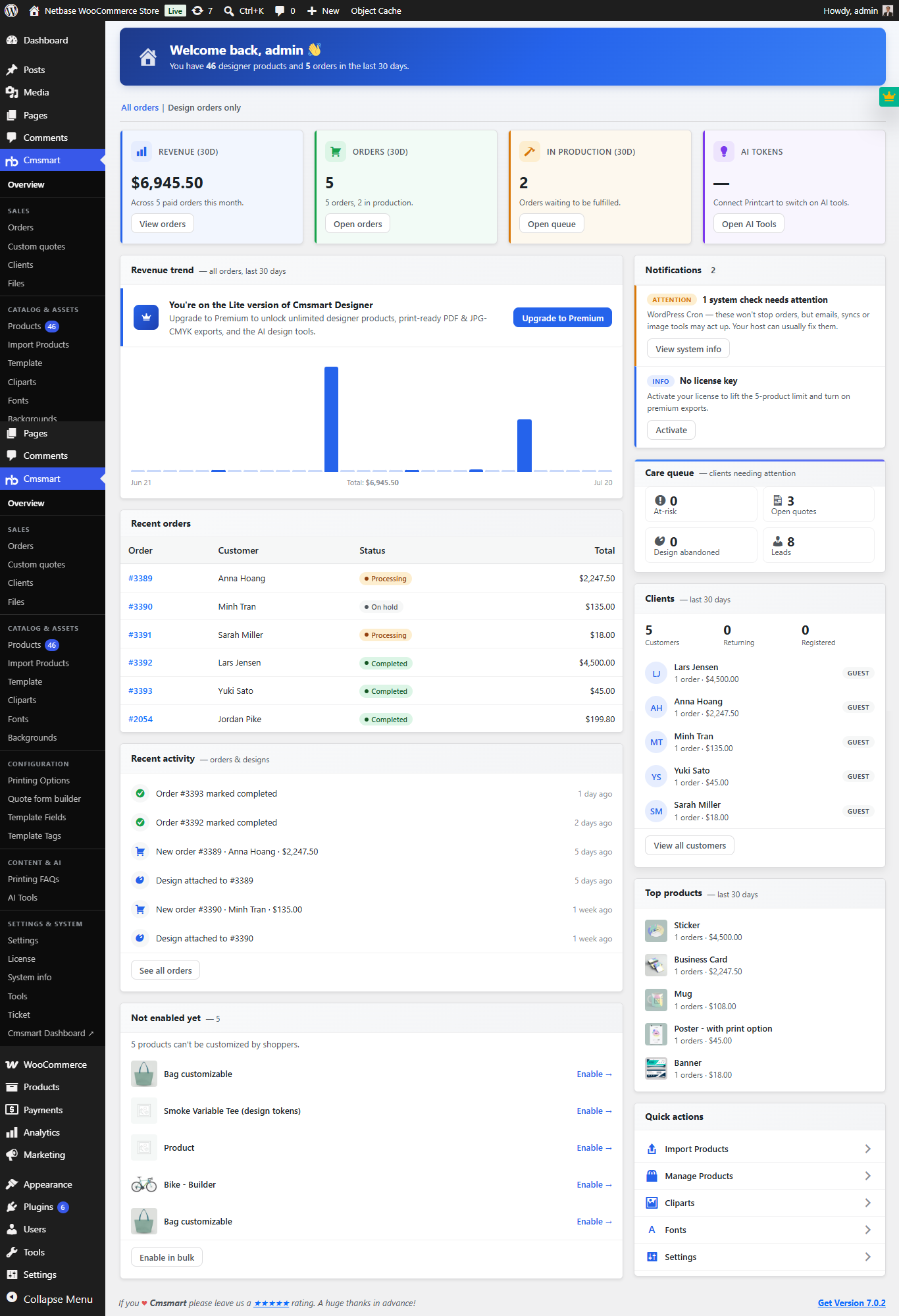 Print Shop CRM Software: Cmsmart Designer 2.17
 WooCommerce Printing Options Price Matrix Setup Guide

Cmsmart Ecommerce provides custom ecommerce and WooCommerce development services for web-to-print, product personalization, plugin support and API integration.
Cmsmart Web-to-Print Solutions Consultant
Plans online print storefronts: product setup, pricing rules, proofing and print-ready files.
Meet the team →