Latest in Ecommerce platforms
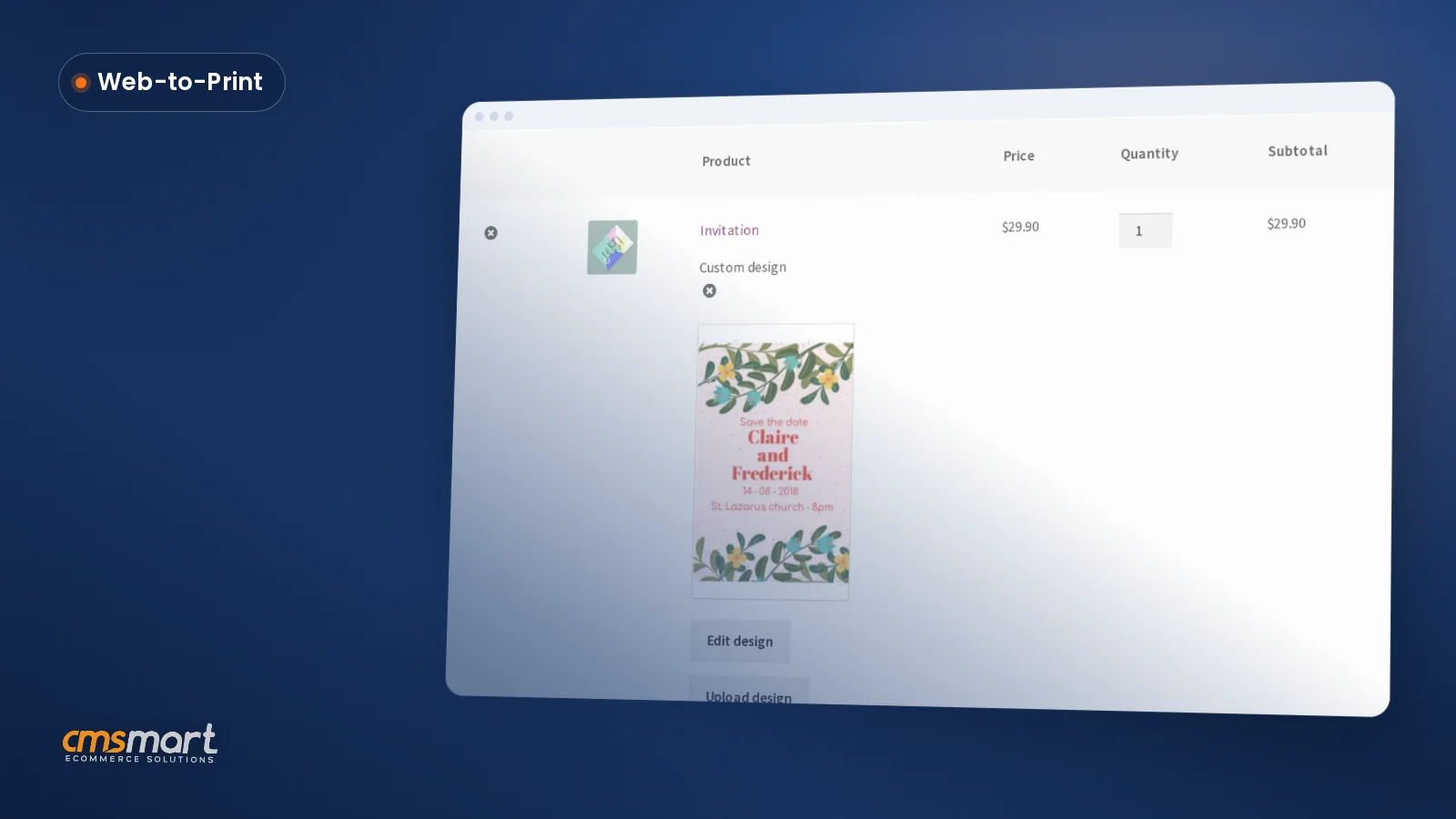

Cmsmart's online product designer already lets WooCommerce buyers drop in shapes QR codes and drawing tools next to their text and templates, no separate app or designer required. That turns a blank product page into a finished order without a single email back and forth. What does it cost your shop when a buyer has no artwork to upload? Cmsmart Product Designer removes the "no artwork" dead end by giving buyers shapes, icons, a...
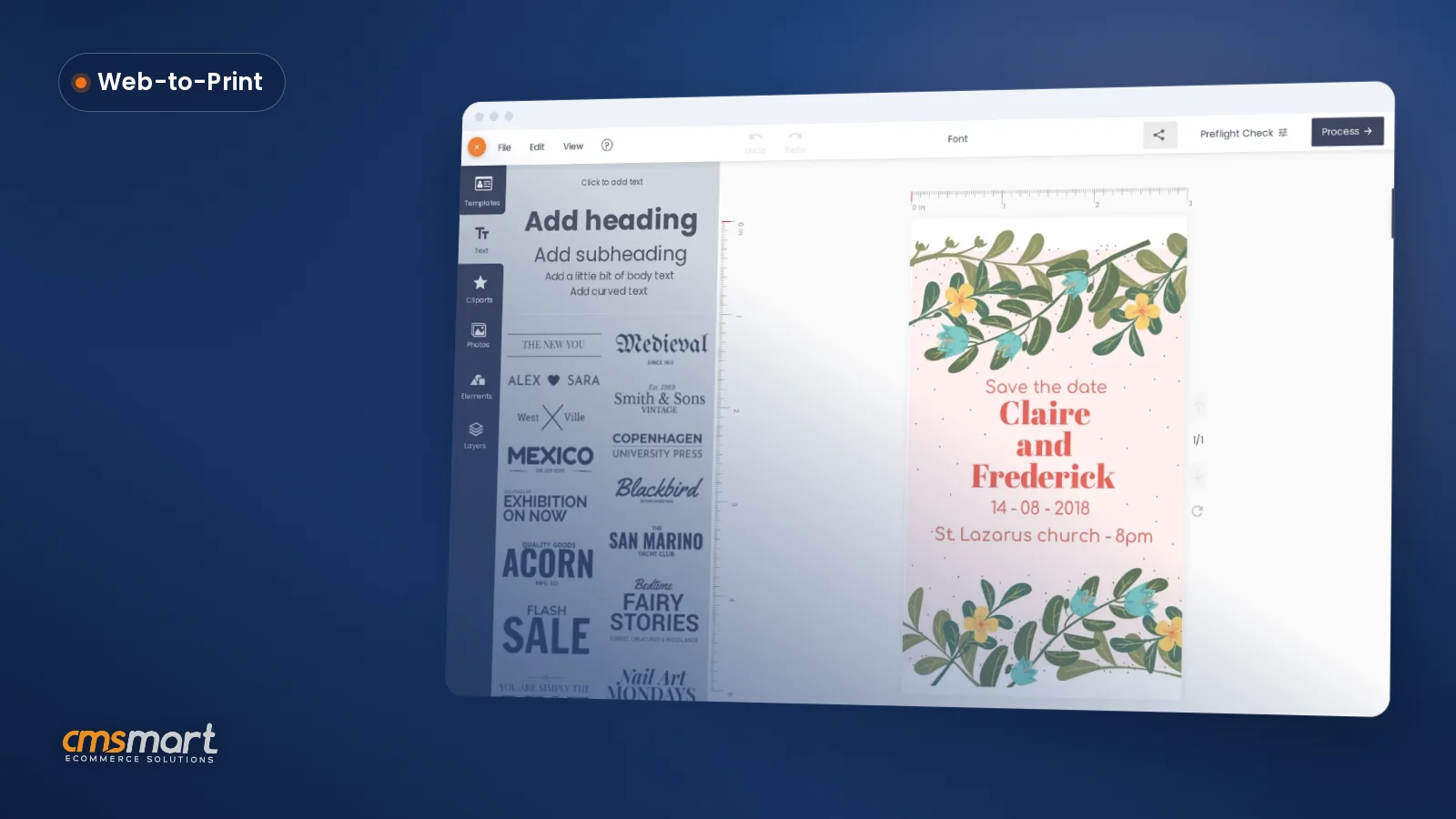
Stationery and invitation sellers lose orders when a font looks perfect on a buyer's screen and wrong on the printed card. Cmsmart's online designer gives your WooCommerce store custom font options for WooCommerce product designer buyers: curated pairings, a manual override in the canvas toolbar, and a print-ready PDF that locks in exactly what the shopper approved, order after order. Why Does Font Chaos Cost Your Stationery Store Sales? Cmsmart Product Designer removes the...
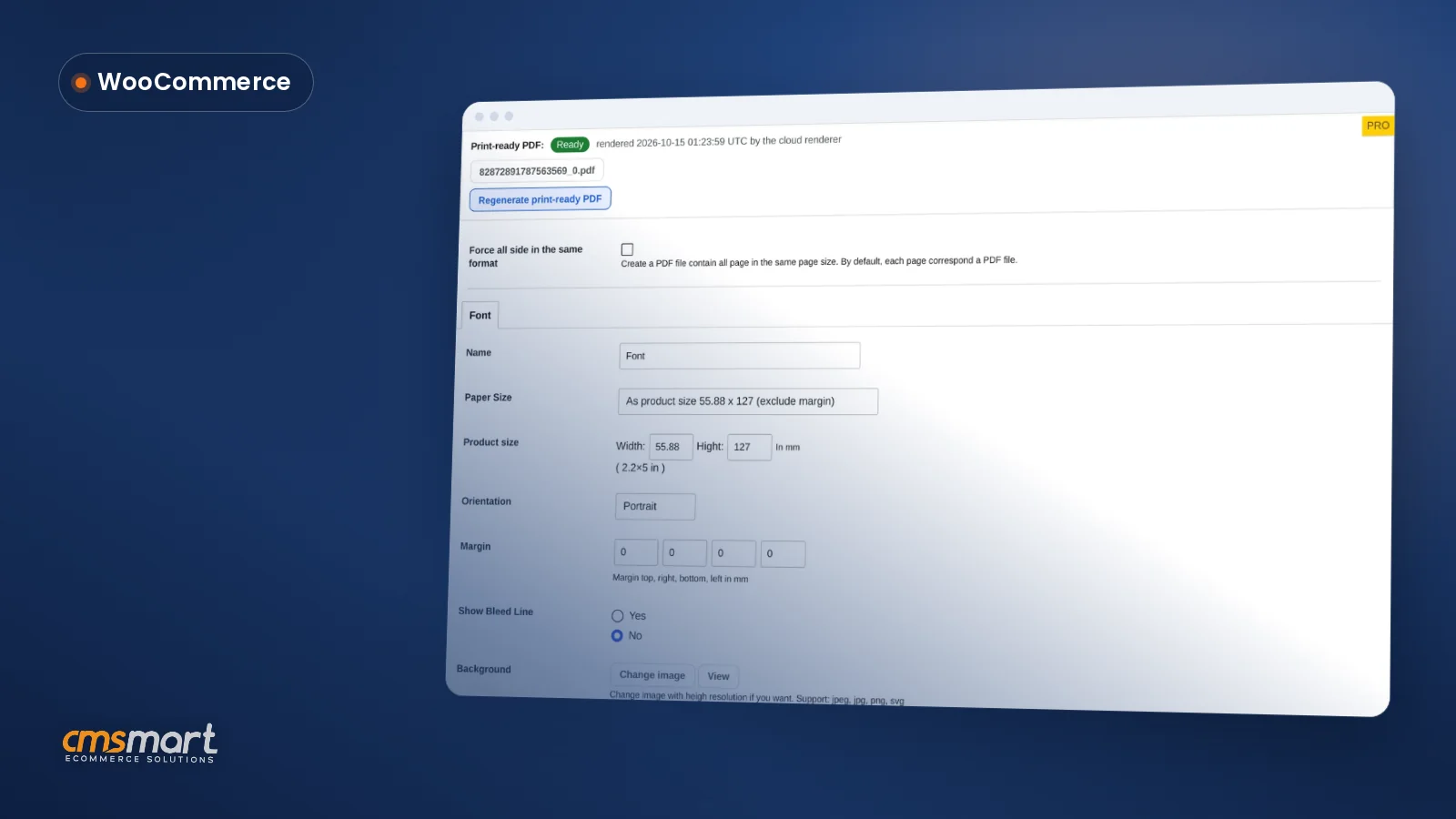
Custom text color matching for WooCommerce invitations means a couple gets their wedding lettering in their exact blush pink, and a corporate buyer gets 200 signs in their exact brand hex code. Fixing color after checkout, by email, is a proof-and-reprint loop that costs staff time. Cmsmart Product Designer puts that choice on the page, so buyers approve it before paying. WooCommerce now runs 47.6% of all e-commerce sites built on a tracked platform,...
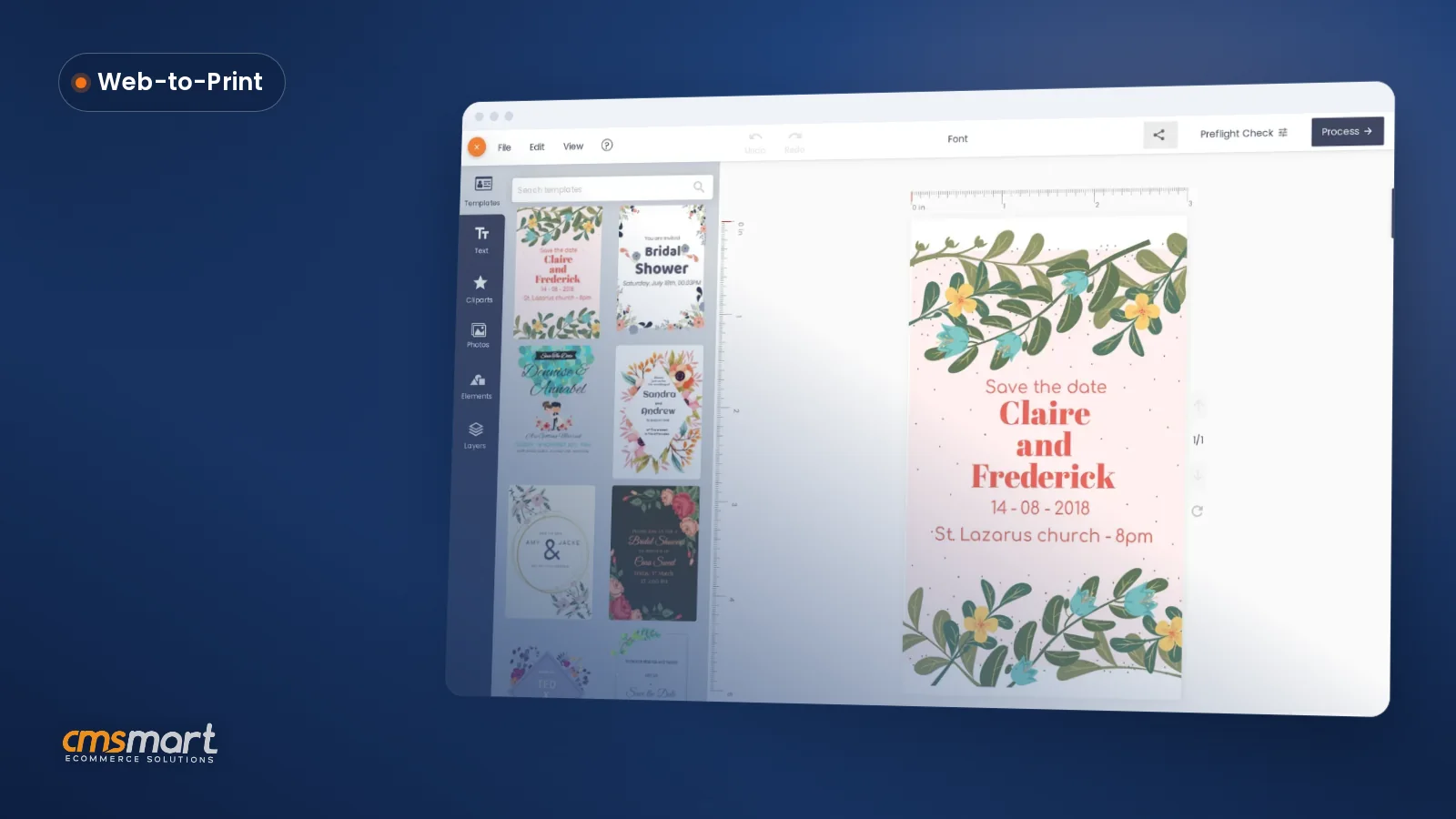
Selling invitations, sticker sheets or multi-color apparel usually means a staff designer rebuilding the layout every time a customer wants one word changed. Multi-layer product design software for WooCommerce, built into Cmsmart Product Designer, gives the customer a browser-based layer stack instead — background, photo, text and clipart, each one editable and carried straight into the print file. What does juggling layers by hand cost your print shop? Every manual layer fix — moving...

A WooCommerce printing options price matrix setup is the one job where every quantity break, material upcharge and per-product base price gets defined once, so the product page, the cart and the order screen all show the identical number — and your team stops re-quoting a custom print order by hand. This chapter assumes the Cmsmart Product Designer plugin (formerly NBDesigner) is already installed and a product has the online designer turned on —...

A WooCommerce product designer looks the same in every demo: a clean editor, a few templates, an instant preview. What turns it into a production tool is your WooCommerce product designer settings — the admin tabs, the per-product options and the order screens your team opens every day. Configure them well and every order lands print-ready; leave them on defaults and your team does the cleanup instead. What does an out-of-the-box WooCommerce product designer...
This Cmsmart Product Designer settings guide maps every screen the plugin adds to WP Admin, from activation to the Output tab that produces your print-ready PDF, so your team configures it once instead of guessing at defaults order by order. Cmsmart Product Designer (formerly NBDesigner) adds more than a dozen screens to WordPress admin, and most are never opened after install. This hub covers installing and activating the plugin, the settings that change storefront...


Dear our customers, If you own a printing business, you cannot pass this special plugin at Cmsmart named Online Product Designer Plugin for WooCommerce WordPress . We have a BIG UPDATE on it that you and your customers will be surprised. See what our dedicated team bring to you: - New user interface and experience - 200+ Free Templates Library - 1,500,000+ Free images - 25,000+ Free Elements - Add New design editor layout...


Selling T-shirt is a fertile market because although T-shirt is a kind of popular costume, people wear T-shirt to flaunt. However, if you have been doing day in and day out without making profits or giving something new to your customers, you need to rethink. According to a report revealed at the end of 2017, “The global t-shirt printing market will witness an exponential growth in the upcoming years as the fashion apparel trends...
If you have already installed and activated Cmsmart Product Designer on a WooCommerce store, the plugin is running — but it is not yet configured for your products, pricing or print files. This WooCommerce product designer tutorial walks you through the settings that decide whether a buyer's finished design becomes a usable print file, or a preview someone has to fix by hand. What does an out-of-the-box WooCommerce product designer really cost you? Cmsmart...
Most read this month
 Print-Ready PDF Plugin for WooCommerce (Cmsmart 2.17)
 Teespring Business Model: How It Works for Sellers
 NBDesigner Lite Free Download: Install & Activate
 Cmsmart Product Designer Settings Guide: Complete WP Admin
 Keywords for T-Shirts: SEO Tips for Your Brand
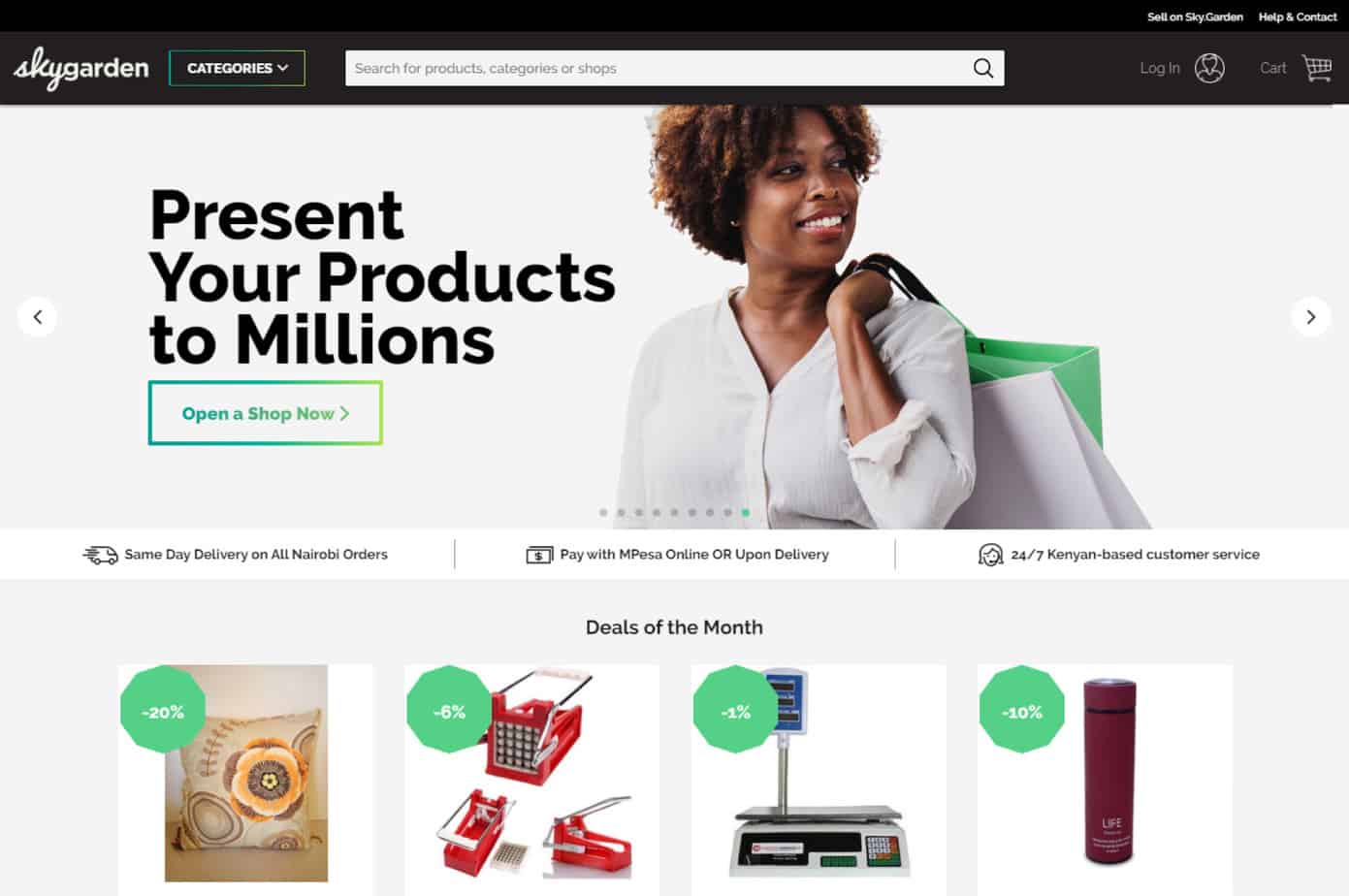 How to Choose an Ecommerce Web Design Company
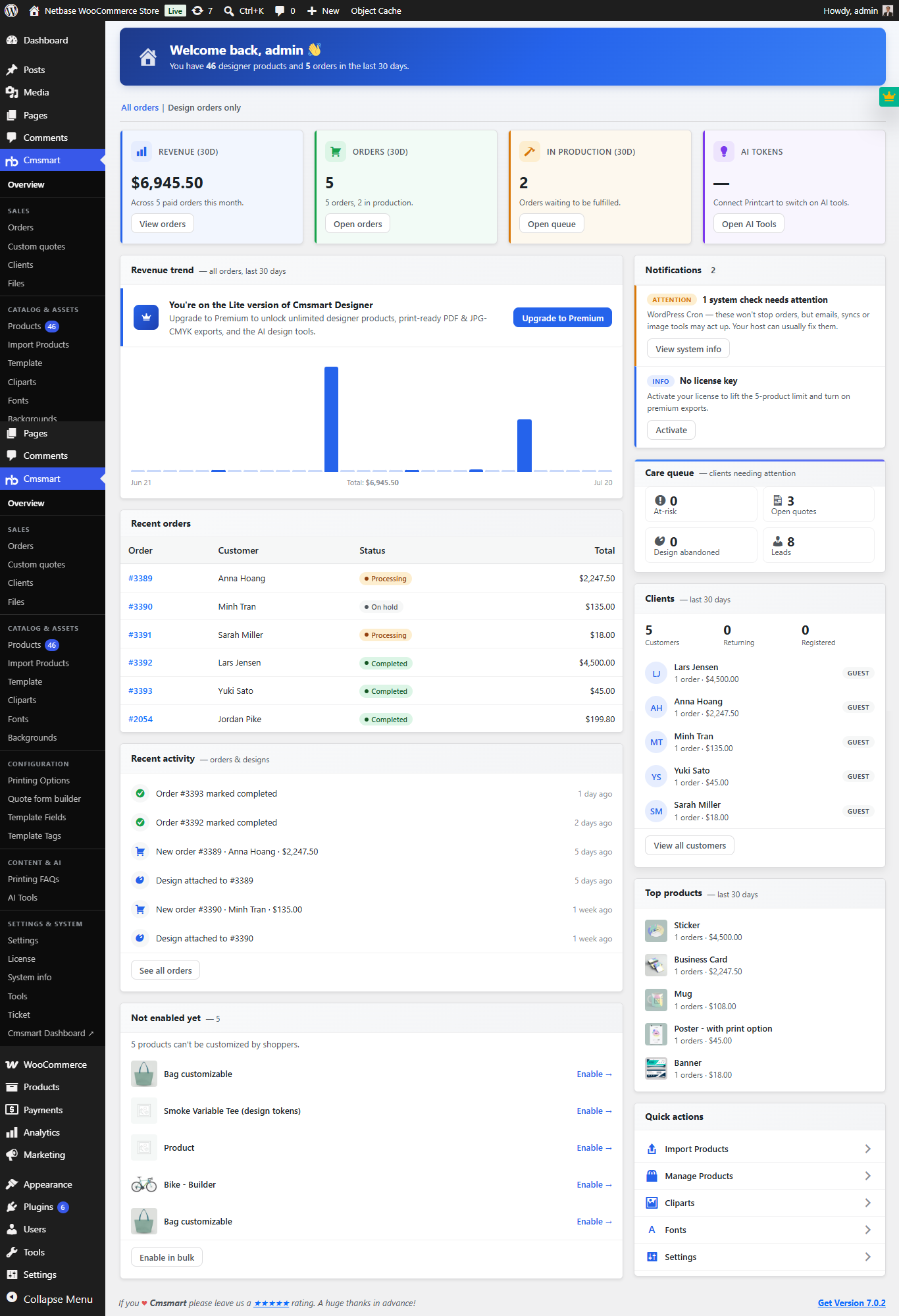 Print Shop CRM Software: Cmsmart Designer 2.17
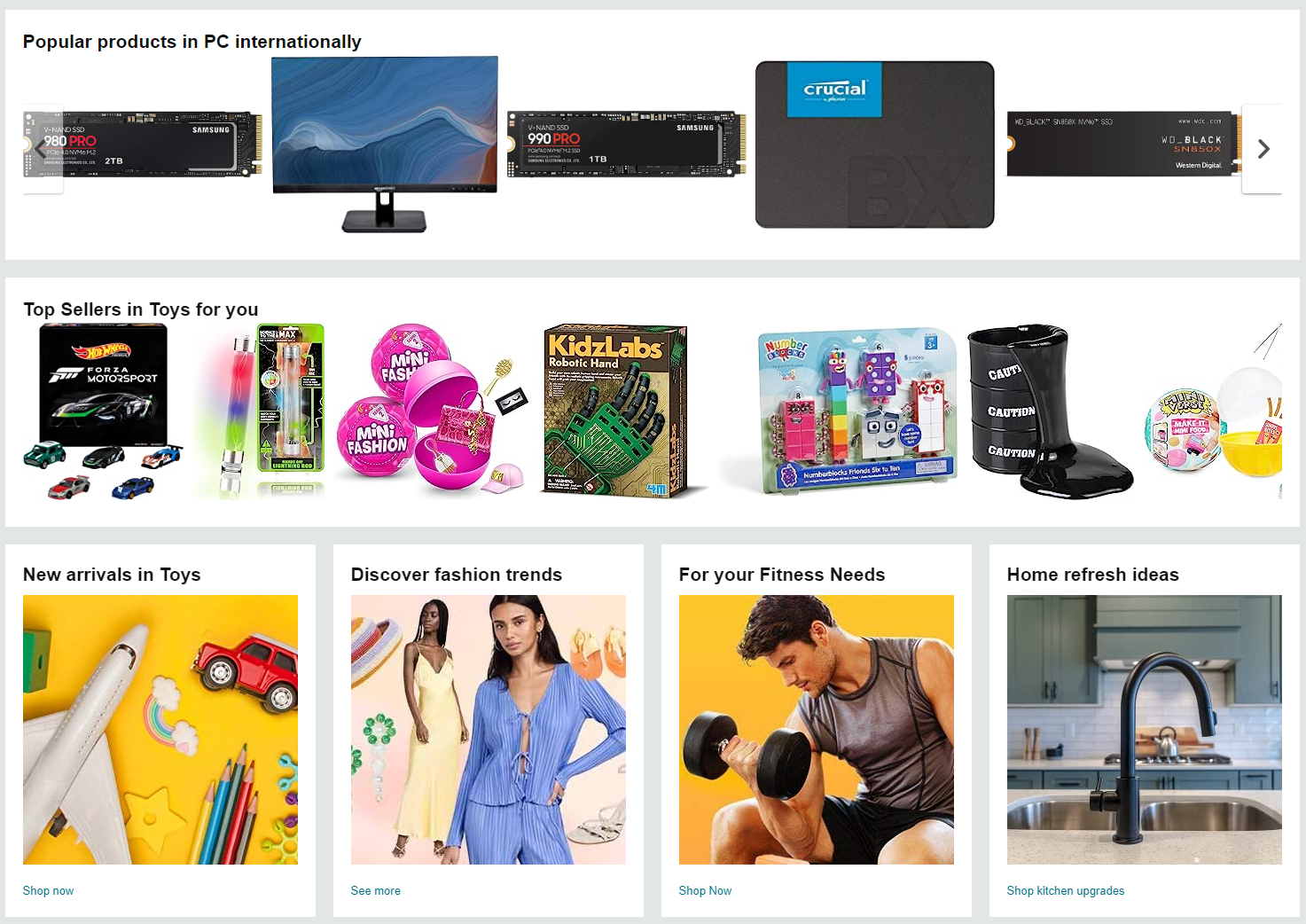 Ecommerce Product Catalog and Listings: A Guide
 WooCommerce Price Matrix: Price Print Products Online
 Car Wrap Ecommerce Store Software for WooCommerce

Cmsmart Ecommerce provides custom ecommerce and WooCommerce development services for web-to-print, product personalization, plugin support and API integration.

Cmsmart WooCommerce Development Lead
Leads custom WooCommerce builds: architecture, checkout, performance and integrations.
Meet the team →
Top