
A corporate buyer wants your tote bag, mug or apparel in their own brand color, not whatever shade ships in your icon pack. Cmsmart Product Designer's icon color customization lets them pick an icon, set its exact color, and see it on the product before they pay — no more email screenshots back and forth over a shade that still might miss on press. What's the real cost of manual icon color matching? Cmsmart...
An icon library for custom labels and stickers turns a recurring design bottleneck into a two-click pick for the buyer. Instead of your team hunting for the right recycling symbol or allergen icon in Illustrator every time a label variant ships, Cmsmart Product Designer puts a searchable icon library directly on the WooCommerce product page, so label shops, cosmetics brands and craft sellers can standardize every SKU without opening a design tool themselves. Why...
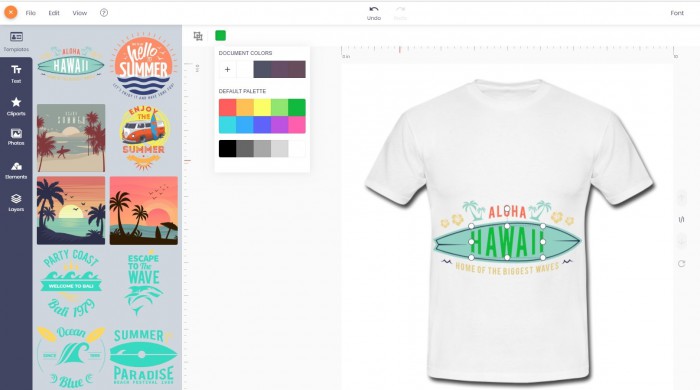
Dear, our beloved customers, After downloading the WooCommerce Online Designer Plugin of CMSmart , many customers have problems on change the colors in the shapes when designing. Changing the color in the shape is a special web design tool. As you know, color affects people's emotions a lot, if you see an object you love but it doesn't have the color you like, then I am sure you will lower your liking. Because color...
A WooCommerce store selling invitations, business cards or branded merchandise does not need a graphic designer on staff to keep every custom order on-brand. Cmsmart Product Designer's built-in shape and clipart library lets buyers insert pre-made icons, borders and graphics straight into their design, so your catalog stays consistent and every order reaches production print-ready. Why is manual redrawing still your biggest hidden design cost? Without a shared shape library, every custom order forces...
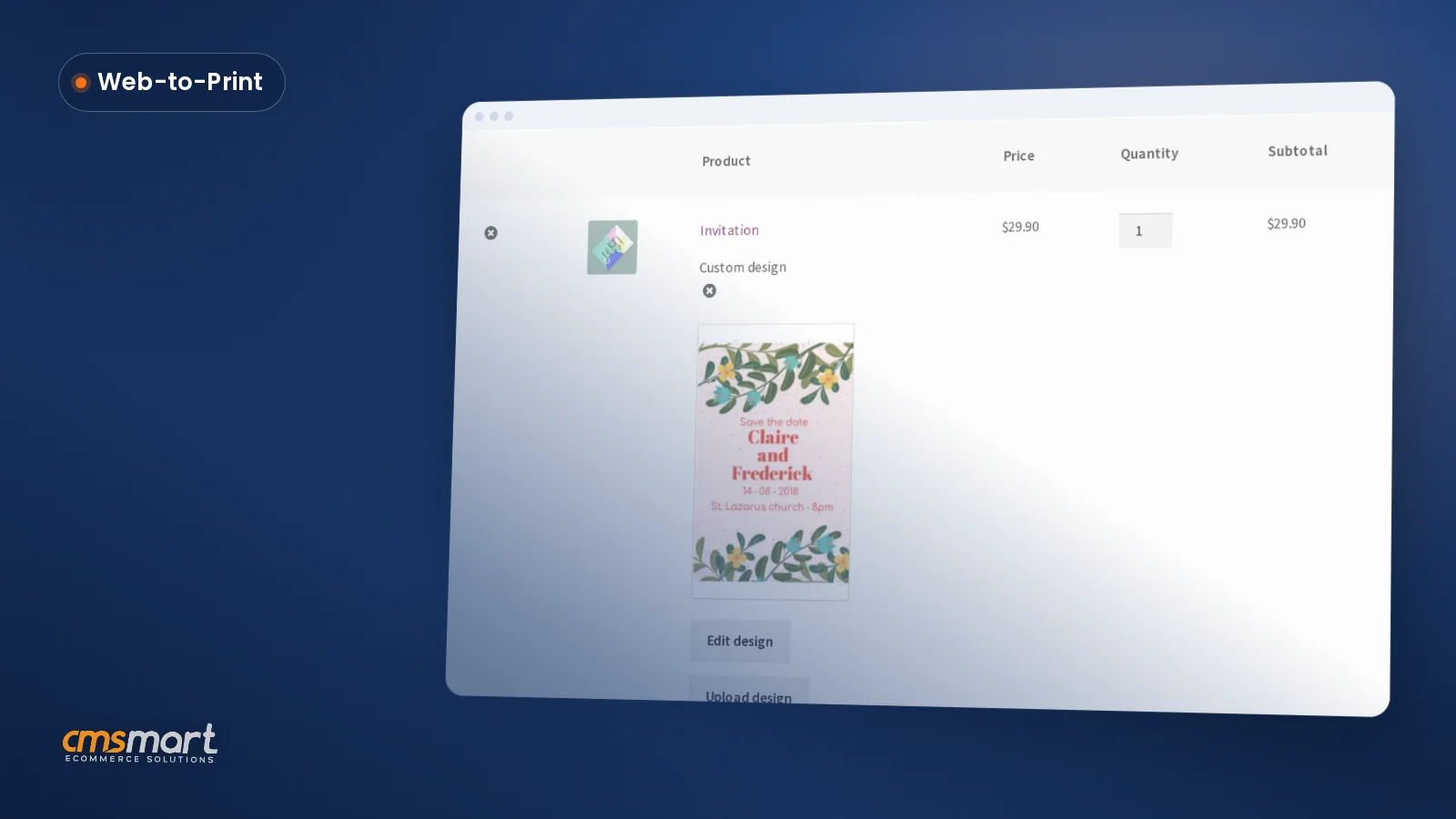
Cmsmart's online product designer already lets WooCommerce buyers drop in shapes QR codes and drawing tools next to their text and templates, no separate app or designer required. That turns a blank product page into a finished order without a single email back and forth. What does it cost your shop when a buyer has no artwork to upload? Cmsmart Product Designer removes the "no artwork" dead end by giving buyers shapes, icons, a...
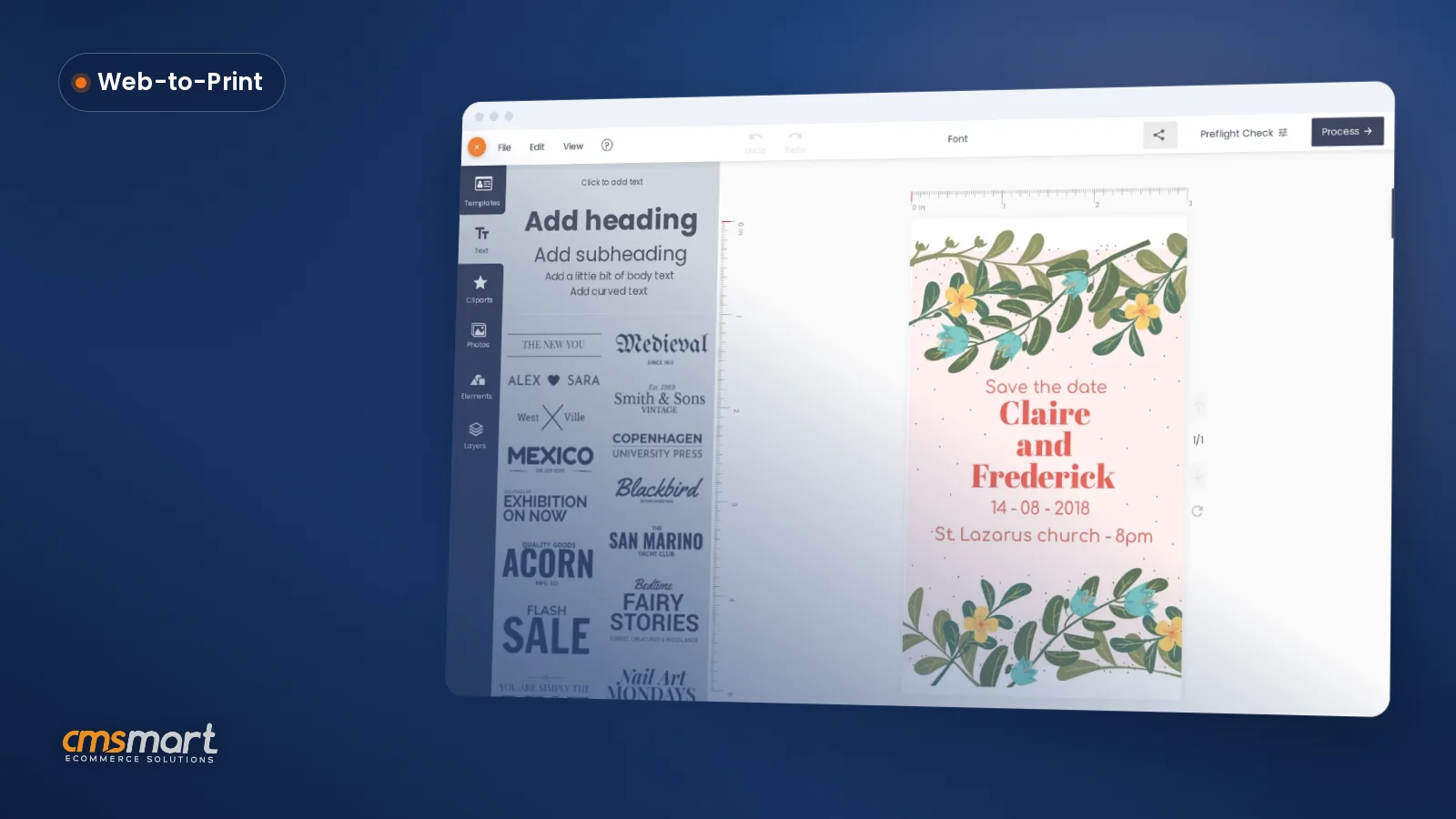
Stationery and invitation sellers lose orders when a font looks perfect on a buyer's screen and wrong on the printed card. Cmsmart's online designer gives your WooCommerce store custom font options for WooCommerce product designer buyers: curated pairings, a manual override in the canvas toolbar, and a print-ready PDF that locks in exactly what the shopper approved, order after order. Why Does Font Chaos Cost Your Stationery Store Sales? Cmsmart Product Designer removes the...
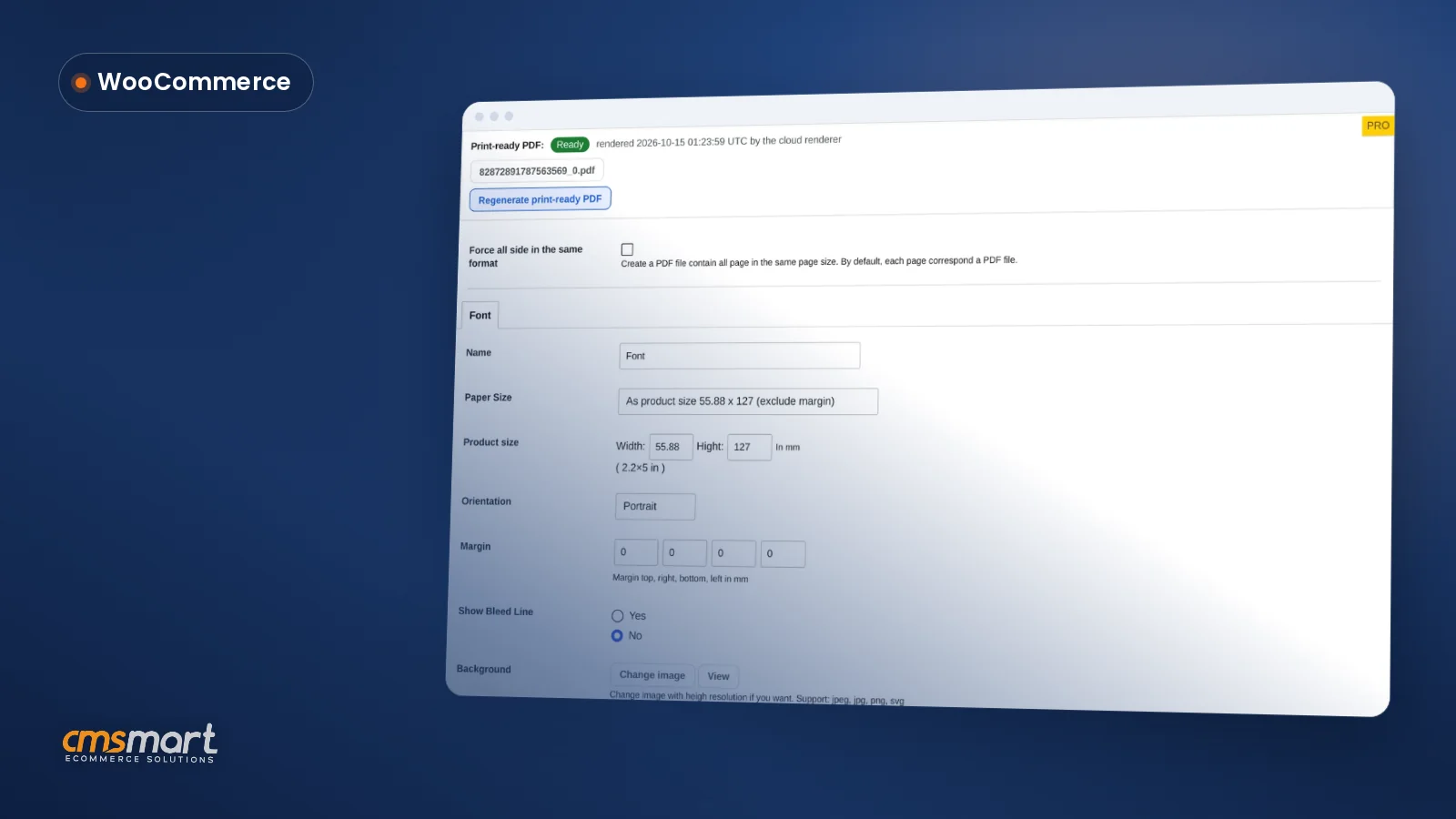
Custom text color matching for WooCommerce invitations means a couple gets their wedding lettering in their exact blush pink, and a corporate buyer gets 200 signs in their exact brand hex code. Fixing color after checkout, by email, is a proof-and-reprint loop that costs staff time. Cmsmart Product Designer puts that choice on the page, so buyers approve it before paying. WooCommerce now runs 47.6% of all e-commerce sites built on a tracked platform,...
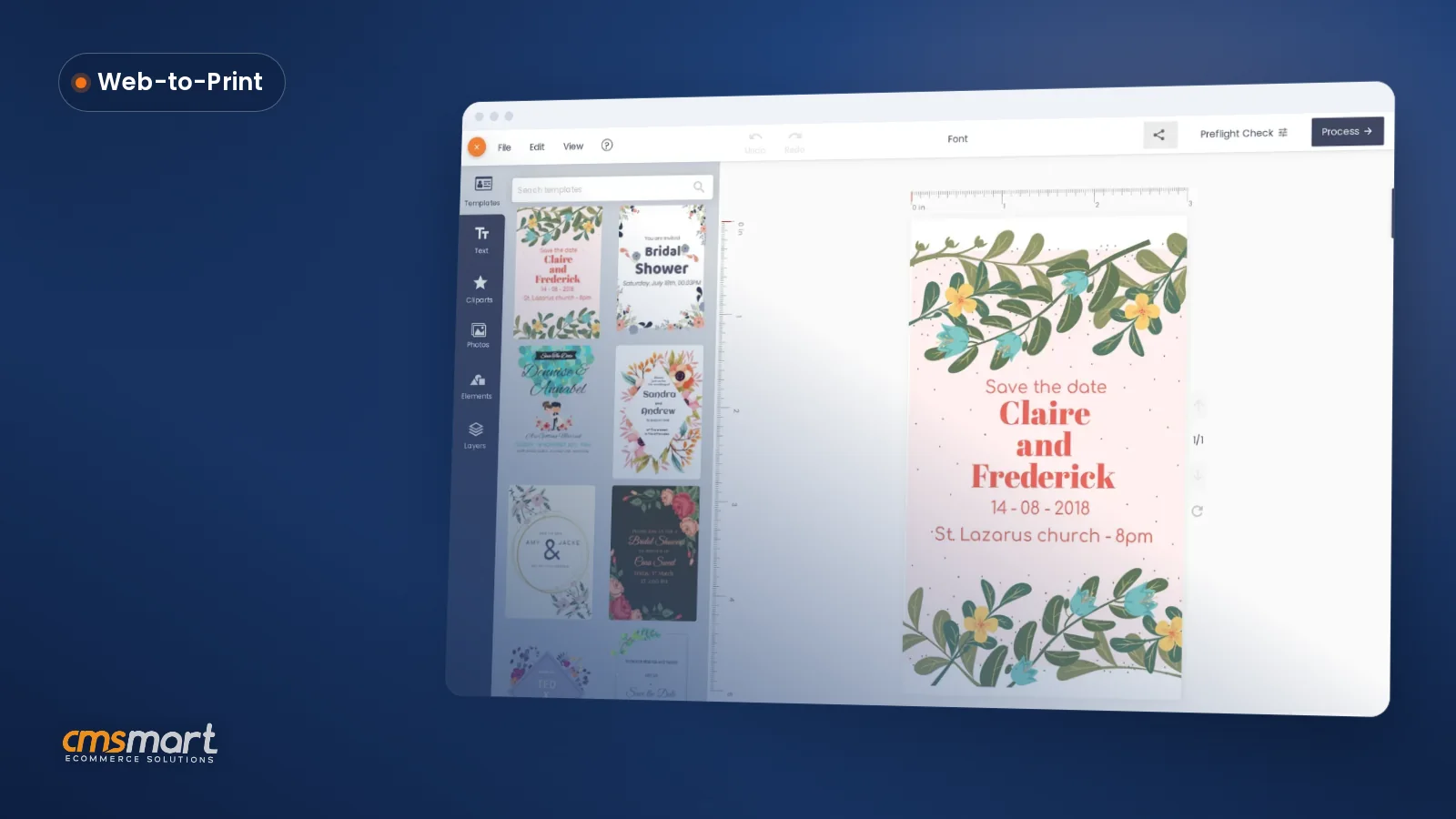
Selling invitations, sticker sheets or multi-color apparel usually means a staff designer rebuilding the layout every time a customer wants one word changed. Multi-layer product design software for WooCommerce, built into Cmsmart Product Designer, gives the customer a browser-based layer stack instead — background, photo, text and clipart, each one editable and carried straight into the print file. What does juggling layers by hand cost your print shop? Every manual layer fix — moving...
A WooCommerce printing options price matrix setup is the one job where every quantity break, material upcharge and per-product base price gets defined once, so the product page, the cart and the order screen all show the identical number — and your team stops re-quoting a custom print order by hand. This chapter assumes the Cmsmart Product Designer plugin (formerly NBDesigner) is already installed and a product has the online designer turned on —...


Dear our beloved customer. In every online business, shop owners always want to save customer’s time while shopping on their website. By understanding that need, CMSmart proudly presents Order Upload extension for Magento 2 , a solution that can help customers uploading files or attaching images directly on a product detail page to shorten their time. It is a useful extension that can be used effectively especially for printing businesses. With Order Upload extension...
Most read this month
 Print-Ready PDF Plugin for WooCommerce (Cmsmart 2.17)
 Teespring Business Model: How It Works for Sellers
 NBDesigner Lite Free Download: Install & Activate
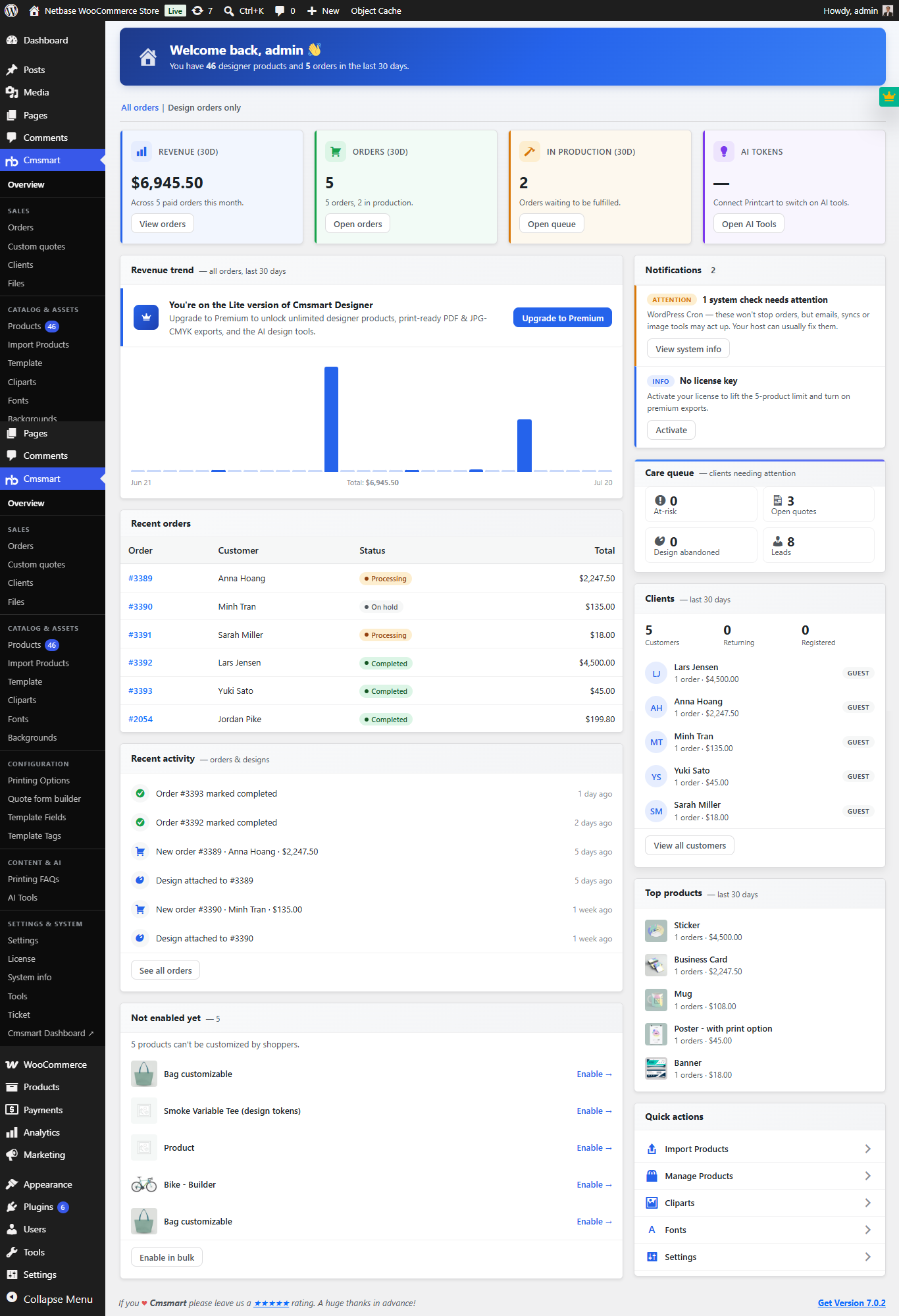 Print Shop CRM Software: Cmsmart Designer 2.17
 Cmsmart Product Designer Settings Guide: Complete WP Admin
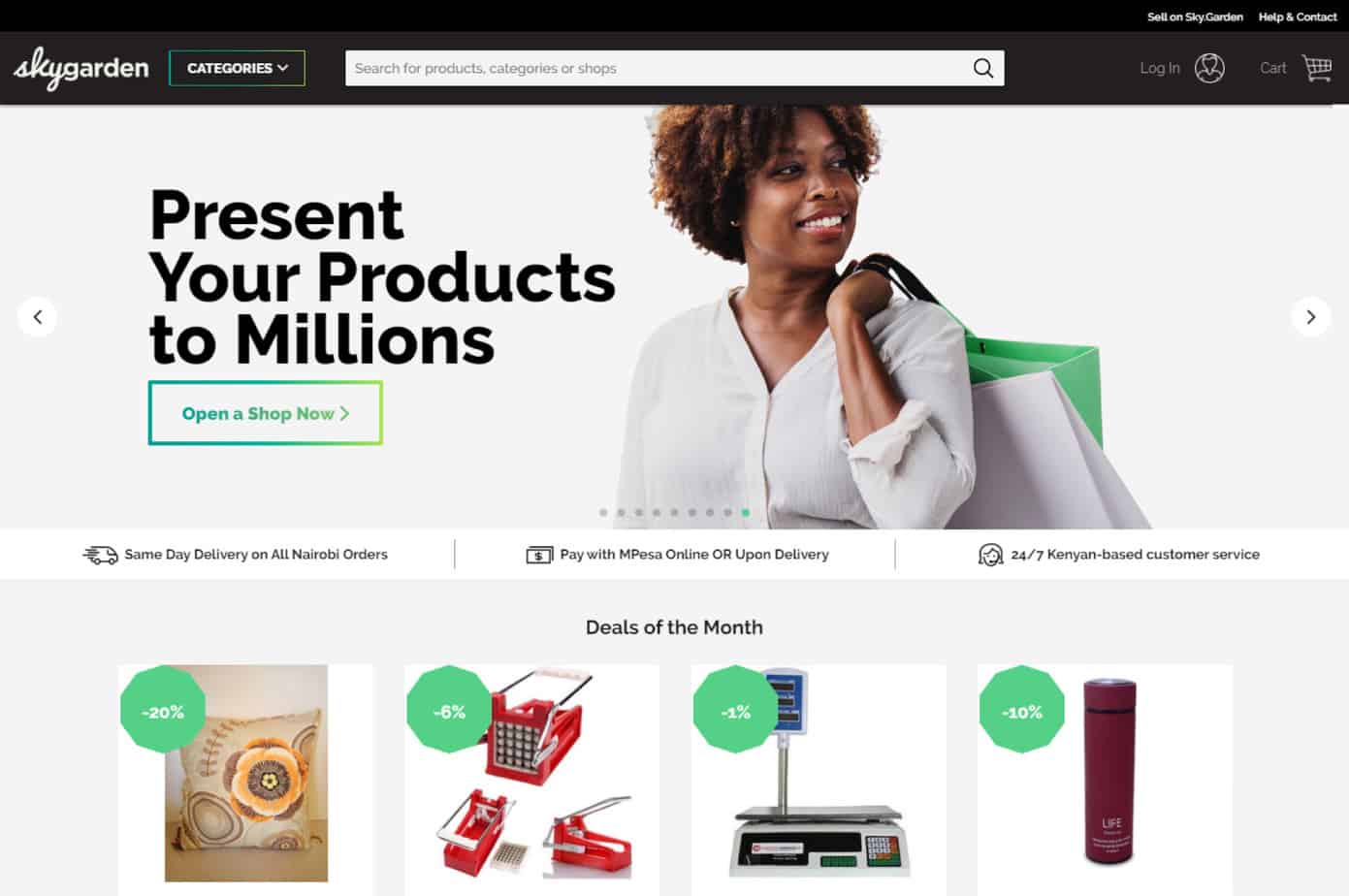 How to Choose an Ecommerce Web Design Company
 Keywords for T-Shirts: SEO Tips for Your Brand
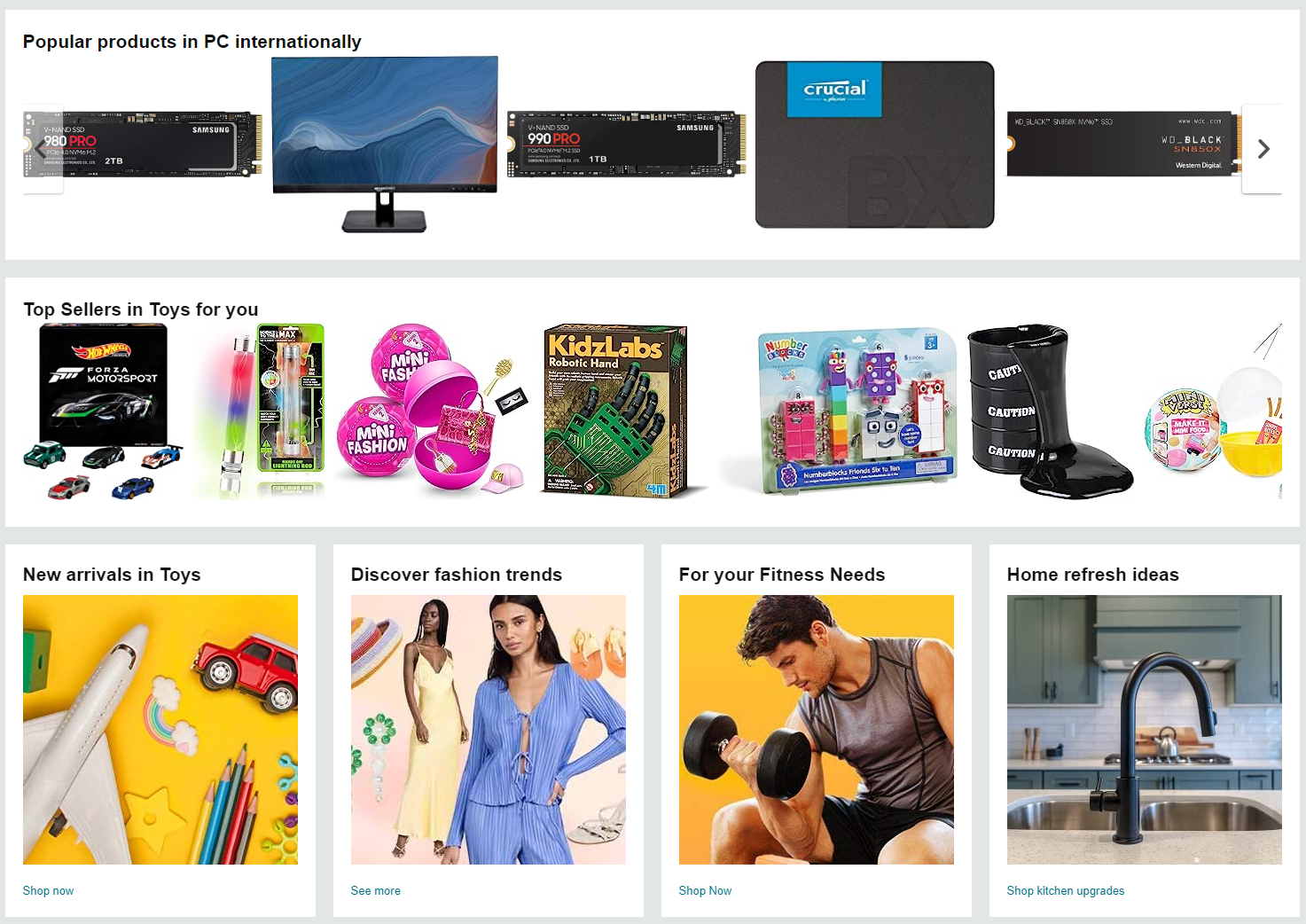 Ecommerce Product Catalog and Listings: A Guide
 WooCommerce Printing Options Price Matrix Setup Guide
 WooCommerce Price Matrix: Price Print Products Online

Cmsmart Ecommerce provides custom ecommerce and WooCommerce development services for web-to-print, product personalization, plugin support and API integration.




Web-to-print, WooCommerce, B2B and AI specialists who plan, build and support stores together.
Meet the team →
Top