

Guide · Web-to-print
WooCommerce Product Designer Plugin vs Zakeke (2026)
Comparing Zakeke with a WooCommerce product designer plugin? See sourced pricing, features, and get a free migration assessment from Cmsmart.
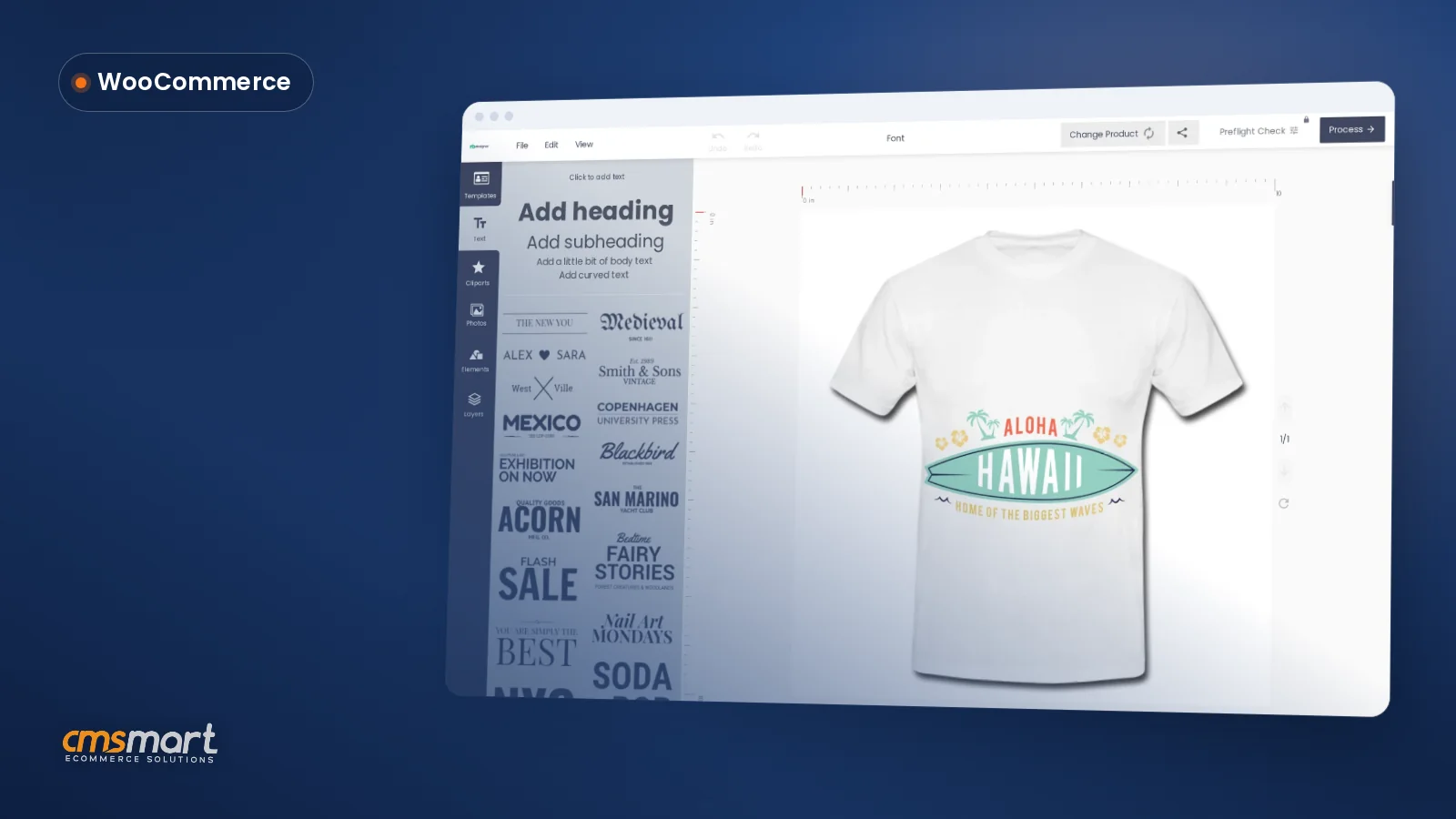
Dear our beloved customers, Are you doing business? Do you have a Tshirt shop? Do you want a website for your T-Shirt Store? So that great! You are on the right track. However, building a sales website is not easy. It is really difficult. You will have to hire a web developer, around $1000 or $2000. Then you have to wait after 1 month to receive a website that is not sure what you...
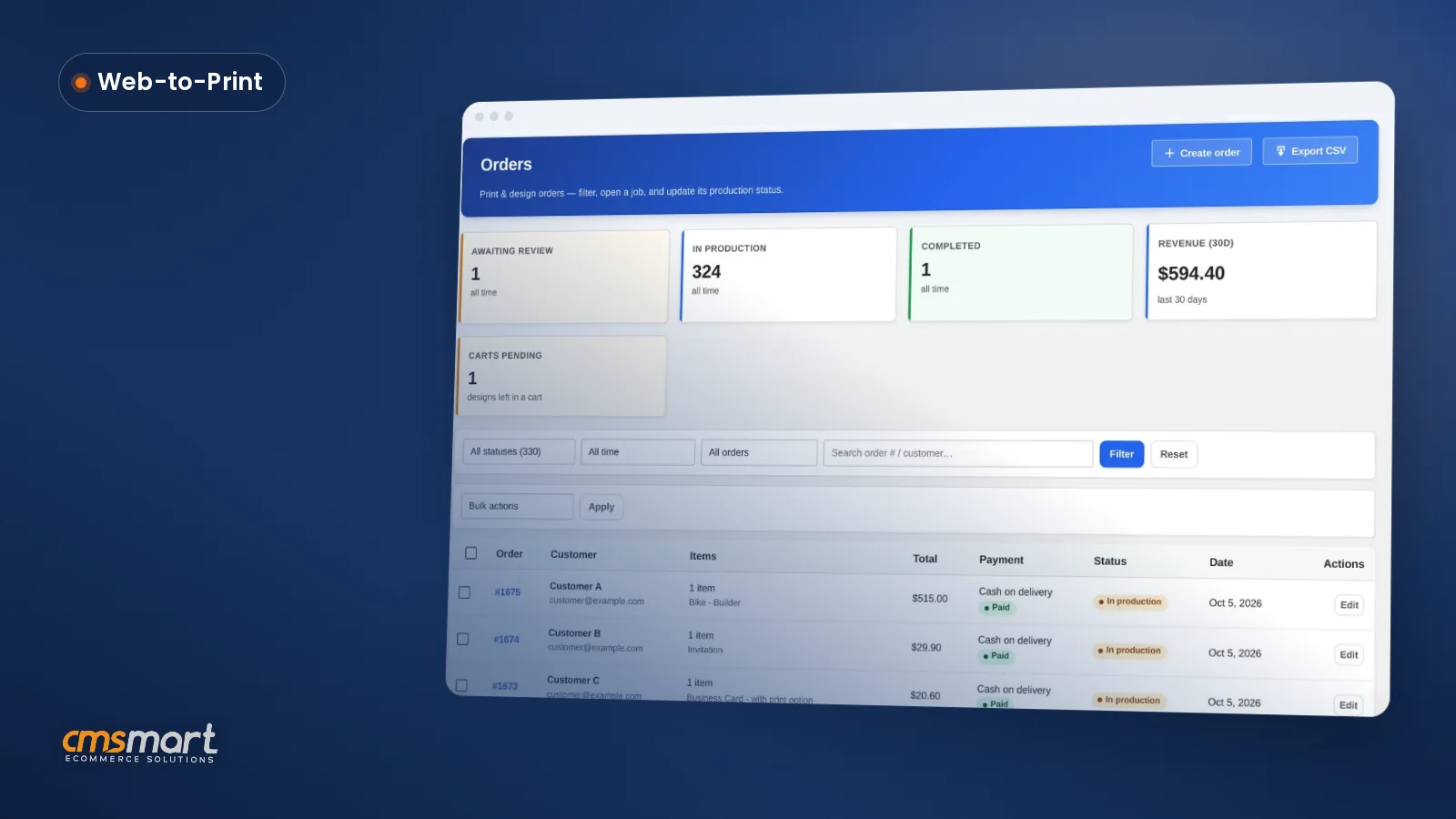
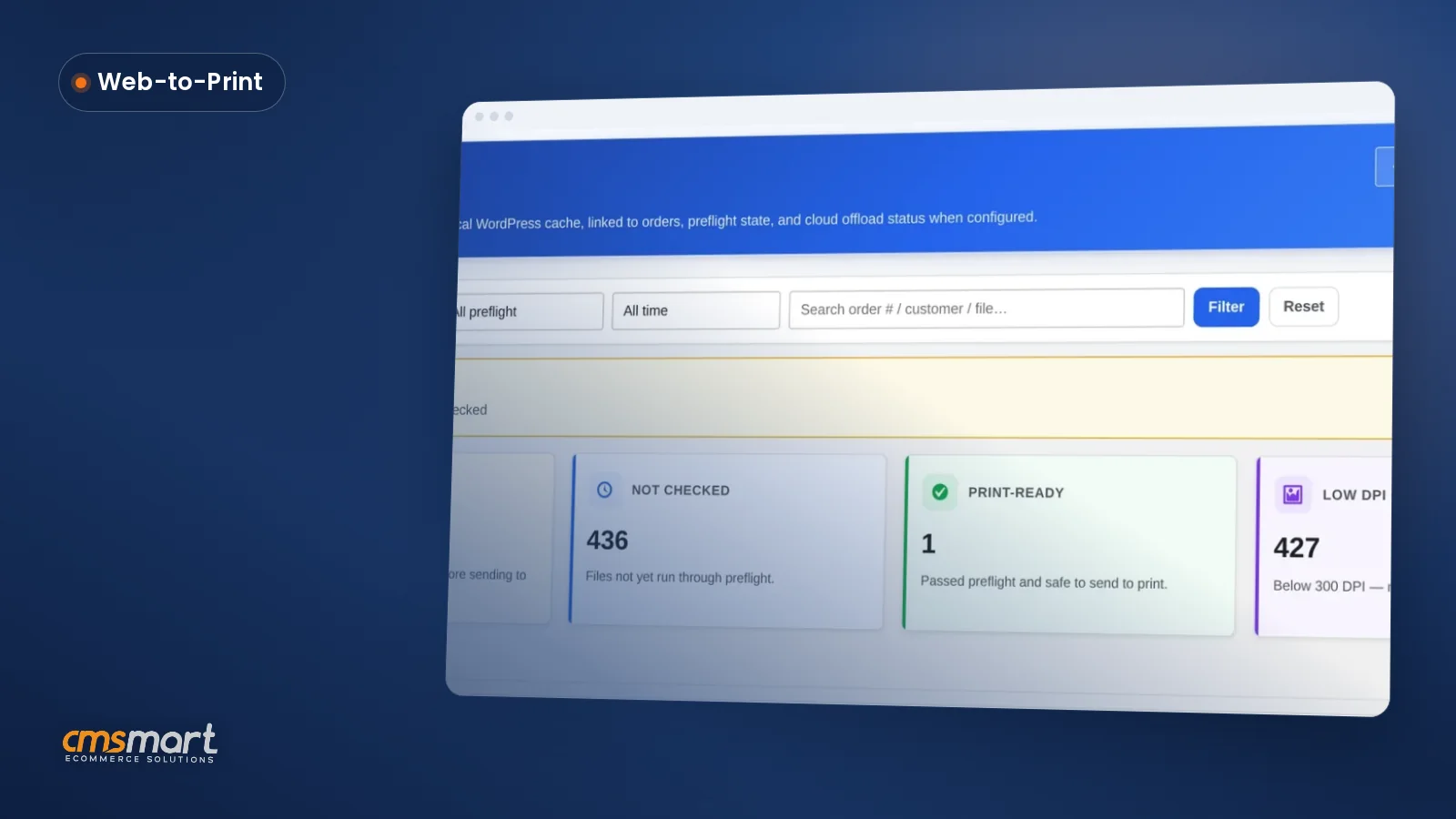
Custom print order management for WooCommerce means every custom order lands in your admin dashboard as a design file, not just a line item. Cmsmart Product Designer (NBDesigner) turns that file into an approved, print-ready PDF before it ever reaches the press — so your team spends less time chasing proofs and more time printing. Where do custom WooCommerce orders actually slow down? Cmsmart Product Designer keeps every customer's artwork, approval status and print-ready...
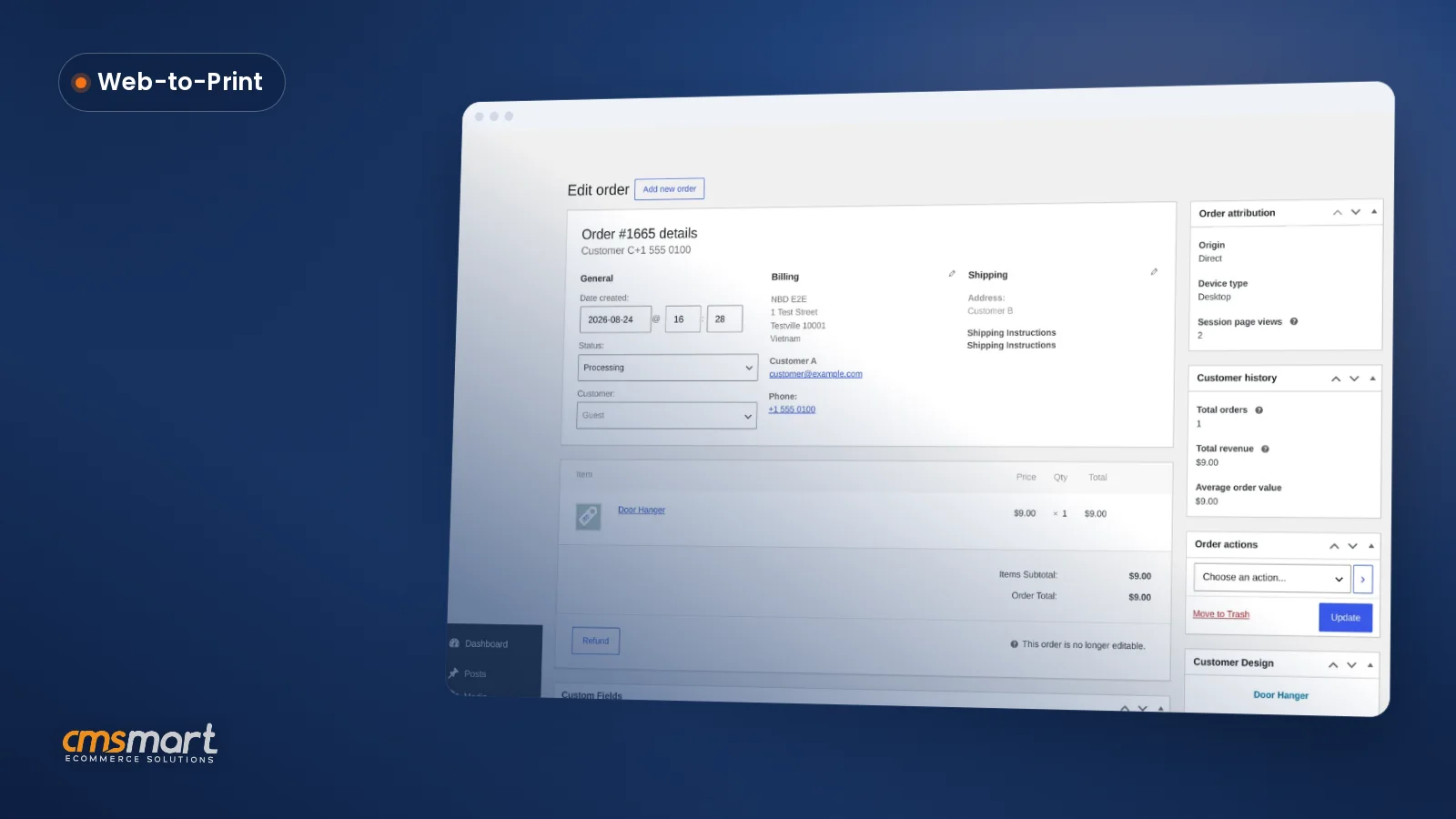
WooCommerce Online Product Designer gives a store more than a design tool on the product page: it carries every custom order through to a reviewed, production-ready file. Once a customer finishes a design, your team accepts or declines it, the system renders a print-ready PDF, and both happen on the WooCommerce order screen you already use. What's the real cost of manual proofing after checkout? Cmsmart Product Designer keeps a custom order moving by...
A sticker and a two-sided business card should never share one design canvas: one of them ends up with the wrong bleed, resolution or side options. This guide shows how to configure product designer per product in WooCommerce using Cmsmart Product Designer (NBDesigner) — bleed, resolution, sides and pricing set individually — then where custom development picks up. What does it cost when every product shares one designer configuration? A single generic canvas is...
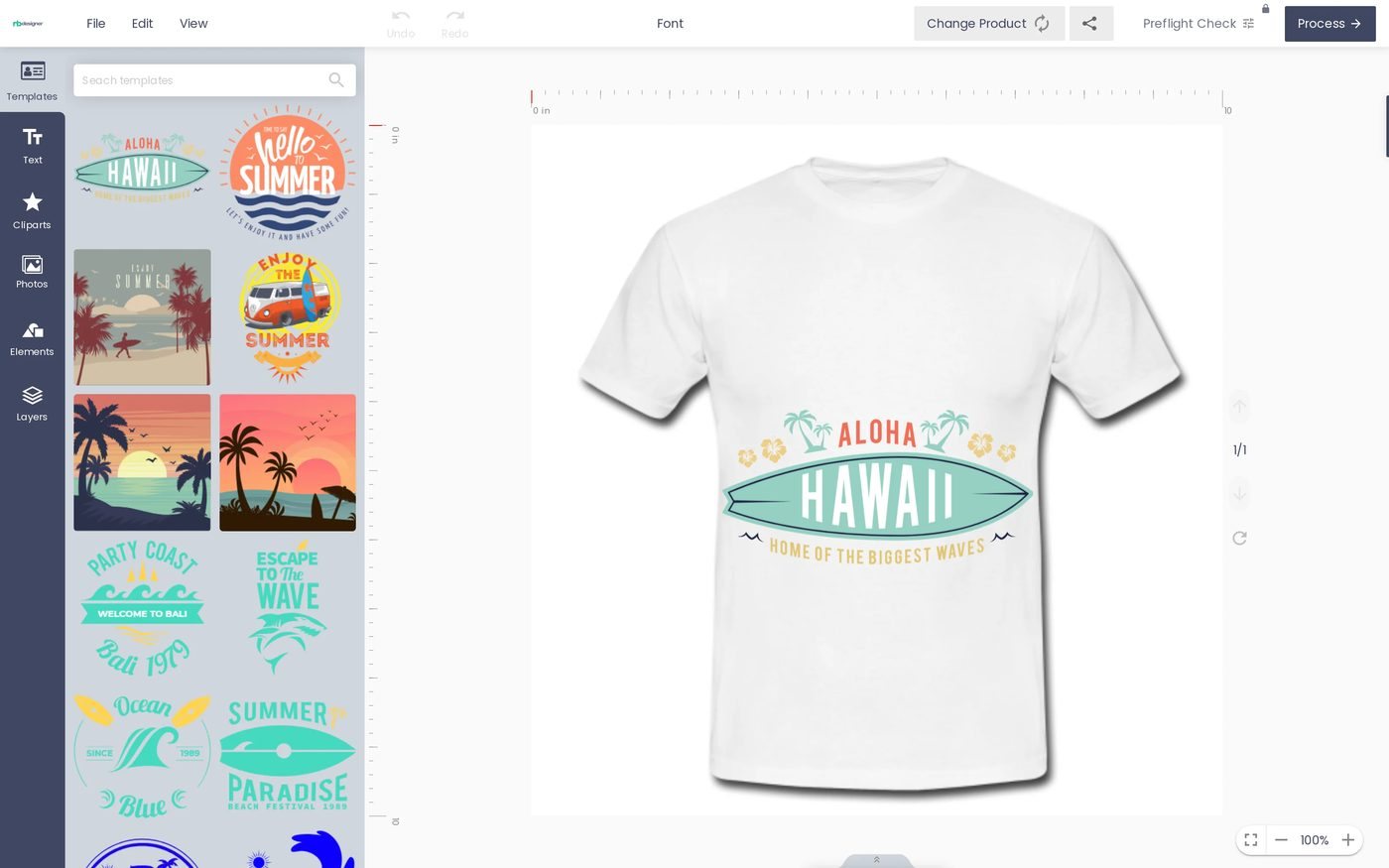
How to design a product online, in one sentence: let the shopper add their own text, photo or artwork, see the exact price, and check out in one visit — that's what Cmsmart's Product Designer (NBDesigner) does on a WooCommerce store today, turning a slow back-and-forth quote process into a self-serve sale. What's the real cost of not letting customers design a product online? Without an online designer, a custom order means an email...
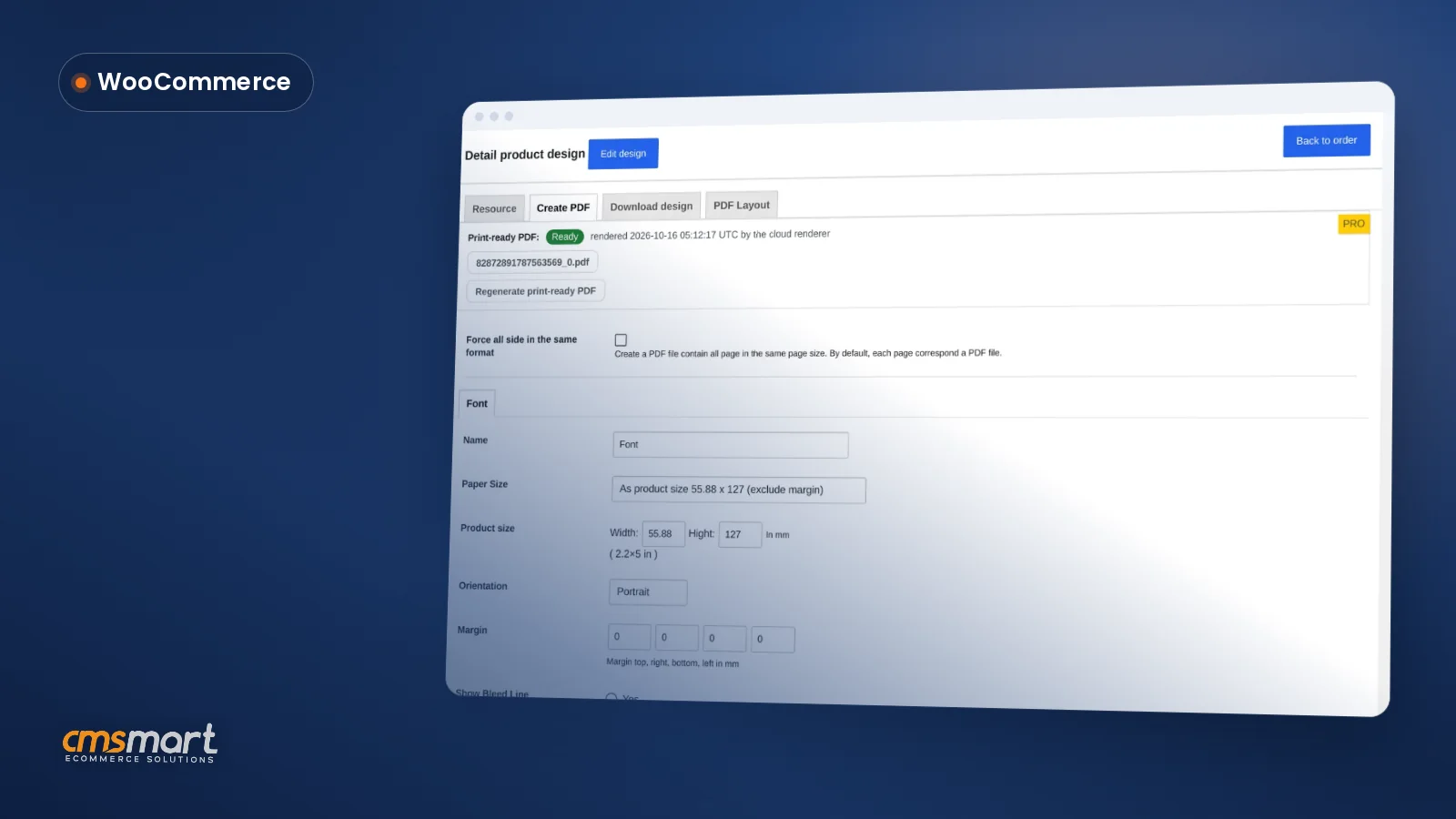
Every custom door hanger or invitation your customers design needs a human check before it reaches the press. Cmsmart Product Designer's custom order approval workflow for WooCommerce puts that review on the order itself: see the artwork, accept or decline it with a reason, and keep the print-ready file next to the order - no more chasing proofs through email. What does manual order review actually cost a print shop? Cmsmart Product Designer replaces...
Cmsmart Product Designer lets you set up products for online design directly inside WooCommerce: production specs, a price matrix and an online canvas attached to the product page, so a buyer can personalize an item and your team receives a print-ready file instead of a design request to quote by hand. Why Does Setting Up Products for Online Design Cost You So Much Staff Time? Cmsmart configures price, print specs and the online designer...
Cmsmart Product Designer helps a WooCommerce store sell custom products internationally: the designer runs inside stores built on WPML or Polylang, so a print shop or personalization brand can sell the same configurable products in English, French, German or any other market language. The designer, pricing, cart, checkout and print-ready files all work from one catalogue, whatever language the buyer checked out in. What does staying English-only cost a custom-product store? Cmsmart Product Designer...
A customer uploads a phone photo or a layered design file, and three days later it turns up unprintable — wrong format, too small, too low-resolution — after the order is already paid and queued. Cmsmart Product Designer lets a WooCommerce print shop set clear customer artwork file rules up front, and lets buyers download their own finished files back without a support ticket. Result: fewer unusable files reach production, fewer staff hours chasing...
A buyer opens your WooCommerce store, drops your logo onto a template, and expects the pink in their cart to be the same pink that ships. To match brand colors in your product designer, you need the on-canvas text and color tools talking to the same print-ready pipeline your press uses, not two separate systems that happen to look similar on a laptop screen. Most stores get the first half right and the second...
Guide · Web-to-print
Comparing Zakeke with a WooCommerce product designer plugin? See sourced pricing, features, and get a free migration assessment from Cmsmart.
Guide · Web-to-print
Looking for a fancy product designer alternative for WooCommerce? Compare sourced facts and pricing, then get a free migration assessment.
Guide · Web-to-print
Comparing WooCommerce product designer plugin options? See Lumise vs Cmsmart: sourced features, pricing and a verdict, then get a free assessment.
Guide · Web-to-print
See a product customizer for WooCommerce compared with Customily on pricing, features and TCO, then get a free migration assessment from Cmsmart.
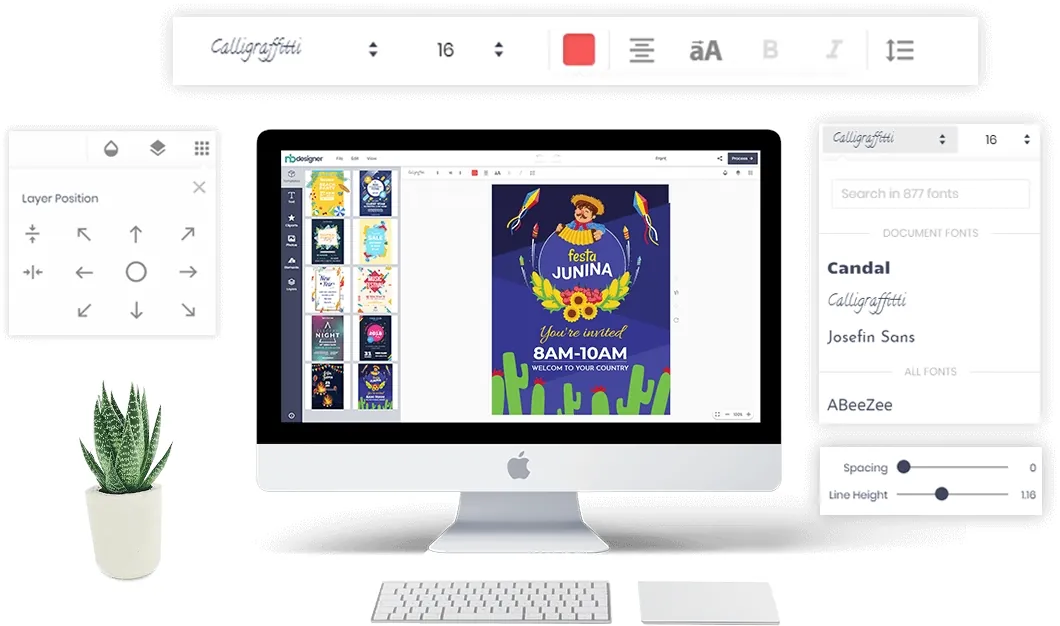
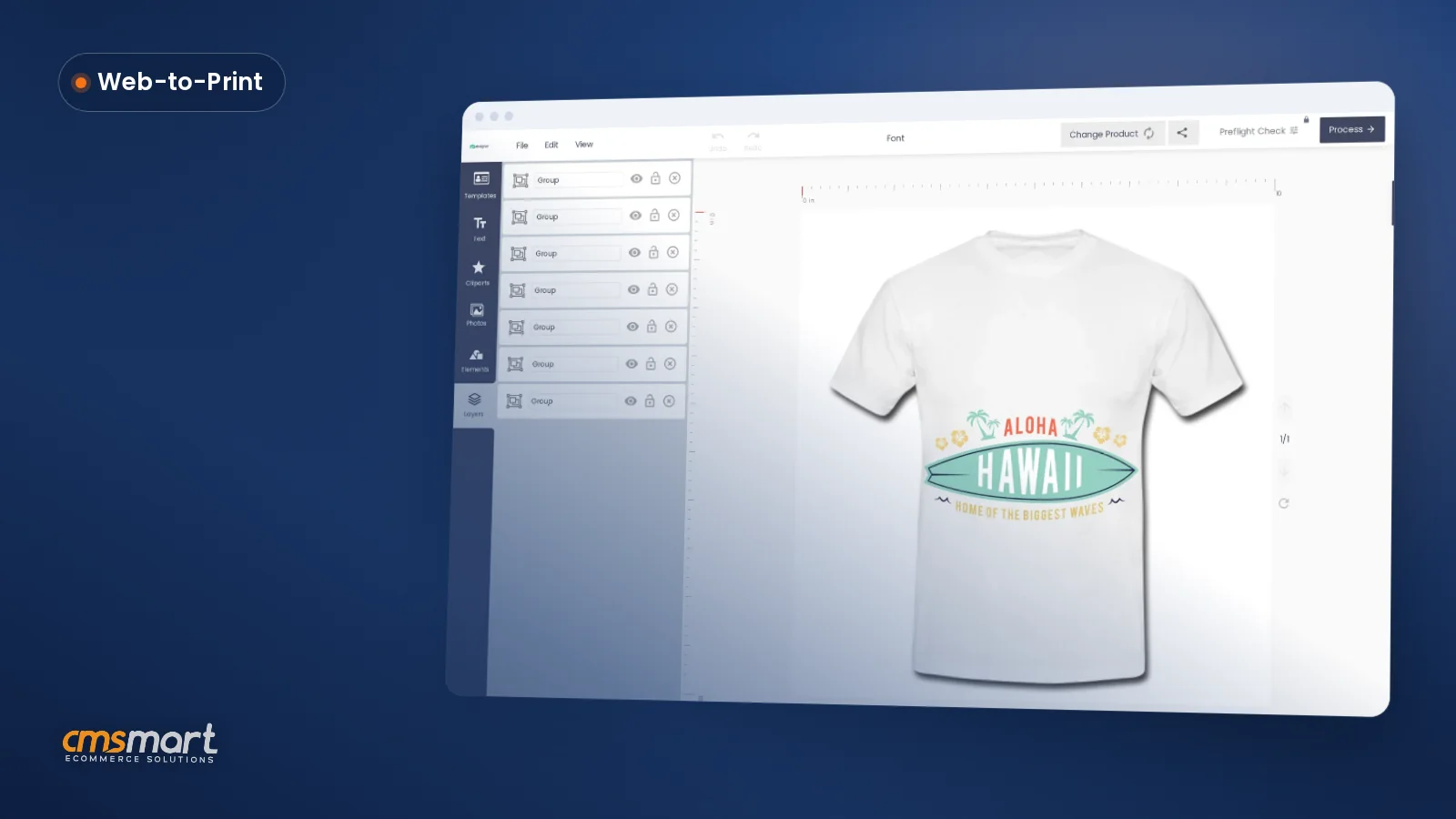
Web-to-print software lets customers personalise a printed product in the browser, see the price and order it, while the shop receives a print-ready file with the order. Cmsmart builds this on WooCommerce with the Cmsmart Product Designer plugin.
Yes. Create a free Cmsmart account and start the free licence from your dashboard (Products), then install the plugin on your WooCommerce store and test real orders.
Cmsmart builds them as custom development: pricing rules, proof approval flows, MIS or print API integrations, new product types. Describe what you need in the quote form and the web-to-print desk will scope it.
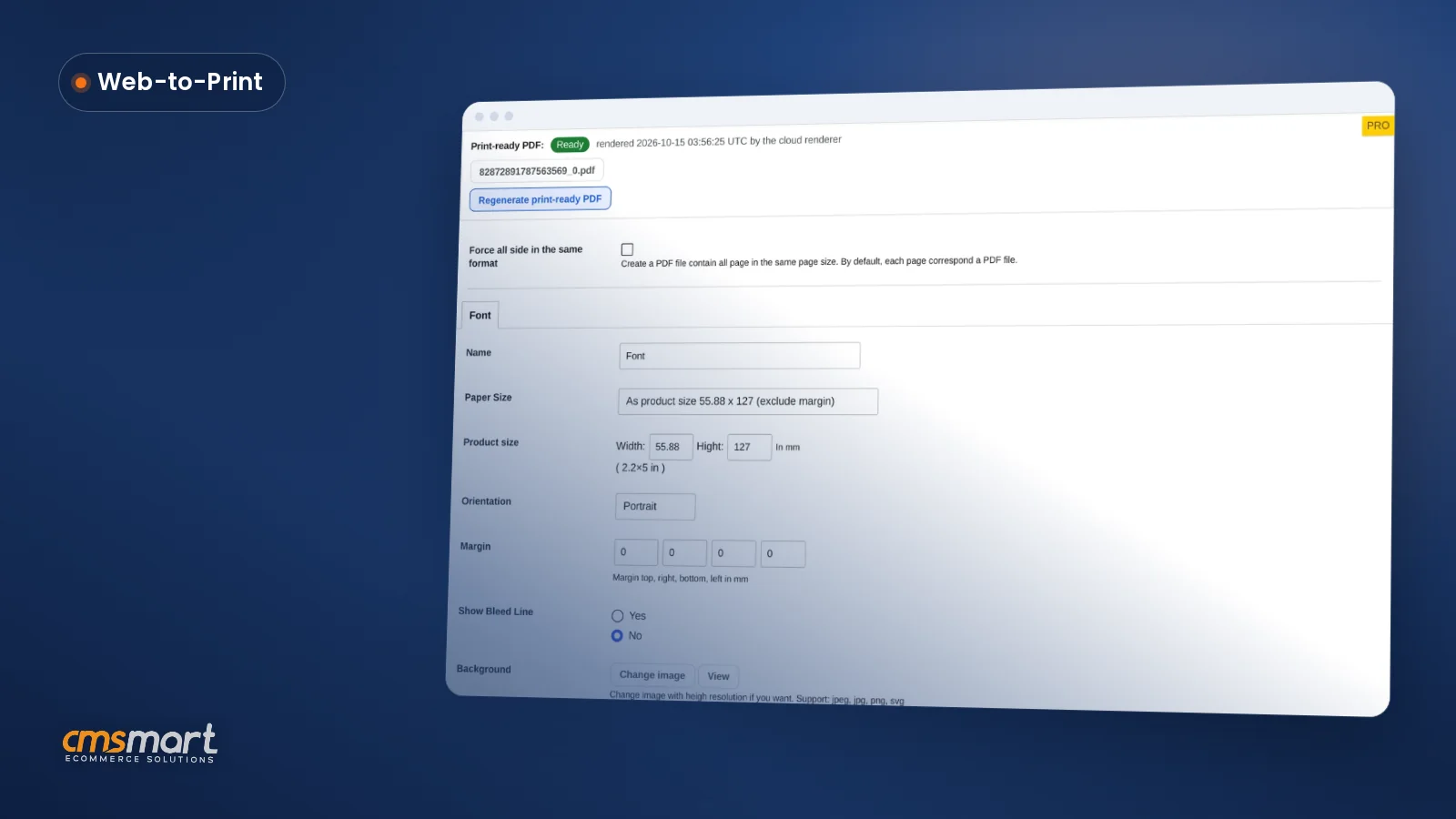
 Print-Ready PDF Plugin for WooCommerce (Cmsmart 2.17)
 Teespring Business Model: How It Works for Sellers
 NBDesigner Lite Free Download: Install & Activate
 Cmsmart Product Designer Settings Guide: Complete WP Admin
 How to Choose an Ecommerce Design Company: 8 Questions
 Keywords for T-Shirts: SEO Tips for Your Brand
 WooCommerce Price Matrix: Price Print Products Online
 Car Wrap Ecommerce Store Software for WooCommerce
 WooCommerce Printing Options Price Matrix Setup Guide
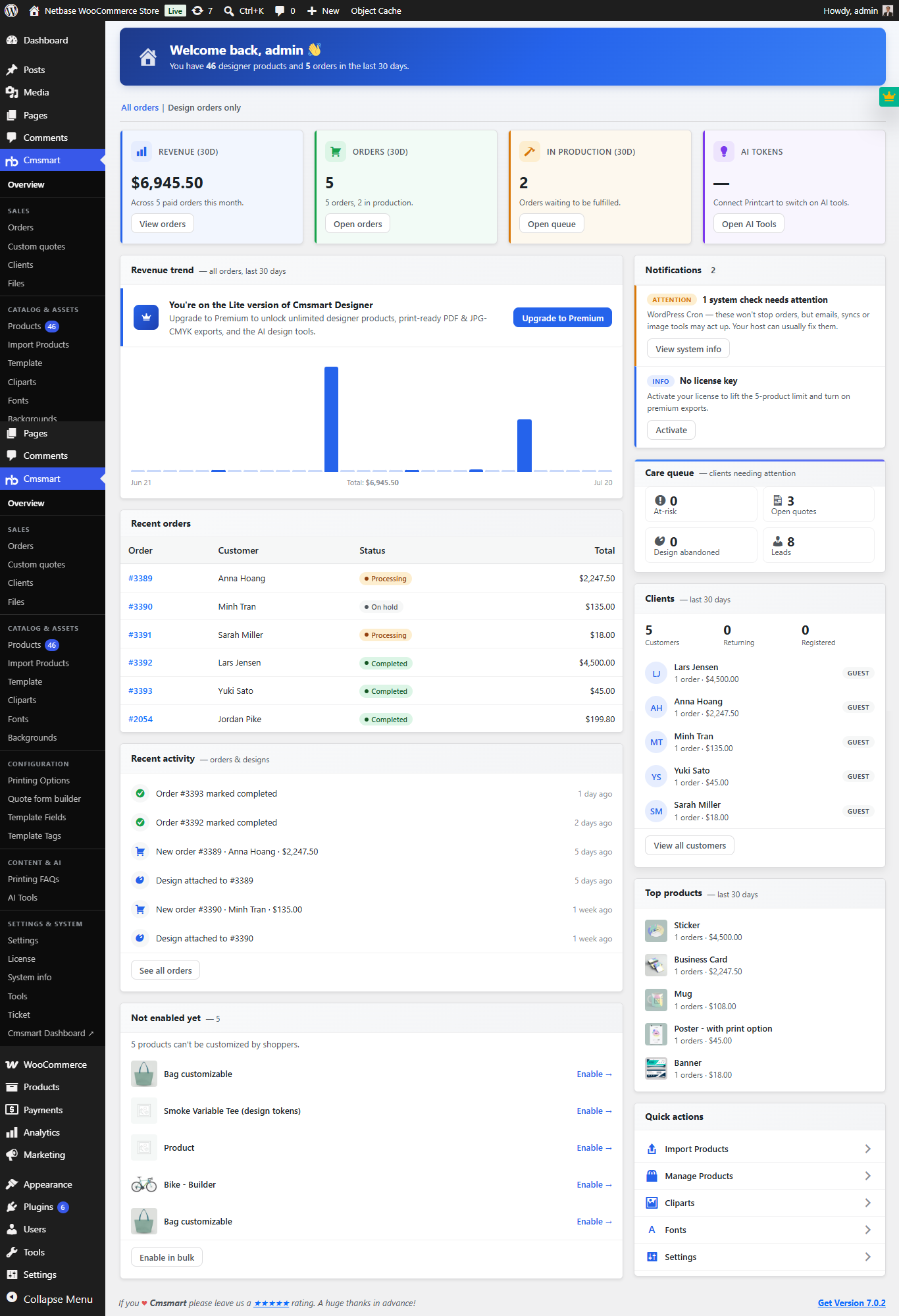 Print Shop CRM Software: Cmsmart Designer 2.17

Cmsmart Ecommerce provides custom ecommerce and WooCommerce development services for web-to-print, product personalization, plugin support and API integration.
Cmsmart Web-to-Print Solutions Consultant
Plans online print storefronts: product setup, pricing rules, proofing and print-ready files.
Meet the team →