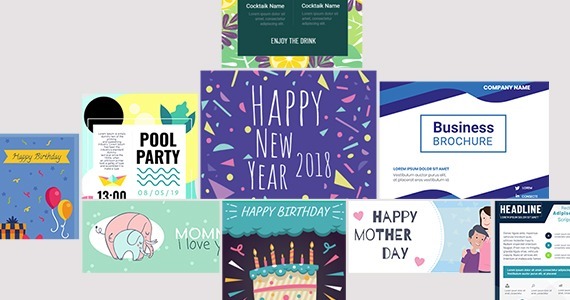

Dear our beloved customers, You want to design any type of product without any limitation and can customize your products in the store. You want to create professional designs and save your time. W oocommerce product designer of Cmsmart will help you. This is the powerful tool of Web to Print stores that makes your design less complicated. It is very friendly and useful for both printing shop owners and their customers. We provide...
A sticker and a two-sided business card should never share one design canvas: one of them ends up with the wrong bleed, resolution or side options. This guide shows how to configure product designer per product in WooCommerce using Cmsmart Product Designer (NBDesigner) — bleed, resolution, sides and pricing set individually — then where custom development picks up. What does it cost when every product shares one designer configuration? A single generic canvas is...
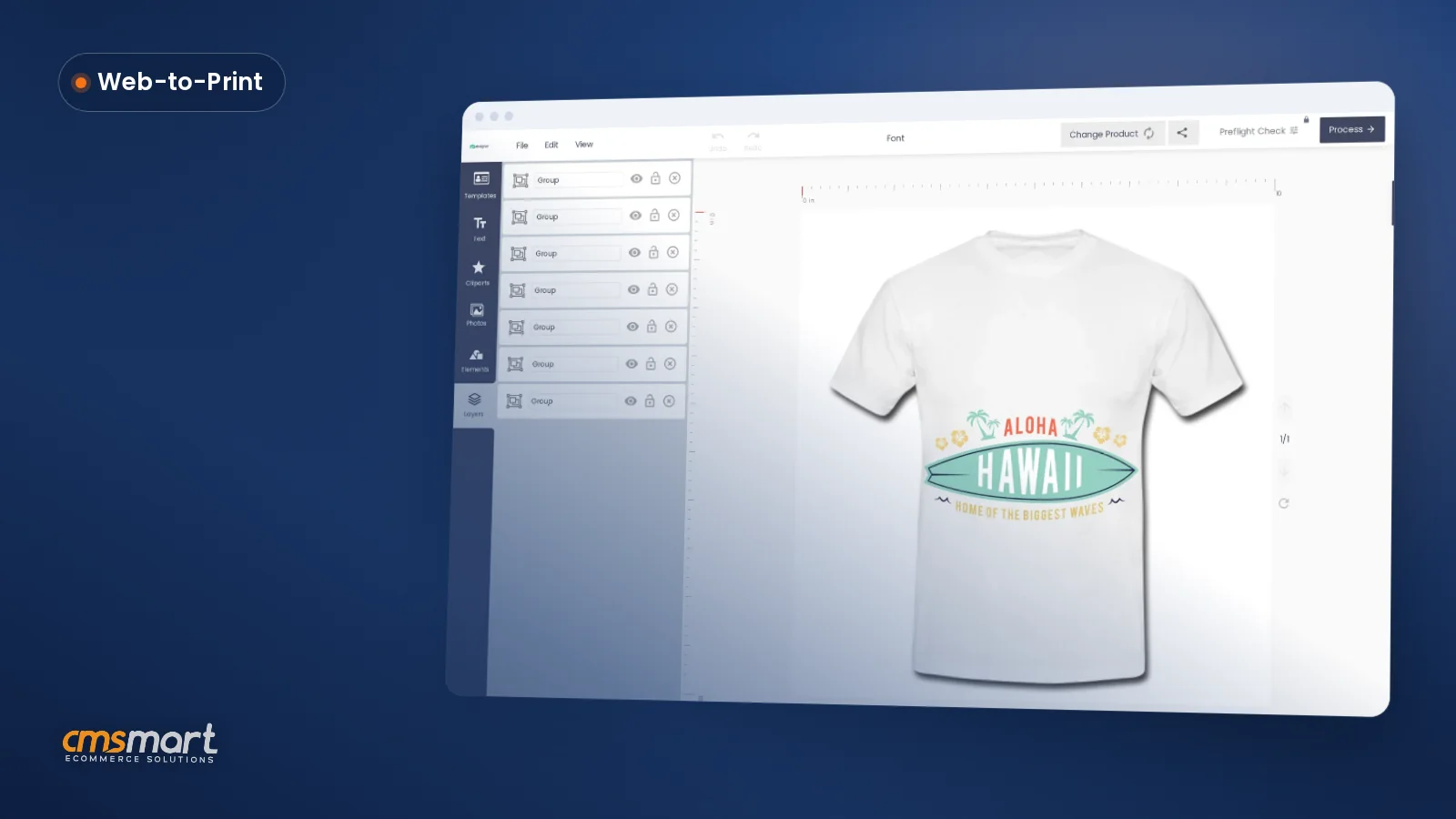
How to design a product online, in one sentence: let the shopper add their own text, photo or artwork, see the exact price, and check out in one visit — that's what Cmsmart's Product Designer (NBDesigner) does on a WooCommerce store today, turning a slow back-and-forth quote process into a self-serve sale. What's the real cost of not letting customers design a product online? Without an online designer, a custom order means an email...
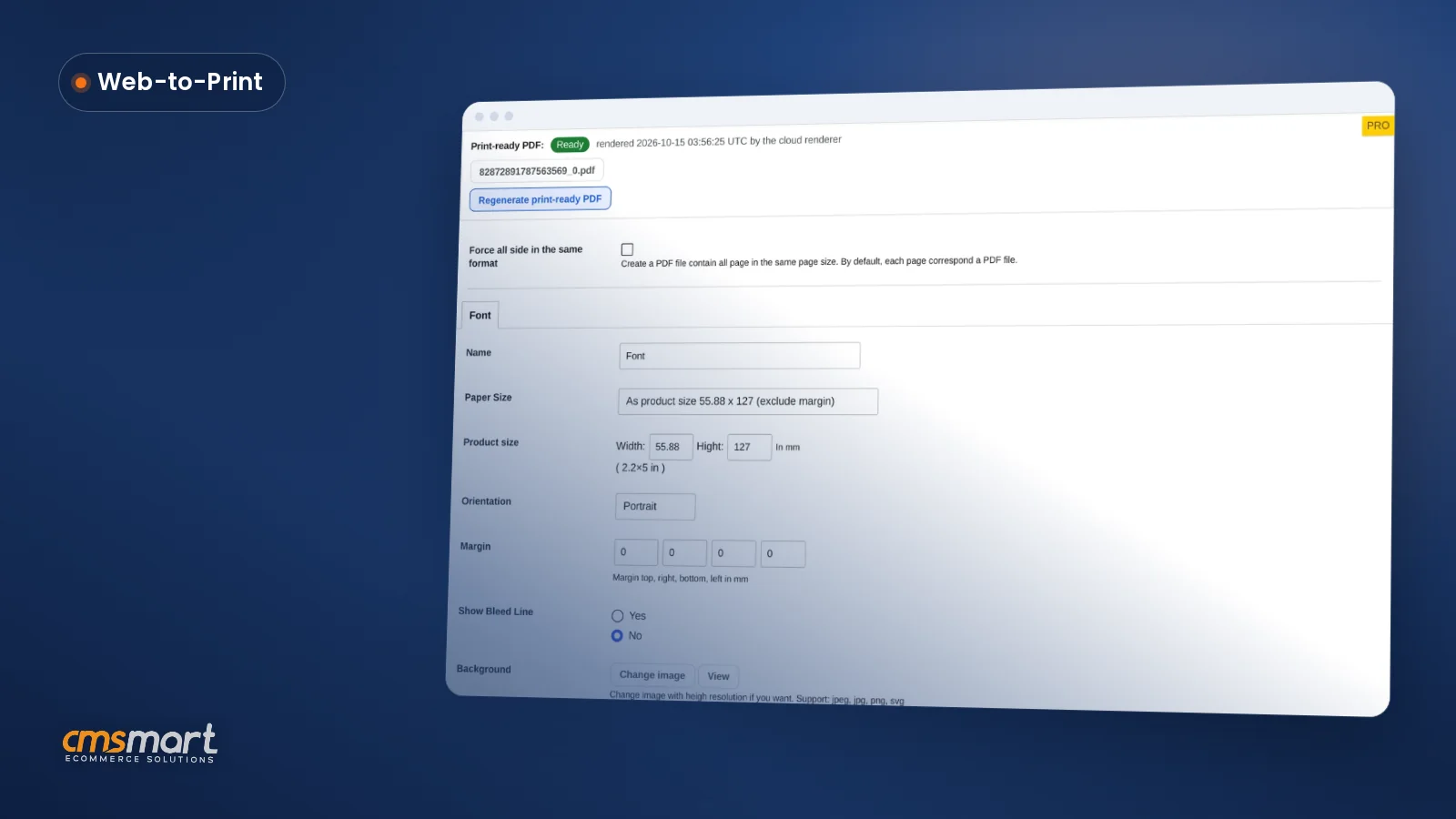
Every custom door hanger or invitation your customers design needs a human check before it reaches the press. Cmsmart Product Designer's custom order approval workflow for WooCommerce puts that review on the order itself: see the artwork, accept or decline it with a reason, and keep the print-ready file next to the order - no more chasing proofs through email. What does manual order review actually cost a print shop? Cmsmart Product Designer replaces...
Cmsmart Product Designer helps a WooCommerce store sell custom products internationally: the designer runs inside stores built on WPML or Polylang, so a print shop or personalization brand can sell the same configurable products in English, French, German or any other market language. The designer, pricing, cart, checkout and print-ready files all work from one catalogue, whatever language the buyer checked out in. What does staying English-only cost a custom-product store? Cmsmart Product Designer...
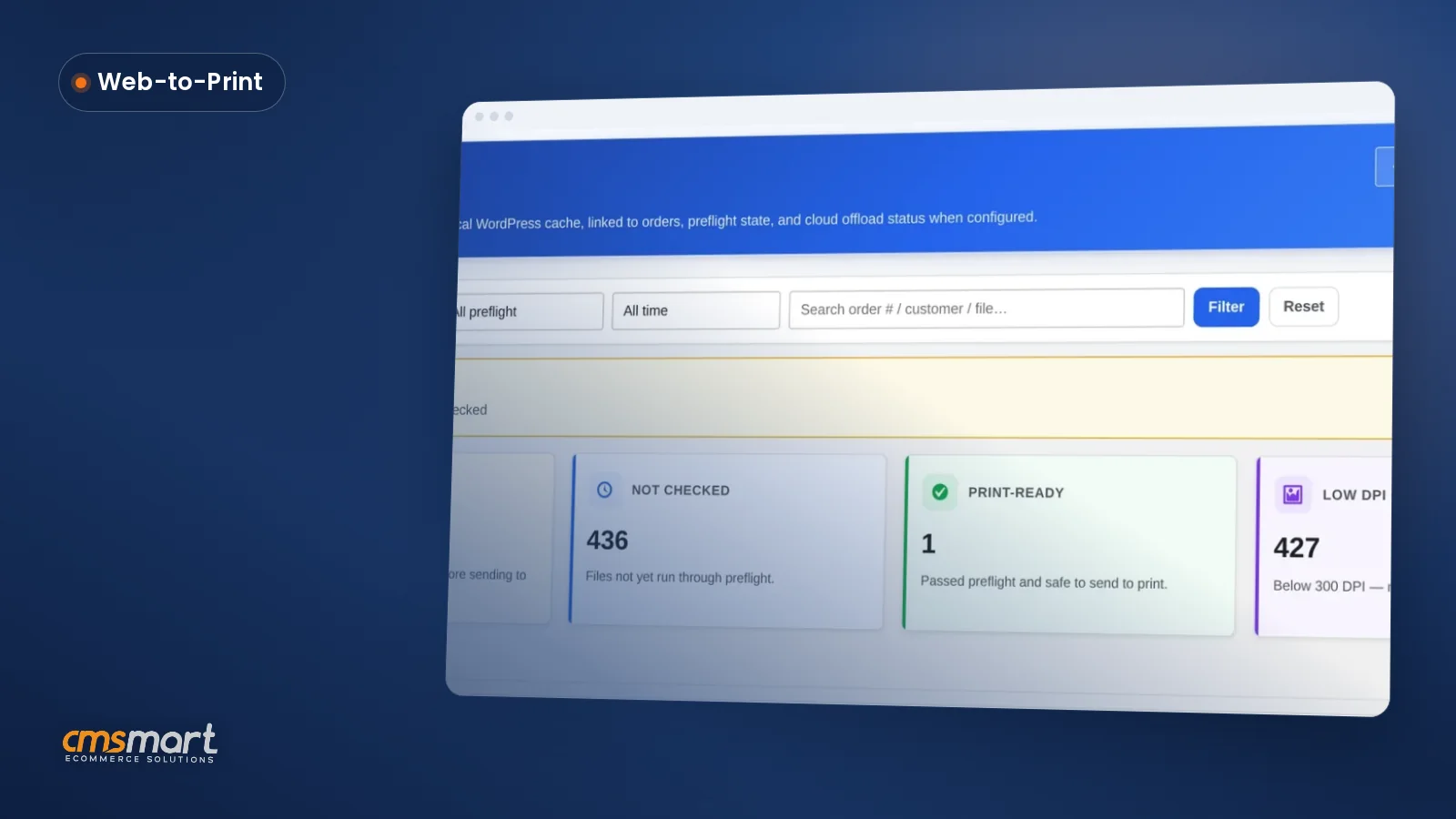
A customer uploads a phone photo or a layered design file, and three days later it turns up unprintable — wrong format, too small, too low-resolution — after the order is already paid and queued. Cmsmart Product Designer lets a WooCommerce print shop set clear customer artwork file rules up front, and lets buyers download their own finished files back without a support ticket. Result: fewer unusable files reach production, fewer staff hours chasing...
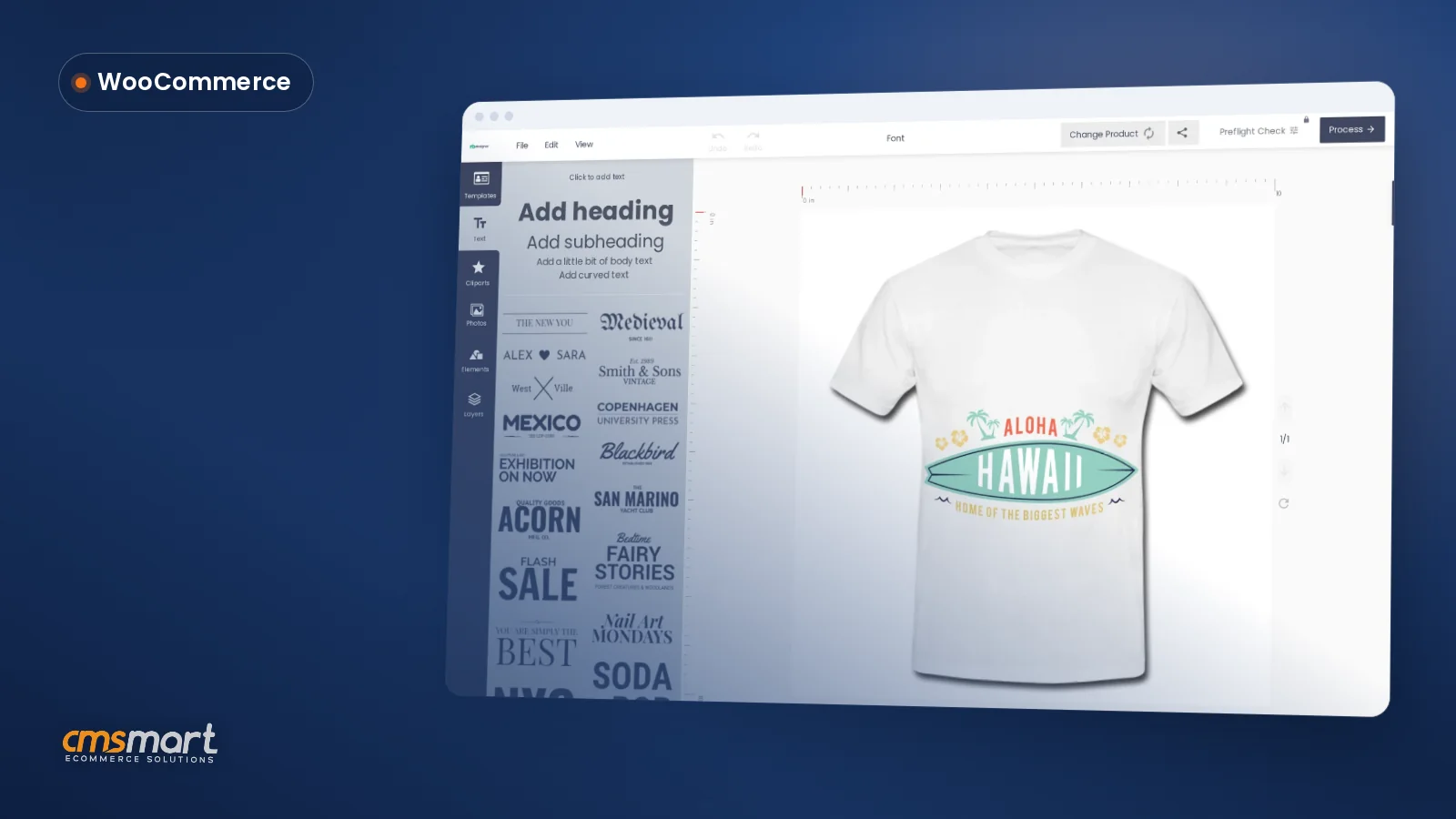
A buyer opens your WooCommerce store, drops your logo onto a template, and expects the pink in their cart to be the same pink that ships. To match brand colors in your product designer, you need the on-canvas text and color tools talking to the same print-ready pipeline your press uses, not two separate systems that happen to look similar on a laptop screen. Most stores get the first half right and the second...
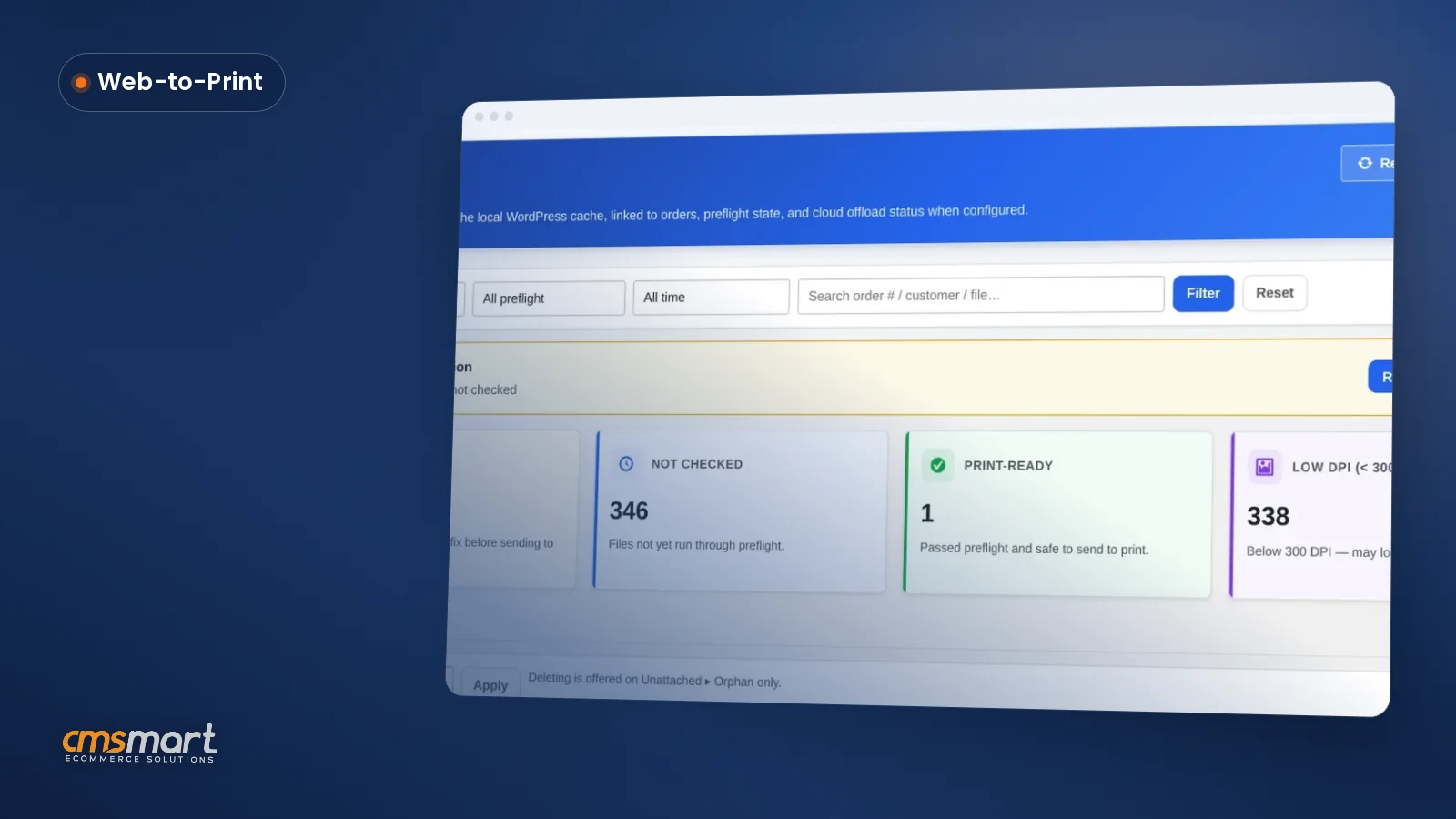
This WooCommerce product designer tutorial looks at a decision many shops skip: who controls print quality, your customer or your production line. A shop that lets buyers upload any file, at any size, with no minimum resolution, finds out about problems only after the order ships. Cmsmart Product Designer gives a WooCommerce store a single place to make that call per product: what the buyer can add to a design, what files they can...
Set up WooCommerce Product Designer Plugin before you list a single customizable product, and the rest of the launch gets easier: license, design defaults, upload rules, pricing and your product catalog all work from the same settings. This guide walks a print shop or personalization brand through every screen in Cmsmart Product Designer (NBDesigner) 2.17.0, in the order that gets you to a real, print-ready order fastest. What does manual plugin onboarding cost your...
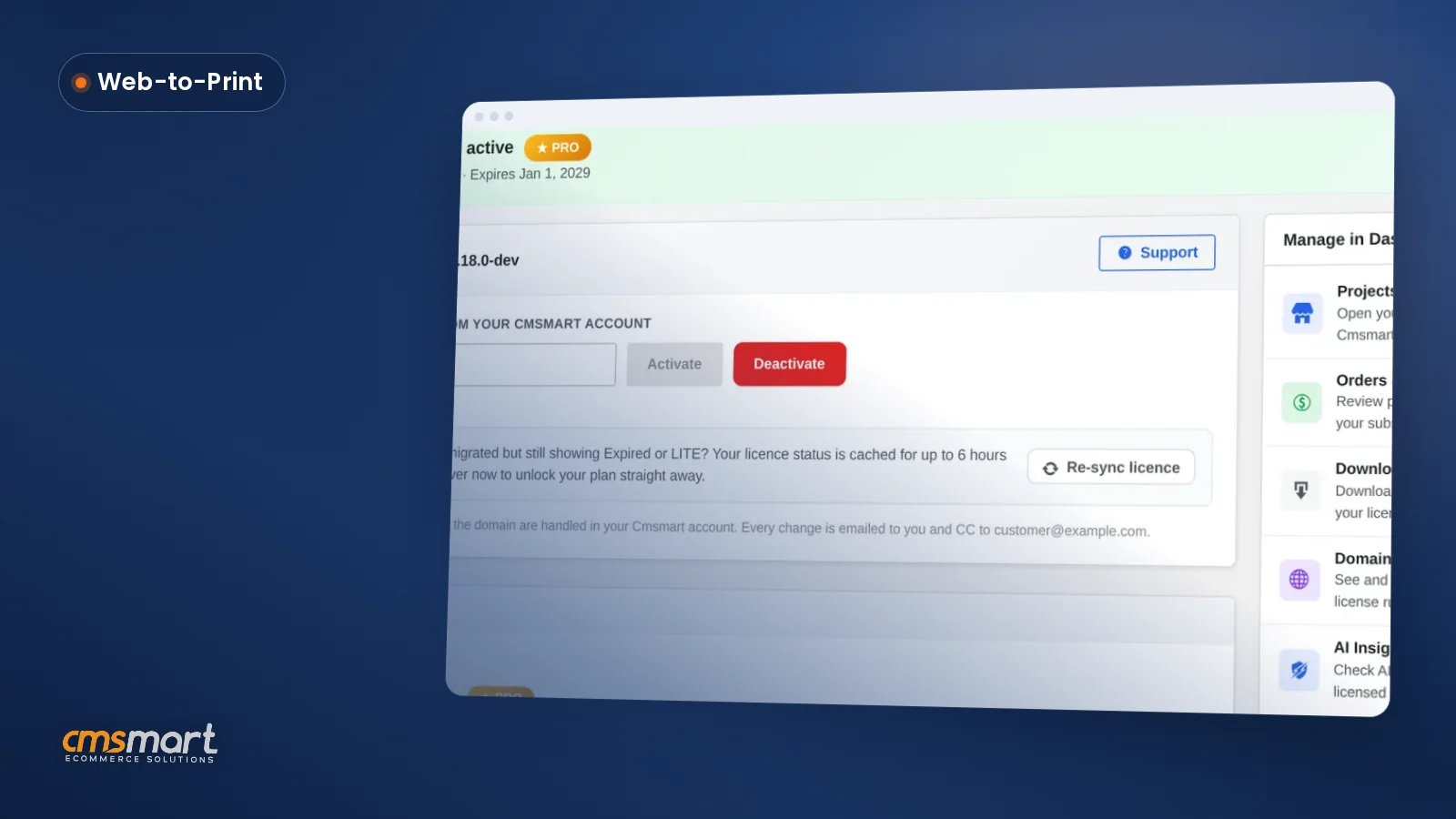
Installing Cmsmart Product Designer is only half the job. Knowing how to set up WooCommerce product designer plugin settings — licensing, uploads, output and pricing — decides whether your first order ships a print-ready file or a support ticket. This guide walks a print shop, POD brand or custom-product store through installing, licensing and configuring the plugin for a real launch. What does a manual Cmsmart Product Designer rollout really cost your print shop?...
Most read this month
 Print-Ready PDF Plugin for WooCommerce (Cmsmart 2.17)
 Teespring Business Model: How It Works for Sellers
 NBDesigner Lite Free Download: Install & Activate
 Print Shop CRM Software: Cmsmart Designer 2.17
 Cmsmart Product Designer Settings Guide: Complete WP Admin
 How to Choose an Ecommerce Web Design Company
 Keywords for T-Shirts: SEO Tips for Your Brand
 Ecommerce Product Catalog and Listings: A Guide
 WooCommerce Printing Options Price Matrix Setup Guide
 WooCommerce Price Matrix: Price Print Products Online

Cmsmart Ecommerce provides custom ecommerce and WooCommerce development services for web-to-print, product personalization, plugin support and API integration.




Web-to-print, WooCommerce, B2B and AI specialists who plan, build and support stores together.
Meet the team →
Top